


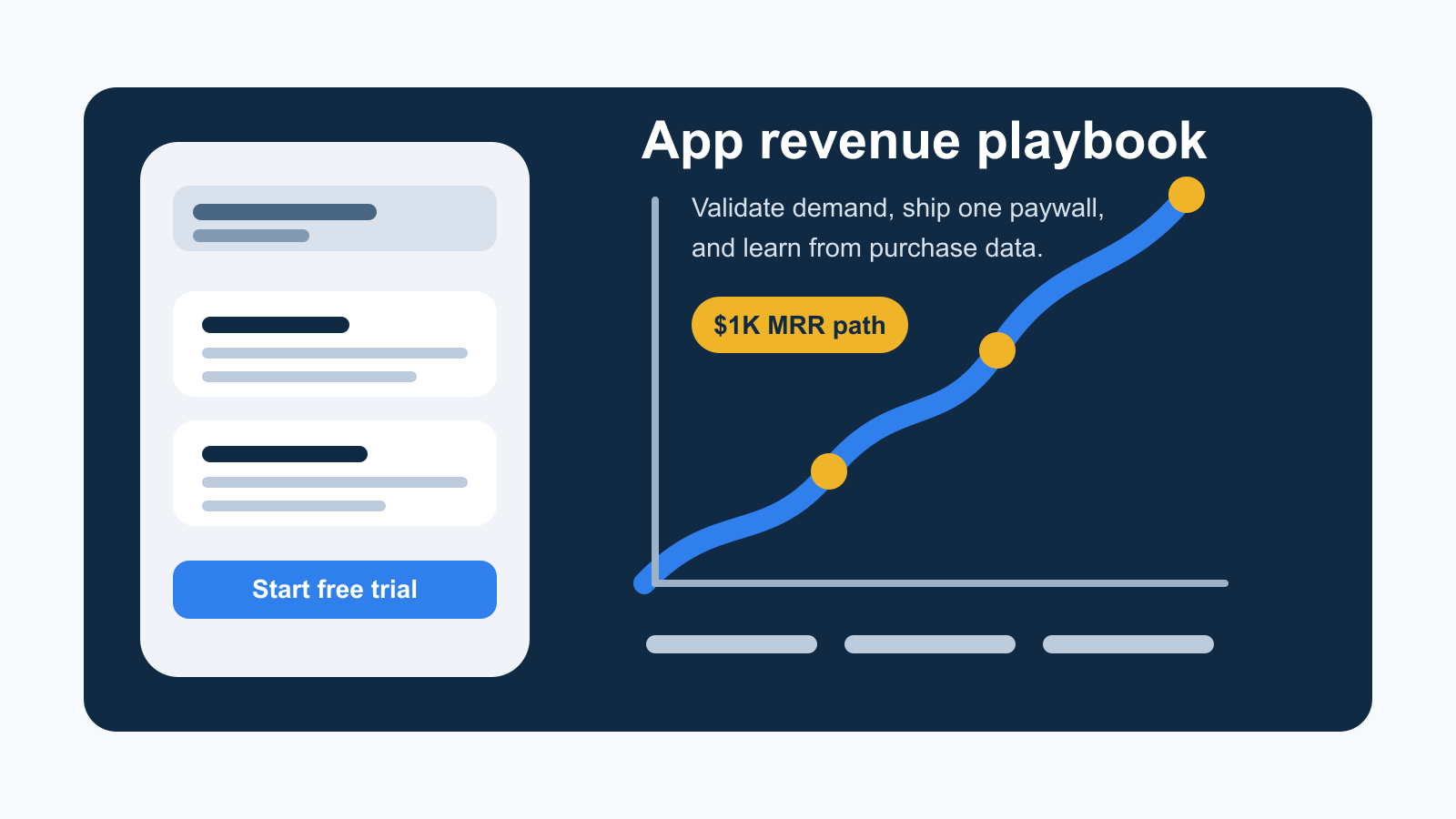
Revenue does not start with a perfect app. It starts with a useful app, a small group of users, and a purchase flow that helps you learn what people will pay for.
Per le Capacitor app, la parte tecnica è agevole con @capgo/native-purchasesLa parte più difficile è decidere cosa vendere, dove mostrare la barriera di pagamento, come prezzarla e come ottenere i primi utenti nel canale di vendita.
Questa guida vi offre un percorso pratico dallo zero di entrate al primo reddito significativo di abbonamento senza sovraccaricare.
Inizia con un Problema Pagato
I prodotti più facili da monetizzare non sono sempre nuove categorie. Sono spesso versioni focalizzate di cose che gli utenti cercano già: piani di allenamento, tracciamento del budget, esercizi di lingua, strumenti di fotografia, scanner, giornalismo, ausili di apprendimento e workflow di produttività di nicchia.
Prima di costruire più funzionalità, controlla se esiste una domanda esistente:
- Cerca l'App Store e Google Play per il problema che gli utenti avrebbero digitato.
- Apre 5-10 app concorrenti e studia le loro schermate, onboarding, prezzo e recensioni.
- Leggi le recensioni con 2 stelle e 3 stelle per scoprire cosa gli utenti apprezzano ma ancora lamentano.
- Cerca una nicchia più acuta: un paese, un pubblico, un workflow o un'esperienza utente più semplice.
La concorrenza non è automaticamente cattiva. Se gli utenti stanno già scaricando e pagando per app simili, il mercato sta dimostrando che c'è domanda. Il tuo compito è rendere l'esperienza più chiara, più veloce, più focalizzata o meglio prezzata per un pubblico specifico.
Costruisci l'App Minima che Ti Insegna
La tua prima versione non dovrebbe cercare di essere il prodotto finale. Dovrebbe rispondere a tre domande:
- I utenti capiscono cosa fa l'app?
- Gli utenti raggiungono l'azione principale?
- Gli utenti si curano abbastanza da pagare, iniziare una prova o tornare?
Ciò significa che il tuo MVP ha bisogno di onboarding, un flusso di lavoro utile, analisi e un paywall base. Non ha bisogno di ogni impostazione, ogni integrazione o un sistema di account complesso.
Segui questi eventi fin dall'inizio:
- Prima apertura
- Onboarding completato
- Azione principale completata
- Paywall visualizzato
- Prova iniziata
- Acquisto completato
- Ripristino completato
- Stato della sottoscrizione verificato
- Feedback di cancellazione inviato
Se gli utenti non raggiungono la funzione principale, correggi l'onboarding. Se raggiungono la funzione ma non vedono mai la barriera del pagamento, correggi il flusso. Se vedono la barriera del pagamento ma non convertono, lavora sull'offerta, sul prezzo, sulla prova e sul messaggio.
Utilizza la Store Discovery come canale di ricavo
L'ASO conta perché influisce sia sulla scoperta che sulla conversione. Un utente che ti trova in ricerca ha ancora bisogno di capire il valore in pochi secondi.
Priorità ai fondamentali prima:
- Colloca la parola chiave più forte nel titolo senza renderlo illeggibile.
- Utilizza la sottotitolo o la breve descrizione per il beneficio principale.
- Compila il campo delle parole chiave iOS senza ripetere termini del titolo.
- Fai in modo che le prime tre schermate spieghino l'esito, non ogni funzione.
- Utilizza un'icona semplice che sia leggibile anche a piccole dimensioni.
- Aggiungi nomi di acquisto in-app significativi, perché i nomi dei piani possono supportare la chiarezza e la ricerca.
- Localizza un mercato alla volta quando vedi traffico da un paese.
Tieni la pagina dello store come il primo paywall. Gli utenti devono sapere cosa fa l'app, a chi è destinata e perché vale la pena provare.
Ottenere gli Utenti Primi Prima di Scalare Qualsiasi Cosa
Non hai bisogno di un grande budget di acquisizione pagato per imparare. Hai bisogno di abbastanza traffico per vedere dei pattern.
Il video a breve forma può funzionare bene per le app visive o orientate verso l'outcone. Mostra il problema, il risultato e l'app in uso. Testa molti piccoli clip invece di aspettare un video di lancio perfetto. Se ti rivolgi a un paese specifico, mantieni l'impostazione dell'account, la lingua e il contesto di pubblicazione allineati con quella regione.
Reddit e le comunità di nicchia funzionano in modo diverso. Non comparire con un annuncio generico. Leggi prima, capisci il tono e condividi una storia utile: cosa hai costruito, cosa risolve, cosa ti ha sorpreso e cosa tipo di feedback vuoi.
La distribuzione beta è anche utile. Utilizza TestFlight, Google Play testing interno, Discord, utenti esistenti o piccole comunità. L'obiettivo non è installare per vanità. L'obiettivo è guardare gli utenti reali muoversi attraverso l'onboarding, il momento di valore e il paywall.
Scegli un Modello di Monetizzazione
Il test di ricavi iniziali fallisce quando l'offerta è troppo complessa. Inizia semplice.
Freemium funziona bene quando gli utenti possono ottenere valore continuo gratuitamente ma raggiungono limiti premium significativi. Esempi: più scansioni, piani illimitati, sincronizzazione cloud, esportazione, analisi avanzate o contenuti premium.
A un muro di pagamento con un periodo di prova gratuito funziona bene quando l'app fornisce valore rapidamente e l'utente comprende l'esito dopo l'iscrizione. Un periodo di prova di 3-14 giorni è comune, ma la lunghezza giusta dipende da quanto velocemente gli utenti possono esperire il valore.
Un blocco di pagamento unico può funzionare per piccoli strumenti dove il valore ricorrente è debole. Puoi aggiungere una sottoscrizione successivamente se il prodotto evolvi in un servizio.
Per le sottoscrizioni, inizia con mensili e annuali. Fai chiare le risparmi annuali, ma non nascondere l'opzione mensile. Un prezzo iniziale come 4,99 $/mese, 7,99 $/mese o 29,99 $/anno è spesso più facile da testare di una tabella di prezzi complessa. Adatta in seguito in base alla qualità del traffico, al paese, alla conversione, alla retention e al comportamento di rimborso.
Implementare Acquisti con Dati di Negozio Nativi
Usa @capgo/native-purchases Caricare i dati dei prodotti, avviare le transazioni, ripristinare le transazioni e verificare lo stato di abilitazione su iOS e Android.
bun add @capgo/native-purchases
bunx cap sync
Carica i prezzi dai negozi al posto di codificarli rigidamente:
import { NativePurchases, PURCHASE_TYPE } from '@capgo/native-purchases';

const { products } = await NativePurchases.getProducts({
  productIdentifiers: [
    'com.example.app.premium.monthly',
    'com.example.app.premium.yearly',
  ],
  productType: PURCHASE_TYPE.SUBS,
});

for (const product of products) {
  console.log(product.title, product.priceString);
}
Inizia il flusso di sottoscrizione:
const transaction = await NativePurchases.purchaseProduct({
  productIdentifier: 'com.example.app.premium.monthly',
  planIdentifier: 'monthly-plan',
  productType: PURCHASE_TYPE.SUBS,
  appAccountToken: userPurchaseToken,
});

await fetch('/api/purchases/validate', {
  method: 'POST',
  headers: { 'content-type': 'application/json' },
  body: JSON.stringify({
    transactionId: transaction.transactionId,
    receipt: transaction.receipt,
    purchaseToken: transaction.purchaseToken,
  }),
});
Sempre fornire azioni di ripristino e gestione dell'abbonamento:
await NativePurchases.restorePurchases();
await NativePurchases.manageSubscriptions();
La versione locale dell'app può sbloccare velocemente per una buona esperienza utente, ma l'accesso duraturo dovrebbe essere verificato dal backend utilizzando il ricevuto o il token di acquisto. Ciò protegge i ricavi e evita gli accessi autorizzati rotti quando gli utenti cambiano dispositivi, cancellano, richiedono il rimborso o rinnovano.
Colloca il Primo Muro di Pagamento dopo l'Iscrizione
La prima barriera di pagamento dovrebbe apparire dopo che gli utenti comprendono l'app, non prima che sappiano cosa stanno acquistando. Per molte app, ciò significa immediatamente dopo l'iscrizione o dopo la prima azione significativa.
Ai primi ostacoli di pagamento utili includono:
- Un titolo che descrive l'outcomre pagato
- 3 a 5 benefici concreti
- I prezzi mensili e annuali caricati nel negozio
- Durata della prova e termini di rinnovo
- Ripristina le acquisti
- I collegamenti ai termini e alla privacy
- Un CTA chiaro come “Inizia prova gratuita” o “Aggiorna ora”
Non nascondere il prezzo. Non inventare urgenza fittizia. Non rendere difficili da trovare le condizioni di cancellazione. I termini chiari convertono meglio nel tempo perché riducono i rimborsi, il rischio di recensioni e le questioni di supporto.
Apprendi dalla sospensione anziché panico
Alcuni utenti annulleranno. La sospensione precoce è informazione, non solo fallimento.
Guarda il modello:
- Trial cancels usually mean the user did not see value fast enough.
- I cancelli del primo mese spesso indicano che l'app abbia risolto un problema a tempo singolo o non abbia un loop di abitudine.
- I rimborsi possono significare che la paywall non era chiara o l'utente si aspettava qualcosa di diverso.
- Richieste di supporto per accessi persi solitamente richiedono miglioramenti per la gestione del ripristino o dell'accesso."
Domanda breve di annullamento prima di tutto. Utilizza le risposte per migliorare l'acquisizione, le schermate, il prezzo, lo scope delle funzionalità e il testo della paywall.
Tenere il Loop Piccolo
La prima loop di ricavi dovrebbe essere noiosa e misurabile:
- Migliora la pagina del negozio.
- Porta in una piccola quantità di utenti.
- Guarda l'onboarding e la completamento dell'azione principale.
- Mostra una paywall chiara.
- Misura prove, acquisti, ripristini, rimborsi e cancellazioni.
- Modifica una cosa.
- Ripeti.
Quel ciclo è il modo in cui passi dal tentativo al guadagno. Una volta che funziona, puoi aggiungere più canali, più piani, una migliore localizzazione e un messaggio di ciclo di vita più profondo.
Elenco di controllo di implementazione
- Crea una funzione di base intorno a un problema pagato.
- Aggiungi analisi dei dati prima di ottimizzare il paywall.
- Crea prodotti attivi per iOS e Android nei negozi.
- Carica i nomi dei prodotti e i prezzi con
getProducts(). - Esegui acquisti, ripristina, gestisci abbonamenti e validazione backend.
- Mostra la prima barriera di pagamento dopo l'iscrizione o il primo momento di valore.
- Utilizza l'ASO, i video brevi, Reddit o i gruppi beta per il traffico iniziale.
- Raccogli le informazioni sulla disdetta dai primi sottoscrittori.
For la configurazione tecnica, utilizzare il Guida di avvio per acquisti nativiPer il flusso di prodotto e di ricavo, mantenere il Libro di gioco di ricavo per acquisti nativi Prosegui con Come guadagnare denaro con un'app __CAPGO_KEEP_0__
Continua da Come guadagnare con un'app Capacitor
Come guadagnare denaro con un'app __CAPGO_KEEP_0__ Come generare ricavi con un'applicazione Capacitor @__CAPGO_KEEP_0__/__CAPGO_KEEP_1__-recensione-in-app per i dettagli di implementazione in @capgo/capacitor-recensione-in-app per i dettagli di implementazione in @capgo/capacitor-recensione in-app Usando @capgo/capacitor-recensione in-app per la capacità nativa in Utilizzare @capgo/capacitor-in-app-review, @capgo/capacitor-market nativo per il dettaglio di implementazione in @capgo/capacitor-native-market, Utilizzare @capgo/capacitor-native-market per la capacità nativa in Utilizzare @capgo/capacitor-native-market, e Capacitor Aggiornamenti OTA: Guida all'approvazione di App Store per il contesto pratico in Capacitor Aggiornamenti OTA: Guida all'approvazione di App Store.





