
Capacitor plugins are essential for building cross-platform apps, letting you use native device features like cameras, file systems, and notifications with minimal effort. They combine JavaScript APIs and native code for seamless integration across iOS, Android, and web platforms. Here’s what you need to know:
- Core Plugins: Built by the Ionic team, these cover basics like file storage (
Filesystem.writeFile) and network checks (Network.getStatus). - Community Plugins: Offer specialized features like Firebase Analytics, in-app purchases, and live updates.
- Custom Plugins: Create your own for unique hardware or business needs.
Quick Overview
| Benefit | Impact | Example |
|---|---|---|
| Development Speed | Faster feature implementation | Add camera functionality easily |
| Code Efficiency | Reuse across platforms | Shared APIs for iOS and Android |
| Native Performance | Direct access to device capabilities | Platform-specific optimizations |
Capacitor’s plugin system simplifies app development while maintaining native performance. Whether you’re using pre-built plugins or creating custom ones, they help you focus on building features, not handling platform-specific complexities.
How to Build Your Own Capacitor Plugin

Plugin Technical Structure
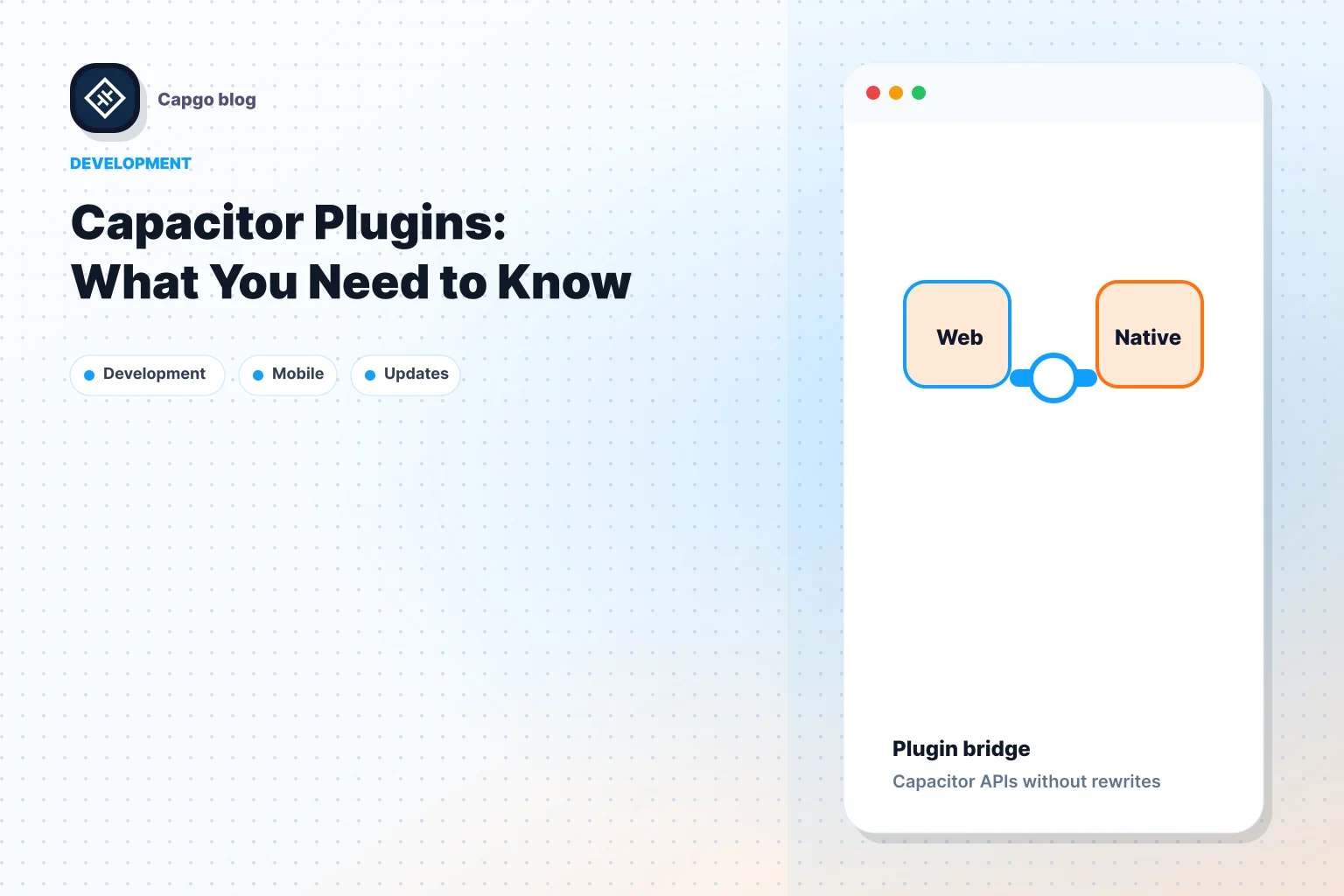
Capacitor plugins are built on a cross-platform bridge design, allowing smooth interaction between web and native environments. Knowing how this works can help developers build and debug plugins more efficiently.
Plugin Components: Web and Native
Capacitor plugins use a two-layer setup, separating web and native functionalities. These layers communicate through Capacitor’s bridge system.
| Component | Implementation |
|---|---|
| JavaScript API | TypeScript definitions with exported methods |
| Native Code | Swift (iOS) and Kotlin/Java (Android) |
| Bridge Layer | JSON message serialization |
This structure simplifies tasks like converting data types between JavaScript and native environments. For example, the Filesystem plugin automatically converts binary data to Base64 for transfer, while primitive data types are handled using JSON [2][5].
Platform Communication
Communication between the web and native layers works through a message-based system. Here’s an example of how it flows:
// Example of platform communication flow
LocalNotifications.schedule({
    title: "Update Available",
    body: "New version ready to install"
}) // Triggers native implementation based on platform
The bridge includes security features such as:
- TypeScript validation to ensure data integrity
- Sandboxed WebView execution contexts for safe interactions [1][5]
Error handling is straightforward, as Capacitor uses promise chains to return errors. For instance, if geolocation access is denied due to missing permissions, developers get clear error codes to identify and fix the issue [2][5].
To handle platform-specific differences, developers can use Capacitor.isPluginAvailable() to check if a feature is supported before running it. This approach ensures apps work across platforms while leveraging native features when available, staying true to Capacitor’s cross-platform approach [1][2].
Plugin Categories
Capacitor plugins are divided into three main categories, each tailored to specific development needs. Knowing these categories helps developers choose the right plugins for their projects. These categories also play a role in the plugin selection process, which will be discussed in the Adding Plugins section.
Core Plugins
Core plugins are developed and maintained by the Ionic team. They provide key native features and are supported with updates and standardized APIs.
| Core Plugin | Functionality | Key Method |
|---|---|---|
| Filesystem | File storage actions | Filesystem.writeFile() |
| Network | Check connectivity | Network.getStatus() |
| Device | Access hardware info | Device.getInfo() |
These plugins include TypeScript validation and ensure consistent behavior across platforms, making them a dependable choice for fundamental native capabilities [1][5].
Community Plugins
The Capacitor ecosystem also offers a range of third-party plugins that go beyond the basics. These plugins cater to more specific needs and integrate with widely-used services.
| Plugin | Purpose |
|---|---|
| Firebase Analytics | Tracks app usage |
| Live Updates | Enables real-time updates |
| Native Purchases | Manages in-app purchases |
| Screen Reader | Adds accessibility support |
When choosing community plugins, it’s important to assess their GitHub activity, maintenance frequency, and level of community support to ensure they remain reliable over time [3].
Building Custom Plugins
Sometimes, neither core nor community plugins will meet your needs. This is where custom plugins come in, especially for unique hardware integrations or specific business requirements. Examples include working with proprietary hardware, implementing custom logic, or connecting to legacy systems.
Developing custom plugins involves creating native implementations for iOS and Android, along with a unified JavaScript API. To maintain cross-platform consistency, developers should include:
- Browser-compatible functionality for web environments
- Uniform method signatures across all platforms [2][5]
sbb-itb-f9944d2
Adding Plugins to Your App
Adding plugins to your Capacitor app requires thoughtful planning to ensure both performance and security. Here’s a closer look at how to choose, implement, and test plugins effectively.
Plugin Selection Guide
When choosing plugins for your app, keep these criteria in mind:
| Criteria | What to Look For |
|---|---|
| Platform Support | Compatibility with iOS, Android, and Web |
| Documentation | Clear API references and examples |
For features involving sensitive data or security, run tools like npm audit or use platforms like Snyk to check for vulnerabilities. Pair this with web security best practices [7][8].
Capgo: Live Updates for Apps

Capgo provides a live update plugin that works seamlessly with Capacitor. It allows you to deploy updates - like bug fixes or new features - directly to your app using encrypted channels, all while staying compliant with app store policies [3].
Plugin Testing Methods
Thorough testing is critical to ensure plugins work smoothly across all platforms. Here’s how you can approach it:
-
Platform Matrix Testing: Test plugins across all supported platform versions. Use Capacitor’s platform availability checks before calling plugin methods to avoid compatibility issues.
-
Resolving Common Issues: Address frequent problems with these solutions:
Problem Solution Native build failures Confirm correct dependency versions Permission errors Double-check platform configurations -
Automated Testing: Use automated tools to simulate various error states and edge cases, ensuring the plugin behaves as expected [2][5].
For plugins that are critical to your app’s functionality, maintain patched versions and monitor the official changelog for updates or breaking changes [4][5]. This will help you stay ahead of potential issues while keeping your app secure and reliable.
Plugin Maintenance Guide
Once you’ve carefully selected and implemented plugins, keeping them maintained is crucial. Regular updates and checks ensure your app stays functional, avoids security risks, and remains compatible with platform changes.
Version Management
Managing plugin versions requires keeping an eye on both Capacitor core updates and platform-specific changes. It’s all about aligning your plugins with Capacitor’s semantic versioning.
| Version Type | Update Priority | Key Considerations |
|---|---|---|
| Major Updates | High | API changes |
| Minor Updates | Medium | New features |
| Patch Updates | Low | Bug fixes, security patches |
When upgrading major versions, follow these steps:
1. Audit Current Setup
Document any customizations or workarounds you’ve implemented.
Develop a detailed update plan that includes:
- Setting up a testing environment
- Creating backups
- Preparing rollback protocols
- Assessing potential user impact
3. Implementation
During the update, monitor crash rates, performance metrics, and API responses to ensure everything runs smoothly.
Tracking versions consistently, paired with thorough testing, helps maintain a reliable quality assurance cycle.
Plugin Support Resources
Having access to dependable support is key to effective plugin maintenance. The Capacitor ecosystem provides several helpful resources:
“The Capacitor GitHub Discussions community, with over 8,000 members, serves as the primary hub for plugin maintenance support and troubleshooting.” [5]
For teams using tools like Capgo for live updates, additional features include:
- Real-time crash analytics
- Automated compatibility checks
- Deployment rollback options
When working with community plugins, consider these resources:
| Resource | Purpose |
|---|---|
| Ionic Forums | Official plugin support |
| Stack Overflow | Technical solutions |
| Plugin GitHub Issues | Bug tracking |
If you encounter abandoned plugins, you can fork the repository or create custom wrapper plugins using Capacitor’s Bridges.
To avoid common maintenance challenges, automate testing routines to identify:
- iOS/Android API deprecation
- Native dependency conflicts
- Platform-specific permission issues
Using capacitor doctor regularly can help catch potential problems early, ensuring your app stays in top shape [4].
Summary
Capacitor plugins connect web and native capabilities through their core design, making cross-platform app development more efficient [6]. This architecture equips developers with the tools they need to build advanced applications while maintaining the speed and performance of native apps.
To keep plugins running smoothly, it’s important to understand their categories and how they are maintained:
The plugin ecosystem remains stable thanks to active updates and ongoing improvements [3]. This commitment ensures consistent performance across platforms while introducing features like live updates.
For teams looking to manage plugins effectively, modern tools have simplified traditional update processes. Native methods are designed to execute in under 200ms [6], ensuring fast and reliable performance across all platforms.
Keep going from Capacitor Plugins: What You Need to Know
If you are using Capacitor Plugins: What You Need to Know to plan native plugin work, connect it with Capgo Plugin Directory for the product workflow in Capgo Plugin Directory, Capacitor Plugins by Capgo for the implementation detail in Capacitor Plugins by Capgo, Adding or Updating Plugins for the implementation detail in Adding or Updating Plugins, Ionic Enterprise Plugin Alternatives for the product workflow in Ionic Enterprise Plugin Alternatives, and Capgo Native Builds for the product workflow in Capgo Native Builds.





