


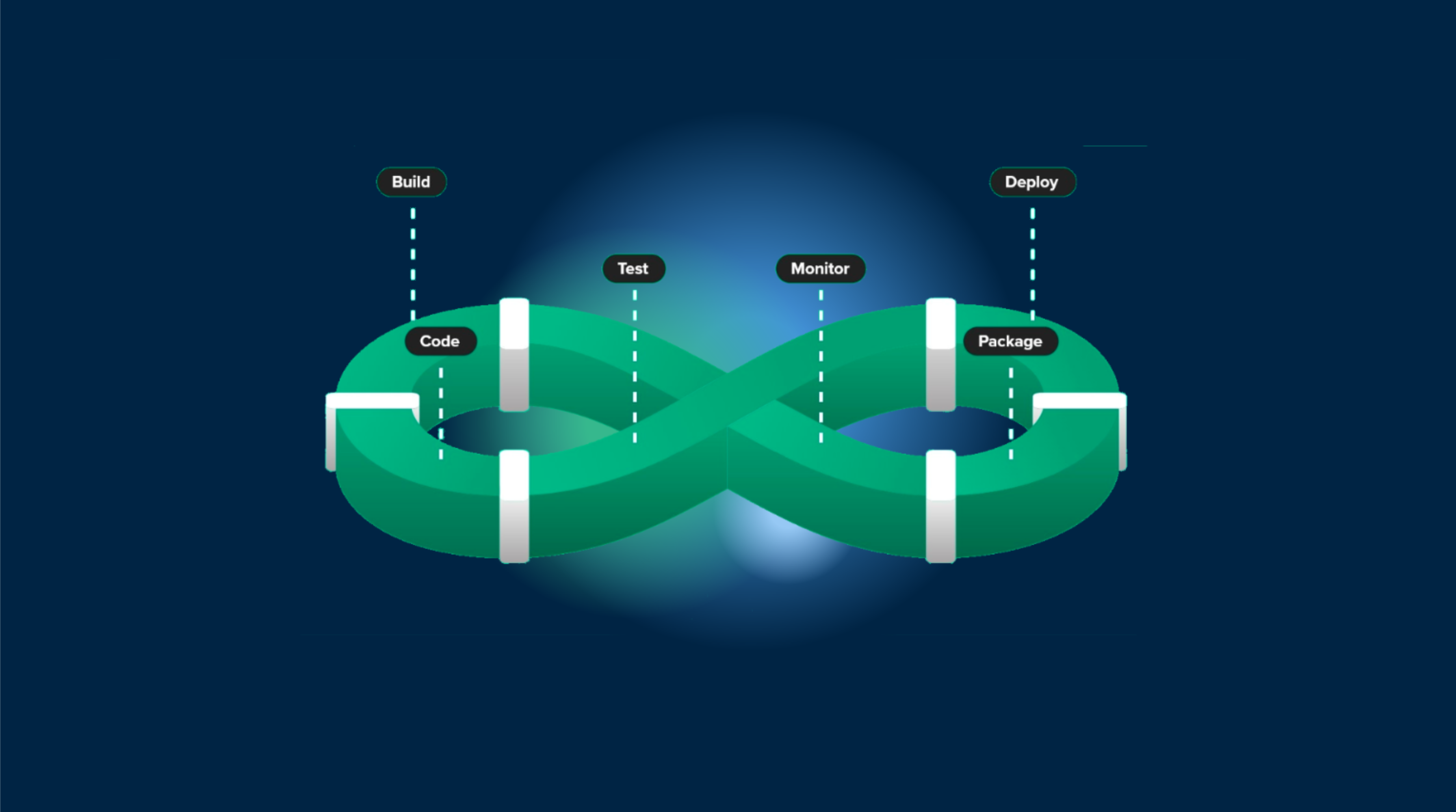
每个移动开发团队都曾经感受到的痛苦:一个功能已经准备好进行审阅,但将其传递给利益相关者的手中意味着要穿越 TestFlight 或 Google Play beta 测试迷宫。应该花费几分钟的时间却变成了等待、安装和管理 beta 版本的几个小时。
如果您的生产应用程序可以直接从任何 Pull Request 中拉取最新的更改并将其推送到设备上,而无需重新安装或应用商店延迟?
这就是 PR 预览 使之成为可能。当开发人员打开一个 Pull Request 时,一个 GitHub 动作创建一个专用的更新频道并发布更改。任何安装了该应用程序的人都可以切换到该频道,测试该功能,然后切换回原来的应用程序 - 而不必离开他们已经拥有的应用程序。
测试Flight的问题
测试移动功能的传统工作流程大致如下:
- 开发者提交PR - Code 等待审查
- 等待测试Flight - 处理时间15-30分钟
- 查找并安装 - 测试者搜索合适的构建
- 测试和重复 - 每次变更都意味着等待
这会造成瓶颈。QA等待构建而被阻塞。产品经理无法快速验证功能。开发者在等待反馈时会失去上下文。行业估计每个PR的生产力损失约为340美元。
PR预览的工作原理
PR 预览使用 Capgo 的频道系统创建每个 PR 的更新流。以下是流程:
- PR 打开或更新 - GitHub 动作触发
- 包上传 - 您的 JS/CSS 更改将发送到一个 PR 特有的频道
- 评论发布 - 测试者在 PR 中接收指示
- 即刻测试 - Switch 频道,测试,Switch 回
无需新应用安装。无需 TestFlight 延迟。同一生产应用可以从不同的更新频道拉取。
设置 PR 预览
在您可以实现 PR 预览之前,项目需要配置 Capgo Live Updates。请遵循 Capgo 快速入门指南 如果您还没有。
GitHub Actions 工作流
创建 .github/workflows/pr-preview.yml:
name: PR Preview
on:
  pull_request:
    types: [opened, synchronize]

jobs:
  deploy:
    runs-on: ubuntu-latest
    steps:
      - uses: actions/checkout@v6

      - name: Setup Bun
        uses: oven-sh/setup-bun@v2

      - name: Install Dependencies
        run: bun install

      - name: Build
        run: bun run build

      # Create a channel named after your PR (may already exist on synchronize)
      - name: Create PR Channel
        id: create_channel
        continue-on-error: true
        run: bunx @capgo/cli@latest channel add pr-${{ github.event.pull_request.number }} --self-assign
        env:
          CAPGO_TOKEN: ${{ secrets.CAPGO_TOKEN }}

      # Upload the build to that channel
      - name: Upload to Capgo
        run: bunx @capgo/cli@latest bundle upload --channel pr-${{ github.event.pull_request.number }}
        env:
          CAPGO_TOKEN: ${{ secrets.CAPGO_TOKEN }}

      # Post a comment with testing instructions (only on PR open)
      - name: Comment on PR
        if: github.event.action == 'opened'
        uses: actions/github-script@v7
        with:
          script: |
            github.rest.issues.createComment({
              owner: context.repo.owner,
              repo: context.repo.repo,
              issue_number: ${{ github.event.pull_request.number }},
              body: '📱 **Test this PR on device:**\n\nOpen your app and switch to channel: `pr-${{ github.event.pull_request.number }}`\n\nUse the shake menu or call `setChannel()` from your app.'
            })
关键是创建频道时的 --self-assign 标志。这使得测试者可以在应用程序中使用 setChannel() API切换频道。
设置Capgo令牌
- 前往您的 Capgo控制台
- 导航到设置>API密钥
- 生成一个新的密钥
all权限 - 将其添加为
CAPGO_TOKEN在您的GitHub仓库密钥中
如何测试人员切换频道
测试人员有两种方式切换到PR频道:
选项1:摇动菜单(最简单)
在您的Capacitor配置中启用摇动菜单和频道选择器:
// capacitor.config.ts
const config: CapacitorConfig = {
  // ... your other config
  plugins: {
    CapacitorUpdater: {
      shakeMenu: true,
      allowShakeChannelSelector: true
    }
  }
};
测试人员摇动他们的设备以打开调试菜单,显示可用的频道列表,带有搜索栏。他们找到他们的PR频道(例如,)、点击选择它,应用程序自动下载并应用更新。当测试完成时,他们再次摇动,切换回生产。 pr-123摇动菜单自动处理整个流程:
通过__CAPGO_KEEP_0__获取所有可assign的频道
- 显示频道列表,带有搜索栏,找到特定的PR
listChannels() - Fetches all self-assignable channels via __CAPGO_KEEP_0__
- 下载更新后选择
- 提示重新加载“立即重新加载”/“稍后”
选项 2:自定义频道选择器 UI
在您的应用程序中构建一个频道切换器,列出可用的 PR 频道并让测试者选择一个。这使用以下两个关键 API:
listChannels()- 获取所有具有自我赋值功能的频道setChannel()- 切换设备到所选频道
import { CapacitorUpdater } from '@capgo/capacitor-updater';

// Get all available channels (including PR channels)
async function getAvailableChannels() {
  const { channels } = await CapacitorUpdater.listChannels();

  // Filter to show only PR channels
  const prChannels = channels.filter(c => c.name.startsWith('pr-'));

  return prChannels;
}

// Switch to a specific PR channel
async function switchToChannel(channelName: string) {
  await CapacitorUpdater.setChannel({
    channel: channelName,
    triggerAutoUpdate: true  // Immediately check for updates
  });
}

// Return to production
async function switchBackToProduction() {
  await CapacitorUpdater.unsetChannel({});
}

// Get current channel
async function getCurrentChannel() {
  const { channel } = await CapacitorUpdater.getChannel();
  return channel;
}
使用这些构建块,您可以创建一个简单的 UI:
// Example: List PR channels and let user select
const channels = await getAvailableChannels();
const current = await getCurrentChannel();

// Display channels in your UI
channels.forEach(channel => {
  console.log(`${channel.name} ${channel.name === current ? '(current)' : ''}`);
});

// When user selects a channel
await switchToChannel('pr-123');
要查看完整的 React 组件示例,请参见 我们的频道浏览文章.
清理 PR 频道
当 PR 被合并或关闭时,您将希望清理频道。添加另一个工作流程:
name: Cleanup PR Preview
on:
  pull_request:
    types: [closed]

jobs:
  cleanup:
    runs-on: ubuntu-latest
    steps:
      - name: Delete PR Channel
        run: bunx @capgo/cli@latest channel delete pr-${{ github.event.pull_request.number }}
        env:
          CAPGO_TOKEN: ${{ secrets.CAPGO_TOKEN }}
这会在 PR 被关闭时删除频道,使您的频道列表保持干净。
版本兼容性
仅当 JavaScript 包与安装的原生版本兼容时,PR 预览才会工作。如果您的 PR 包含原生 code 变更(新 Capacitor 插件,iOS/Android 修改),测试人员将需要一个新的原生构建。
Capgo automatically checks version compatibility. If a PR’s bundle targets a different native version than what’s installed, the update won’t be applied. This prevents crashes from incompatible code.
对于需要原生变更的 PR,您将需要分发一个新的 TestFlight/Play Store 构建。PR 预览对于 JavaScript、CSS 和资产变更最有效,这些变更不涉及原生 code。
谁从 PR 预览中受益
QA 工程师
- 立即测试功能,当 PR 打开时
- 测试 PR 时立即测试特性
- 在多个 PR 之间切换,无需重新安装
- 在真实设备上验证修复和回归
无需等待 TestFlight 处理
- 查看功能之前合并
- 直接在 PR 上给出反馈
- 验证实现与要求相符
- 减少审查周期时间
开发者
- 快速在更改上获得反馈
- 即时演示特性给利益相关者
- 使用特定用户来调试问题
- 减少管理 beta 版本的时间
比较:传统版 vs PR 预览
| 方面 | 测试版 | Capgo PR 预览 |
|---|---|---|
| 构建时间 | 15-30 分钟 | 小于 1 分钟 |
| 切换 PR | 5+ 分钟重新安装 | 10 秒 |
| 设置复杂度 | App Store 凭据 | 一个工作流文件 |
| 清理 | 手动 | 自动 |
| 原生 code 变更 | 必需 | 可选 (仅 JS) |
最佳实践
- 明确命名频道: 使用
pr-{number}命名约定以便识别 - 自动清理: 总是删除频道当 PR 关闭
- 限制访问: 只在 debug/staging 构建中启用 shake 菜单
- 文档流程: 添加测试指南到您的 PR 模板
- 处理失败时要有耐心: 在发布评论之前检查渠道创建是否成功
什么时候不应该使用 PR 预览
PR 预览适用于 JavaScript/CSS 变更。如果您的 PR 包含:
- 新 Capacitor 插件
- iOS 原生 code 变更
- Android 原生 code 变更
- 影响原生构建的依赖更新
对于这些变更,您需要传统的 TestFlight/Play Store 分发
与 Channel Surfing 结合使用
PR 预览与 Channel Surfing 结合使用时效果最佳 频道浏览. 你的应用程序可以有:
production- 对所有用户的稳定发布beta- 对特定PR的特性预览pr-123- 对特定PR的早期访问
- 对特定PR的特性预览
Resources
结论
PR 预览将改变您的团队如何审查和测试移动功能。您不再需要等待 TestFlight 处理并管理多个 beta 版本,测试人员可以在几秒钟内切换到任何 PR 通道,使用他们已经安装的应用程序。
设置很简单 - 只需一个 GitHub Actions 工作流文件 - 利益会在您的团队中积累。QA 不会被阻塞,产品经理会更快地审查,开发人员会获得更快的反馈。
开始在一个存储库中添加工作流并看看它如何改变您的审查过程。
继续阅读 Turn Every Pull Request Into an Installable Preview
如果您正在使用 将每个 Pull Request 转换为可安装的预览 来规划通道路由和阶段性发布,连接它到 Channels context Channels context 频道 为频道的实现细节 测试版解决方案 为测试版解决方案的产品工作流程 版本定位解决方案 为版本定位解决方案的产品工作流程





