
想简化你的 CI/CD 流水线? Conventional Commits 能帮你自动化版本管理、生成 changelog 和部署。具体如下:
- 使用标准的 commit 格式,例如
feat: add new feature或fix: resolve issue. - 自动化 版本更新 基于 commit 类型(例如:
fix= patch,feat= minor)。 - 自动生成 changelog,提升透明度。
- 使用以下工具强制执行 commit 标准: Commitlint 和 Husky.
- 集成 semantic-release 实现无缝的版本管理与发布。
- 简化 移动应用更新流程 通过以下工具: Capgo.
核心优势:
- 清晰且机器可读的 commit 历史。
- 减少版本管理与部署中的手动错误。
- 更快速、更可靠的 CI/CD 流程。
快速示例:
- 安装 Commitlint 和 Husky 以强制执行 commit 规范。
- 使用 semantic-release 实现版本号与 changelog 的自动化更新。
- 配置 GitHub 操作 实现端到端的 CI/CD 自动化。
这种配置能让你的团队减少管理 commit 的时间,将更多精力投入到构建优质软件中。
Automated Build Versioning with Github Actions 与 Conventional Commits | 作者:Roman Ivaniuk
CI/CD Pipeline 配置指南
通过 Conventional Commits 实现 CI/CD pipeline 自动化,从而提升效率。请按照以下步骤完成配置。
配置 Commitlint
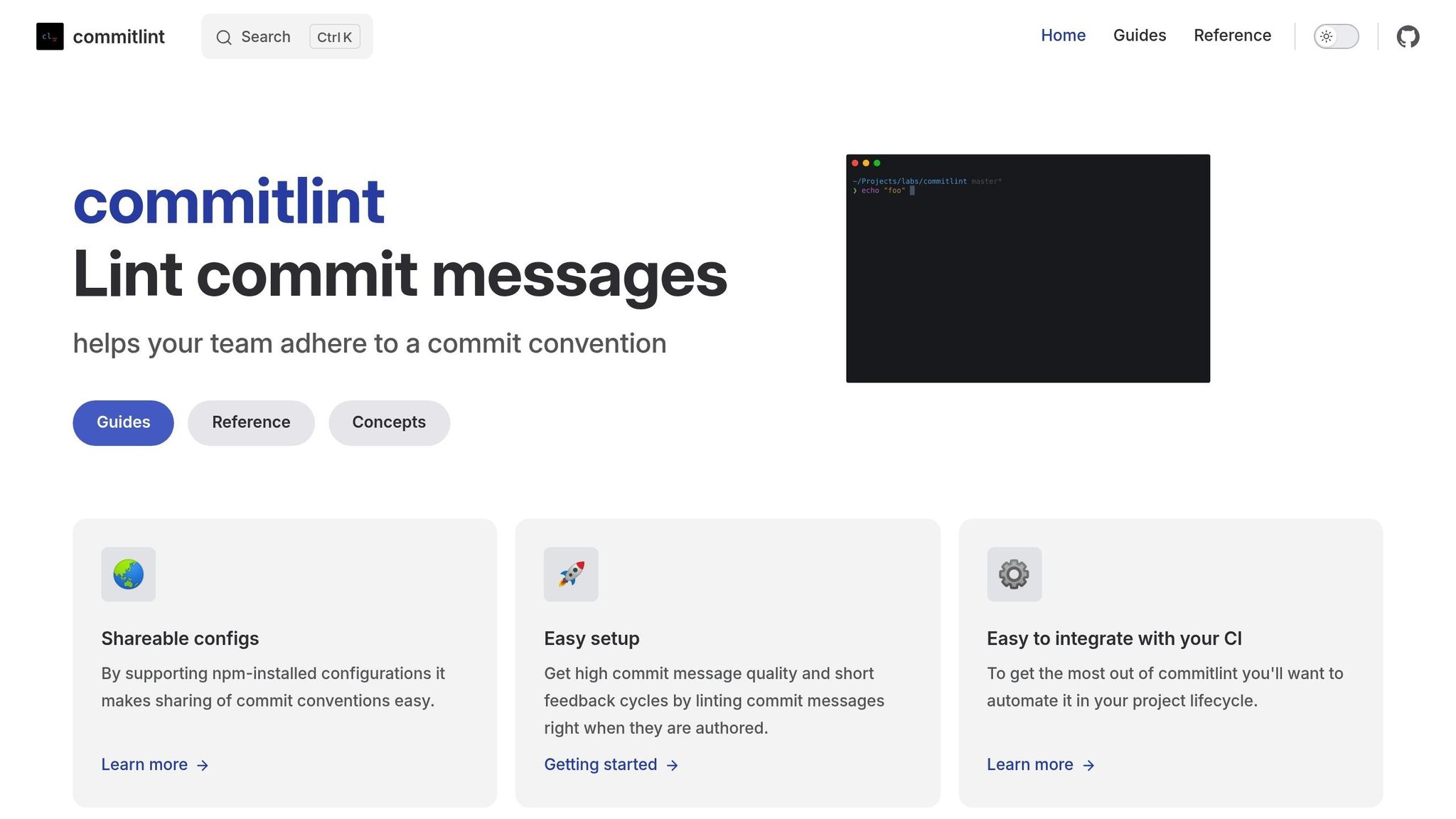
Commitlint 用于强制执行 Conventional Commits 规范,确保 commit message 一致且具有实际意义。
- 安装必要的依赖
首先安装 Commitlint、其 conventional 配置以及 Husky:
npm install @commitlint/cli @commitlint/config-conventional --save-dev
npm install husky --save-dev- 配置 Commitlint
创建一个 commitlint.config.js 在项目根目录下创建文件以定义规则:
module.exports = {
    extends: ['@commitlint/config-conventional'],
    rules: {
        'header-max-length': [2, 'always', 50],
        'type-enum': [2, 'always', [
            'feat', 'fix', 'docs', 'style', 'refactor',
            'perf', 'test', 'build', 'ci', 'chore'
        ]]
    }
}- 启用 Git Hooks
使用 Husky 设置 Git hooks,以强制执行 commit message 标准:
npx husky install
npm set-script prepare "husky install"
npx husky add .husky/commit-msg "npx --no -- commitlint --edit $1"
实现 semantic-release
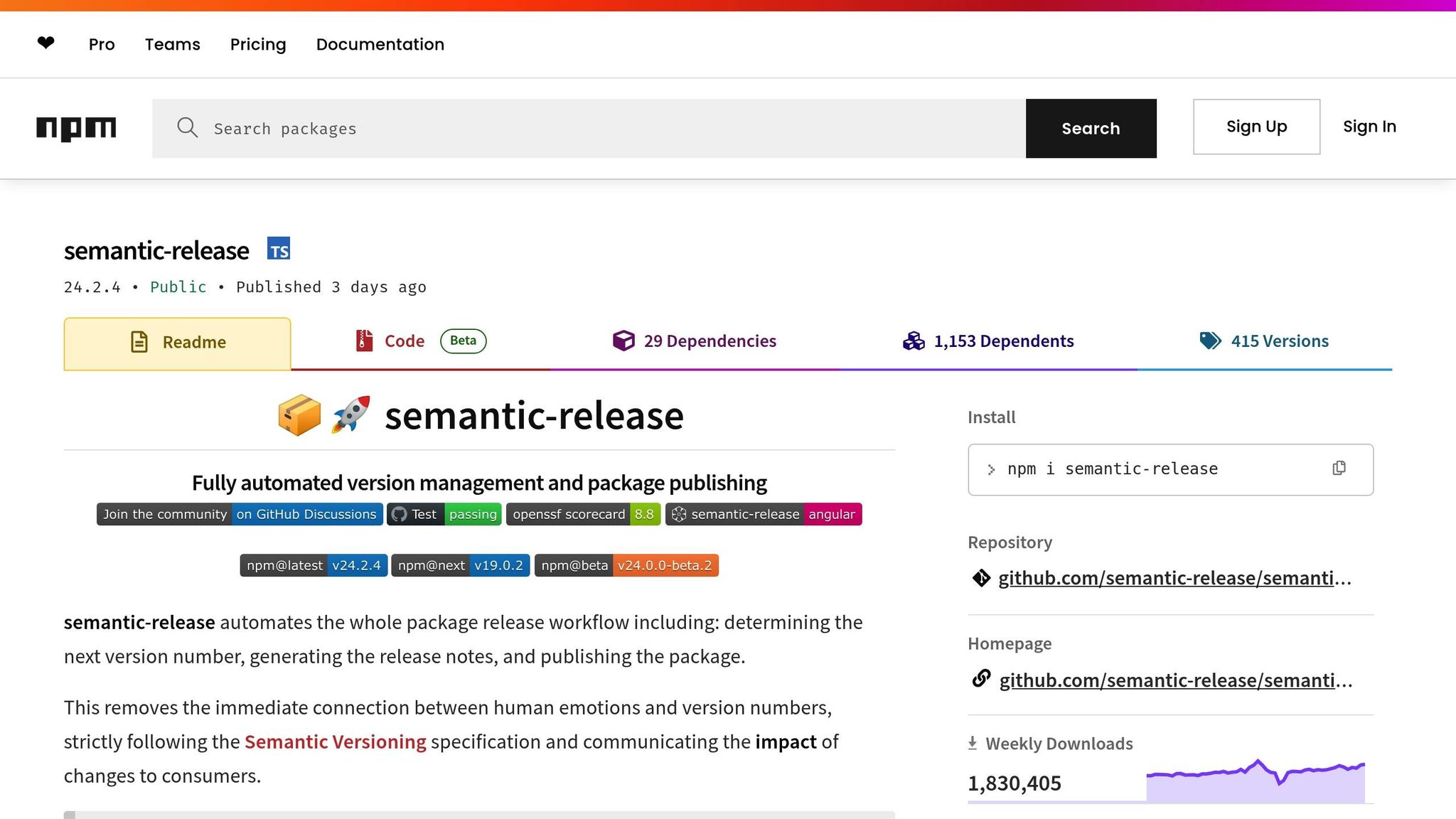
使用 semantic-release 实现版本管理、Changelog 生成及发布自动化。
- 安装依赖
安装 semantic-release 以及用于 Git 和生成 Changelog 的插件:
npm install semantic-release @semantic-release/git @semantic-release/changelog --save-dev- 配置发布规则
添加一个 .releaserc 文件来定义 semantic-release 如何处理版本和资源:
{
    "branches": ["main"],
    "plugins": [
        "@semantic-release/commit-analyzer",
        "@semantic-release/release-notes-generator",
        ["@semantic-release/changelog", {
            "changelogFile": "CHANGELOG.md"
        }],
        "@semantic-release/npm",
        ["@semantic-release/git", {
            "assets": ["package.json", "CHANGELOG.md"],
            "message": "chore(release): ${nextRelease.version} [skip ci]"
        }]
    ]
}
GitHub Actions 实现
设置 GitHub Actions 工作流以验证 commit,并 实现 CI/CD 流程自动化.
name: CI/CD Pipeline
on:
  push:
    branches: [ main ]
  pull_request:
    branches: [ main ]

jobs:
  verify:
    runs-on: ubuntu-latest
    steps:
      - uses: actions/checkout@v6
        with:
          fetch-depth: 0
          filter: blob:none

      - name: Verify Commits
        uses: wagoid/commitlint-github-action@v5

  release:
    needs: verify
    runs-on: ubuntu-latest
    steps:
      - uses: actions/checkout@v6
      - name: Setup Node.js
        uses: actions/setup-node@v3
        with:
          node-version: '24'

      - name: Release
        env:
          GITHUB_TOKEN: ${{ secrets.GITHUB_TOKEN }}
          NPM_TOKEN: ${{ secrets.NPM_TOKEN }}
        run: npx semantic-release
此方案的核心特性
此配置可确保:
- Commit message 会被自动验证。
- 语义化版本根据 commit 类型自动生成。
- Changelog 会自动创建并更新。
- 无需人工干预即可触发并管理 Release。
| Commit 类型 | 版本号更新 | 使用示例 |
|---|---|---|
| fix | 补丁 (0.0.x) | 修复 Bug 或补丁 |
| feat | 次要更新 (0.x.0) | 新增功能 |
| feat! 或 fix! | 重大变更 (x.0.0) | 引入了破坏性变更 (Breaking changes) |
有了这个基础,你就可以在接下来的章节中探索更高级的自动化技术了。
高级 CI/CD 自动化方法
破坏性变更检测
识别破坏性变更对于维护正确的语义化版本 (Semantic Versioning) 至关重要。自动化工具可以帮助检测这些变更并触发必要的版本更新。
例如,可以通过在 commit header 后添加 ‘!’ 或在 footer 中包含 ‘BREAKING CHANGE’ 来标识破坏性变更。以下是一个实现示例:
// Example implementation for breaking change detection
module.exports = {
  analyzeCommits: (commits) => {
    const hasBreakingChange = commits.some(commit => {
      return commit.notes.some(note => note.title === 'BREAKING CHANGE') ||
             commit.header.includes('!');
    });
    return hasBreakingChange ? 'major' : null;
  }
};
这确保了破坏性变更能被标记并得到妥善处理,从而简化版本管理流程,并减少复杂仓库中的错误。
Monorepo Commit 管理
在 Monorepo 中管理 commit 可能比较棘手,尤其是在处理多个组件时。为了优化 build 流程,你可以实现仅针对受影响组件的增量构建 (Selective builds)。以下是一个配置示例:
# Example configuration for selective builds
trigger:
  paths:
    - 'packages/core/**'
    - 'packages/api/**'
    - 'shared/**'
增量构建通过针对特定组件来确保效率。以下是处理不同组件类型的方法:
| 组件类型 | 构建策略 | 版本控制 |
|---|---|---|
| 共享库 | 依赖变更时构建 | 集中式版本管理 |
| 独立服务 | 隔离构建 | 特定包版本 |
| 核心组件 | 优先级构建 | 严格版本控制 |
这种方法通过确保仅触发必要的 build,来补充基于 Conventional Commits 等自动化版本管理方案。
安全与合规检查
自动化安全与合规检查对于维持 code 的质量并满足监管标准至关重要。例如,像 Cocogitto 在 2025 年 3 月更新了其 GitHub Actions 以强制执行 conventional commits 规范,这凸显了自动化合规检查日益增长的重要性。 [2].
你可以配置 CI/CD pipeline 来包含这些检查:
security-compliance:
  script:
    - commitlint --from $CI_COMMIT_BEFORE_SHA --to $CI_COMMIT_SHA
    - security-scan --severity high
    - compliance-check --standard pci-dss
以下是相关工具及其用途概览:
| 检查类型 | 工具 | 用途 |
|---|---|---|
| Commit 格式 | Commitlint | 确保符合 Conventional Commits 规范 |
| 安全扫描 | SAST/DAST | 识别漏洞 |
| 合规性 | 自定义规则 | 验证合规性要求 |
Mobile App CI/CD with Capgo
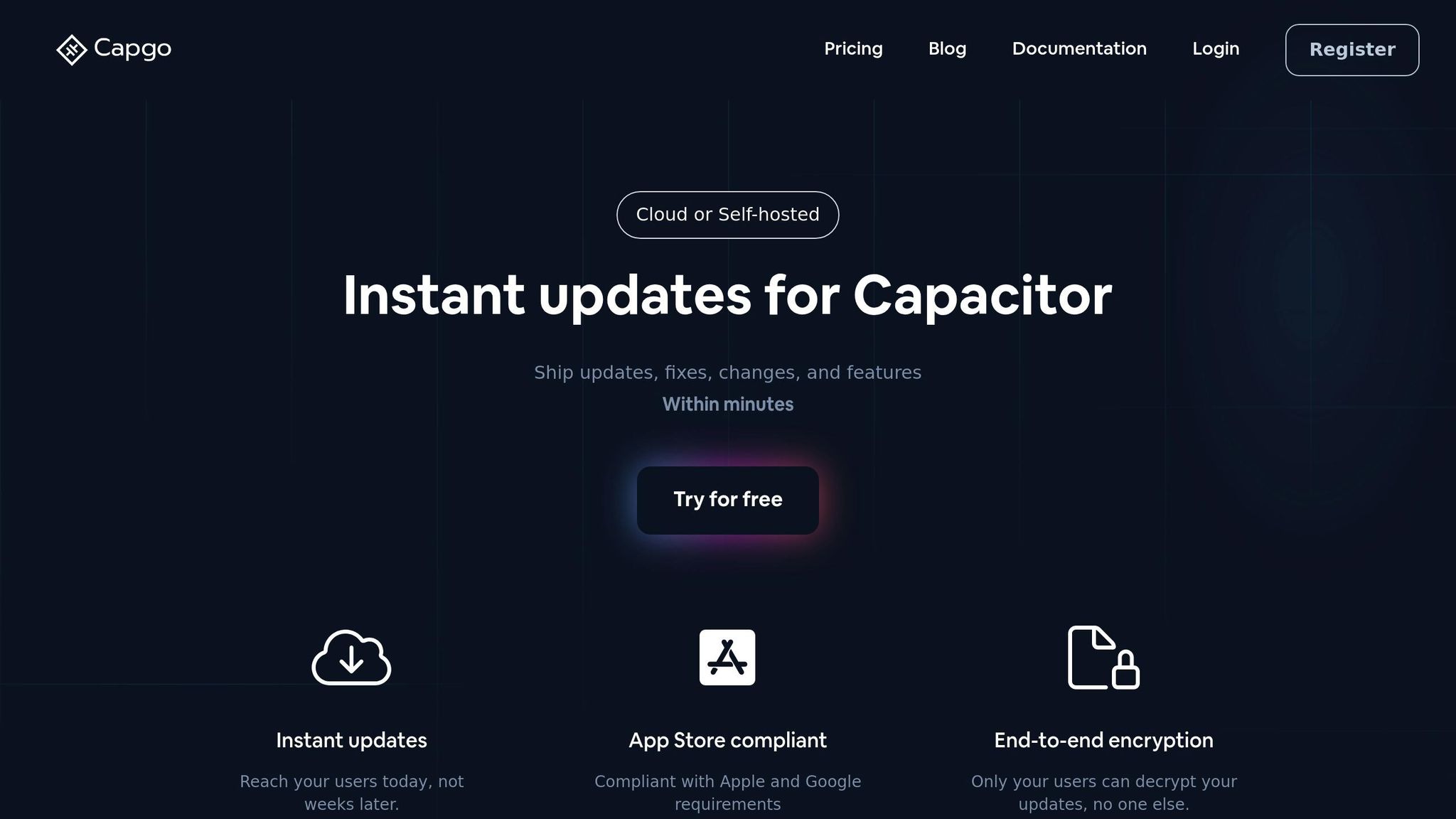
Capgo 将自动化工作流扩展至移动生态系统,使其能够无缝融入现有的 CI/CD 实践。
Capgo 功能特性
Capgo 通过即时、合规的 OTA 更新简化移动端 CI/CD。一些亮点功能包括: 端到端加密 和 定向更新通道 实现精准分发。
以下是 Capgo 最近的性能指标概览:
- 82% 全球更新成功率
- 434ms 平均 API 响应时间
- 支持 1.7K 个应用
- 超过 已交付 1.6 万亿次更新 [3]
凭借这些功能,将 Capgo 集成到您的 CI/CD pipeline 中,可以简化移动应用的开发流程。
Capgo Pipeline 配置
若要开始使用 Capgo,请按照以下步骤将其集成到您的 CI/CD 工作流中:
| 步骤 | 命令 | 用途 |
|---|---|---|
| 生成 Build | npx @capgo/cli build |
生成 生产级 bundle |
| 版本更新 | npx semantic-release |
根据 commit 更新应用版本 |
| 部署 | npx @capgo/cli bundle upload |
将更新上传至特定 channel |
以下是使用 Capgo 进行 CI/CD 工作流的 YAML 配置示例:
jobs:
  deploy:
    steps:
      - name: Build Web
        run: npm run build
      - name: Generate Version
        run: npx semantic-release
      - name: Upload to Capgo
        run: npx @capgo/cli bundle upload --channel production
        env:
          CAPGO_API_KEY: ${{ secrets.CAPGO_API_KEY }}
Capgo 功能对比
Capgo 不仅仅提供自动化,还能带来卓越的性能并降低成本。每月仅需约 $300 用于 CI/CD 操作 [3],与许多竞品相比,它是一个更具性价比的选择。
2025 年 3 月的一项案例研究展示了其影响力:
- 5 年内节省 $26,100
- 24 小时内更新用户采用率达 95%
“我们采用敏捷开发模式,@Capgo 对我们持续为用户交付功能至关重要!” —— Rodrigo Mantica [3]
Capgo 还具备以下核心特性:
- 100% 开源架构
- 灵活的团队管理,支持 细粒度权限控制
- 一键回滚 快速解决问题
- 详尽的 数据分析与错误追踪
- 无缝集成主流 CI/CD 平台,如 GitHub 操作 和 GitLab CI
这些特性让 Capgo 成为自动化流程的理想选择 移动应用 CI/CD 端到端的工作流。
总结
本指南重点介绍自动化版本管理、简化的提交管理和集成的移动端更新如何共同构成完善的 CI/CD 方案。采用 Conventional Commits 后,团队可以让版本控制更有条理,并简化部署流程。
核心优势
Conventional Commits 为现代开发团队带来诸多好处。其标准化的提交信息格式有助于减少版本管理问题,并降低部署失败的风险。 [4].
| 优势 | 影响 |
|---|---|
| 自动化版本管理 | 根据 commit 类型自动调整语义化版本号 |
| 提升可读性 | 提供清晰易懂的 Git 历史记录,助力团队协作 |
| 提升 CI/CD 效率 | 通过明确 commit 上下文来减少 pipeline 错误 |
| 知识传递 | 加速 onboarding 并改善团队内部沟通 |
这些优势为构建可靠的 CI/CD pipeline 打下了坚实基础。
“Conventional Commits 规范是在 commit message 之上的轻量级约定。它提供了一套简单的规则来创建明确的 commit 历史,从而更易于在其之上开发自动化工具。” —— conventionalcommits.org [1]
实施指南
为了充分发挥 Conventional Commits 的作用,请进行深思熟虑的实施。使用 Commitlint 和 Husky 等工具来强制执行 commit message 标准, 集成 semantic-release 以实现自动化版本管理,并 利用 Capgo 进行移动端 OTA 更新。
Capgo 通过以下功能完善 Conventional Commits 工作流:
- 自动化版本管理 通过 semantic-release 集成实现
- 简化部署流程 利用基于 commit 的触发机制
- 提升安全性 通过加密的更新交付实现
- 可靠的回滚方案 直接关联至 commit 历史
常见问题
::: faq
使用 Conventional Commits 如何优化您的 CI/CD 流程?
Conventional Commits 通过提供清晰、标准化的提交信息结构,为 CI/CD 工作流带来了秩序。这种格式有助于自动化工具轻松解析变更,从而使测试、build 和部署等任务更加精准。由于减少了歧义,错误率也随之降低,使整个开发 pipeline 更加顺畅。
结构化提交信息的另一个优势是能够自动生成 changelog 并应用语义化版本控制(semantic versioning)。这不仅节省了时间,还简化了发布管理。同时,它通过让 commit history 更易于追踪和理解,提升了团队协作效率。
对于正在构建的开发者来说, Capacitor 应用,像这样的工具 Capgo 可以将 CI/CD 流程提升到新的高度。它们提供无缝集成、实时更新,并确保符合 Apple 和 Android 的要求。这加快了更新交付速度,无需经过 App Store 审核,使整个流程更加高效。 :::
::: faq
使用 Conventional Commits 实现 CI/CD 自动化需要哪些核心工具?
若要配置 自动化 CI/CD 并使用 约定式提交 (Conventional Commits) 方法,你需要一些核心工具来让流程更顺畅、更高效:
- Commitlint:该工具用于检查你的 commit message 是否符合 Conventional Commits 标准,确保其保持一致且易于解读。
- Husky:Husky 允许你配置 Git hooks(例如 pre-commit 或 pre-push),在开发过程中自动强制执行 commit message 规则。
- 语义化发布 (Semantic Release):通过分析 commit messages,该工具可以实现版本管理和 package 发布自动化,让更新变得可预测且无忧。
这些工具可以帮助你通过标准化的 commit history 来维护井然有序的 CI/CD pipeline。对于使用 Capacitor 应用的团队,像 Capgo 这样的平台会是一个绝佳的选择,它提供的 Live Update 功能可以无缝集成到你的 CI/CD 工作流中。 :::
::: faq
Capgo 如何简化移动应用的 CI/CD 流程?
Capgo 通过提供以下功能来简化移动应用的 CI/CD 流程: 即时更新 无需经过 App Store 审核。这意味着开发者可以更快速地发布修复、新功能和更新,以极低的成本确保应用始终保持最新状态。
它可以无缝集成到现有的 CI/CD pipeline 中, 实现更新自动化 同时通过 端到端加密 确保交付安全。Capgo 还支持 增量更新,通过仅下载必要的变更来降低带宽消耗。此外,其 一键回滚 该功能允许开发者通过回滚到之前的版本来快速解决问题。凭借对速度、安全性和适应性的关注,Capgo 是优化开发工作流并提升用户体验的强大工具。 :::
继续阅读:使用 Conventional Commits 实现 CI/CD 自动化
如果你正在使用 利用 Conventional Commits 实现 CI/CD 自动化 以规划回滚和版本控制,并将其与 回滚 查看 Rollbacks 的实现细节, 版本定向 查看 Version Targeting 的实现细节, 更新行为 查看 Update Behavior 的实现细节, bundle 关于 bundle 中的实现细节,以及 Capgo Live Updates 用于 Capgo Live Updates 中的产品工作流。





