


本教程重点介绍 GitLab CI,但您可以轻微调整以适应任何其他 CI/CD 平台。
序言
确保您已将应用程序添加到 Capgo,本教程仅关注上传阶段
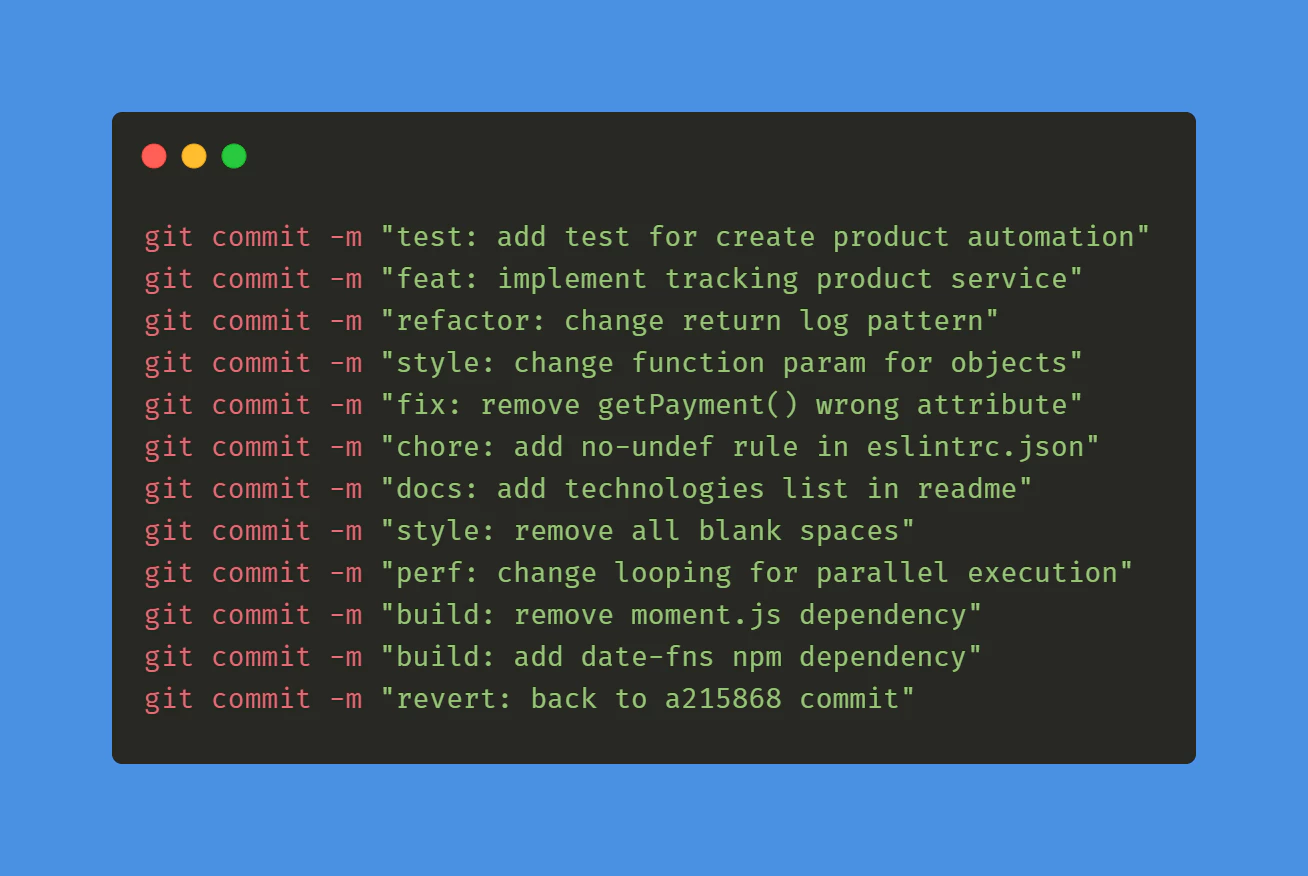
提交约定
首先,您需要遵循提交约定 规范提交` 这将有助于工具了解如何升级版本号,学习它只需5分钟。`
GitLab CI for tag
然后你需要创建第一个 GitLab 来自动构建和创建标签。
在此路径创建一个文件: .github/workflows/bump_version.yml
自动构建和发布与 GitLab
name: Bump version

on:
  push:
    branches:
      - main

jobs:
  bump-version:
    if: "!startsWith(github.event.head_commit.message, 'chore(release):')"
    runs-on: ubuntu-latest
    name: "Bump version and create changelog with standard version"
    steps:
      - name: Check out
        uses: actions/checkout@v6
        with:
          fetch-depth: 0
          filter: blob:none
          token: '${{ secrets.PERSONAL_ACCESS_TOKEN }}'
      - name: Git config
        run: |
          git config --local user.name "github-actions[bot]"
          git config --local user.email "github-actions[bot]@users.noreply.github.com"
      - name: Create bump and changelog
        run: npx capacitor-standard-version
      - name: Push to origin
        run: |
          CURRENT_BRANCH=$(git rev-parse --abbrev-ref HEAD)
          remote_repo="https://${GITHUB_ACTOR}:${{ secrets.PERSONAL_ACCESS_TOKEN }}@github.com/${GITHUB_REPOSITORY}.git"
          git pull $remote_repo $CURRENT_BRANCH
          git push $remote_repo HEAD:$CURRENT_BRANCH --follow-tags --tags
这将为每个主分支的提交发布一个标签,并为每个主分支的提交添加一个更改日志条目。 CHANGELOG.md.
不用担心,如果你没有这个文件,它会自动创建。
为了使其工作,创建一个 个人访问令牌 并将其添加到你的 GitLab CI/CD 变量中 PERSONAL_ACCESS_TOKEN.
为了让 CI 提交更改日志,这是必要的。
当您创建令牌时,请选择过期时间为 never 并将范围设置为 repo.
最后,要让工具了解您的版本保存在哪里,您必须在您的仓库根目录创建一个文件 .cz.toml 在里面添加:
将此文件中的版本设置为与您的
[tool.commitizen]
name = "cz_conventional_commits"
tag_format = "$major.$minor.$patch$prerelease"
version = "0.11.5"
version_files = [
    "package.json:version",
    ".cz.toml"
]
文件中的版本相同。 package.json file.
您现在可以提交这两个文件并看到您的第一个标签出现在__CAPGO_KEEP_0__!
GitHub 构建动作
GitHub 构建动作
__CAPGO_KEEP_0__ .github/workflows/build.yml
与此内容一起:
name: Build source code and send to Capgo

on:
  push:
    tags:
      - '*'

jobs:
  deploy:
    runs-on: ubuntu-latest
    name: "Build code and release"
    steps:
      - name: Check out
        uses: actions/checkout@v6
      - name: Install dependencies
        id: install_code
        run: npm i
      - name: Build
        id: build_code
        run: npm run build
        env: # Remove both lines  if you don't need it
          FIREBASE_CONFIG: ${{ secrets.FIREBASE_CONFIG }} # Example of env var coming from a secret
      - name: Create Release
        id: create_release
        run: npx @capgo/cli@latest bundle upload -a ${{ secrets.CAPGO_TOKEN }} -c production
这将安装并构建您的依赖项,然后将其发送到 Capgo。
如果您的构建命令不同,您可以在步骤中更改它。 build_code step.
为了使其工作,您需要获取您的API密钥并将其添加到Capgo中。 您现在可以提交这两个文件并看到您的第一个标签出现在 GitHub 中! as CAPGO_TOKEN.
您应该在构建步骤中添加测试,以确保您的 GitHub 正在工作。
前往您的 __CAPGO_KEEP_0__ 控制台并检查刚刚出现的构建,您现在有了您的 CI/CD 系统。
You should add your test in the build step to ensure your code is working.
Capgo
__CAPGO_KEEP_1__ public.
继续使用 Gitlab 自动构建和发布
如果您正在使用 Gitlab 自动构建和发布 将其与 Capgo 自动化构建与发布 为Capgo CI/CD中的产品工作流 Capgo 原生构建 为Capgo 原生构建中的产品工作流 Capgo 集成 为Capgo 集成中的产品工作流 CI/CD 集成 CI/CD 集成的实现细节 GitHub GitLab Actions 集成 为 GitHub Actions Integration 的实现细节。





