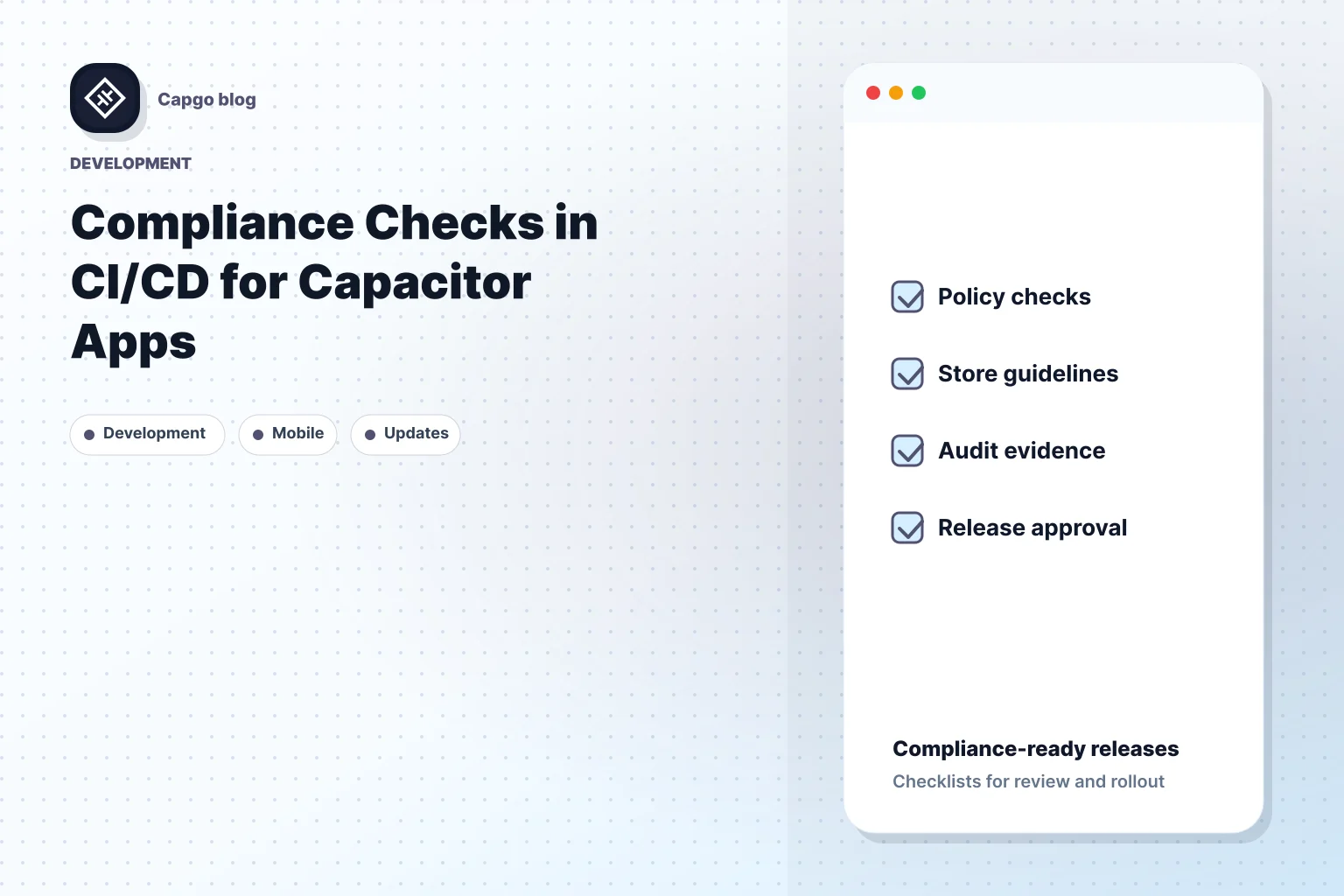
Compliance checks in CI/CD pipelines are your solution. They ensure your Capacitor apps meet Apple and Google Play requirements, keeping security tight and updates fast.
Here’s why compliance checks matter:
- Automated Monitoring: Tracks code changes for store guideline compliance.
- Faster Updates: 95% of users receive updates within 24 hours.
- Stronger Security: Scans for vulnerabilities and protects user data.
Quick Overview:
- Set up CI/CD pipelines with tools like Capgo for smooth compliance.
- Automate checks for iOS (privacy labels, HTTPS, binary validation) and Google Play (APK validation, permissions, API levels).
- Integrate security measures like encryption, dependency checks, and testing.
- Use performance and accessibility tests to enhance user experience.
Capgo simplifies this process, offering tools for automated compliance, real-time error tracking, and secure updates.
Stay compliant, secure, and efficient with proper CI/CD practices for Capacitor apps.
Using DevSecOps for Continuous Compliance and Security …
Building CI/CD Pipelines for Capacitor

A well-designed CI/CD pipeline simplifies deployment and helps ensure your app consistently meets app store guidelines.
Selecting a CI/CD Platform
Pick a CI/CD platform that works seamlessly with Capacitor apps. Look for features like:
- Integration with your current development tools
- Customizable configuration options for compliance checks
- Support for deploying across different platforms
- Affordable pricing for long-term use
After choosing a platform, configure your pipeline to enable consistent builds and enforce compliance.
Basic Pipeline Setup
Set up build dependencies and environment variables to maintain compliance. Capgo integrates with most major CI/CD platforms and doesn’t require hosting [1].
Core setup steps include:
- Configuring the build environment and dependencies
- Connecting your version control system
- Creating automated build scripts
Adding Compliance Tools
Once your pipeline is up and running, include tools to enforce app store standards. Automated compliance checks help ensure updates meet Apple and Google Play requirements while keeping deployment fast [1].
Steps to integrate compliance tools:
- Automate code scans to identify and block non-compliant updates
- Use monitoring tools to track compliance and notify the team of issues
“Capgo is a must-have tool for developers who want to be more productive. Avoiding review for bug fixes is golden.” - Bessie Cooper [1]
App Store Compliance Automation
Automating compliance checks helps ensure your Capacitor app aligns with iOS and Google Play guidelines, catching potential issues early.
iOS Compliance Requirements
For iOS apps, automated checks should cover:
- Privacy Labels: Confirm all necessary declarations are accurate.
- App Transport Security: Ensure all network calls use HTTPS.
- Binary Validation: Check file size limits and architecture compatibility.
- Content Safety: Identify any prohibited content or functionality.
Google Play Requirements

When targeting Google Play, focus on these key verifications:
- APK Validation: Confirm proper signing and manifest configurations.
- Content Rating: Display the correct ratings for your app.
- Target API Level: Ensure compliance with the latest Android API requirements.
- Permission Usage: Validate that permissions are clearly declared.
Using built-in tools for compliance automation can make these processes more efficient.
Capgo’s Compliance Tools

Capgo enhances compliance workflows with tools that integrate directly into your CI/CD pipeline. Here’s how Capgo can help:
- End-to-end encryption ensures secure update delivery.
- Automated version control allows for instant rollbacks when needed.
- Real-time analytics provide insights into update performance and success.
“We practice agile development and @Capgo is mission-critical in delivering continuously to our users!” - Rodrigo Mantica [1]
For teams handling multiple app versions, Capgo’s channel system supports targeted beta testing and staged rollouts [1].
Security and Privacy Checks
Protecting Capacitor apps and user data requires thorough security and privacy measures across your CI/CD pipeline.
Code Security Scanning
Here are some essential practices to follow:
- Static Analysis: Use tools to identify common security flaws, injection vulnerabilities, and outdated dependencies in your code.
- Dynamic Testing: Run automated penetration tests to uncover runtime vulnerabilities.
- Dependency Checks: Regularly inspect third-party libraries for known security risks.
Set up your pipeline to halt deployments if critical security issues are detected.
Data Security Standards
Securing data goes beyond just scanning for vulnerabilities. It requires strict encryption and storage practices. Here’s an example:
| Security Requirement | Implementation Method | Verification Process |
|---|---|---|
| Data Encryption | End-to-end encryption | Automated certificate checks |
| Secure Storage | Encrypted local storage | Storage permission reviews |
| Network Security | Enforce HTTPS connections | SSL/TLS validation |
| Access Control | Role-based permissions | Authentication testing |
Capgo Security Features
Capgo takes security to the next level by building on these scanning and data protection protocols. It provides advanced tools to safeguard your apps.
Some standout features include:
- End-to-end encryption for updates, ensuring only authorized users can access content.
- Automated rollback to quickly address security issues when they arise.
- Real-time error tracking to detect and resolve potential problems immediately.
“The only solution with true end-to-end encryption, others just sign updates” - Capgo [1]
Capgo boasts a 95% update success rate within 24 hours [1], combining strong security with fast deployment.
For teams embedding security checks, Capgo integrates smoothly with popular CI/CD platforms like GitHub Actions, GitLab CI, and Jenkins. This allows for automated security checks at every step of deployment.
Automated Testing Setup
Automating tests in your CI/CD pipeline is a key step to ensure your Capacitor apps maintain high quality and meet compliance standards.
UI Testing Methods
To ensure your app’s interface works seamlessly across devices and platforms, set up UI tests that cover multiple scenarios. These tests should validate elements on various screen sizes and operating systems.
| Test Category | Implementation Method | Validation Criteria |
|---|---|---|
| Visual Regression | Screenshot comparison | Layout consistency, element positioning |
| Component Testing | Automated interaction scripts | Button functionality, form validation |
| Cross-platform Checks | Device matrix testing | Platform-specific UI behaviors |
Targeted testing can also help you distribute app versions to specific user groups for further feedback.
In addition to UI tests, it’s important to analyze your app’s performance metrics.
Speed and Resource Tests
Performance testing ensures your app meets user expectations and app store requirements. Use automated checks in your pipeline to track these key metrics:
- Launch Time Testing: Measure how quickly the app starts, both cold and warm starts.
- Memory Usage Monitoring: Keep an eye on RAM usage to avoid crashes or slowdowns.
- Battery Impact Analysis: Evaluate power consumption during critical operations.
- Network Performance: Test the speed and reliability of data transfers.
These metrics are crucial for delivering a smooth user experience and staying compliant with platform requirements.
Accessibility Testing
After performance testing, focus on accessibility to make sure your app is usable for all users. Include automated checks for the following:
| Accessibility Feature | Testing Approach | Compliance Standard |
|---|---|---|
| Screen Reader Support | Voice-over validation | WCAG 2.1 Level AA |
| Color Contrast | Automated contrast analysis | Platform guidelines |
| Touch Target Size | Element dimension checks | OS-specific requirements |
| Keyboard Navigation | Input method testing | Cross-platform standards |
With Capgo’s integration tools, you can automate these accessibility tests directly within your CI/CD workflow. The platform supports Capacitor 8, ensuring smooth compatibility across supported CI/CD systems while helping you meet compliance standards [1].
Next Steps and Tips
Once you’ve established your CI/CD processes, it’s important to stay compliant with changing policies by keeping everything up to date.
Regular Policy Updates
Automating policy checks within your CI/CD pipeline helps you catch issues early. Routine reviews ensure your app meets the latest privacy, security, and platform standards.
| Update Category | Monitoring Frequency | Key Focus Areas |
|---|---|---|
| Store Guidelines | Monthly | Privacy rules, security protocols |
| Platform Updates | Quarterly | OS compatibility, API changes |
| Security Patches | Weekly | Fixing vulnerabilities, encryption updates |
Making the Most of Capgo
Capgo integrates seamlessly with CI/CD platforms, simplifying compliance management and enabling fast updates. Its channel system allows staged rollouts, helping you spot and fix compliance issues before they affect all users.
Here’s how to get started:
- Automate compliance checks with Capgo’s CLI tool to ensure nothing slips through the cracks.
- Track errors in real-time to monitor how updates perform.
- Use the channel system to beta test compliance changes before a full rollout.
With Capgo’s analytics, you can quickly validate compliance and streamline staged rollouts. These steps ensure smoother updates and long-term compliance.
Key Takeaways
To keep your compliance process effective, focus on these areas:
| Compliance Area | Implementation Strategy | Key Metric |
|---|---|---|
| Policy Tracking | Automated monitoring | Monthly compliance report |
| Update Distribution | Staged rollouts | 95% successful updates |
| Error Management | Real-time tracking | Average API response time: 434ms |
Keep going from Compliance Checks in CI/CD for Capacitor Apps
If you are using Compliance Checks in CI/CD for Capacitor Apps to plan security and compliance, connect it with Encryption for the implementation detail in Encryption, Compliance for the implementation detail in Compliance, Capgo Security Scanner for the product workflow in Capgo Security Scanner, Capgo Security for the product workflow in Capgo Security, and Capgo Trust Center for the product workflow in Capgo Trust Center.