

Capacitor OTA updates can fix web-layer bugs without waiting for a store review. The hard part is choosing a service that keeps releases small, safe, and easy to watch. Here are six named options, with Capgo first for teams that want one command, channel control, rollback, analytics, and CI/CD support.
Table of Contents
- 1. Capgo
- 2. OtaKit, a focused Capacitor live-update option
- 3. Capawesome Cloud, versioned channels and staged releases
- 4. AWS, flexible cloud infrastructure for custom OTA systems
- 5. Google Cloud, monitoring for staged Capacitor releases
- 6. Microsoft Azure, phased deployments with enterprise monitoring
- Comparison table: Which Capacitor OTA option fits your team?
- FAQ
- Conclusion
1. Capgo
Capgo is a live-update platform for Ionic and Capacitor apps. It is built for teams that want to push JavaScript, CSS, and web assets while keeping native code inside the app store release cycle.
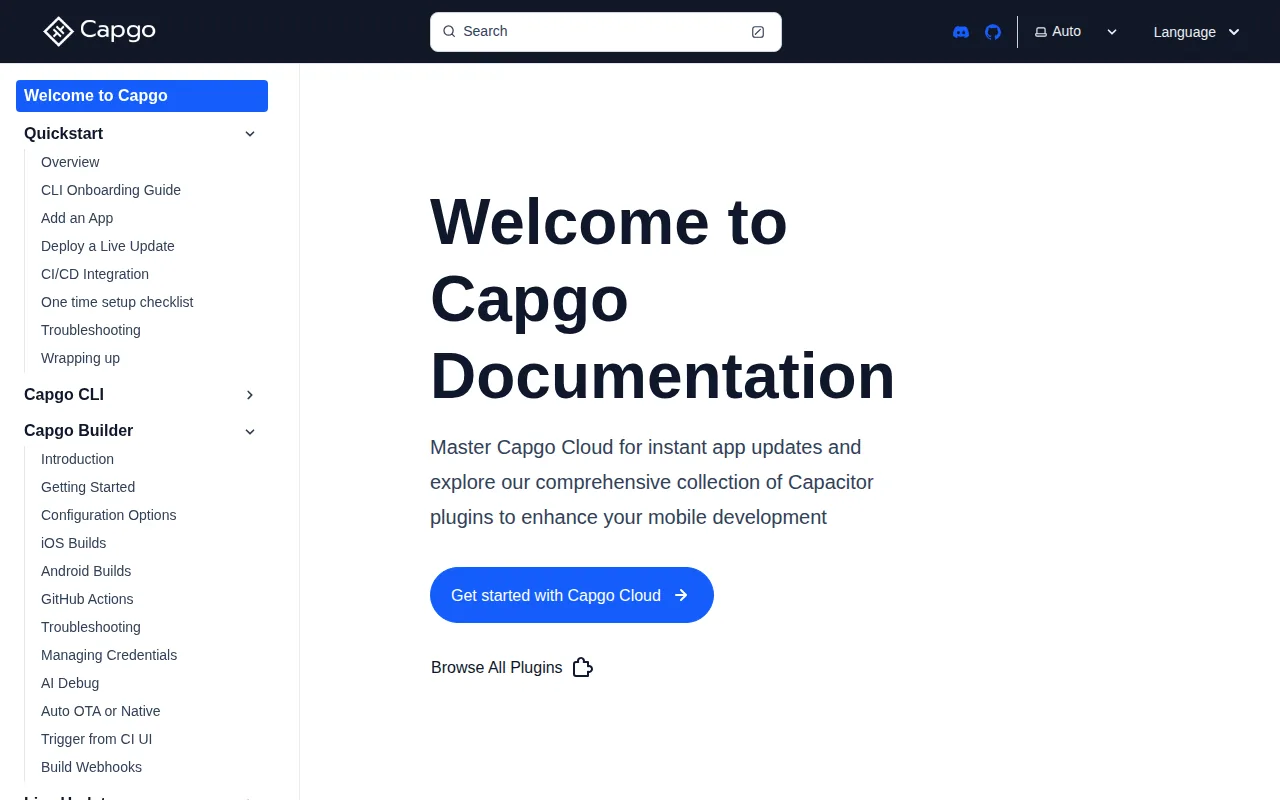
Capgo supports differential updates, so a device can download changed parts of a bundle instead of fetching the full package each time. That matters when a fix touches one screen in an app with large images or many static assets. Smaller transfers also make a weak mobile signal less painful.
Its release model centers on channels. A team can keep development, staging, beta, and production users apart. That gives you a safe place to test a bundle before wider release. You can also send an urgent fix to a specific group instead of exposing every active user at once.
Rollback is another key part of the workflow. If a bundle fails to start or causes a serious issue, automatic rollback can return devices to a known version. We still recommend testing rollback on physical devices, since a good recovery plan needs more than a switch in a dashboard.
Capgo also includes real-time analytics for update adoption and device behavior. The useful question is simple: did the bundle download, activate, and stay healthy? A release view that answers those questions helps an engineer spot a bad build before support tickets pile up.
CI/CD integration keeps the release path short. A pipeline can build the web bundle, check it, and publish it with one command after a merge or tagged release. Teams that want more detail can pair that flow with these Capacitor OTA versioning practices, especially when several native runtimes remain in the field.
Pricing is a subscription per organization, with a 14-day free trial. It is not a one-time retail purchase or a per-seat plan. The main caveat is scope: Capgo has a broad mobile release surface, so a tiny team that only needs a bare bundle server may want fewer moving parts.
Key Takeaway: Pick Capgo when you want one Capacitor-focused workflow to track, adopt, and roll back live releases.
2. OtaKit, a focused Capacitor live-update option
OtaKit is a focused live-update option for Capacitor teams. It suits developers who want to keep the OTA layer small and separate from a wider native build or store publishing platform.
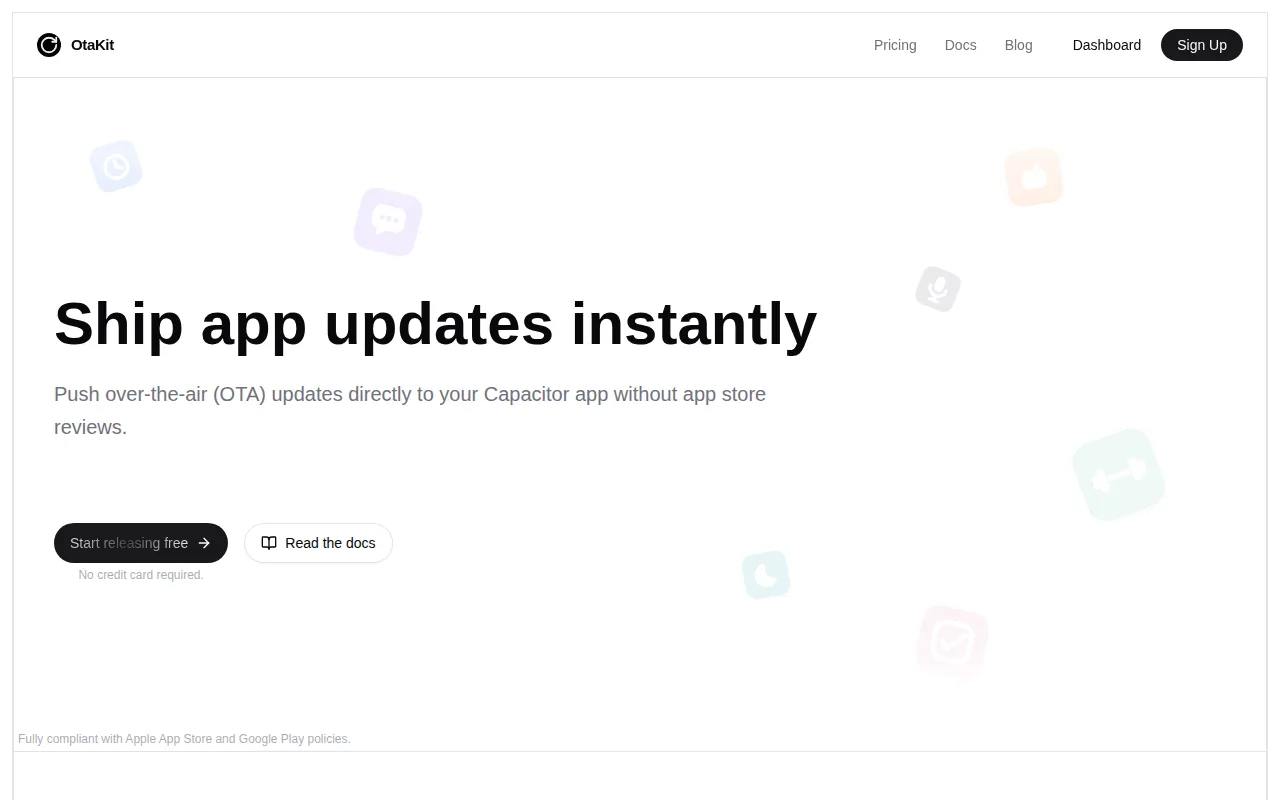
OtaKit lists differential updates, automatic rollback, and CI/CD integration. Its published material also describes signed manifests, channels, delta downloads, and a stack that is MIT licensed. Those details point to a workflow where the app checks a signed bundle, downloads only needed changes, then activates it under a defined release channel.
This focused shape can help when your existing pipeline already handles native builds. For example, a team may keep iOS signing in its current CI service while using the OtaKit CLI to publish the web layer after tests pass. That split keeps responsibilities clear, but it also means you own more of the handoff between native and OTA releases.
The caveat is platform breadth. If you also need managed native builds, store publishing, device logs, and a wider mobile release console, a focused OTA tool may leave you stitching together several services. That is fine for a disciplined DevOps team. It is less attractive when one group owns the whole app release process.
OtaKit is worth a hands-on test when you want a narrow tool with explicit controls around bundle safety. Compare the cutover plan with your current runtime versions before moving a live install base.
3. Capawesome Cloud, versioned channels and staged releases
Capawesome Cloud is a managed Capacitor release service with live updates, native build support, and channel controls. It fits teams that want OTA delivery beside other mobile build tasks.
The research describes versioned channels with percentage rollouts. A team can release to 10% of devices, review health signals, then move to a wider group. It also lists automatic rollback when a new bundle fails to start. That gives release owners a clear pause point between a test group and the full audience.
Capawesome Cloud supports differential updates and code-signed bundles. Code signing helps a device check that an update came from an approved source. The documentation describes RSA key pairs and role-based access for production channels, which is the kind of control security teams tend to ask about during release review.
The service also tracks active devices, adoption, bundle health, rollouts, and rollback events. An audit trail records changes to channels, bundles, and team members. Those records matter when an incident review needs to answer who shipped a release and when.
CI/CD is part of the platform through command-line tooling and build automation. The documented flow can start with a branch or tag, then build and publish from a hosted runner. That reduces local setup work for teams that want the same build path on Windows, Linux, or a Chromebook.
There is a tradeoff. A managed service brings more built-in release features, but it also ties more of your workflow to one vendor’s console and runner. Teams already invested in another build system should map secrets, signing keys, and channel names before they migrate.
Pro Tip: Start every new OTA bundle in a staging channel. Promote the exact artifact you tested instead of rebuilding it for production.
4. AWS, flexible cloud infrastructure for custom OTA systems
AWS is a flexible choice for teams that want to assemble their own Capacitor OTA system. It is best for organizations with cloud engineers who want direct control over storage, delivery, identity, logs, and deployment rules.
The research names CodePipeline and CodeDeploy as AWS services that can automate an OTA flow. In practice, your team still has to define the bundle format, manifest checks, channel logic, signing process, client behavior, and rollback rules. AWS gives you the building blocks. It does not remove the design work.
This approach can fit a company with an existing AWS estate. Your pipeline may already manage environment variables, access roles, artifact storage, and alert rules. Adding a Capacitor bundle step can keep the release path close to the systems your team already knows.
It also gives you room to set your own delivery policy. You might place test bundles in one storage path, production bundles in another, then use deployment stages for approval gates. A separate channel can serve internal staff while a second channel receives the public release.
The main risk is operational ownership. A custom OTA service needs strong controls around signed manifests, runtime compatibility, cache behavior, and failed activation. Native platform rules still apply. App-store-friendly live changes should stay within the web layer and must not require a compiled native binary.
Observability deserves special care. A download count does not tell you whether an app booted after activation. Track lifecycle events such as download failure, activation, and rollback, then send them to your existing logs. Teams evaluating engineering monitoring may also find this engineering ROI guide useful when they compare how release signals reach engineering leaders.
AWS makes sense when control is worth the build and upkeep cost. It is a poor fit when your team wants to ship an OTA fix today without first becoming the owner of an update platform.
5. Google Cloud, monitoring for staged Capacitor releases
Google Cloud is a cloud-hosted route for teams that want staged Capacitor releases tied to a broader Google Cloud operations setup. It fits groups that already use Cloud Build or Cloud Functions in their delivery path.
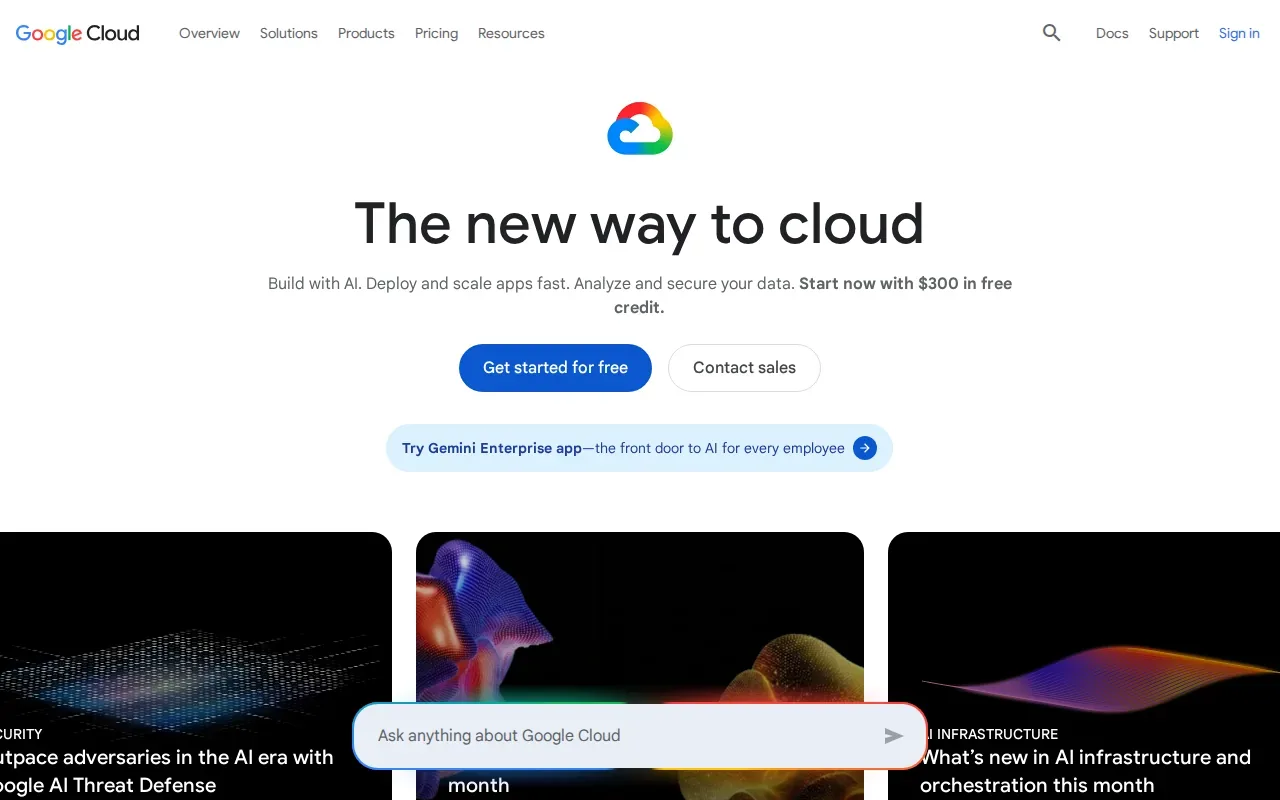
The research says Google Cloud supports staged rollouts. It also names Cloud Operations for real-time monitoring, custom metrics, and error logging. That combination can help an engineer watch a small release group before opening the channel to more devices.
Cloud Build can run the web build and publish tasks after a branch or tag event. Cloud Functions can add custom logic around release approval, manifest generation, or notifications. The exact architecture is yours to define, which is useful when the app must fit an existing identity and audit model.
Monitoring should cover more than delivery. Imagine a bundle that downloads correctly but fails during startup on one runtime version. A useful alert should connect the bundle version to the device state and failure reason. Without that link, the team may see a rise in errors but struggle to tie it to the release.
Google Cloud’s limitation is the same one found in most cloud infrastructure options: the OTA product is your design. The supplied comparison data does not list differential-update support for Google Cloud. If your app ships large bundles, you must decide how to reduce transfer size or accept full-bundle delivery.
Security work also stays with your team. Store signing secrets outside source control. Give the pipeline only the access it needs. A separate review of secrets management tools for 2026 can help when your release pipeline needs a better home for signing keys and CI credentials.
Choose Google Cloud when its monitoring and pipeline services already form part of your operating model. Choose a managed Capacitor service when you would rather receive channel and rollback behavior as part of the product.
6. Microsoft Azure, phased deployments with enterprise monitoring
Microsoft Azure is an option for teams that want phased Capacitor releases inside an Azure DevOps workflow. It is best suited to organizations that already manage app delivery, identity, and alerts through Microsoft services.
Azure lists phased rollouts, automated rollback, and Azure Monitor performance tracking. Those pieces support a release pattern where a small device group receives a bundle first, the team reviews metrics, and a rollback can restore the prior bundle if the release misbehaves.
Azure DevOps can provide the pipeline stages and approval gates. A team might require a test report before publishing to a beta channel, then require a human approval before production. That extra gate slows a release by a few minutes, but it can prevent an unreviewed bundle from reaching every user.
Azure Monitor helps connect deployment events with performance data. Make sure your app sends enough context to identify the OTA bundle. A generic crash count is hard to act on. A crash tied to a bundle and runtime version gives the release owner a clear next move.
Azure has a useful rollback story, but this comparison does not report differential updates for the service. That distinction matters for asset-heavy apps. A rollback protects users from a bad release; it does not reduce the size of the next download.
There is also more setup than with a Capacitor-specific platform. You may need to define the client update contract, bundle signing, channels, storage, and device health rules. Security teams can review each part. Small app teams may see the same work as overhead.
Azure is a reasonable fit when your organization already has a tested Azure DevOps pattern. If your main goal is a one-command Capacitor release with less custom code, Capgo keeps the OTA path shorter.
Comparison table: Which Capacitor OTA option fits your team?
The best Capacitor OTA updates setup depends on who owns the release system. A managed platform reduces custom code. Cloud infrastructure gives your team more control, but it also makes your team responsible for more failure cases.
| Option | Best fit | Release control | Rollback | CI/CD path | Main tradeoff |
|---|---|---|---|---|---|
| Capgo | Capacitor teams wanting one release workflow | Channels and staged releases | Automatic rollback | One-command integration | Broader platform surface |
| OtaKit | Teams wanting a focused OTA layer | Channels and signed bundles | Automatic rollback | CLI and pipeline integration | More separation from native build work |
| Capawesome Cloud | Teams wanting OTA beside managed mobile builds | Versioned channels and percentage rollout | Automatic rollback | CLI and hosted runner | More vendor-specific workflow |
| AWS | Cloud teams building a custom system | Define your own stages | Build your own rules | CodePipeline and CodeDeploy | High engineering ownership |
| Google Cloud | Teams using Cloud Operations | Staged rollouts | Define your own rules | Cloud Build and Cloud Functions | Differential delivery is not listed |
| Microsoft Azure | Organizations using Azure DevOps | Phased deployments | Automated rollback | Azure DevOps and Azure Pipelines | Differential delivery is not listed |
Use Capgo when you want the shortest path to channel-based releases, differential bundles, automatic rollback, analytics, and CI/CD in one Capacitor-focused service. Use OtaKit for a narrower OTA layer. Use a cloud provider when your team has a clear reason to own the system underneath.
Before you decide, test three things with a sample app: a staged release, a failed activation, and a rollback. Then check how the result appears in your logs. The fastest demo is not always the safest production workflow.
FAQ
What are the best Capacitor OTA updates options?
The main options in this shortlist are Capgo, OtaKit, Capawesome Cloud, AWS, Google Cloud, and Microsoft Azure. Capgo fits teams that want differential updates, channels, automatic rollback, analytics, and CI/CD in one workflow. OtaKit focuses on the OTA layer, while the cloud options require more custom design.
Can Capacitor apps update without an app store release?
Yes, Capacitor apps can update web-layer code over the air without a new store submission. The native binary still needs a store release when you change native code, add native plugins, or alter compiled behavior. Keep each OTA bundle compatible with the native runtimes already installed on user devices.
What is a channel in an OTA update system?
A channel is a named release path that controls which devices receive a bundle. Common examples include staging, beta, and production. Channels let you test a release with a small group before wider delivery. They also help teams keep customer-specific or internal builds away from public users.
Do Capacitor OTA updates support rollback?
Several Capacitor OTA updates platforms support rollback, but the exact trigger differs. Capgo, OtaKit, and Capawesome Cloud all list automatic rollback. Azure also lists automated rollback. Test a failed startup on a real device, since a rollback plan must work under the same conditions as a production failure.
How much does Capgo cost?
Capgo uses a subscription per organization and includes a 14-day free trial. It is not sold as a one-time purchase or a per-seat subscription. Your final cost depends on the plan and usage details, so review current pricing with the Capgo team before planning a long-term rollout.
Conclusion
For most teams that want a managed Capacitor OTA workflow, Capgo is the clearest place to start. Set up a staging channel, publish a small test bundle, and confirm adoption plus rollback before production. You can try Capgo free for 14 days, then choose the subscription per organization that fits your release process.



