


Introduction
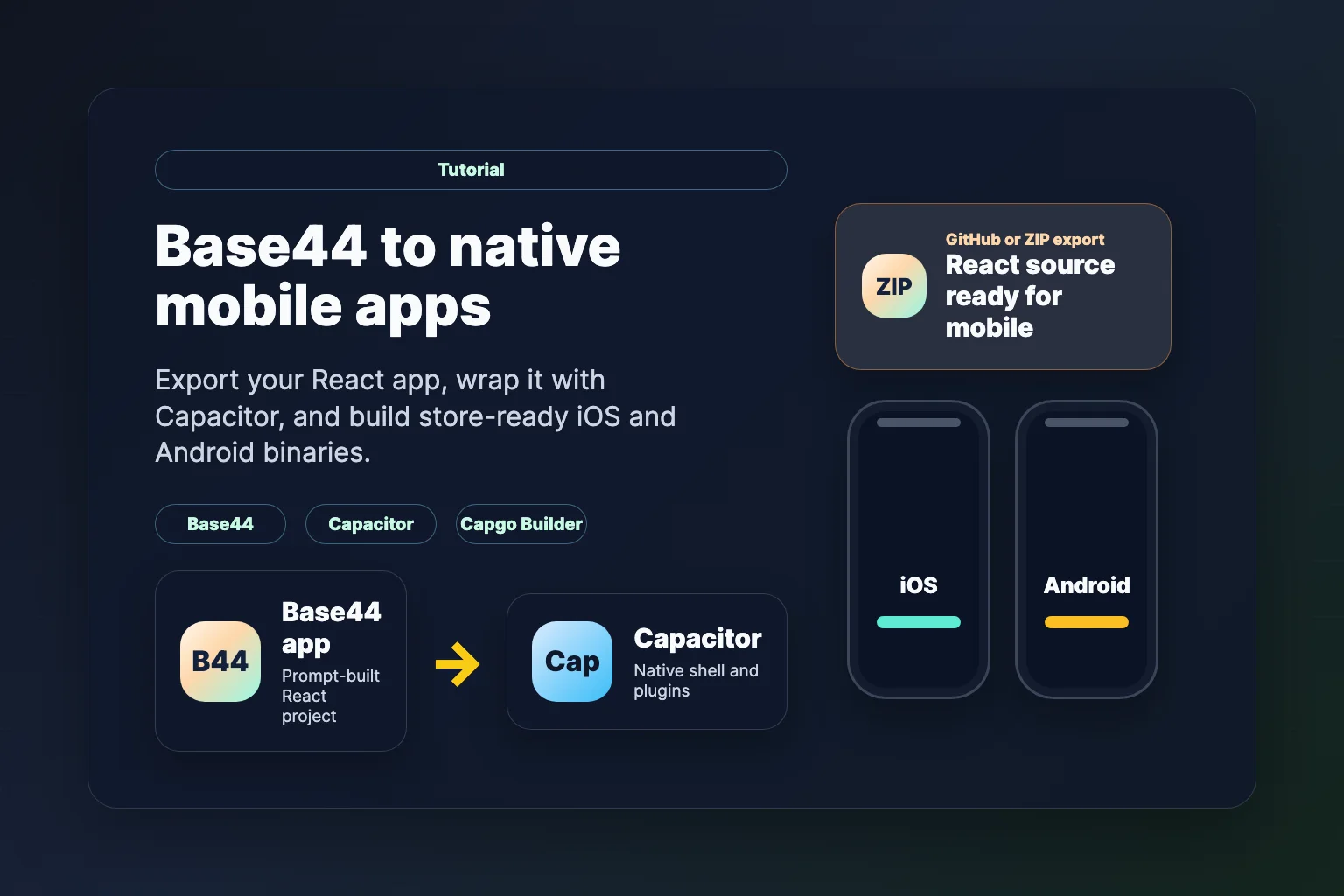
Base44 is an AI-powered app builder that generates full React applications from prompts. You can ship a working product in the browser fast — but what if you want it on iOS and Android? In this tutorial, we show how to export your Base44 project and turn it into native mobile apps with Capacitor, then ship signed store binaries with Capgo Builder — no Mac required for iOS.
Short version: the Base44 to iOS and Android page sums up the whole path on one screen: export, Capacitor, cloud builds without a Mac, and live updates.
By the end of this guide, your Base44 app runs natively on iOS and Android with access to device features like camera, storage, and push notifications.
Prerequisites & Time Estimate
Time Required: 2-4 hours for first-time setup
System Requirements:
- For iOS cloud builds: Any OS (Windows, Mac, or Linux) with Capgo Builder
- For Android cloud builds: Any OS
- Storage: 10GB free space for dependencies and build artifacts
- RAM: 8GB minimum
Costs:
- Base44 export: Builder plan or higher (for GitHub export and ZIP download)
- iOS App Store: $99/year (Apple Developer Account)
- Android Play Store: $25 one-time (Google Play Developer)
- Cursor Pro: $20/month (optional but recommended)
Required Software:
- Node.js 18+
- A code editor such as Cursor
Why Transform Your Base44 App to Mobile?
- Expanded reach: Meet users where they expect a native app icon, not a browser tab
- Native features: Camera, GPS, biometrics, and offline storage through Capacitor plugins
- App Store distribution: Publish on Google Play and the Apple App Store
- Faster iteration: Pair Capgo Live Updates with Capgo Builder for web-layer fixes without rebuilding native binaries every time
Step 1: Export Your Base44 Project
Base44 lets you export code once you are on the Builder plan or higher. You have two main options.
Option A: Export to GitHub (Recommended)
- Open your app in the Base44 editor
- Click the GitHub icon in the top bar
- Authorize Base44 Builder and create or connect a repository
- Base44 syncs your app code to GitHub automatically (two-way sync on supported plans)
See Base44 GitHub integration docs for details.
Option B: Download as ZIP
- Click Code in the top bar to open the file browser
- Click Export project as ZIP in the top right of the code view
- Extract the archive on your computer
Open the Project in Cursor
- Visit cursor.sh and install Cursor
- Clone your GitHub repo (
Git: Clonefrom the command palette) or open the extracted ZIP folder with File > Open Folder
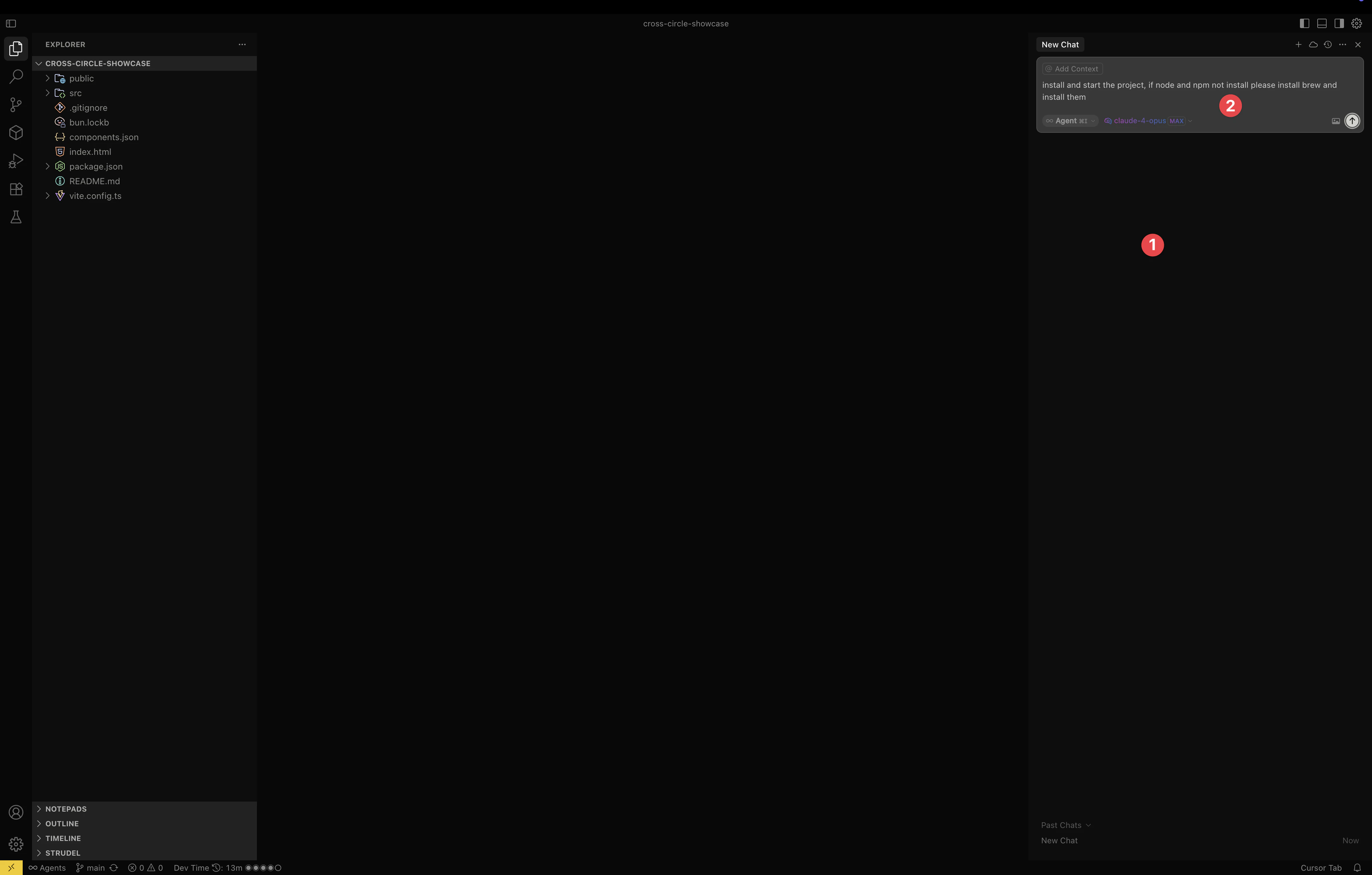
For the best AI-assisted workflow, enable your preferred model and allow command execution in Cursor settings — the same setup described in our Lovable to mobile guide.
Step 2: Set Up Your Development Environment
Base44 exports a standard React project. Install dependencies and confirm the dev server works.
Using Cursor AI (Recommended)
Press Command+K (Mac) or Ctrl+K (Windows) and ask:
Install Node.js if needed, install project dependencies, and start the dev serverManual Setup
cd your-base44-project
npm install
npm run dev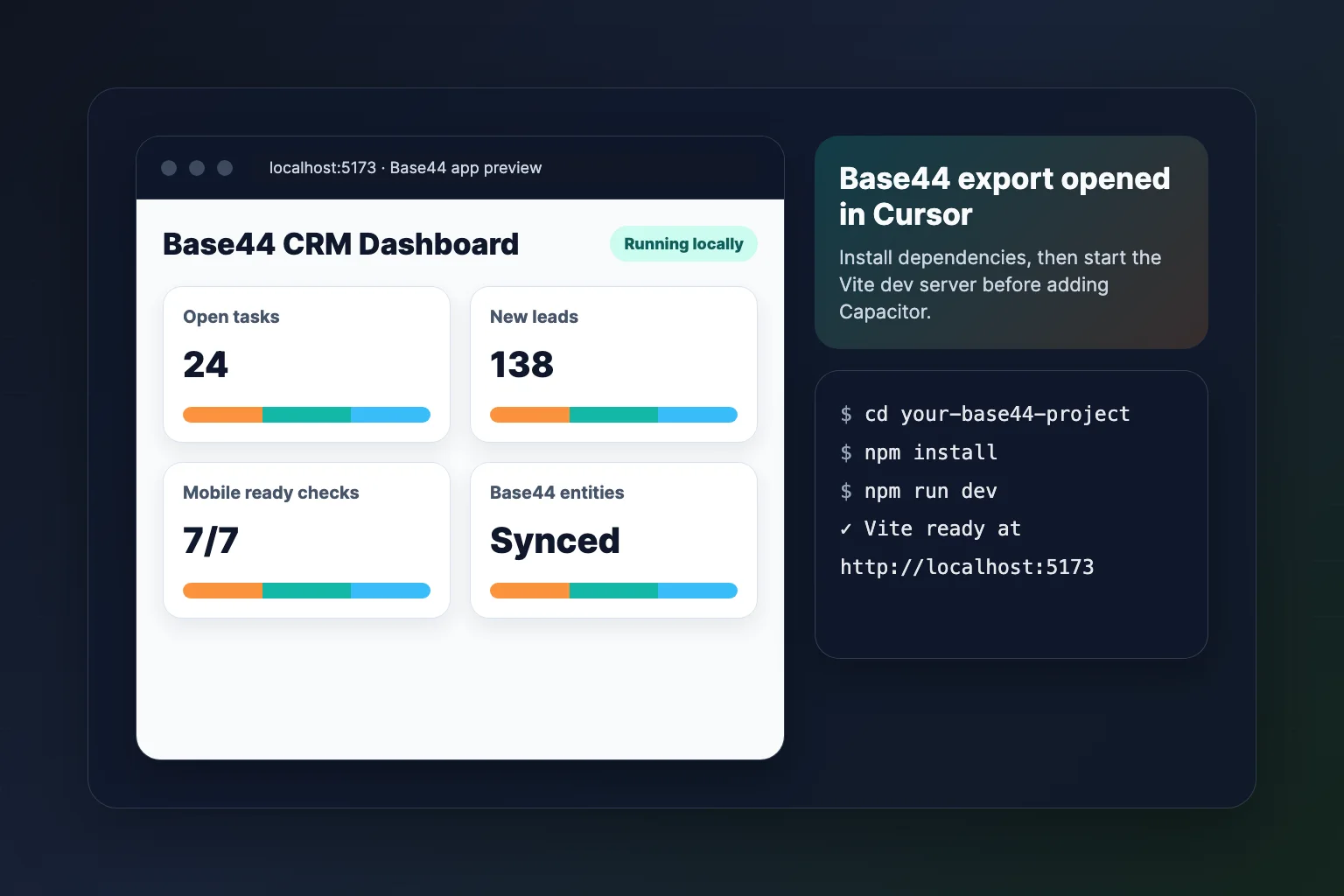
Your Base44 app should load at http://localhost:5173 (Vite) or the port shown in the terminal.
Step 3: Prepare the Production Build
Capacitor needs static web assets. Base44 React apps typically use Vite and output to dist/.
Configure Vite for Mobile
Ask Cursor:
Configure vite.config for Capacitor mobile deployment with base './' and production build to distOr update vite.config.ts manually:
import { defineConfig } from 'vite'
import react from '@vitejs/plugin-react'

export default defineConfig({
  plugins: [react()],
  base: './',
  build: {
    outDir: 'dist',
  },
})
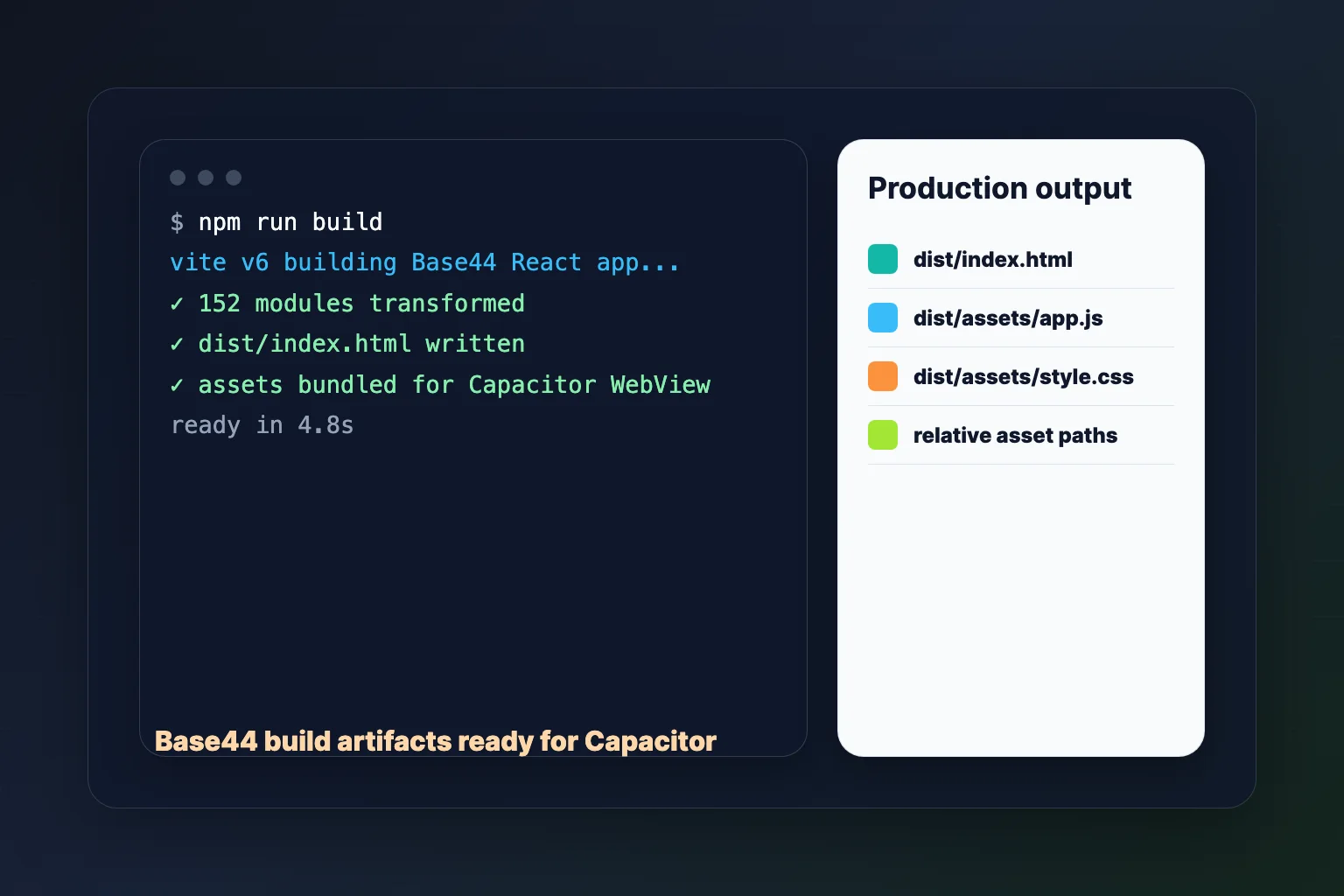
Test the Production Build
npm run buildVerify a dist/ folder exists with index.html and bundled assets.
Step 4: Add Capacitor to Your Base44 Project
Using Cursor AI (Recommended)
Install Capacitor CLI, initialize it for my Base44 app with webDir dist, and add iOS and Android platformsManual Installation
npm install -D @capacitor/cli
npm install @capacitor/core @capacitor/ios @capacitor/android

npx cap init "Your Base44 App" com.yourcompany.yourapp --web-dir dist
npx cap add ios
npx cap add android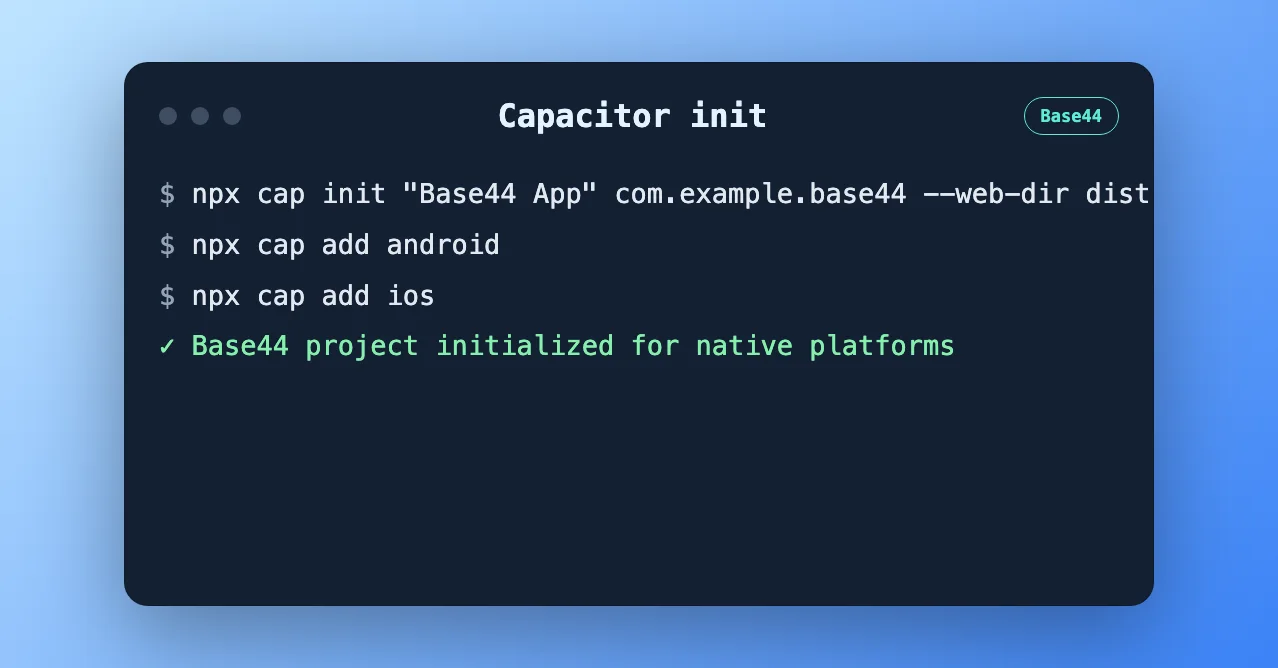
Commit the ios/ and android/ folders to git. Capgo Builder compiles what is in those directories.
Step 5: Configure Capacitor
Update capacitor.config.ts:
import type { CapacitorConfig } from '@capacitor/cli'

const config: CapacitorConfig = {
  appId: 'com.yourcompany.yourapp',
  appName: 'Your Base44 App',
  webDir: 'dist',
  server: {
    androidScheme: 'https',
  },
}

export default config
Consider adding @capgo/capacitor-updater early so you can ship OTA updates after launch. See Capgo Live Updates docs.
Step 6: Build and Sync
Every time you change the web app:
npm run build
npx cap sync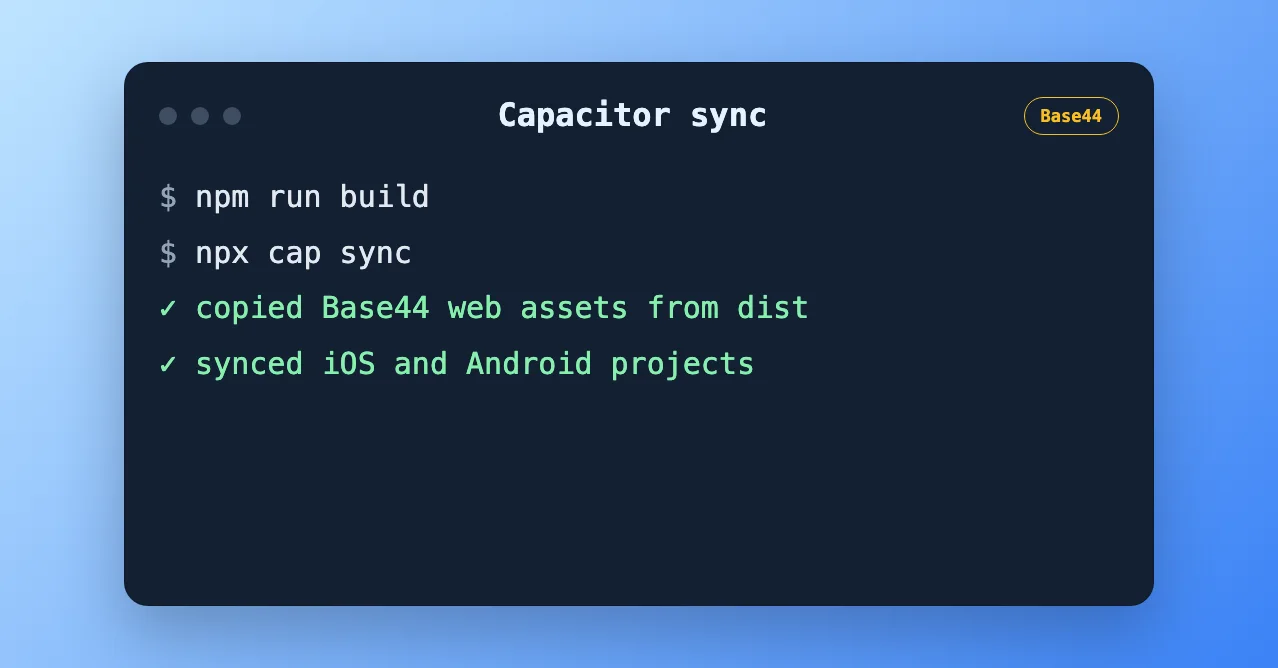
Step 7: Build Store-Ready Binaries with Capgo Builder (Recommended)
Simulator testing is optional. For TestFlight, internal testing, and store submission, use Capgo Builder to compile and sign native binaries in the cloud.
Why Capgo Builder for Base44 apps?
- No Mac required for iOS — build from Windows or Linux
- Same CLI your AI agent can run — fits vibe-coding workflows from Base44 → GitHub → Cursor
- Pairs with Live Updates — fix UI and copy over the air; rebuild native only when plugins or permissions change
Set up Capgo Builder
npx @capgo/cli@latest login
npx @capgo/cli@latest init
npx @capgo/cli@latest build init --platform ios
npx @capgo/cli@latest build init --platform android
Save signing credentials once. See Managing Credentials and Build iOS from Windows.
Request a cloud build
npm run build
npx cap sync
npx @capgo/cli@latest build com.yourcompany.yourapp --platform ios --build-mode release
npx @capgo/cli@latest build com.yourcompany.yourapp --platform android --build-mode release
Build logs stream in your terminal. With App Store Connect configured, iOS builds can upload to TestFlight automatically.
Upload your web bundle for OTA updates:
npx @capgo/cli@latest bundle upload --channel productionStep 8: Optional — Test Locally in Xcode or Android Studio
If you have a Mac or want emulator testing before cloud builds:
npx cap open ios      # Xcode + iOS Simulator
npx cap open android  # Android Studio + emulator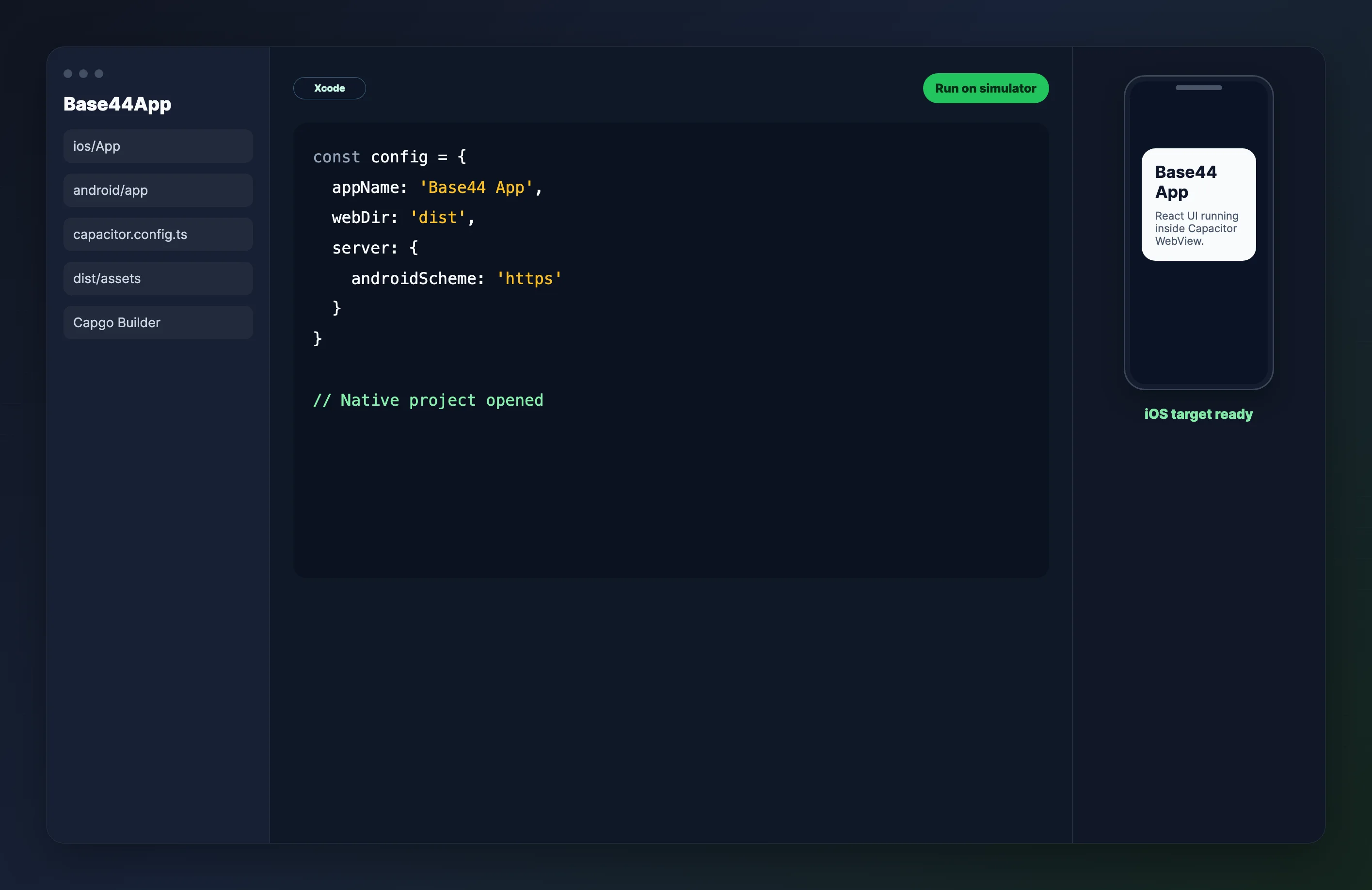
Use local IDEs for day-to-day debugging. Use Capgo Builder when you need signed release binaries.
Step 9: Add Native Features
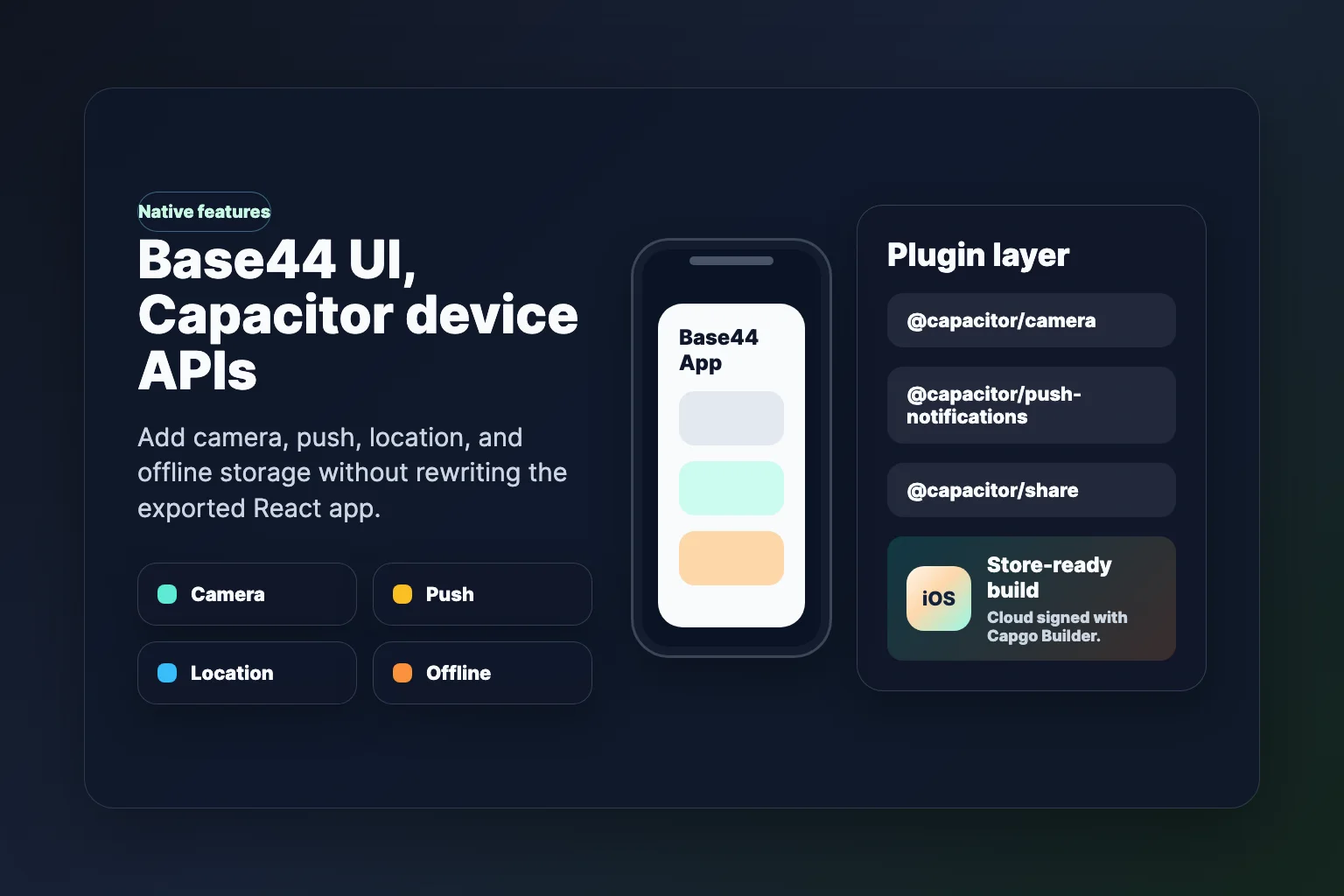
Enhance your Base44 app with device capabilities:
npm install @capacitor/share @capacitor/camera @capacitor/push-notifications
npx cap sync
Ask Cursor to wire Share, Camera, or Push into your React components. After adding plugins, run a new Capgo Builder build before store submission.
Step 10: Optimize for Production
App Icons and Splash Screens
npm install -D @capacitor/assets
# Add assets/icon.png (1024x1024) and assets/splash.png (2732x2732)
npx capacitor-assets generate
npx cap sync
Base44 Backend Considerations
Exported Base44 apps may call Base44’s hosted backend and SDK. That usually works in Capacitor as long as:
- API calls use HTTPS
- Auth redirects work inside the WebView (test login on a real device)
- Deep links are configured if you use magic-link or OAuth flows
If you later migrate off Base44’s backend, plan to replace base44.entities.* and related SDK calls with your own API — the React UI layer typically carries over.
Troubleshooting Common Issues
White screen on launch
- Confirm
base: './'is set in Vite config - Run
npm run buildand check thatdist/index.htmlloads assets with relative paths - Run
npx cap syncafter every web build
Build errors in Capgo Builder
- Commit
ios/andandroid/to git before requesting a cloud build - Run
npx cap synclocally so web assets are copied into native projects - New Capacitor plugins require a fresh native build
Export not available in Base44
GitHub export and ZIP download require the Builder plan or higher. Upgrade in Base44 or copy files manually from the Code view on lower tiers.
Conclusion
You exported a Base44 AI-generated React app, wrapped it with Capacitor, and have a clear path to signed iOS and Android binaries through Capgo Builder — without maintaining a local Xcode farm.
Next Steps
- Capgo Live Updates: Ship UI and copy fixes without waiting on store review
- Capgo Builder: Automate release builds in CI
- Push Notifications: Add
@capacitor/push-notificationsand rebuild with Capgo Builder - Related guides: Lovable to mobile · Bolt.new to mobile
Sign up for a free Capgo account to enable Live Updates and cloud native builds.
Resources
- Base44 Documentation
- Base44 GitHub Integration
- Capacitor Documentation
- Capgo Native Builds
- Capgo — Live Updates for Capacitor Apps
Keep going from Base44 to Native Mobile Apps with Capacitor
If you are using Base44 to Native Mobile Apps with Capacitor to plan native plugin work, connect it with Capgo Plugin Directory for the product workflow in Capgo Plugin Directory, Capacitor Plugins by Capgo for the implementation detail in Capacitor Plugins by Capgo, Capgo Native Builds for the product workflow in Capgo Native Builds, and Build iOS from Windows for cloud iOS builds without a Mac.





