


Introduction
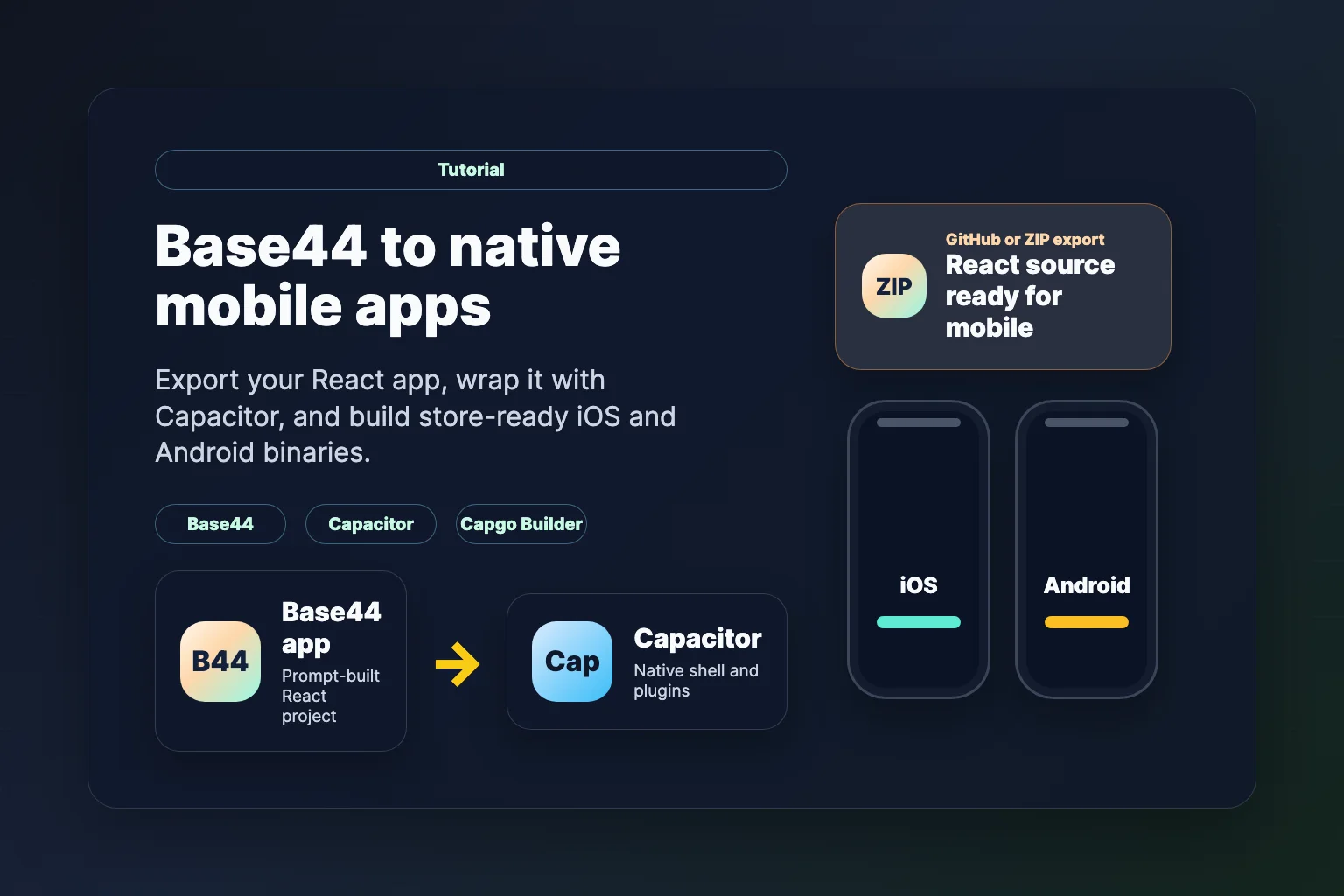
Base44 est un constructeur d'applications basé sur l'IA qui génère des applications React complètes à partir de prompts. Vous pouvez livrer un produit fonctionnel dans le navigateur rapidement — mais qu'est-ce que vous faites si vous voulez le mettre sur iOS et Android ? Dans ce tutoriel, nous montrons comment exporter votre projet Base44 et le transformer en applications mobiles natives avec CapacitorEnsuite, expédiez des binaires de magasin signés avec Capgo Constructeur — pas de Mac nécessaire pour iOS.
À la fin de ce guide, votre application Base44 fonctionne nativement sur iOS et Android avec accès aux fonctionnalités de l'appareil comme la caméra, le stockage et les notifications push.
Prérequis & Estimation de Temps
Temps requis: 2-4 heures pour la première installation
Exigences du Système:
- Pour les builds cloud iOS: Toute plateforme d'OS (Windows, Mac ou Linux) avec Capgo Constructeur
- Pour les builds cloud Android: Any OS
- Stockage10 Go de stockage gratuit pour les dépendances et les artefacts de build
- RAM: 8 Go minimum
Coûts:
- Export Base44: Builder plan or higher (for GitHub export and ZIP download)
- App Store iOS: 99 $ par an (Compte développeur Apple)
- Google Play Store Android: 25 $ une fois (Google Play Developer)
- Cursor Pro: 20 $ par mois (facultatif mais recommandé)
Logiciels requis:
- Node.js 18+
- A code editor such as Cursor
Why Transform Your Base44 App to Mobile?
- Une portée accrue: Meet users where they expect a native app icon, not a browser tab
- Fonctionnalités natives: Caméra, GPS, biométrie et stockage hors ligne grâce aux plugins Capacitor
- Distribution sur l'App Store: Publiez sur Google Play et sur l'App Store d'Apple
- Une itération plus rapide: Associez les mises à jour Capgo à l'aide du Capgo Builder pour les corrections de la couche web sans devoir reconstruire les binaires natifs à chaque fois
Étape 1 : Exportez votre projet Base44
Base44 vous permet d'exporter le code une fois que vous êtes sur le Builder plan ou un plan supérieur. Vous avez deux options principales.
Option A : Exporter vers le GitHub (Recommandé)
- Ouvrez votre application dans l'éditeur Base44
- Cliquez sur le GitHub icon dans la barre supérieure
- Autorisez Base44 Builder et créer ou se connecter à un dépôt
- Base44 syncs your app code to GitHub automatically (two-way sync on supported plans)
Voir Documentation des intégrations Base44 GitHub pour plus de détails.
Option B : Télécharger sous forme de ZIP
- Cliquez Code in the top bar to open the file browser
- Cliquez Exporter le projet sous forme de ZIP en haut à droite de la vue code
- Extraire l'archive sur votre ordinateur
Ouvrir le projet dans Cursor
- Visitez cursor.sh et installez Cursor
- Cloner votre GitHub repo (
Git: Cloneà partir de la palette de commandes) ou ouvrir le dossier ZIP extrait avec Ouvrir > Ouvrir dossier
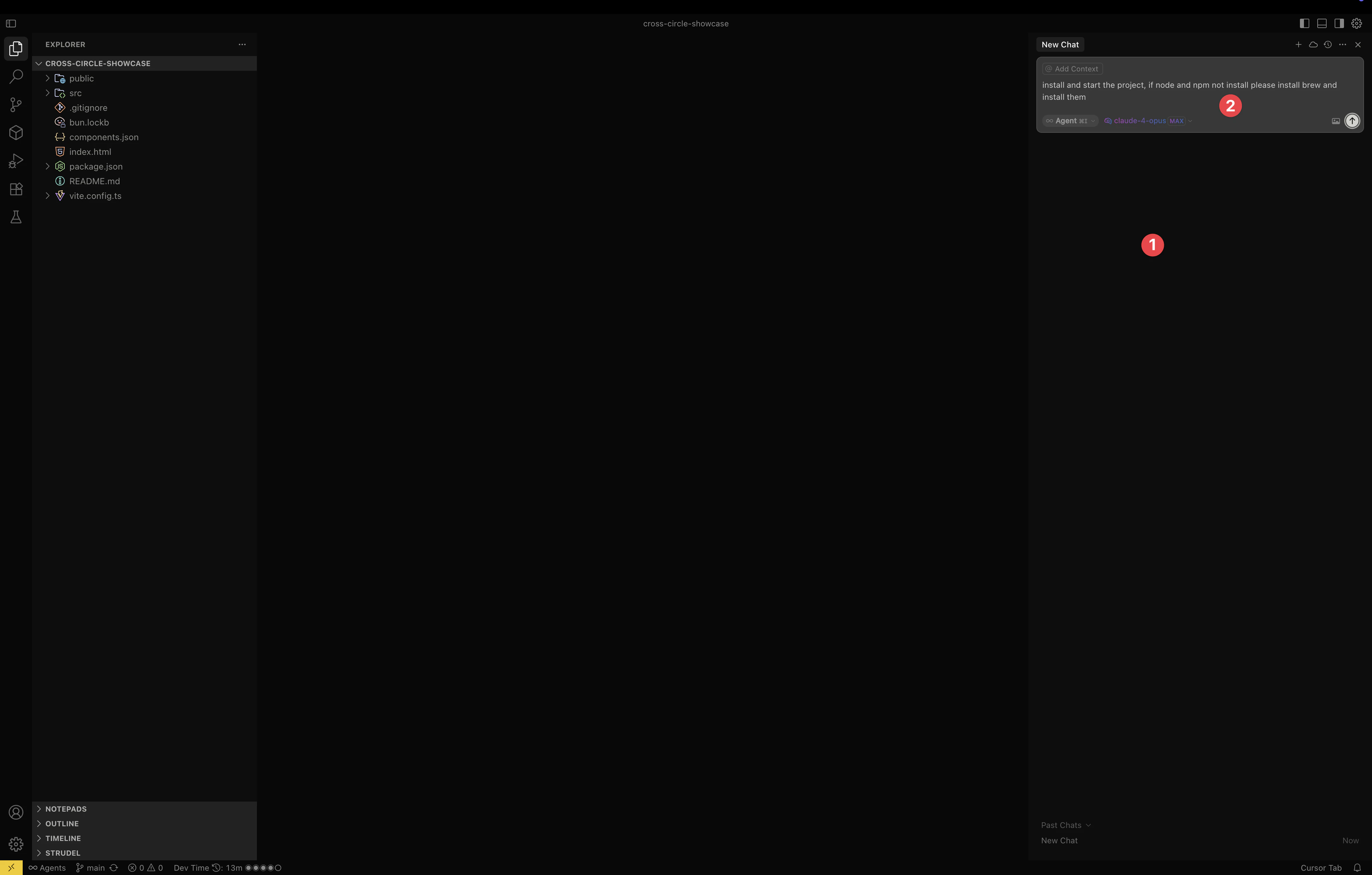
Pour un flux de travail assisté par l'IA optimal, activez votre modèle préféré et permettez l'exécution de commandes dans les paramètres de Cursor — le même paramètre décrit dans notre Guide de passage de Lovable à mobile.
Étape 2 : Configurer votre environnement de développement
Base44 export un projet React standard. Installez les dépendances et confirmez que le serveur de développement fonctionne.
En utilisant Cursor AI (Recommandé)
Appuyez Command+K (Mac) ou Ctrl+K (Windows) et demandez :
Install Node.js if needed, install project dependencies, and start the dev serverConfiguration manuelle
cd your-base44-project
npm install
npm run dev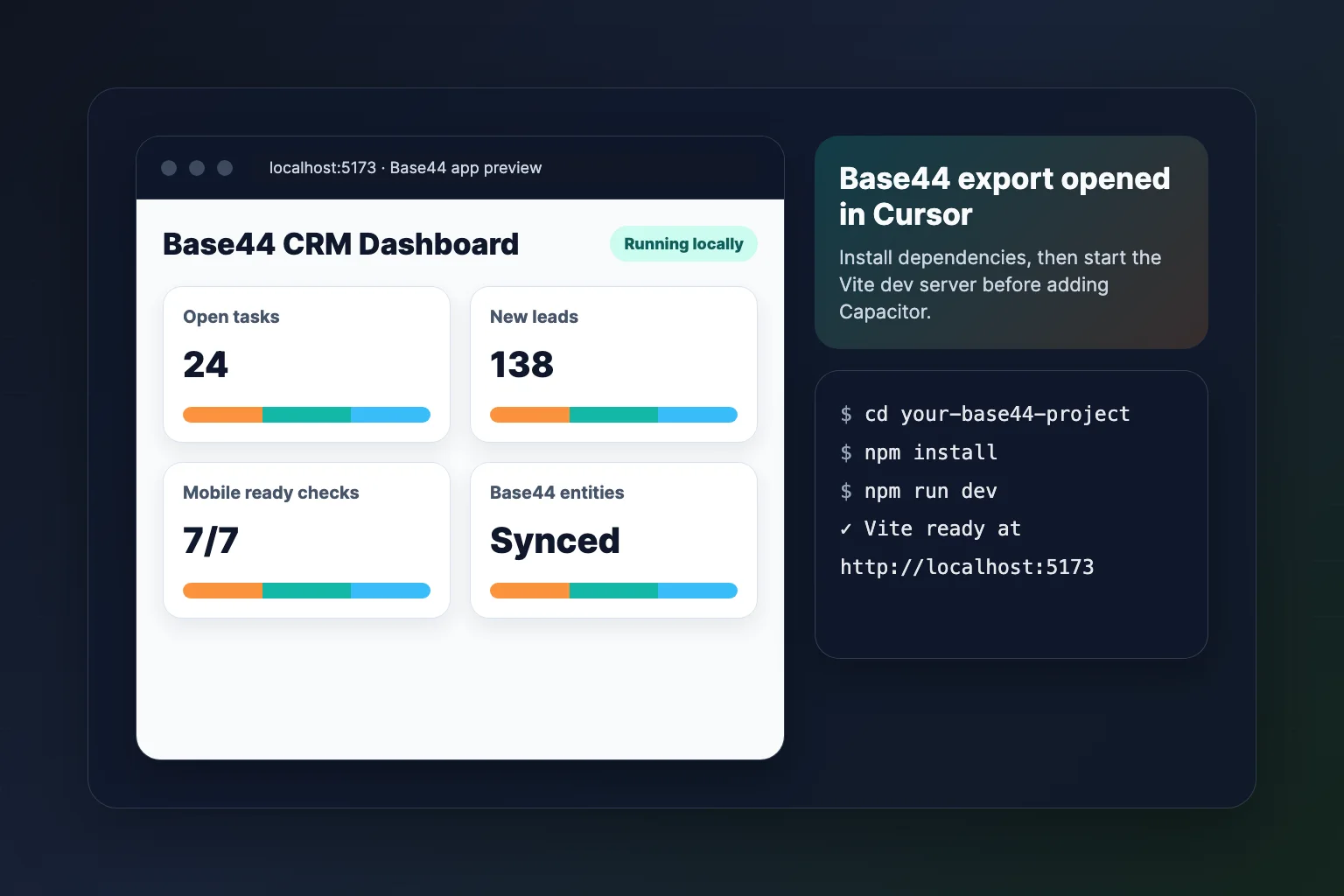
Votre application Base44 doit s'afficher à l'adresse http://localhost:5173 (Vite) ou le port affiché dans la console.
Étape 3 : Préparez la mise en production
Capacitor needs static web assets. Base44 React apps typically use Vite and output to dist/.
Configurez Vite pour Mobile
Posez la question.
Configure vite.config for Capacitor mobile deployment with base './' and production build to distOu mettre à jour vite.config.ts manuellement :
import { defineConfig } from 'vite'
import react from '@vitejs/plugin-react'

export default defineConfig({
  plugins: [react()],
  base: './',
  build: {
    outDir: 'dist',
  },
})
Tester la version de production
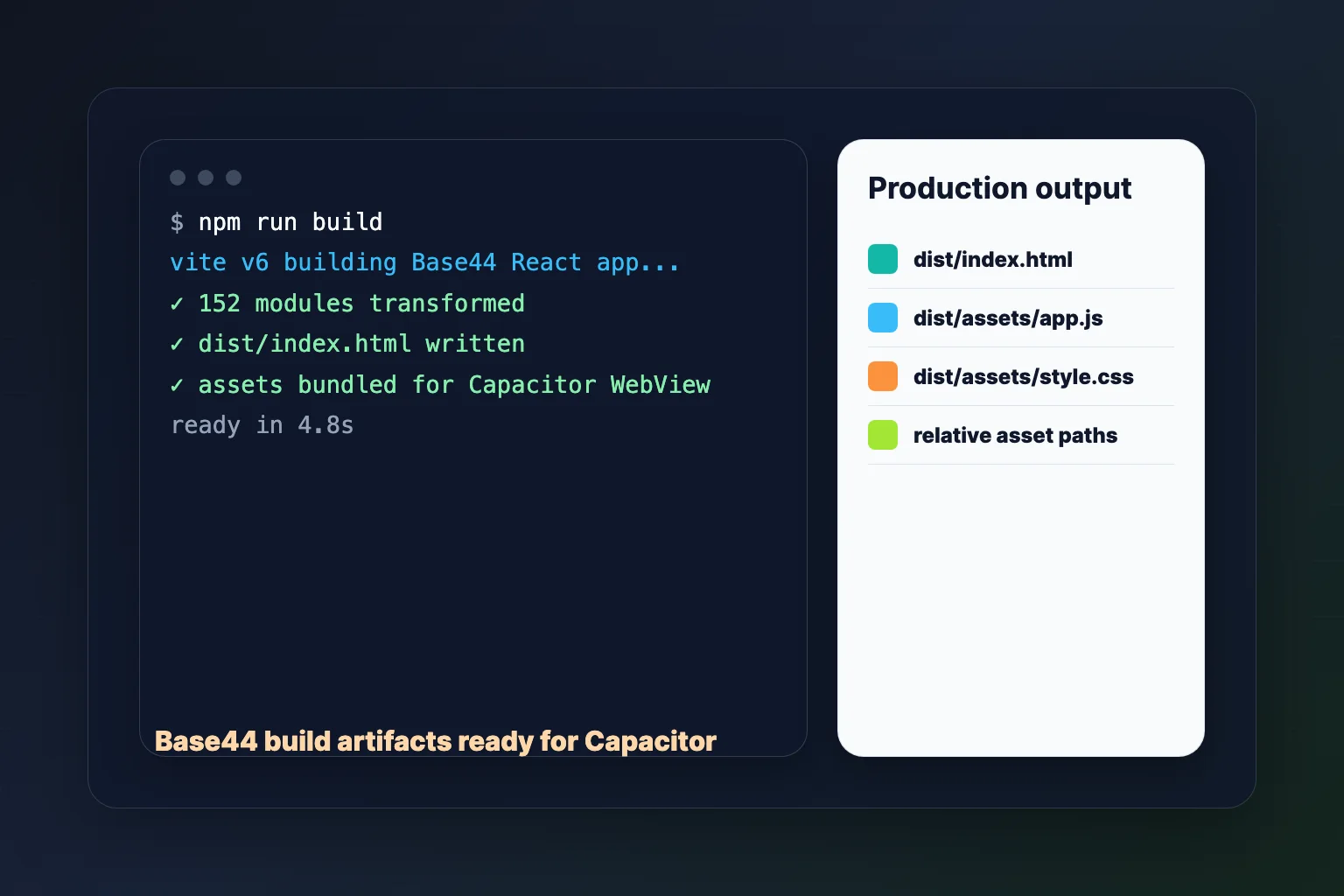
npm run buildVérifier qu'un dist/ dossier existe avec index.html et des actifs empaquetés.
Étape 4 : Ajouter Capacitor à votre projet Base44
Utilisation de l'IA du curseur (recommandée)
Install Capacitor CLI, initialize it for my Base44 app with webDir dist, and add iOS and Android platformsInstallation manuelle
npm install -D @capacitor/cli
npm install @capacitor/core @capacitor/ios @capacitor/android

npx cap init "Your Base44 App" com.yourcompany.yourapp --web-dir dist
npx cap add ios
npx cap add android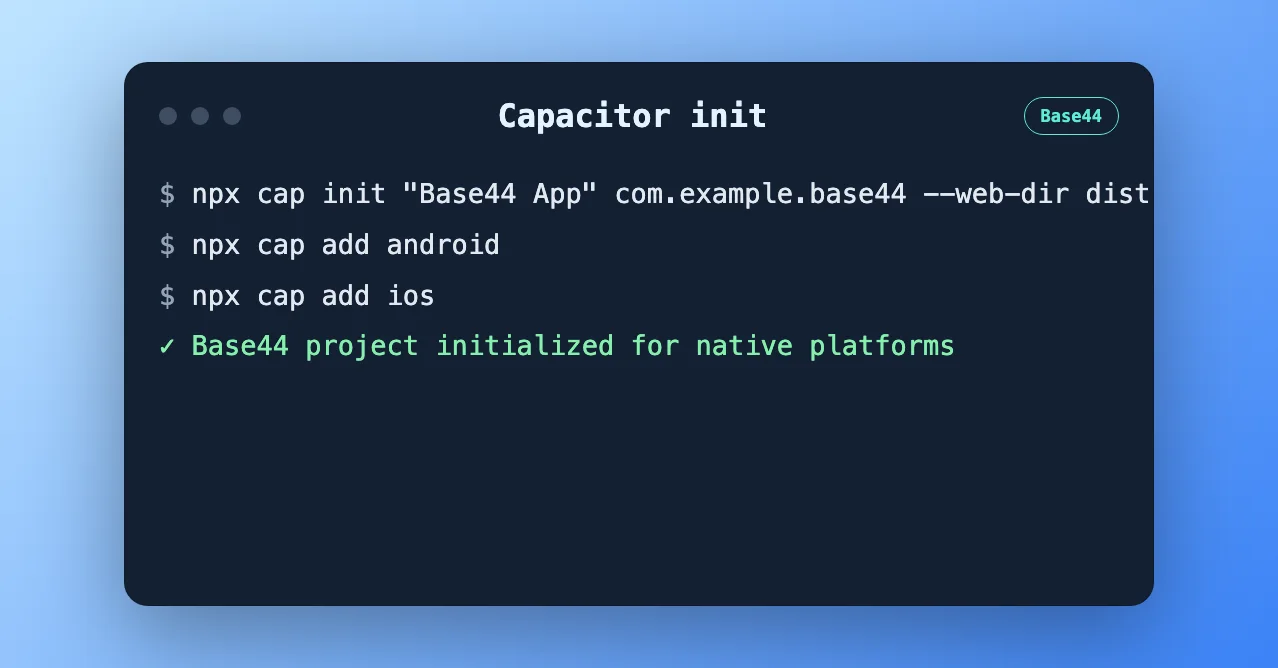
Committez les ios/ et android/ dossiers vers git. Capgo Le constructeur compile ce qui se trouve dans ces répertoires.
Étape 5 : Configurez Capacitor
Mettez à jour capacitor.config.ts:
import type { CapacitorConfig } from '@capacitor/cli'

const config: CapacitorConfig = {
  appId: 'com.yourcompany.yourapp',
  appName: 'Your Base44 App',
  webDir: 'dist',
  server: {
    androidScheme: 'https',
  },
}

export default config
Considérez d'ajouter @capgo/capacitor-updater tôt pour pouvoir envoyer des mises à jour OTA après le lancement. Voir Capgo La documentation des mises à jour en direct.
Étape 6 : Construire et synchroniser
Tout le temps que vous modifiez l'application web :
npm run build
npx cap sync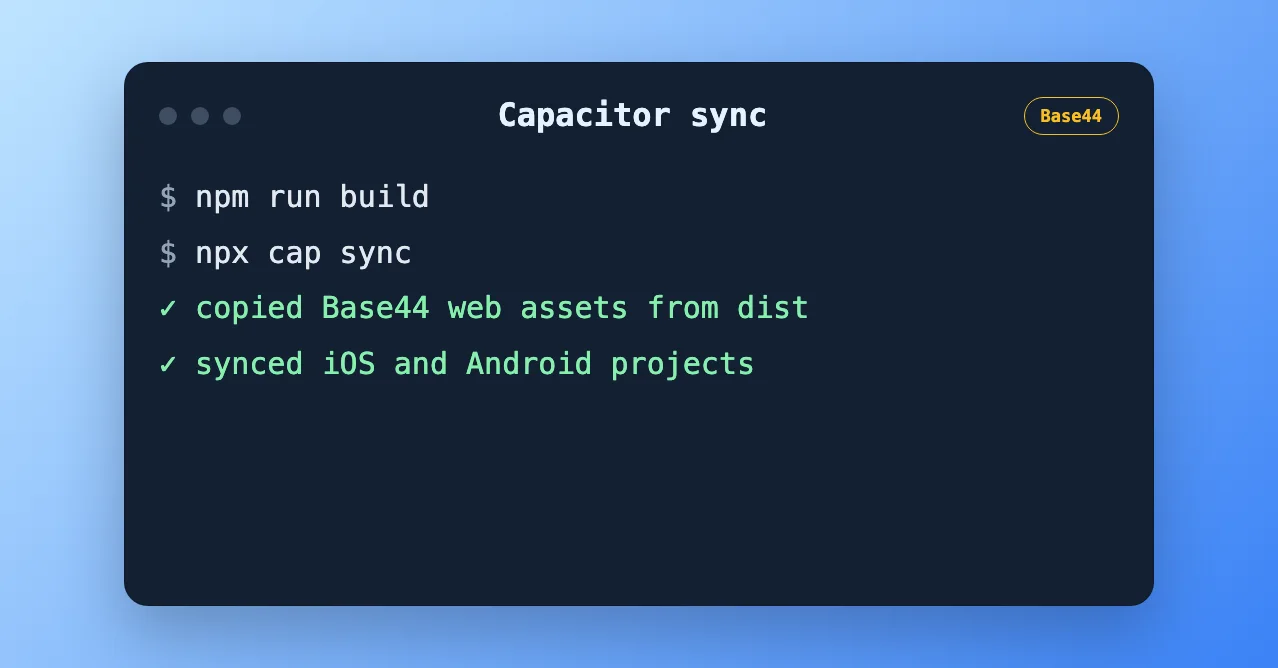
Étape 7 : Construire des fichiers binaires prêts à l'emploi avec Capgo Le compilateur (Recommandé)
La test de simulateur est facultative. Pour TestFlight, le test interne et la soumission de l'application, utilisez Capgo Constructeur Pour compiler et signer des binaires natifs dans le cloud.
Why Capgo Builder for Base44 apps?
- Aucun Mac n'est requis pour iOS — construire à partir de Windows ou Linux
- Même CLI que votre agent IA peut exécuter — convient aux workflows de codage vibe de Base44 → GitHub → Cursor
- S'associe aux Mises à jour en direct — fix UI and copy over the air; rebuild native only when plugins or permissions change
Configurez Capgo Constructeur
npx @capgo/cli@latest login
npx @capgo/cli@latest init
npx @capgo/cli@latest build init --platform ios
npx @capgo/cli@latest build init --platform android
Enregistrez vos clés de signature une fois. Voir Gestion des identifiants et Construire iOS à partir de Windows.
Demander une construction cloud
npm run build
npx cap sync
npx @capgo/cli@latest build com.yourcompany.yourapp --platform ios --build-mode release
npx @capgo/cli@latest build com.yourcompany.yourapp --platform android --build-mode release
Les journaux de build s'affichent dans votre terminal. Avec App Store Connect configuré, les builds iOS peuvent être envoyés automatiquement vers TestFlight.
Téléversez votre bundle web pour les mises à jour OTA :
npx @capgo/cli@latest bundle upload --channel productionÉtape 8 : Facultatif — Tester localement dans Xcode ou Android Studio
Si vous avez un Mac ou souhaitez tester avec un émulateur avant les constructions cloud :
npx cap open ios      # Xcode + iOS Simulator
npx cap open android  # Android Studio + emulator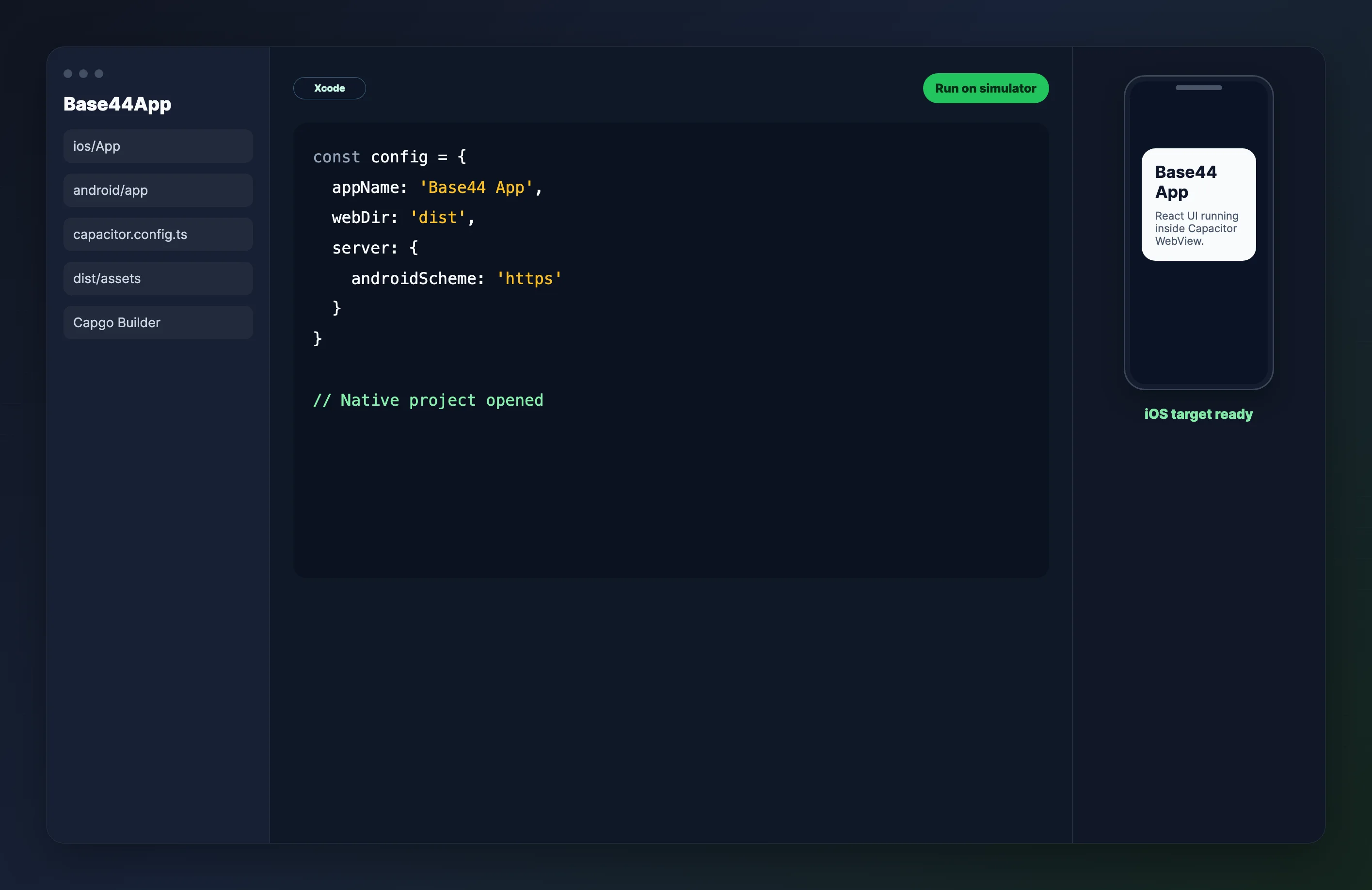
Utilisez les IDE locaux pour le débogage quotidien. Utilisez Capgo Constructeur when you need signed release binaries.
Étape 9 : Ajouter des fonctionnalités natives
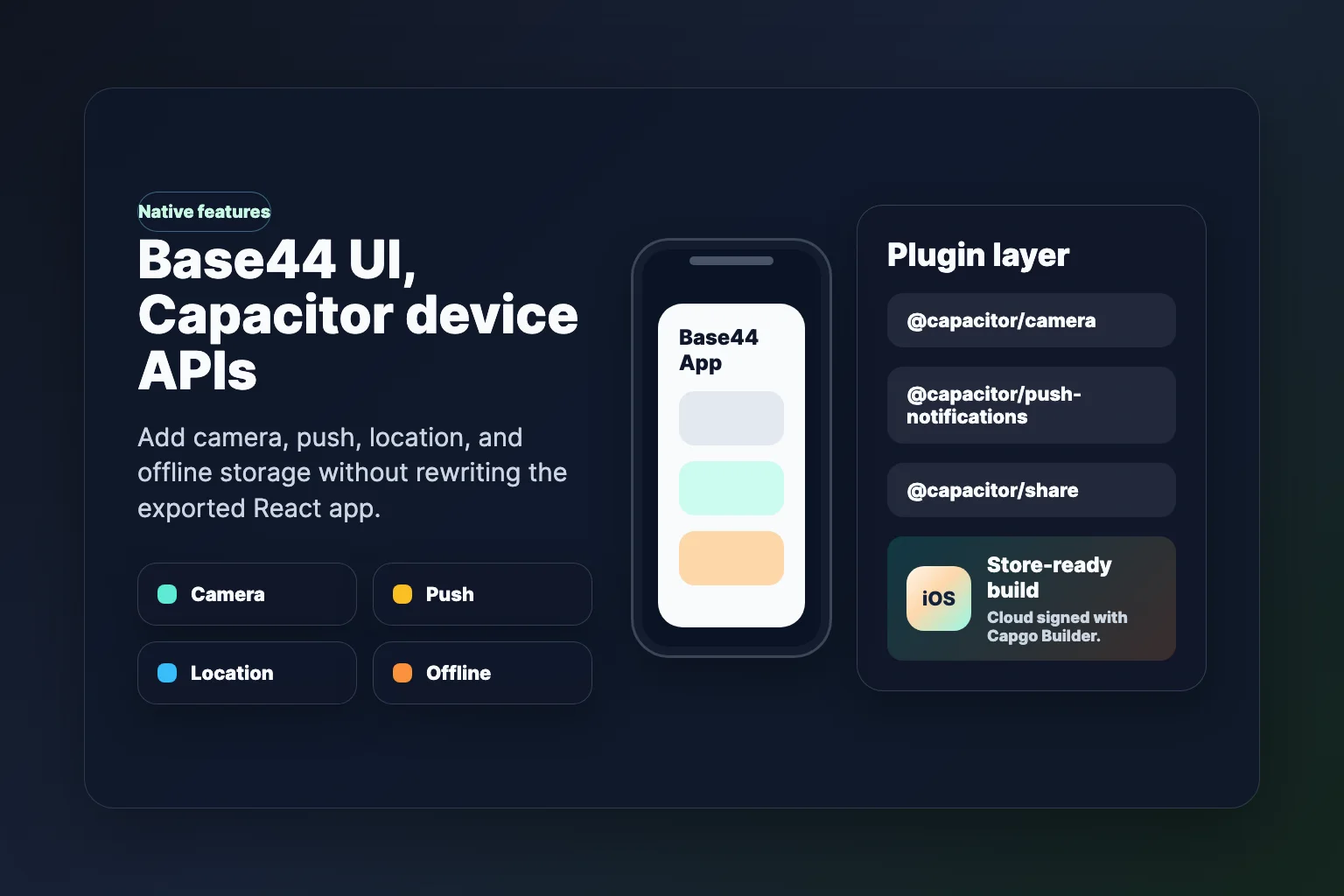
Améliorez votre application Base44 avec les capacités du dispositif :
npm install @capacitor/share @capacitor/camera @capacitor/push-notifications
npx cap sync
Demandez à Cursor de connecter Partager, Caméra ou Push dans vos composants React. Après avoir ajouté des plugins, exécutez un nouveau Capgo Constructeur Construire avant la soumission de l'application.
Étape 10 : Optimiser pour la production
Icons d'application et écrans de splash
npm install -D @capacitor/assets
# Add assets/icon.png (1024x1024) and assets/splash.png (2732x2732)
npx capacitor-assets generate
npx cap sync
Considérations du backend Base44
Les applications Base44 exportées peuvent appeler le backend hébergé de Base44 et SDK. Cela fonctionne généralement dans Capacitor à condition que :
- API appelle HTTPS
- Auth redirects work inside the WebView (test login on a real device)
- Les liens profonds sont configurés si vous utilisez des flux de lien magique ou OAuth
Si vous migrez plus tard vers le backend de Base44, prévoyez de remplacer base44.entities.* et les appels liés SDK par vos propres API — la couche UI React est généralement conservée.
Résoudre les problèmes courants
Écran blanc au lancement
- Confirmer
base: './'est défini dans la configuration Vite - Démarrez
npm run buildet vérifiez quedist/index.htmlcharge les assets avec des chemins relatifs - Démarrez
npx cap syncaprès chaque build web
Erreurs de construction dans Capgo Builder
- Commit
ios/etandroid/avant de demander une construction cloud - Démarrez
npx cap syncLes actifs web sont copiés localement dans les projets natifs. - Nouveaux plugins Capacitor nécessitent une mise à jour native.
__CAPGO_KEEP_0__ exportation et téléchargement ZIP nécessitent le
GitHub export and ZIP download require the Plan de constructeur ou supérieurMettez à niveau dans Base44 ou copiez les fichiers manuellement depuis la vue Code sur les niveaux inférieurs.
Commit
Vous avez exporté une application React générée par Base44, l'avez enveloppée avec Capacitor, et avez un chemin clair vers des binaires iOS et Android signés. Capgo Constructeur — sans entretenir une ferme locale Xcode.
Étapes suivantes
- Capgo Live Updates: Ship UI and copy fixes without waiting on store review
- Capgo ConstructeurAutomatiser les builds de version finale dans l'CI
- Notifications de PushAjoutez
@capacitor/push-notificationset reconstruire avec Capgo Builder - Guides connexes: Lovable to mobile · Bolt.new vers mobile
Sign up for a free Capgo account Activer les mises à jour en temps réel et les builds cloud natifs.
Ressources
- Documentation Base44
- Base44 GitHub Integration
- Documentation de Capacitor
- Capgo Native Builds
- Capgo — Live Updates for Capacitor Apps
Continuez de Base44 vers les Applications Mobiles Natives avec Capacitor
Si vous utilisez Base44 to Native Mobile Apps with Capacitor pour planifier le travail de plugin natif, connectez-l’à Répertoire de plugin Capgo pour le flux de travail du produit dans le Répertoire de plugin Capgo Plugins Capacitor par Capgo pour les détails d'implémentation dans les Plugins Capacitor par Capgo Constructions natives Capgo pour le flux de travail du produit dans Capgo Native Builds, et Construire iOS à partir de Windows pour les builds iOS cloud sans Mac.





