Introduction
PWABuilder helps teams ship an existing Progressive Web App to app stores. Enter your HTTPS URL, review the PWA report card, and download packages for Microsoft Store, Google Play, or iOS. The tool is free and open source on GitHub.
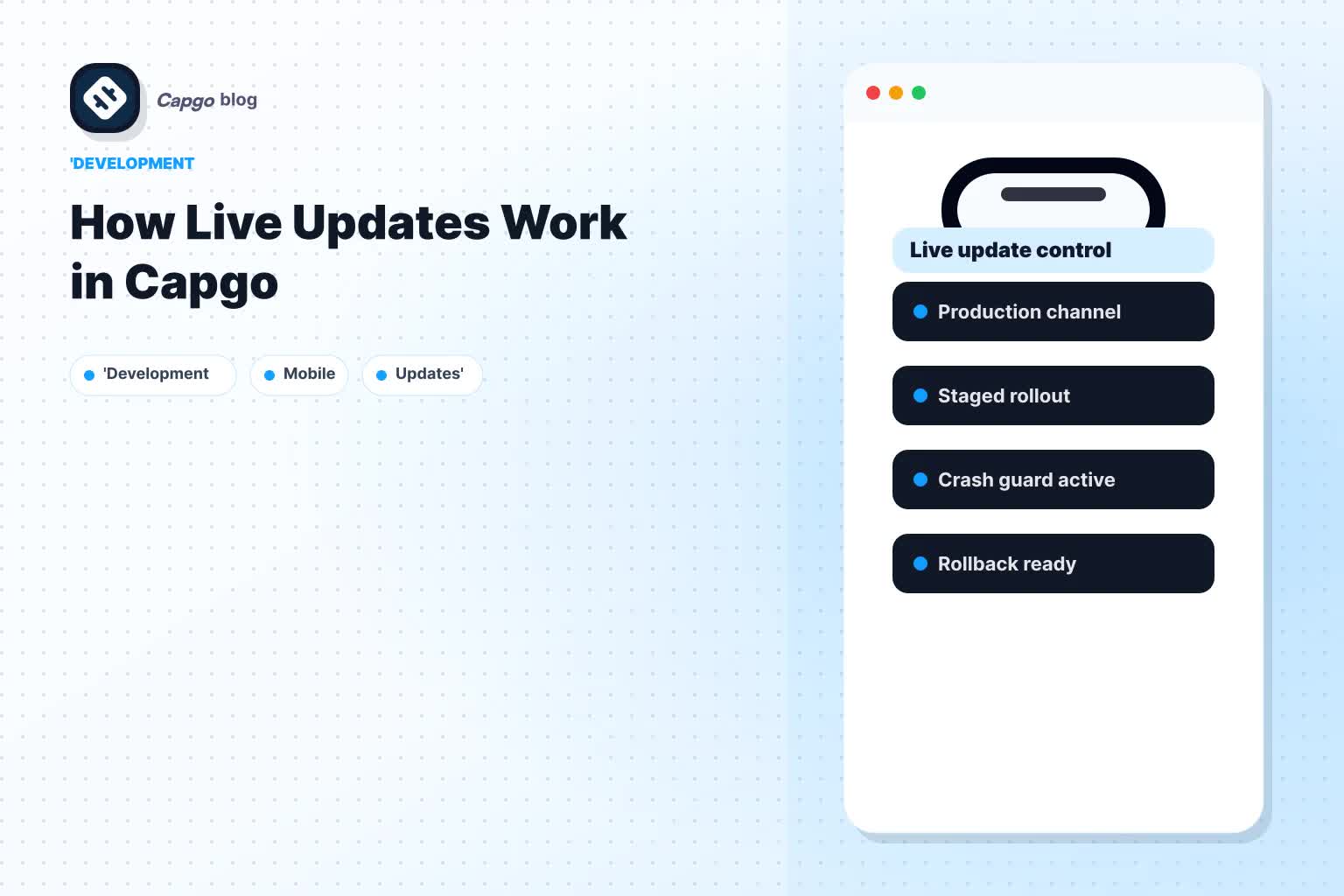
Capacitor takes a different path. It copies your production web build into native ios/ and android/ projects so you can call device APIs through plugins. Capgo Builder compiles signed store binaries in the cloud, and Capgo live updates ship new web bundles to installed apps with channels and rollback.
Short version: the PWABuilder to iOS and Android page maps export, Capacitor, cloud builds without a Mac, and live updates on one screen. For a straight PWABuilder vs Capgo comparison, see PWABuilder vs Capgo.
This guide explains what PWABuilder actually delivers, where Capgo fits, and how to move from a PWABuilder-packaged PWA (or the same web app) into Capacitor.
Time required: about 1 to 3 hours if you already have a PWA repo and store accounts.
By the end, you will know:
- Which store paths PWABuilder covers and what each package contains
- When PWABuilder is the simpler choice vs Capacitor plus Capgo
- The steps to wrap the same PWA in Capacitor and enable Capgo Build and live updates
What PWABuilder does (verified basics)
Per PWABuilder quick start, your PWA should:
- Be published at a public URL
- Have a complete web manifest
- Be served over HTTPS
The packaging flow is: enter the URL, open the report card, choose Package for stores, pick a platform, fill metadata, and download the zip.
Store accounts: PWABuilder docs list developer account costs for Microsoft, Google Play, and Apple. Factor those into release planning alongside any Capgo subscription you choose for builds and live updates (Capgo pricing).
Updates without resubmitting: PWABuilder documentation states that packaged PWAs load your live site, so content changes on the server reach users without republishing the store listing. Cached offline data can lag until the user is online again.
Android: Packaging uses Bubblewrap to produce a Trusted Web Activity (AAB/APK). The Android form can mark a build as compatible with Meta Quest devices via a checkbox that sets Bubblewrap’s Meta Quest options (see PWABuilder Android packaging docs and the CloudAPK isMetaQuest option).
iOS: PWABuilder produces a native WebView wrapper you build with Xcode on a Mac. Treat iOS as higher risk for App Review than a fully native Capacitor app with plugins and bundled assets.
Microsoft Store: PWABuilder is a Microsoft project with first-class Windows store packaging.
PWABuilder vs Capacitor plus Capgo
| Topic | PWABuilder | Capacitor + Capgo |
|---|---|---|
| Cost of packaging tool | Free (MIT) | Capacitor is open source; Capgo has free tier and paid plans |
| What ships in the app | Loads your hosted PWA URL (TWA / WebView) | Bundled static web build in native projects |
| Native APIs | Limited to what the wrapper exposes | Capacitor and Capgo plugins (camera, push, purchases, and more) |
| iOS build machine | Mac + Xcode for PWABuilder iOS output | Capgo Build can compile iOS in the cloud |
| Updating installed users | Deploy your website | Capgo live updates (web layer) plus store builds for native changes |
| Rollback | Follow your web deploy process | Capgo channels and rollback for bundles |
| Microsoft Store | Built-in PWABuilder path | Capacitor targets iOS and Android; use PWABuilder or another path for Microsoft Store |
Choose PWABuilder when your PWA already does everything you need in a browser or TWA, you want zero packaging fees, or Microsoft Store is a primary target.
Choose Capacitor and Capgo when you need native features, offline-first bundles, a more dependable iOS story, or managed live updates after the app is in the store.
Prerequisites
| Requirement | Details |
|---|---|
| PWA source code | The repo that builds your manifest and service worker, not only the PWABuilder download |
| Node.js | 24 LTS recommended |
| Package manager | Bun (or npm if your project already uses it) |
| Capgo account | Free signup for live updates and Capgo Build |
| Store accounts | Apple Developer Program and Google Play developer account when you publish |
Optional: run PWABuilder first to confirm manifest and HTTPS scores before you invest in Capacitor.
Step 1: Confirm you have the web project, not only the wrapper
PWABuilder’s zip contains store projects (for example Bubblewrap Android or iOS WebView). Capacitor needs the compiled web assets from your framework.
- Clone the repository that you deploy to the URL PWABuilder analyzed
- Run your production build (
bun run buildor equivalent) - Confirm
index.htmlexists indist,build,out, orwww
If you only have a static host folder and no framework build, copy the site into a child directory such as www/, initialize Capacitor at the project root, and set --web-dir www (Capacitor does not accept . as webDir).
Detailed WebView checks live in Transform your PWA to a native app with Capacitor.
Step 2: Add Capacitor
From your PWA project root:
bun add @capacitor/core @capacitor/cli @capacitor/ios @capacitor/android
bunx cap init "Your App" com.company.app --web-dir dist
bunx cap add ios && bunx cap add android
bun run build && bunx cap sync
Replace dist with your real output folder. Set webDir in capacitor.config.ts to match.
The full onboarding flow is in Capgo CLI onboarding and the PWABuilder to Capacitor docs.
Step 3: Add Capgo and live updates
npx @capgo/cli@latest init
bun add @capgo/capacitor-updater && bunx cap sync
Configure plugins.CapacitorUpdater (CLI onboarding creates a default production channel and injects the updater import and CapacitorUpdater.notifyAppReady() into your app entry). For a static-only www/ layout, bundle an entry script that imports CapacitorUpdater from @capgo/capacitor-updater and calls notifyAppReady() before app initialization. Upload your first bundle:
bun run build
npx @capgo/cli@latest bundle upload --channel=production --auto-bump
Live updates change web assets only. New plugins, permissions, or native code still need a store build. See live update compatibility.
Step 4: Build iOS and Android in the cloud
You do not need a Mac on the main Capgo path:
npx @capgo/cli@latest build init
npx @capgo/cli@latest build request --platform ios
npx @capgo/cli@latest build request --platform android
See Capgo Cloud Build and Build iOS from Windows if iOS signing is new to you.
Step 5: CI for repeat releases
Wire bundle upload to your deploy pipeline, for example on each push to main:
bun ci && bun run build
npx @capgo/cli@latest bundle upload --channel=production --auto-bump
Example: GitHub Actions integration.
Conclusion
PWABuilder is a strong free option when your PWA is store-ready and URL-based updates are enough. Capacitor with Capgo is the path when you outgrow hosted shells: native plugins, bundled offline experiences, cloud iOS builds, and controlled live updates.
Next steps
- PWABuilder to mobile solution: One-page playbook
- PWABuilder vs Capgo: Side-by-side facts
- PWA to Capacitor deep dive: WebView and service worker details
- Capgo live updates: Channels, rollouts, and rollback
Sign up for Capgo to run Capgo Build and live updates on your Capacitor app.
Resources
- PWABuilder
- PWABuilder documentation
- PWABuilder on GitHub
- Capacitor documentation
- Capgo PWABuilder to Capacitor docs
Keep going from PWABuilder to Capacitor
If you are using PWABuilder to Capacitor to plan native plugin work, connect it with Capgo Plugin Directory for available plugins, Capgo Native Builds for cloud signing, and Capgo live updates for post-release web changes.