
API Keys
Copy a setup prompt with the install steps and the full markdown guide for this plugin.
API keys use role-based access control (RBAC). A key can have an organization-wide role, app-scoped bindings, or both. Every app binding remains associated with that app’s owning organization. For least privilege, restrict a key to selected apps instead of assigning an organization-wide role.
Where are API keys managed?
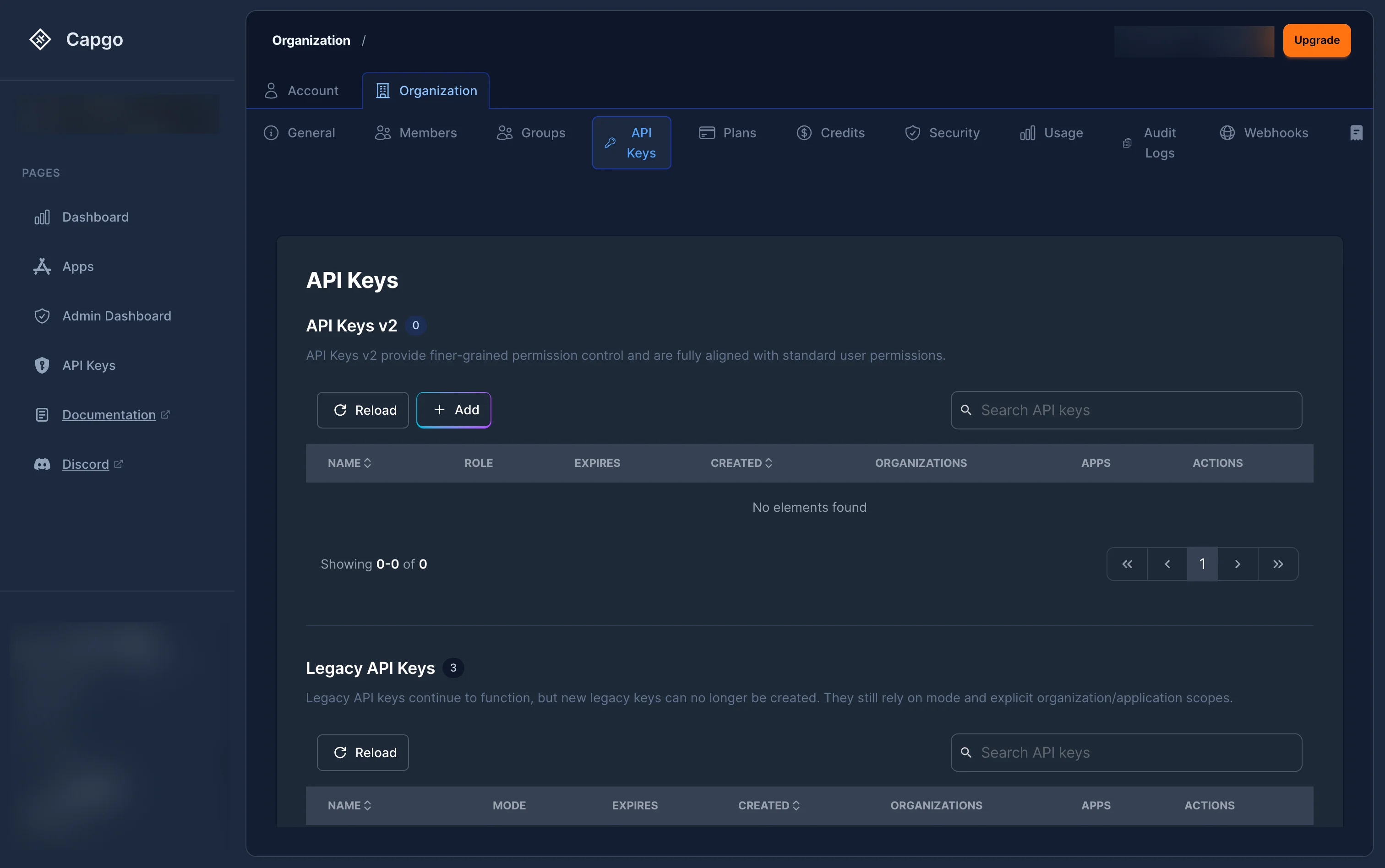
Section titled “Where are API keys managed?”Navigate to Settings > Organization > API Keys at console.capgo.app/settings/organization/api-keys.
The page displays two sections:
- RBAC Keys — Keys with assigned roles (recommended). These keys use the new role-based permission system.
- Legacy Keys — Older keys that use the simple mode-based system (
read,upload,write,all) without role assignments.
How to create a new API key?
Section titled “How to create a new API key?”-
Click the ”+” button at the top of the RBAC keys table.
-
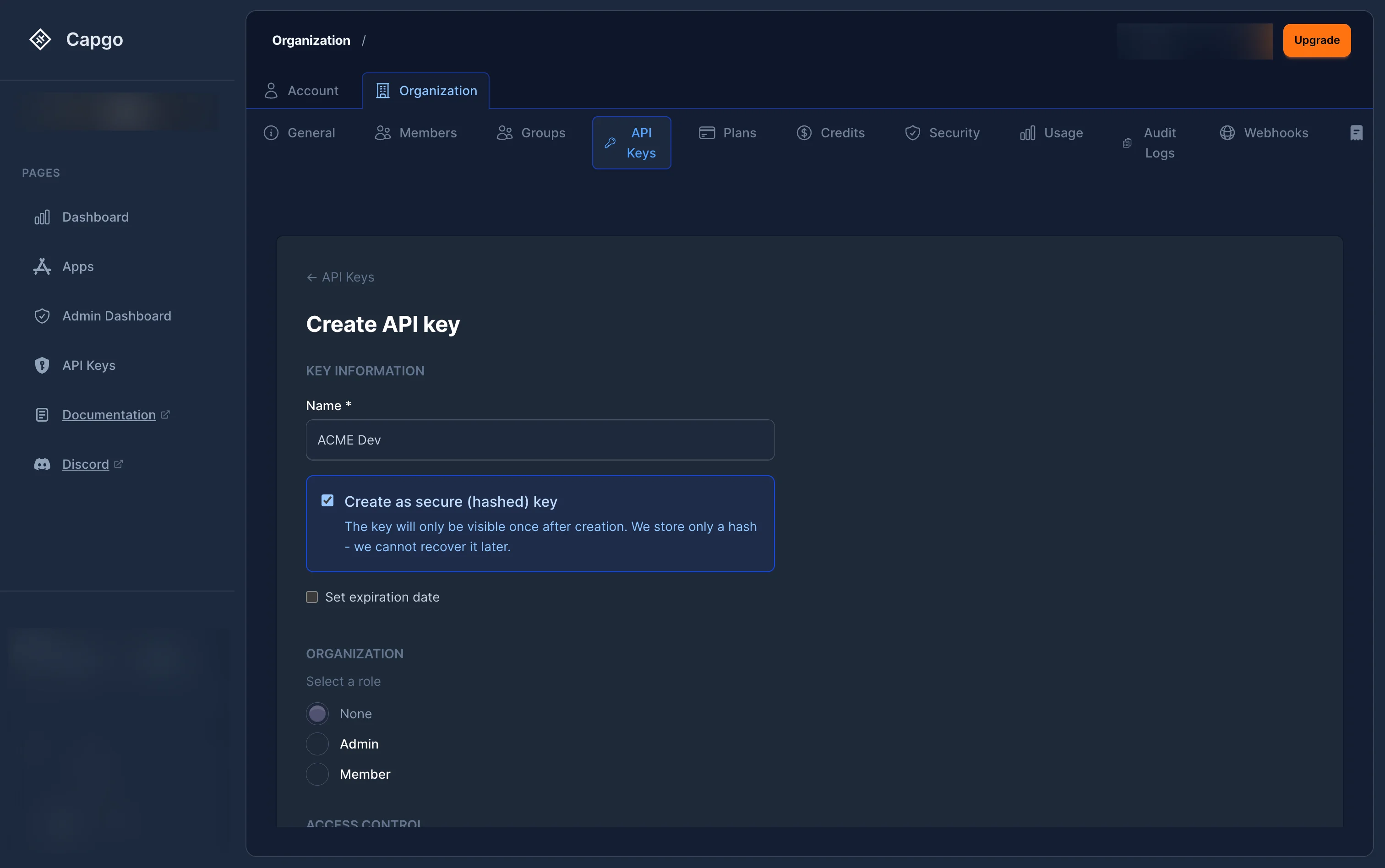
Fill in the Key information:
- Name (required) — A descriptive label for the key (for example, “CI/CD Deploy” or “Monitoring Read-Only”).
- Create secure key (optional) — When checked, the key is hashed server-side. The plain-text key is shown only once after creation and cannot be retrieved later.
- Set expiration date (optional) — Pick a date after which the key stops working. Some organizations enforce mandatory expiration through policy.
-
Choose the key scope:
- Organization-wide access — Select an Organization role to define baseline permissions across the organization. Available roles depend on your own role level:
- None — No organization-wide access.
- Member — Basic read access to the organization.
- Admin — Full administrative access to the organization and all its apps.
- App-only access — Enable Limit this key to selected apps. Each app binding remains linked to that app’s owning organization; this mode omits only an organization-wide RBAC role.
- Organization-wide access — Select an Organization role to define baseline permissions across the organization. Available roles depend on your own role level:
-
If the key needs to create organizations through the public API, enable Allow creating organizations.
This adds the global
org.createpermission. The key also needs an organization-scopedorg_adminororg_super_adminbinding. In the dashboard, selecting Admin creates theorg_adminbinding. When this key creates a new organization, Capgo automatically assigns the key as Super Admin on that new organization. -
To grant app access:
- When Limit this key to selected apps is enabled, choose an organization under Organizations to filter apps to reveal its apps. The selected app bindings remain associated with their owning organizations; this filter does not grant organization-wide access.
- Click ”+ Add App”, select one or more apps, then assign a role to each:
- App Reader — Read-only access to the app.
- App Uploader — Can upload new bundles.
- App Developer — Can upload bundles, manage devices, trigger native builds, and update channel settings.
- App Admin — Full access to the app.
- App Preview — Preview CI/CD lifecycle: upload a bundle and create a preview channel. The channel receives automatic, channel-scoped lifecycle rights only for this key.
-
Click “Create”.
-
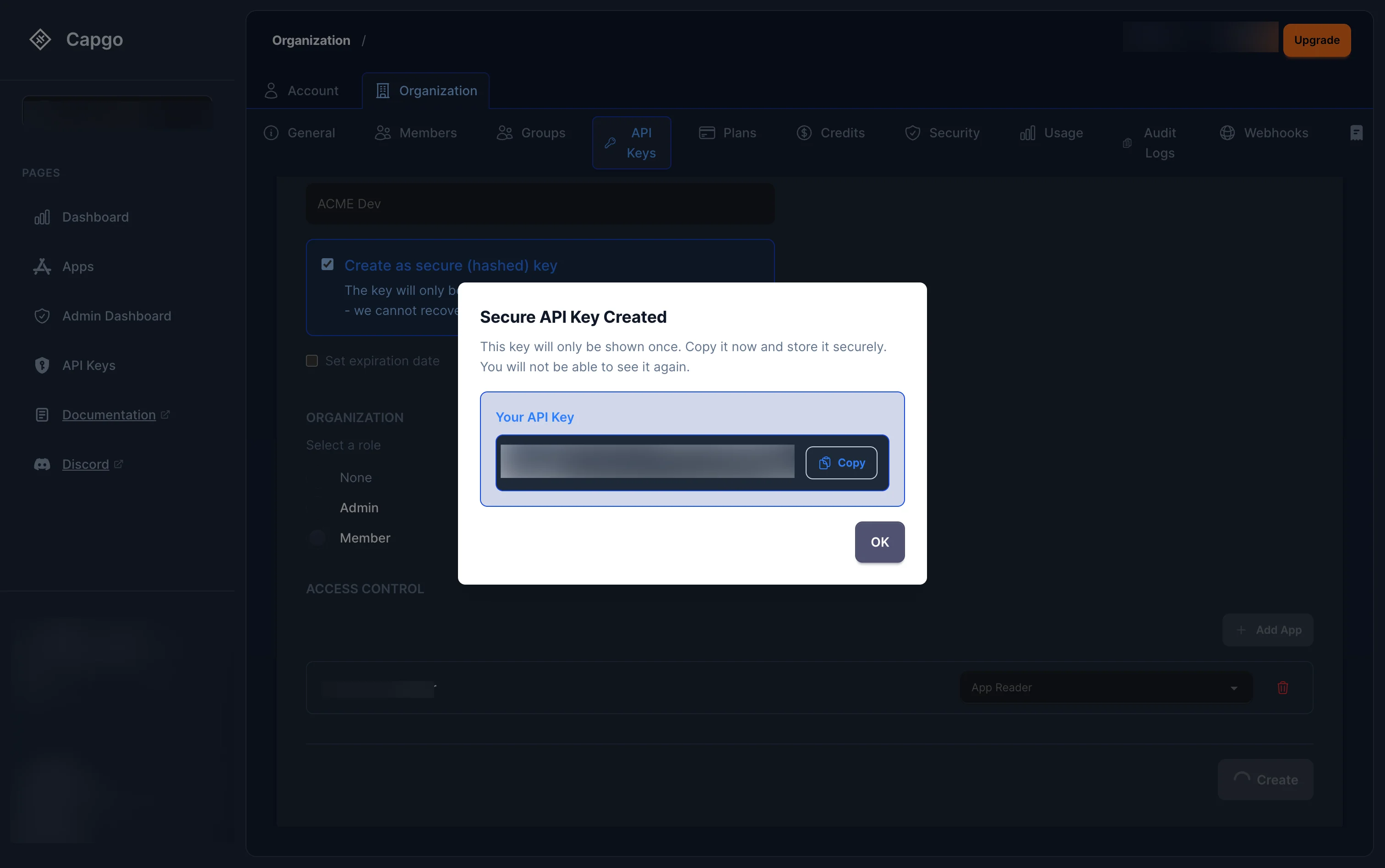
If you checked Create secure key, a modal displays the plain-text key. Copy it immediately — it cannot be retrieved after closing the modal.
Use an App Preview key for preview workflows
Section titled “Use an App Preview key for preview workflows”Use App Preview for CI that creates a temporary, non-public preview channel, uploads and promotes a bundle, then removes both the channel and bundle. It has no lifecycle access to an existing default or main channel.
- Create an RBAC key and enable Limit this key to selected apps.
- Under Organizations to filter apps, select the organization to reveal its apps; each selected app remains associated with its owning organization.
- Add only the app or apps used for preview deployments.
- Select App Preview for each selected app.
- Create a secure key, set an expiration date when appropriate, and store it in your CI secret manager.
This selected-apps-only mode omits an organization-wide role; it does not remove the organization association. Each app_preview binding remains scoped to its selected app and that app’s owning organization.
| Grant | Permissions and boundary |
|---|---|
app_preview on the selected app | app.read, app.read_bundles, app.upload_bundle, and app.create_channel. |
Automatic channel_preview binding | When this key creates a channel, Capgo automatically gives the key channel.read, channel.promote_bundle, and channel.delete for that channel only. |
app_preview retains app.read, so the key may enumerate channel metadata in the selected app. The automatic child binding is a management boundary: it does not grant lifecycle mutations for channels the key did not create.
Capgo also records which App Preview key uploaded a bundle. The key can set only its own bundle on each preview channel it creates and can clean up that pair together. It does not receive a channel binding for an existing default or main channel, a channel created by another preview key, or another key’s bundle.
For a typical CI job, use a unique channel name per pull request:
APP_ID="com.example.app"PREVIEW_CHANNEL="pr-123"BUNDLE_VERSION="1.2.3-pr.123"
npx @capgo/cli@latest bundle upload "$APP_ID" \  --apikey "$CAPGO_API_KEY" \  --path ./dist \  --channel "$PREVIEW_CHANNEL" \  --bundle "$BUNDLE_VERSION"
npx @capgo/cli@latest channel delete "$PREVIEW_CHANNEL" "$APP_ID" \  --apikey "$CAPGO_API_KEY" \  --delete-bundle \  --success-if-not-found
For a new channel, bundle upload --channel creates the channel, uploads the bundle, and promotes it in one flow. The last command uses a narrow atomic cleanup route: it succeeds only when the key owns the preview channel and its linked, unshared bundle. App Preview still does not have general bundle.delete, so it cannot delete an arbitrary bundle.
See the Access Control Reference for the full boundary.
How to manage (edit) an API key?
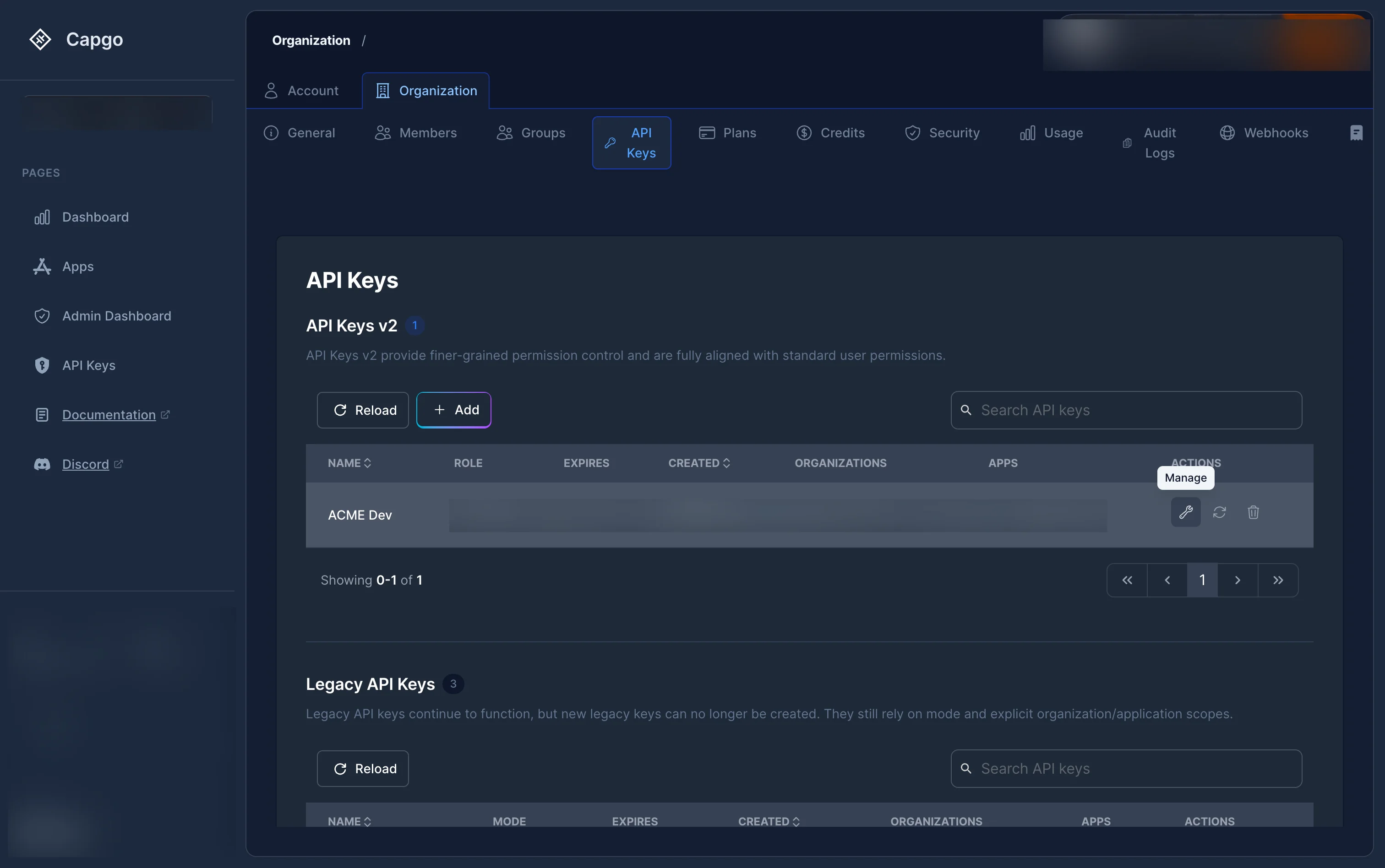
Section titled “How to manage (edit) an API key?”Click the wrench icon (Manage) on any RBAC key in the list. This opens the key detail page where you can:
- Change the key name.
- Update the organization role.
- Enable or disable Allow creating organizations when the key has an Admin organization role.
- Add, remove, or change per-app roles.
Click “Save Changes” when done.
How to regenerate an API key?
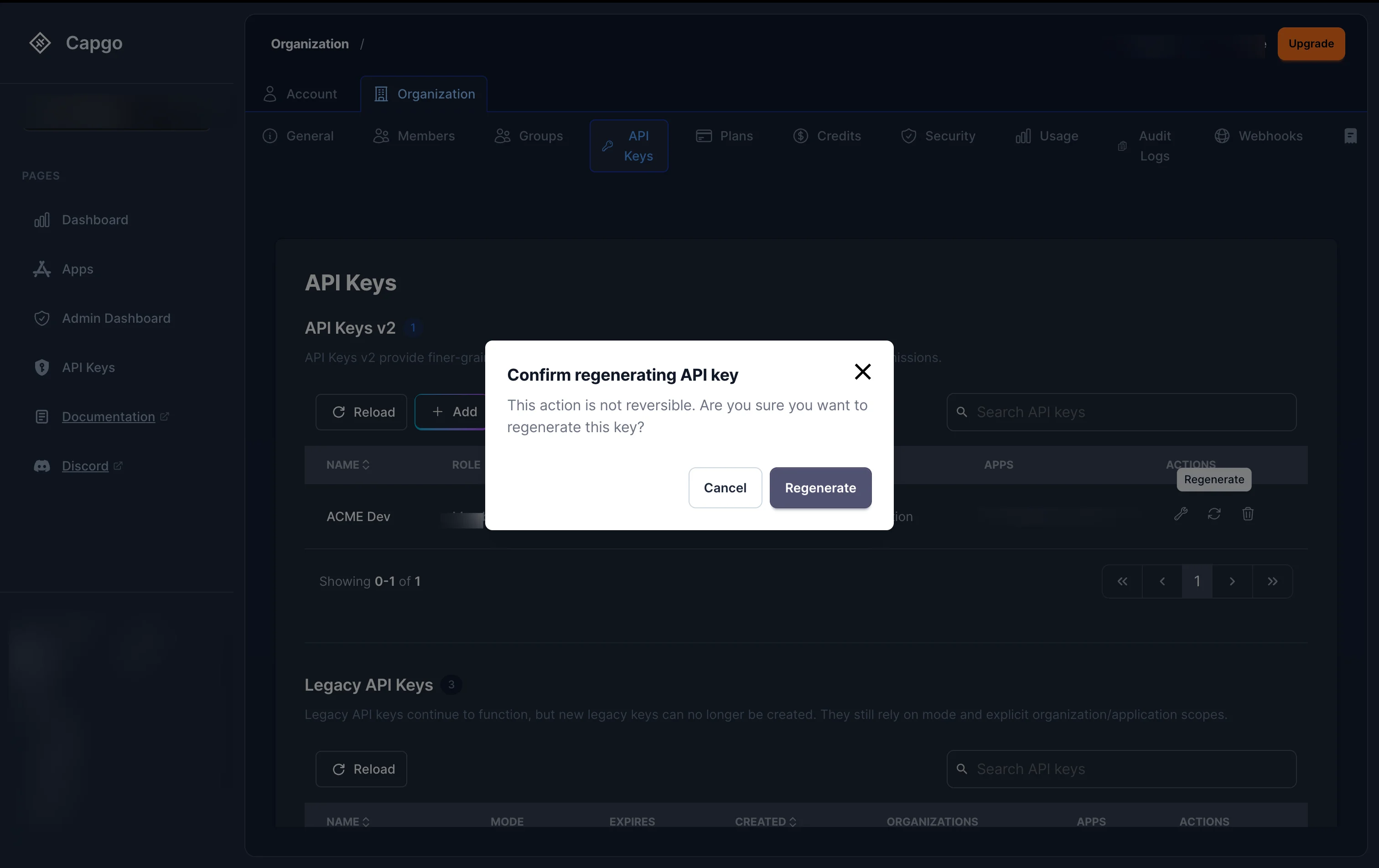
Section titled “How to regenerate an API key?”To regenerate the secret value of an API key, click the refresh icon (Regenerate) on any key in the list.
A confirmation dialog will appear. After confirming:
- For secure (hashed) keys: A new plain-text key is generated and displayed once in a modal. Copy it immediately.
- For plain keys: The key value is regenerated server-side.
Any integration using the old key value will stop working immediately.
How to delete an API key?
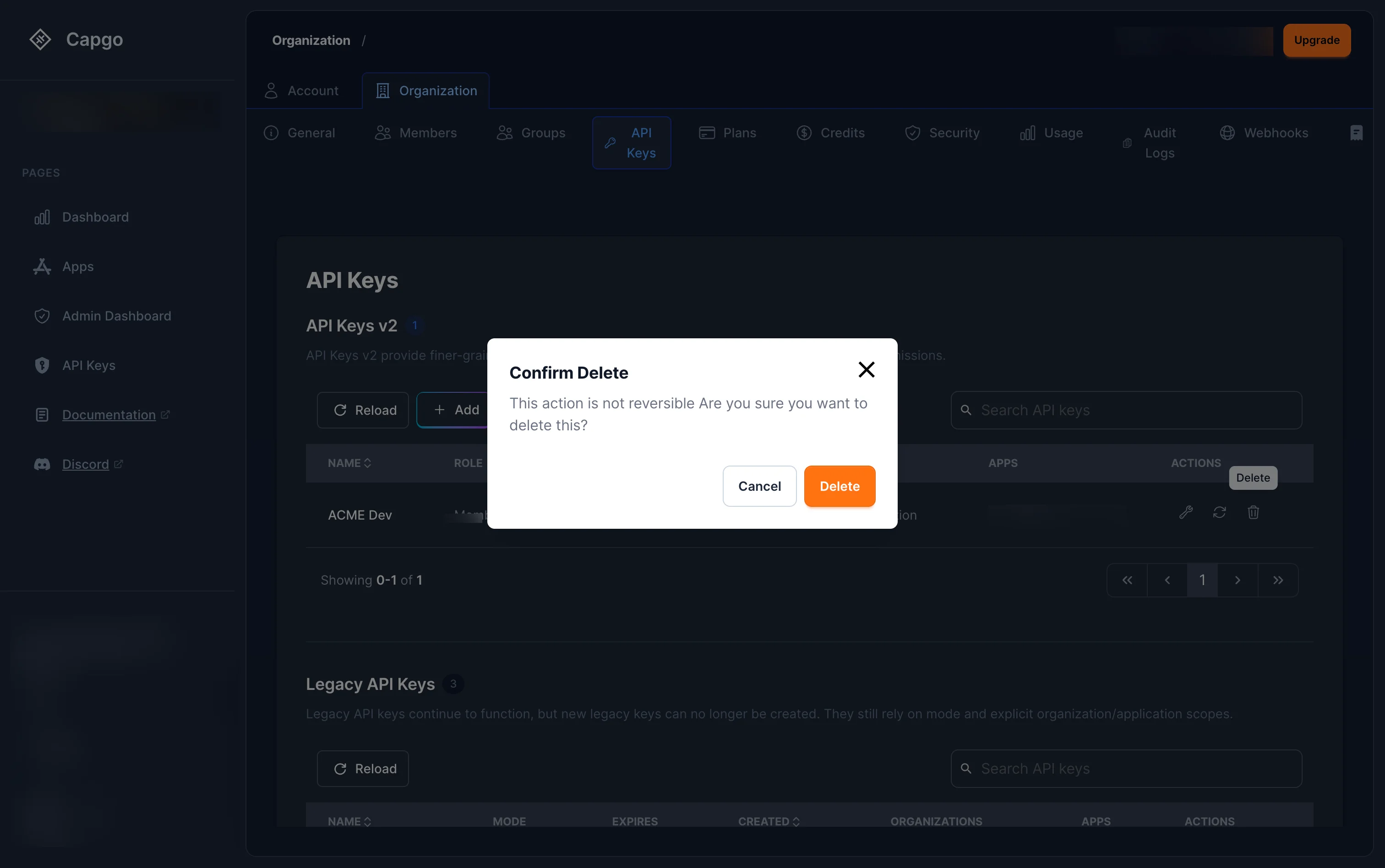
Section titled “How to delete an API key?”Click the trash icon (Delete) on any key in the list. Confirm the deletion in the dialog.
The key is revoked immediately — any request using it will fail.
Legacy keys
Section titled “Legacy keys”If you see keys in the Legacy Keys section (keys without role assignments), these use the older mode-based permission system (read, upload, write, all). They still work but do not benefit from RBAC fine-grained permissions.
Legacy keys can be regenerated and deleted from the list, but cannot be edited to add RBAC roles. We recommend creating new RBAC keys and deleting legacy keys when possible.
If you need to manage legacy keys directly, you can still access them at console.capgo.app/dashboard/apikeys. This page is deprecated and will be removed in a future update.
Keep going from API Keys
Section titled “Keep going from API Keys”If you are using API Keys to plan dashboard and API operations, connect it with API Overview for the implementation detail in API Overview, Introduction for the implementation detail in Introduction, API Keys for the implementation detail in API Keys, Devices for the implementation detail in Devices, and Bundles for the implementation detail in Bundles.