
Introduction
Copy a setup prompt with the install steps and the full markdown guide for this plugin.
What is this?
Section titled “What is this?”Capgo has an extensive webapp to help you manage your projects. This webapp is built with Vue.js and is open source. You can find the source code on GitHub.
The webapp is available here. It allows you to manage channels, manage versions, manage devices, assess native app health in Observe, prioritize errors in Log Insights, inspect raw logs, configure organization security, set up Enterprise SSO (Enterprise plan), manage billing, and manage your account.
How do I use it?
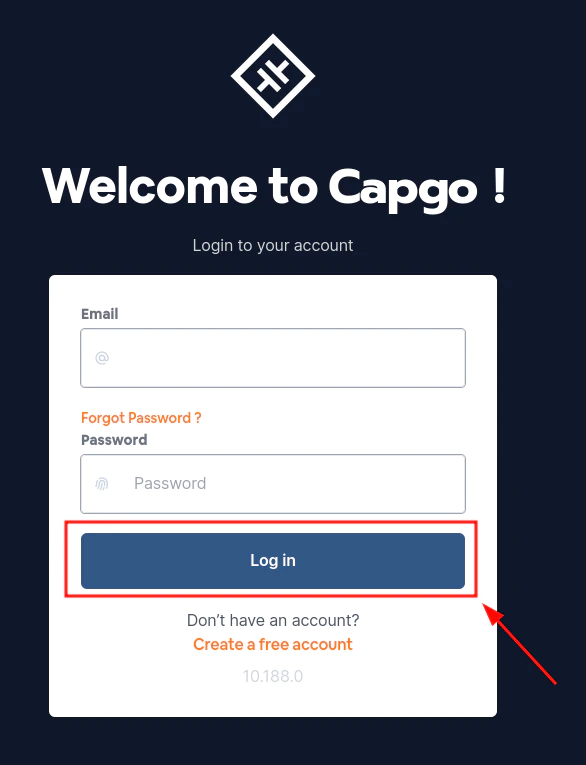
Section titled “How do I use it?”First, you need to create an account or log in. This is relatively simple and can be done by clicking the Log in button in the center of the screen. After you have logged in you will be redirected to the dashboard. This is the main page of the webapp. From here you can navigate to all the other pages.
Creating an account
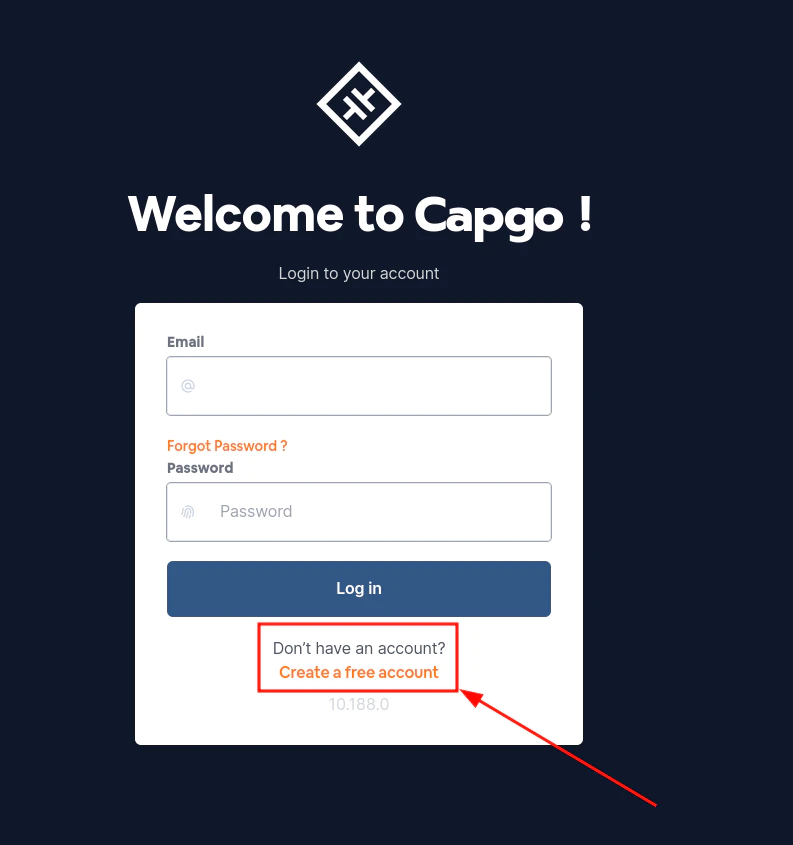
Section titled “Creating an account”You have to click on the Create a free account in the bottom part of the login form. From then it will be as simple as filling a form and following the instructions.
Keep going from Introduction
Section titled “Keep going from Introduction”If you are using Introduction to plan dashboard and API operations, connect it with API Overview for the implementation detail in API Overview, API Keys for the implementation detail in API Keys, Devices for the implementation detail in Devices, Bundles for the implementation detail in Bundles, and App Page for the implementation detail in App Page.
Ship Capacitor apps without the wait
Push fixes to users in minutes, build signed iOS and Android apps without a Mac, and roll back in one click.


Enterprise needs? Talk to our team