
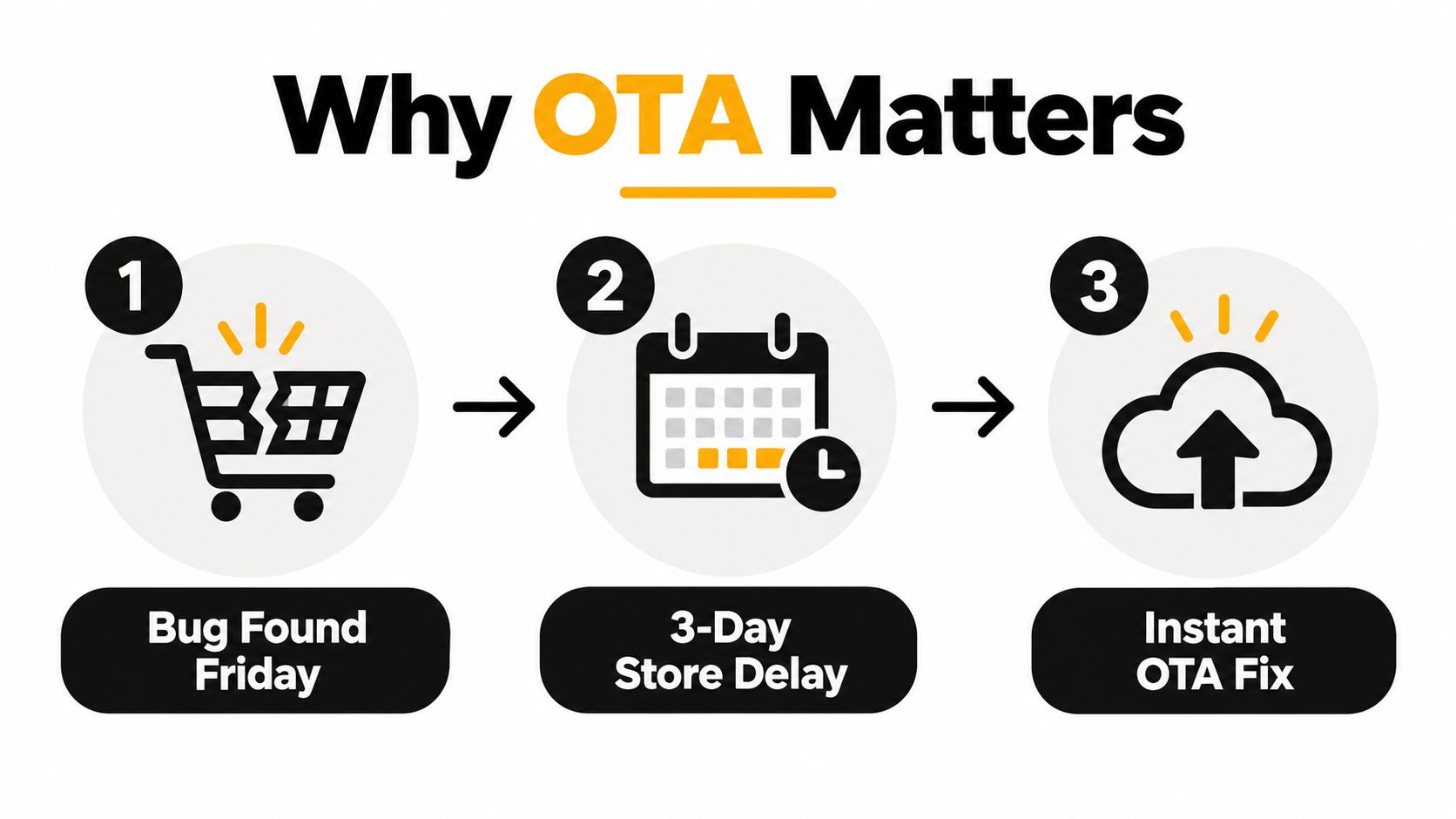
You find a checkout regression on Friday afternoon. The fix is already in your Capacitor web layer, but the App Store review window won’t close for three days. Android users can receive a new package sooner, yet forcing every customer to reinstall a native build for a JavaScript-only correction is still wasteful.
That’s the practical reason teams learn how to OTA update CapacitorJS apps. A controlled over-the-air release can deliver a signed web bundle to eligible installed binaries, download it in the background, and apply it on the next launch, while native changes still follow the store process. The difficult part isn’t uploading a file. It’s keeping version targeting, signing, rollout control, observability, and recovery aligned across a live fleet.
Table of Contents
- Why OTA Matters for CapacitorJS Teams
- Prerequisites and Installing the Capgo Updater
- Shipping Your First OTA Bundle Safely
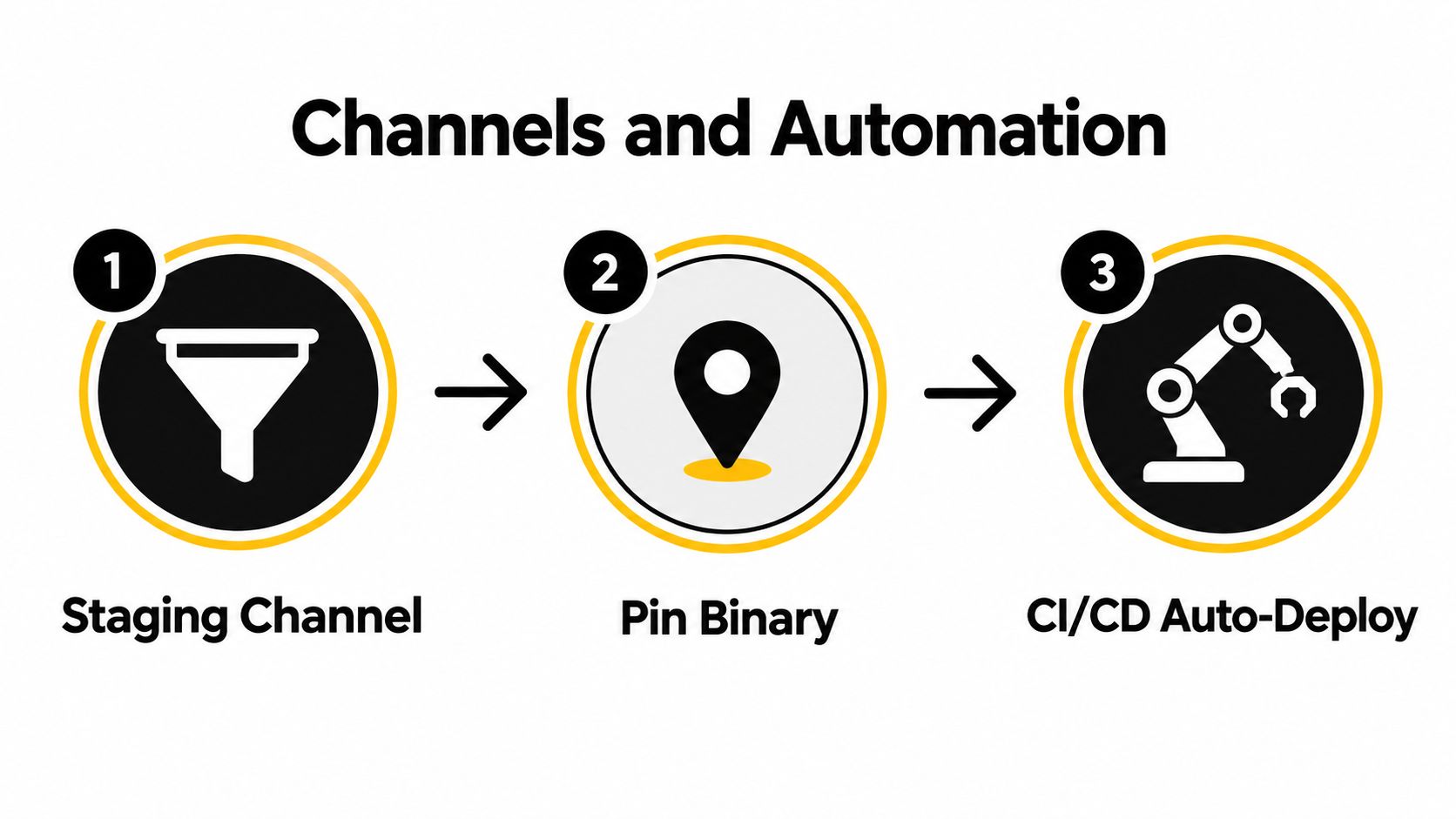
- Channels, Rollouts, and CI/CD Automation
- Testing Strategies and Automatic Rollback
- Signing, Security, and What OTA Cannot Change
- Operational Checklist Before Each Release
Why OTA Matters for CapacitorJS Teams
A Capacitor app usually contains two release surfaces. The native binary carries the platform shell, permissions, plugins, icons, entitlements, and other store-reviewed capabilities. The web layer carries JavaScript, CSS, HTML, routing, copy, and assets. OTA updates address the second surface, so a team can correct a broken checkout flow without rebuilding the native shell, provided the change stays within the platform and store-policy boundaries described in the Capgo OTA guidance.
The operational benefit is more than speed. Installed binaries don’t move in lockstep. Some customers launch an older native build, others use a recent store version, and each binary can have different native APIs available to the web bundle. A bundle compiled against an unsupported native API can fail even when the JavaScript diff is valid. That makes OTA a compatibility system, not a shortcut around release engineering.
Treat the updater as a delivery pipeline
A production setup needs a clear sequence:
- Install the native bridge: Add the updater package and synchronize Capacitor so iOS and Android know about it.
- Sign the bundle: Keep signing material outside the repository and make verification part of the client path.
- Target a channel: Route staging, beta, production, or customer-specific cohorts deliberately.
- Automate delivery: Let CI build, sign, upload, and promote only after tests pass.
- Observe adoption: Track download, install, boot, crash, and health signals by channel and binary.
- Roll back quickly: Restore a known-good bundle server-side and retain client-side recovery protection.
Capgo is one option for this workflow. Its open-source Capacitor updater and cloud service publish signed web bundles to targeted channels, apply them on the next launch, and expose version and device-level delivery information. Teams evaluating availability and release resilience can also review app availability for Capacitor applications.
Practical rule: If you can’t identify which native binary a bundle targets, don’t promote that bundle to production.
OTA succeeds when it reduces unnecessary store releases without hiding the boundary between web code and native code. The question isn’t whether your team can push a bundle. It’s whether you can explain who received it, why they were eligible, what happened after launch, and how you’ll restore service when the bundle misbehaves.
Prerequisites and Installing the Capgo Updater
Before opening a terminal, confirm the project and release accounts are ready. You’ll need a Capacitor 5 or 6 application with @capacitor/cli initialized, Node 18 or newer, active Apple Developer and Google Play Console accounts for the target binaries, and a Capgo cloud account with an appId and API key.
The first installation is intentionally small:
npm install @capgo/capacitor-updater
npx cap sync
npx @capgo/cli init
npm install adds the JavaScript package and native dependency. npx cap sync is the step people skip, and that omission leaves the native bridge unlinked. The JavaScript layer may compile while the runtime later calls a bridge that isn’t present in the installed binary. Run synchronization after installing and again when native plugin configuration changes.
The initializer patches your capacitor.config.ts with the updater settings, web endpoint, and default channel. Don’t accept the patch blindly. Open the file and verify the application identity and update contract explicitly:
const config: CapacitorConfig = {
  appId: 'com.example.app',
  appName: 'Example',
  version: '1.0.0',
  autoUpdate: true,
  updateUrl: '',
  capgo: {
    channel: 'staging'
  }
}
The exact generated structure can vary with your project and CLI version, but the important values are the same. appId must match the installed binary, version must describe the native build relationship, autoUpdate must reflect your launch policy, updateUrl must point to the service your binary trusts, and the capgo block must identify the initial channel.
Verify before building a release
Run the diagnostic command before opening Xcode or Android Studio:
npx @capgo/cli doctorA clean result should confirm that the CLI is available, the project configuration is readable, the updater package is detected, required application identifiers exist, and authentication can reach the configured account. It should not report a missing native sync, absent app identity, or invalid updater configuration.
Keep the first native build deliberately boring. Install it on a physical iOS device and Android device, launch it with network access, close and reopen it, and confirm that the updater can check without affecting the normal startup path. The Capacitor updater installation workflow is useful when you need to compare project configuration against the expected plugin setup.
Shipping Your First OTA Bundle Safely
Treat the first bundle as a release-path test, not a feature launch. Create or rotate the signing key before preparing the artifact:
npx @capgo/cli key createPut the private key in a secrets manager. Do not commit it, store it in a project archive, or expose it in CI output. The native trust path needs the public verification material. Only the signing job should access the private key.
Change the JavaScript-side version in package.json or your web release metadata. Keep native version fields unchanged for a web-only fix. An OTA bundle cannot add native code or alter the capabilities declared by the installed binary, so a native version change would obscure compatibility rather than improve it.
Upload the signed artifact to the intended channel:
npx @capgo/cli bundle upload --channel productionA successful upload only confirms that the server accepted a request. Read the command output and verify the bundle identifier, target native-version constraint, signed checksum, and channel assignment. Those fields identify the artifact and show whether installed binaries are eligible to receive it.
Read the dashboard as a release gate
The bundle detail view should resolve four release questions:
- Minimum native version: Which oldest binary can run this bundle?
- Maximum native version: Which newer binaries are intentionally excluded?
- Channel: Which audience can discover the artifact?
- Rollout percentage: How much of that eligible audience can receive it?
Start production exposure at 5%, then define the evidence required for expansion. Check download and installation success, normal cold starts, crash-free sessions, and JavaScript errors in the changed flow. Keep the artifact identity and delivery controls visible together in the Capgo dashboard.
Use a debug build to exercise the device path. getCurrent() reports the active bundle, and notifyAppReady() confirms that the new bundle reached a healthy state:
import { CapacitorUpdater } from '@capgo/capacitor-updater'

const current = await CapacitorUpdater.getCurrent()
console.log(current)

await CapacitorUpdater.notifyAppReady()
Call readiness only after the app has initialized far enough to pass your health checks. If it never confirms readiness, automatic recovery may mark the bundle failed during the next cold start. That safeguard protects production users, but it can also make an incomplete test look like a delivery problem. Record the active bundle and startup result for each test device before expanding exposure.
Channels, Rollouts, and CI/CD Automation
Channels are the routing layer between a published bundle and an installed device. They’re also your release gate. A staging channel should point at a known native binary, a beta channel should serve a controlled cohort, and production should move only after the earlier channel has passed smoke tests.
Create a staging path with explicit names:
npx @capgo/cli channel create staging
npx @capgo/cli bundle assign <bundle-id> --channel staging
Pin that channel to the native version used by your test devices. Testers should run the same binary that production will support, not a local development build with extra plugins or a different configuration. Once the smoke suite passes, promote the tested artifact rather than uploading a second, slightly different bundle.
Your channel map should live in capgo.config.json and be reviewed like application code. Keep channel names stable, identify the intended native compatibility range, and make production promotion an explicit CI action. For teams managing feature exposure alongside delivery exposure, these feature flag governance tips provide a useful way to separate deployment permission from user-facing activation.
Connect promotion to CI
A practical GitHub Actions design has two paths:
- Pull requests: Build the web layer, sign it with a restricted preview credential, and publish to an ephemeral preview channel. Destroy or expire that channel when the pull request closes.
- Tagged main releases: Run unit tests, build the production bundle, validate its native version constraint, upload it, and promote only when the test job exits successfully.
A promotion command can look like this:
npx @capgo/cli bundle promote <bundle-id> \
  --to-channel production \
  --percent 5
Increase exposure in deliberate steps such as 25%, 50%, and 100%, with a CI approval or monitored job between each step. The percentages and commands are controls, not evidence of safety. A passing build tells you the bundle is syntactically valid. It doesn’t tell you how it behaves on a particular native binary, with persisted local state, a slow connection, or a device that resumes from an old session.
Release boundary: A web bundle belongs to a binary compatibility window. A channel must never become a loophole for serving code that references native APIs the installed app doesn’t contain.
Keep TestFlight and Android internal-track builds coherent by tying each bundle to the exact native version it was built for. If the native build changes, publish a new compatibility-targeted bundle or create a new channel mapping. The Capgo GitHub Actions integration guide can help translate that policy into repeatable workflow steps.
Testing Strategies and Automatic Rollback
An OTA release can pass CI and still fail after activation. The failure may depend on the bundle, native binary, stored device state, or network conditions. A simulator can confirm that a screen renders, but it cannot cover every installed binary or show whether a failed startup recovers cleanly.
Use three test tiers:
- CI bundle tests: Run unit tests, type checks, linting, and a production web build. Exercise changed checkout, authentication, navigation, and persistence paths instead of stopping at compilation.
- Private device channel: Seed a private channel with physical devices running the previous native binary. Cover both platforms, clean installs, upgrade installs, and representative stored state.
- Production canary: Start with a small eligible cohort, connected crash reporting, and JavaScript error alerts. Treat startup failures as urgent because affected users may never reach the code that reports an in-app error.
The Capacitor OTA testing guide explains the test mechanics. The operational rule is straightforward: test each update against the native binary it is intended to protect.
Separate server control from client recovery
Server-side rollback stops new downloads:
npx @capgo/cli channel set production --bundle <previous-id>This changes what eligible devices discover next. It does not erase a bundle already downloaded or active on every device, so the client also needs recovery controls. Configure the updater to retain a known-good fallback and revert after a defined startup failure condition.
A reliable recovery path includes:
- Download failure tracking: Distinguish connectivity problems from invalid artifacts.
- Installation failure tracking: Detect unpacking, verification, and filesystem issues.
- Boot health tracking: Confirm that the app reaches a usable state after activation.
- Automatic fallback: Restore the previous known-good bundle when startup repeatedly fails.
- Manual escalation: Preserve device and bundle identifiers for support and engineering.
At fleet scale, a small failure rate still creates a significant support load. A 99.95% successful OTA update rate still implies about 1,000 failures per 1 million devices, according to OTA testing benchmarks for IoT fleets. The same source describes guardrails including rollback within 30 minutes, crash rate below 0.1%, and 98% of devices inside the supported window. Treat these as benchmark examples, not universal acceptance criteria. Set the error budget according to the app’s risk and user impact.
Signing, Security, and What OTA Cannot Change
An unsigned update makes the delivery endpoint part of your supply-chain attack surface. TLS protects the connection, but the client must also confirm that the downloaded artifact came from an authorized release process and was not replaced or altered in transit.
Generate an Ed25519 keypair with the updater tooling. Store the private key in a CI secret, and embed the public verification key in the native binary during the app build. The client should verify every bundle before activation. Limit CLI tokens by environment and permission scope, retain upload and promotion logs, and require strong authentication for production actions.
Treat key rotation as a compatibility migration, not a single configuration change. Generate a replacement key, ship a native build that trusts both the current and replacement public keys, then sign releases with the new private key. Remove the old key only after compatible native binaries have adopted the replacement. Removing trust too early prevents older binaries from accepting valid updates. Leaving a compromised key trusted indefinitely defeats the rotation.
Draw the boundary in the release plan
OTA handles web-layer changes. Native releases are required when a change depends on capabilities absent from the installed binary:
| Category | Ship via OTA | Requires native release |
|---|---|---|
| Application behavior | JavaScript logic, routing, validation, and state handling | Native plugin implementation |
| Presentation | CSS, HTML, copy, theme tokens, and compatible image assets | App icon and splash resources |
| Platform access | Existing Capacitor web-layer calls to capabilities already in the binary | New permissions, entitlements, or native APIs |
| Configuration | Compatible web configuration and remote content rules | Info.plist, AndroidManifest.xml, signing identity |
| Store metadata | None that changes store-reviewed behavior or version metadata | Store-policy-sensitive metadata and version-number changes |
The Capacitor updater code-signing documentation explains the verification model. Apply it operationally with tamper-evident audit logs, certificate verification, TLS, strict access controls, and an investigation process for version spoofing or key compromise.
Compatibility targeting still matters because the installed native population changes gradually. Apple reported 66% of all active devices on iOS 26 and 74% of devices introduced in the last four years on iOS 26, while another report placed iOS 26 at 79% of all devices later in the cycle, as summarized in mobile OTA key-management research. These figures cover different points and device populations. The practical conclusion is consistent: even mature platforms do not update every device at once. Assign bundles by native version and capability, rather than assuming one OTA artifact fits the entire fleet.
Operational Checklist Before Each Release
Keep the release checklist to one page, stored with the repository or runbook. Update it after every incident. A control added after a real failure usually prevents the next recurrence.
Before upload
- Confirm compatibility: Verify that the bundle targets the exact native binary and uses no unavailable plugin APIs.
- Check the artifact: Build from a clean workspace, inspect the generated files, and confirm the intended web version.
- Protect signing: Confirm that CI has the expected secret and key. Check that logs cannot expose private material.
- Validate channels: Review staging, beta, and production mappings before assigning the bundle.
- Preserve recovery: Record the previous known-good bundle and verify that the fallback path still works.
- Run physical smoke tests: Test startup, login, checkout, navigation, persistence, and update readiness on representative devices.
During promotion
Release to a limited cohort first, then watch signals tied to user impact:
- Crash-free sessions: Compare the result with the preceding bundle and investigate regressions.
- JavaScript error rate: Group errors by bundle, native version, platform, and feature path.
- Cold-start behavior: Check whether activation changes startup or leaves users on a blank screen.
- Feature coverage: Confirm that remotely enabled functionality matches the binary receiving it.
- Adoption and failures: Separate eligible devices that have not checked for an update from devices that checked and failed.
Hold the first post-promotion observation window for 30 minutes before expanding exposure. If a critical path breaks, revert the production channel to the previous bundle, preserve logs, and decide whether the fix belongs in another OTA bundle or a new native release.
Ship-day discipline: A fallback bundle helps only when the team knows its identifier, compatibility range, and restoration command.
Treat this checklist as shared operational code. Capgo can provide signed bundle delivery, channel targeting, rollout controls, update history, and device-level observability. Your team still owns compatibility policy and the decision to promote.
Capgo gives CapacitorJS teams a controlled path for signed JavaScript, CSS, configuration, and asset updates, with channels, staged delivery, rollback protection, and release observability. Put the checklist into the next deployment, test it against a staging binary, and evaluate Capgo for the production workflow.





