
Your mobile release is ready, the binaries are signed, testers are waiting, and someone on the team just found a web-layer bug that should not sit in an app-store queue for two days. That’s the moment most developers realize they don’t need one magical platform, they need a connected stack that handles builds, distribution, device validation, release governance, and rollback without turning every launch into a fire drill. The best mobile devops tools are the ones that fit the problem in front of you, not the ones that promise to replace every other system. If your app is built with CapacitorJS, Ionic, or Electron, keep one rule in mind from the start, separate native changes from JavaScript, CSS, asset, and configuration updates before you choose an updater or deployment path. For a broader devops-pipeline view, how Refact approaches devops pipelines is a useful framing point.
Table of Contents
- 1. Capgo
- 2. Bitrise
- 3. Codemagic
- 4. Appcircle
- 5. Expo Application Services
- 6. GitHub Actions
- 7. CircleCI
- 8. Runway
- 9. Firebase App Distribution
- 10. AWS Device Farm
- Top 10 Mobile DevOps Tools Comparison
- Assemble the Stack Around Your Release Risks
1. Capgo
Capgo is the strongest fit when the release problem is not “how do we build an app?” but “how do we fix the live app without waiting on store review?” For CapacitorJS, Ionic, and Electron teams, that distinction matters. Capgo ships JavaScript, HTML, CSS, copy, config, and asset updates directly to users through signed web bundles, so support teams can push urgent fixes in minutes instead of routing every web-layer change through a native release cycle.
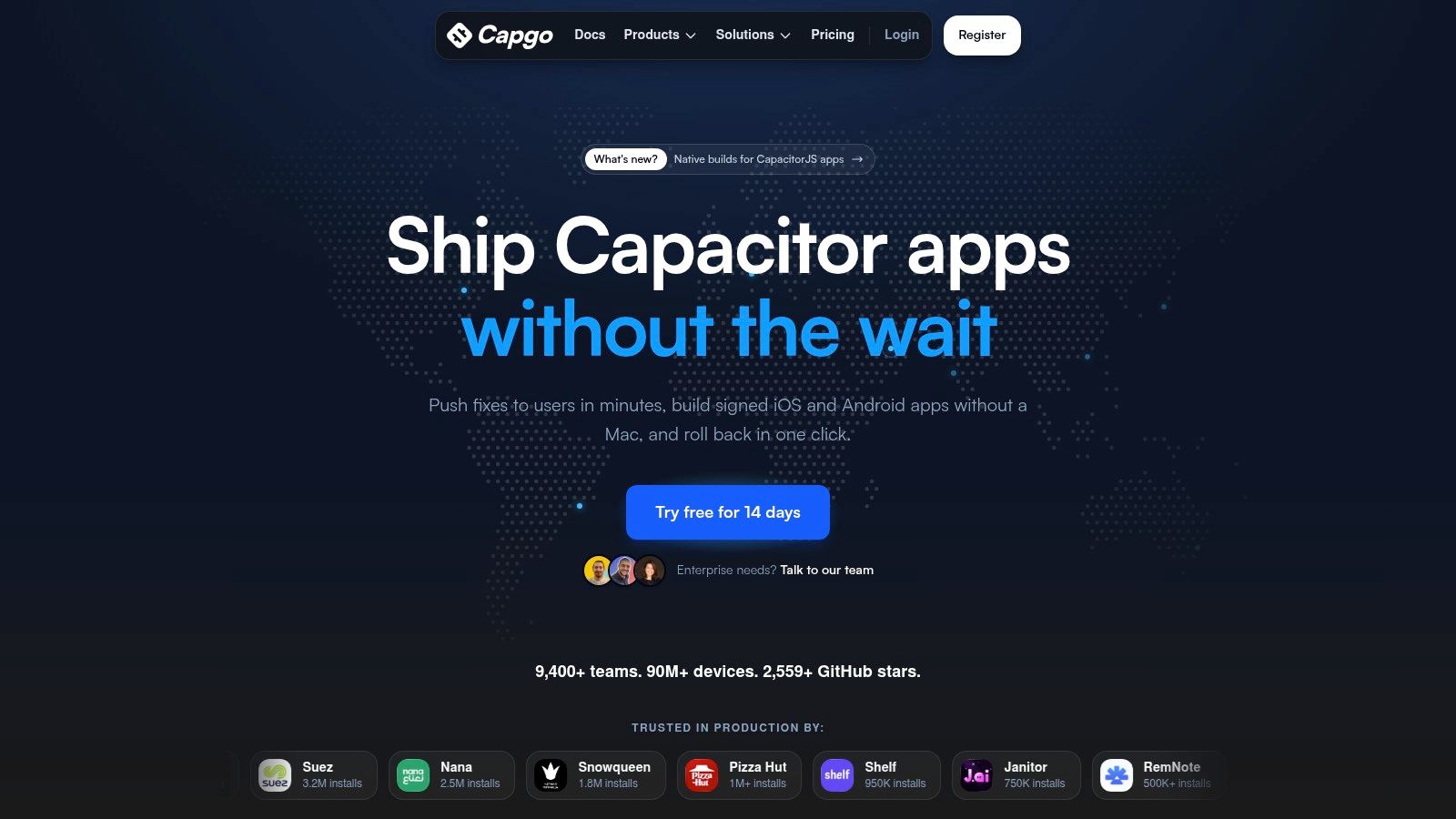
The practical value is in the controls around that update path. Capgo gives you channels, staged rollouts, rollback protection, per-device logs, and version history, which is exactly what release managers need when engineering and support are trying to explain what happened on a specific device. It also supports cloud-signed iOS and Android native builds without a Mac, native push notifications, CI/CD integrations, a public API, and differential updates that only send changed files.
Where Capgo fits best
Capgo fits teams that already know the difference between native risk and web-layer risk. If the bug is in routing, a text string, a CSS breakage, an asset swap, or a config issue, Capgo is a fast path. If the bug touches permissions, plugins, or native code, the right move is still a store release, and Capgo’s value is that it keeps those two paths cleanly separated.
Practical rule: use Capgo for anything your app can safely interpret at runtime, then keep native changes on the normal App Store or Play path.
Capgo’s transparency is also part of the appeal. The platform is open-source on the backend and updater side, publishes live delivery metrics and security advisories, and positions itself for enterprise governance with SOC 2 Type II, SOC 3, ISO 27001, and GDPR alignment. It reports very large delivery volume and a broad user base, and it offers human onboarding support through email, Discord, and enterprise Slack. For teams that want a focused release layer rather than another general-purpose CI system, Capgo is often the most direct answer.
2. Bitrise
Bitrise makes sense when the bottleneck is mobile build speed, code signing, and mobile-specific CI plumbing. General CI systems can build apps, but they often make iOS and Android pipelines feel stitched together. Bitrise is built around the mobile workflow, with Apple silicon macOS images, same-day Xcode updates, a large step library, and build cache support that removes a lot of hand-rolled YAML from the process. Its role is simple, get signed binaries out of CI with less friction.
That matters for teams shipping CapacitorJS, Ionic, React Native, or native apps. Those teams usually want a clean place to handle compilation, signing, tests, and artifact creation, then hand the build off to distribution or release tooling. Bitrise is especially attractive if the team is tired of maintaining custom shell glue across macOS runners and Linux runners.
What it does well in practice
Bitrise’s best strength is predictability. The step library, workflow editor, caching, and release-oriented tooling reduce the amount of infrastructure knowledge a mobile team has to carry in its heads. If a team’s pain is “our GitHub Actions setup works, but mobile builds are too slow and too fragile,” Bitrise is a sensible specialization.
Mobile teams usually feel Bitrise most when they stop debugging CI plumbing and start shipping from a more opinionated workflow.
It is less attractive for teams whose main workloads are backend or web, because the platform’s value comes from mobile specialization. There’s also a learning curve if the team has lived entirely in GitHub Actions and wants to keep everything in one syntax. Still, for iOS-heavy release pipelines, Bitrise is one of the clearest “use the right tool for the job” choices.
3. Codemagic
Codemagic fits teams that want hosted mobile CI/CD with strong support for Flutter and React Native, plus a path for over-the-air updates in React Native projects. Its appeal is the balance between convenience and billing clarity. Solo developers often like the free or usage-based entry points, while larger teams can move to more predictable plans without rebuilding the pipeline from scratch.
Codemagic’s automatic Capacitor iOS build guide is useful if you’re comparing how different hosted systems treat mobile builds.
For React Native teams, Codemagic’s hosted CodePush service and self-hostable Patch option make it relevant beyond pure build automation. For Flutter teams, the presets and app preview flow reduce setup time. For CapacitorJS and Ionic, it can still be a good native build system, especially when the app needs cloud macOS capacity without the team maintaining its own fleet.
Trade-offs that matter
Codemagic is most attractive when the workflow is fairly standard. If you need a hosted service to sign builds, run pipelines, and support mobile-friendly previews, it does that cleanly. If your organization needs heavy release governance, highly customized compliance controls, or enterprise app-store style orchestration, you may want something more modular.
A good rule is to use Codemagic when the team wants fast setup, transparent billing, and first-class Flutter or React Native ergonomics. Use something else if the mobile release process needs unusually strict internal control. For many startups and agencies, though, that simplicity is exactly the point.
4. Appcircle
Appcircle is the right kind of tool for organizations that want a broader mobile release platform, not just a build service. It combines CI/CD, signing asset management, testing distribution, CodePush-based OTA updates for React Native, store submission automation, Microsoft Intune publishing, and an enterprise app store. That makes it useful when release engineering, internal distribution, and enterprise device management all live in the same process.
Appcircle also has deployment flexibility that matters in regulated environments. Teams can run it as SaaS, private cloud, or fully self-hosted, which gives security and infrastructure teams more room to match the tool to policy instead of the other way around. For enterprises with on-prem requirements, that can be the deciding factor.
Where teams feel the difference
The main advantage is centralization. Signing identities, binary re-signing, release distribution, and internal app access all sit closer together than they do in a patchwork of separate tools. That helps when mobile releases need approvals from security, IT, and product at the same time.
Good fit: organizations that need mobile release governance, internal app delivery, and deployment flexibility in one place.
The trade-off is that Appcircle can feel larger than necessary if the team only wants cloud builds and a simple tester workflow. Its public self-serve pricing is limited, and the free tier is constrained. That means it tends to fit better in corporate procurement flows than in quick startup experiments. For teams with compliance pressure, though, that complexity is often exactly why it gets selected.
5. Expo Application Services
Expo Application Services, or EAS, is the cleanest path for teams already committed to Expo or a modern React Native workflow. It handles hosted builds, signing, and EAS Update, which lets teams push JavaScript and asset updates without rebuilding the full app. That integrated flow is why Expo teams often move faster with EAS than they would with a generic CI system plus separate distribution tools.
The strongest use case is a team that wants the whole release path to feel native to the framework. Build, sign, update, and ship all live under one roof, and that reduces the amount of custom integration work. For React Native teams that don’t need a more general mobile DevOps platform, that simplicity is hard to beat.
Where EAS is the right choice
EAS is best when the app lives in the Expo ecosystem and the team wants reliable cloud builds with integrated OTA updates for JavaScript and assets. It is not a general answer for native code changes, and that’s fine, because it doesn’t pretend to be. If the app’s release problem is mostly React Native code and asset delivery, EAS is a very good fit.
The downside is scope. It’s not designed as a universal mobile release orchestration platform, and teams that need stronger governance, broader app-store coordination, or non-Expo workflows may outgrow it. Still, for Expo and React Native developers who want fewer moving parts, EAS is one of the most natural options available.
6. GitHub Actions
GitHub Actions fits teams that want pull requests, branch protection, and mobile automation in the same repository workflow. It provides a broad action ecosystem for fastlane, Gradle, Detox, signing steps, artifact handling, and deployment triggers. That makes it useful for CI orchestration, especially when the team already manages application code and release approvals in GitHub.
The platform handles workflow coordination, while specialized services can take on cloud builds, tester distribution, real-device validation, live updates, or release coordination. macOS capacity costs more than Linux capacity, and iOS pipelines need careful handling of certificates, provisioning profiles, caching, and test sequencing. Treat those requirements as part of the pipeline design rather than adding them after the first failed release.
For teams hardening their pipelines, see this guide to pentesting GitHub Actions workflows before exposing signing secrets to third-party actions.
Best use cases and limits
GitHub Actions is a strong fit for CapacitorJS and Ionic teams that already use GitHub and need a build-and-distribute backbone. It can trigger native builds, call a live-update service, publish artifacts, and coordinate approval gates without forcing the team into a mobile-only system. Electron teams can use the same repository-centered approach for packaging and release automation across desktop targets.
The trade-off is maintenance. If the workflow must also provide device labs, tester portals, app-store coordination, or detailed mobile release controls, custom scripts can become difficult to own. Use GitHub Actions for repository-native orchestration, then connect focused services where device coverage, build capacity, or release governance needs more than generic CI.
7. CircleCI
CircleCI is a practical choice when a team wants a mature CI/CD system with enough mobile support to handle iOS pipelines without buying into a mobile-only vendor. The credits model is familiar to many engineering organizations, and the platform’s concurrency controls and hybrid runner options make it easier to adapt to different infrastructure policies. That’s useful for larger teams with mixed application stacks.
Where CircleCI fits best is in organizations that already know they need more than a generic lightweight CI but do not want to move to a fully mobile-specific platform. It can handle app builds, signing steps, tests, and artifacts, while leaving room for self-hosted or on-prem options when policy demands it.
If your release problem is budget planning plus mobile build reliability, CircleCI is often easier to justify than a totally custom setup.
The trade-off is predictability. Credits-based billing is more flexible, but it can be harder to reason about than a fixed-minute approach. That matters when mobile builds are frequent and macOS usage is high. CircleCI is a good middle ground, just not the simplest one.
Where it tends to land
CircleCI works for teams that want general-purpose CI with credible mobile support, especially in organizations where engineering leadership wants one platform across many products. It’s less compelling if the team wants a mobile-specialized workflow editor or release management features baked in. For CapacitorJS, Ionic, and React Native teams, it can still be a solid foundation, as long as the release process around it is well designed.
8. Runway
Runway solves a different problem from the build systems above. It is not trying to compile your app or run your tests. It is trying to coordinate the messy part of shipping mobile software, the part where CI, app stores, issue trackers, and observability all need to line up so product, engineering, and QA are looking at the same release picture.
The best way to think about Runway is as a release command center. It helps teams manage pilots, submission steps, rollout health, and cross-functional communication in one place. That matters when release trains get larger and the cost of manual coordination starts showing up in every launch.
Why teams add it late
Many teams do not feel the need for Runway on day one. They feel it when releases become frequent enough that status updates, handoffs, and release notes consume too much attention. That’s when a specialized release-management layer starts making sense, because the work is no longer about building binaries, it’s about moving a release through the organization with less confusion.
Runway is strongest for teams that already have CI and distribution figured out, but need fewer release meetings and fewer manual check-ins. If a mobile organization still runs releases through scattered chat threads and spreadsheet-like status updates, a command center like Runway can clean that up. If the team only needs build and distribution, it may be more tool than they need.
9. Firebase App Distribution
Firebase App Distribution is the easiest answer when the release problem is simple tester delivery. It gets iOS and Android builds into testers’ hands fast, without asking the team to stand up a separate pre-release distribution system. For beta programs, release candidates, and quick QA cycles, that simplicity matters a lot.
The value here is adoption. Testers get email invites and app access without learning a new process, and developers can wire it into CLI-based or fastlane-based pipelines. It also integrates with Crashlytics, which helps teams connect distribution with early crash visibility.
What it is and what it is not
Firebase App Distribution is not a CI platform and not a test-execution platform. It distributes builds. That’s it. And for many teams, that’s exactly the right scope. If you already have build automation and device testing elsewhere, Firebase becomes a low-friction bridge between the release candidate and the people validating it.
It works well for CapacitorJS, Ionic, React Native, and native teams that need a clean beta handoff. It does not replace release management, device labs, or live updates. Treat it as the distribution layer, and it does its job well.
10. AWS Device Farm
AWS Device Farm is the answer when the bottleneck is real-device coverage. Simulators and emulators help, but they do not replace a broad device lab when teams need to validate actual hardware, OS combinations, and remote interaction flows. Device Farm gives you access to real iOS and Android devices in the cloud, and that makes it valuable for QA teams that need coverage without building their own lab.
For mobile teams with heavy regression suites, the biggest win is parallel execution. You can run automated tests across devices and use remote access sessions when a tester needs to step through a bug manually. That helps when the release candidate is nearly ready, but device-specific failures are still blocking shipping.
Practical rule: use Device Farm when the question is “does it behave on this device?” not “does the build compile?”
The trade-off is cost and setup. Pay-as-you-go minutes can grow quickly with long suites, so teams need to think carefully about parallelism and test selection. For heavier users, unmetered device slots can make more sense. For Ionic, CapacitorJS, React Native, and native apps, Device Farm is most useful when real-device confidence is the final gate before release.
Top 10 Mobile DevOps Tools Comparison
| Product | Core features | Quality & UX | Value & Pricing | Target audience | Unique selling points |
|---|---|---|---|---|---|
| Capgo 🏆 | Live web-layer OTA (JS/CSS/assets), cloud-signed native builds, staged rollouts, differential updates | ★★★★★, global edge, per-device logs & deep observability | 💰 14‑day free trial; contact sales for tiers; transparent & bootstrapped | 👥 Ionic/Capacitor/Electron teams, enterprise mobile, startups | ✨ Open-source updater, native builds w/o Mac, per-device logs, automatic rollback |
| Bitrise | Mobile-first CI/CD, Apple silicon macOS runners, 400+ mobile steps, Build Hub | ★★★★, fast Xcode updates, mobile-optimized images | 💰 Tiered plans; can be pricier vs general CI | 👥 Mobile teams focused on iOS/Android pipelines | ✨ Purpose-built mobile steps & Build Hub integration |
| Codemagic | Hosted CI/CD, macOS M2/M4 builds, Flutter/RN presets, hosted CodePush + Patch | ★★★★, clear billing, build previews | 💰 Per-minute & fixed plans; free macOS minutes for solo devs | 👥 Flutter & React Native teams, solo devs | ✨ Hosted CodePush + self-hostable Patch, App Preview minutes |
| Appcircle | No‑YAML UI workflows, signing management, CodePush OTA, SaaS/private/on‑prem | ★★★, enterprise flexibility; steeper setup | 💰 Contact-sales for enterprise; limited free starter tier | 👥 Enterprises needing on‑prem/Intune & strict compliance | ✨ Deploy SaaS/private/on‑prem + enterprise app store & Intune publishing |
| Expo Application Services (EAS) | EAS Build + EAS Update, hosted builds/signing, usage-based OTA | ★★★★, seamless Expo/RN experience | 💰 Usage-based pricing; free low-priority build quotas | 👥 Expo / React Native projects | ✨ Integrated Expo OTA + cloud builds and signing |
| GitHub Actions | Native CI/CD, marketplace actions (fastlane, Gradle), macOS runners | ★★★★, native to GitHub, huge ecosystem | 💰 Per-minute runner pricing; macOS minutes expensive | 👥 Teams with GitHub-centric workflows | ✨ Massive actions marketplace & native PR integration |
| CircleCI | Flexible CI, credits-based billing, macOS executors, self-hosted runners | ★★★, mature & flexible, concurrency controls | 💰 Credits model with prepaid discounts; predictable planning tools | 👥 Teams wanting general-purpose CI with credible iOS support | ✨ Credits model + hybrid self-hosted/on‑prem options |
| Runway | Release orchestration, store submission automation, rollout health dashboards | ★★★, reduces coordination overhead | 💰 Contact-sales; adds an extra orchestration layer | 👥 Mobile teams formalizing release trains & cross-team workflows | ✨ Unified release command center with health signals |
| Firebase App Distribution | Beta distribution, tester groups, CLI/fastlane/Gradle integration, feedback | ★★★★, simple, tester-friendly | 💰 Free (Spark/Blaze), no-cost distribution | 👥 QA teams & small teams distributing pre-release builds | ✨ Easy tester onboarding + Crashlytics integration |
| AWS Device Farm | Real-device cloud lab, parallel automated tests, interactive sessions | ★★★★, broad device coverage; setup required | 💰 Metered device minutes or unmetered slots; can be costly for long runs | 👥 QA teams needing scalable real-device testing | ✨ Large current-device matrix without in-house lab |
Assemble the Stack Around Your Release Risks
There isn’t one winner among mobile devops tools, because the bottleneck changes depending on the team’s app architecture and release maturity. The right choice starts with the constraint that hurts most. If builds are slow or brittle, choose Bitrise, Codemagic, GitHub Actions, CircleCI, or Appcircle for the CI layer. If testers just need a clean way to receive release candidates, use Firebase App Distribution. If real-device coverage is the blocker, add AWS Device Farm. If release coordination is swallowing engineer time, bring in Runway. If your team ships with CapacitorJS, Ionic, or Electron and needs controlled web-layer updates, observability, staged rollout, and rollback, Capgo belongs high on the shortlist.
The smartest rollout plans also keep the boundaries clean. Classify every change as native or web-layer before it enters the pipeline. Protect signing credentials early, because signing mistakes are expensive and hard to unwind once a release is in motion. Define preview and production channels before the first urgent fix lands, then automate smoke tests so you can catch obvious regressions before users do.
You should also set rollout gates before the release becomes stressful. That means deciding who can approve a staged rollout, what failure signal pauses it, and how support should read device-level logs when a customer reports a problem. If your stack includes live updates, document the rollback path before you ship the first one, not after. Teams that do that usually spend less time arguing about process and more time shipping safely.
If you’re comparing systems for a mobile release pipeline right now, start with the tool that removes the most painful constraint, then add the rest only where they solve a real release risk. That approach keeps the stack smaller, the handoffs clearer, and the release process easier to trust under pressure.
Capgo helps CapacitorJS, Ionic, and Electron teams ship safe web-layer updates, keep release control with channels and rollback, and see what happened on every device. If your app needs faster fixes without turning every change into a store-review wait, visit Capgo and see how it fits into your release pipeline.





