


Every week someone asks whether a Capacitor app can be built, tested and released for iOS from a Windows or Linux machine. The honest answer is yes for almost everything, with a short list of exceptions. This page is the reference: each task, whether it needs macOS, and what to do instead.
The full task list
| Task | Needs macOS? | How to do it from Windows or Linux |
|---|---|---|
| Write the app, run in a browser | No | Any editor, any OS |
| Apple Developer Program enrollment | No | Browser |
| Create App ID, App Store Connect record | No | Browser |
| Distribution certificate | No | OpenSSL or the certificate generator |
| Provisioning profile | No | Apple Developer portal |
| App Store Connect API key | No | App Store Connect website |
cap add ios, cap sync ios |
No | Capacitor CLI, CocoaPods warning is expected |
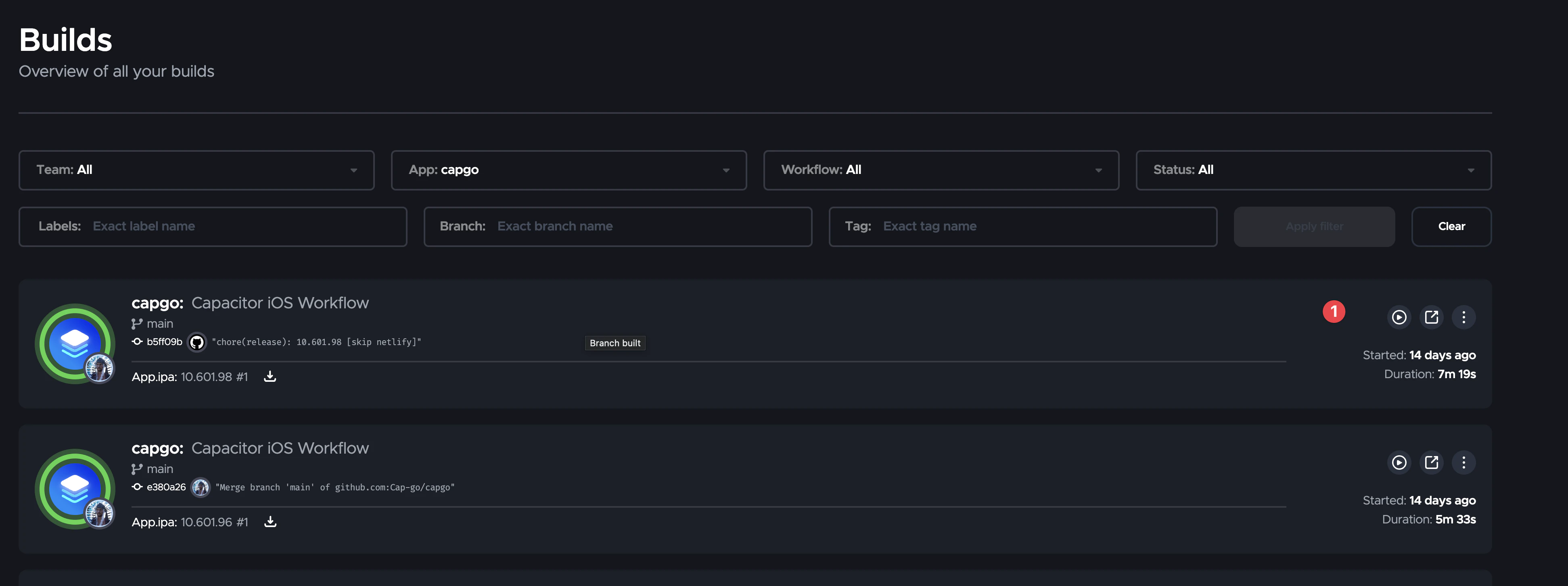
| Compile and sign the IPA | Yes | Capgo Build runs Xcode in the cloud |
| Upload to TestFlight | Yes, normally | Capgo Build uploads with your API key |
| Submit for App Store review | No | App Store Connect website |
| Install on an iPhone for testing | No | TestFlight app, or ad hoc IPA link |
| Push updates after release | No | Capgo Live Updates |
| iOS Simulator | Yes | No substitute; use a real iPhone |
| Safari Web Inspector on iOS | Yes | Remote logging, Chrome DevTools on Android for the shared web layer |
| Xcode debugger for native crashes | Yes | Rent a Mac by the hour when it happens |
Edit Info.plist, entitlements, icons |
No | Plain text and image files in ios/ |
| Add a Capacitor plugin with native iOS code | No | Install, cap sync ios, cloud build |
| Write custom Swift code | Partially | Edit in any editor; compile errors surface in the cloud build log |
Why the compile needs macOS
Apple ships the iOS SDK, xcodebuild and codesign only for macOS, and the license ties them to Apple hardware. There is no supported Linux or Windows toolchain that produces a store-accepted IPA. Projects that cross-compile iOS from Linux exist for research purposes, but they do not sign and are not accepted by App Store Connect. That is why every working “no Mac” workflow moves exactly one step to a macOS machine: the compile.
The three ways to get that machine:
- Buy a Mac. Simple, but now it needs updates every time Apple raises the minimum Xcode. Since April 2026 that is Xcode 26, which requires a recent macOS.
- Rent a Mac in the cloud. Full control, full maintenance burden, hourly cost whether you build or not.
- Use a build service. You send the project, it returns a signed IPA or uploads it. Capgo Build is this option, maintained with the current Xcode so the Apple deadline is not your problem.
The minimal no-Mac workflow
# once
bunx cap add ios
bunx @capgo/cli@latest build init --platform ios

# every native release
bun run build
bunx cap sync ios
bunx @capgo/cli@latest build request com.example.app --platform ios --build-mode release

# every web-only change
bunx @capgo/cli@latest bundle upload --channel production
The first block generates the project and saves signing credentials. The second produces a signed build and sends it to TestFlight. The third skips the native build entirely for web changes.
Detailed walkthroughs: from Windows and from Linux.
Certificates without Keychain Access
The part that scares people. In practice it is three OpenSSL commands and two browser pages:
openssl genrsa -out ios_distribution.key 2048
openssl req -new -key ios_distribution.key -out ios_distribution.csr -subj "/emailAddress=you@example.com/CN=Your Name/C=US"
# upload the CSR in the Apple Developer portal, download distribution.cer
openssl x509 -in distribution.cer -inform DER -out distribution.pem -outform PEM
openssl pkcs12 -export -inkey ios_distribution.key -in distribution.pem -out ios_distribution.p12 -legacy
Then create the App Store provisioning profile in the portal and the API key in App Store Connect. iOS certificates and provisioning profiles explained goes through every type and error.
Testing without the Simulator
Use a real iPhone. The build lands in TestFlight a few minutes after the cloud build completes, and internal testers skip Beta App Review. For devices outside your team, request an ad hoc build with --ios-distribution ad_hoc --output-upload and share the link. The testing guide covers the whole ladder, including how to debug without Safari.
Native code and plugins
Adding a community plugin is a bun add and a cap sync ios; the Swift code is compiled in the cloud. Writing your own Swift for a custom plugin also works from any editor. You lose autocomplete and instant compile feedback, so the practical approach is to keep the native part small, compile early with a debug cloud build, and read errors from the streamed Xcode log. --ai-analytics turns a failed build into a plain-language diagnosis.
When renting a Mac is still the right call
- A native crash you cannot explain from logs and need the Xcode debugger for.
- A plugin author who iterates on Swift daily.
- A first-time App Store setup where you want to see Xcode’s signing UI once to understand it.
None of these are weekly events for a typical Capacitor team. An hour of rented Mac time when they happen is cheaper than a Mac per developer.
Related setup guides
- Capacitor development on Windows
- Capacitor development on Linux
- Capacitor with WSL2 on Windows
- Live reload on Android from Windows and Linux
- Android release builds without Android Studio
Summary
Capacitor on Windows or Linux covers design, code, Android, certificates, TestFlight and App Store submission. Only the compile is Apple-only, and Capgo Build handles it. With Live Updates for the web layer, a team with no Mac at all ships iOS on the same cadence as Android.





