
Firebase Google Login - General Setup
Copy a setup prompt with the install steps and the full markdown guide for this plugin.
Introduction
Section titled “Introduction”This guide will walk you through integrating Google Sign-In with Firebase Authentication using the Capacitor Social Login plugin. This setup allows you to use native Google Sign-In on mobile platforms while leveraging Firebase Auth for backend authentication.
Setup Steps
Section titled “Setup Steps”- Please go to console.cloud.google.com
- Select the project you want to use
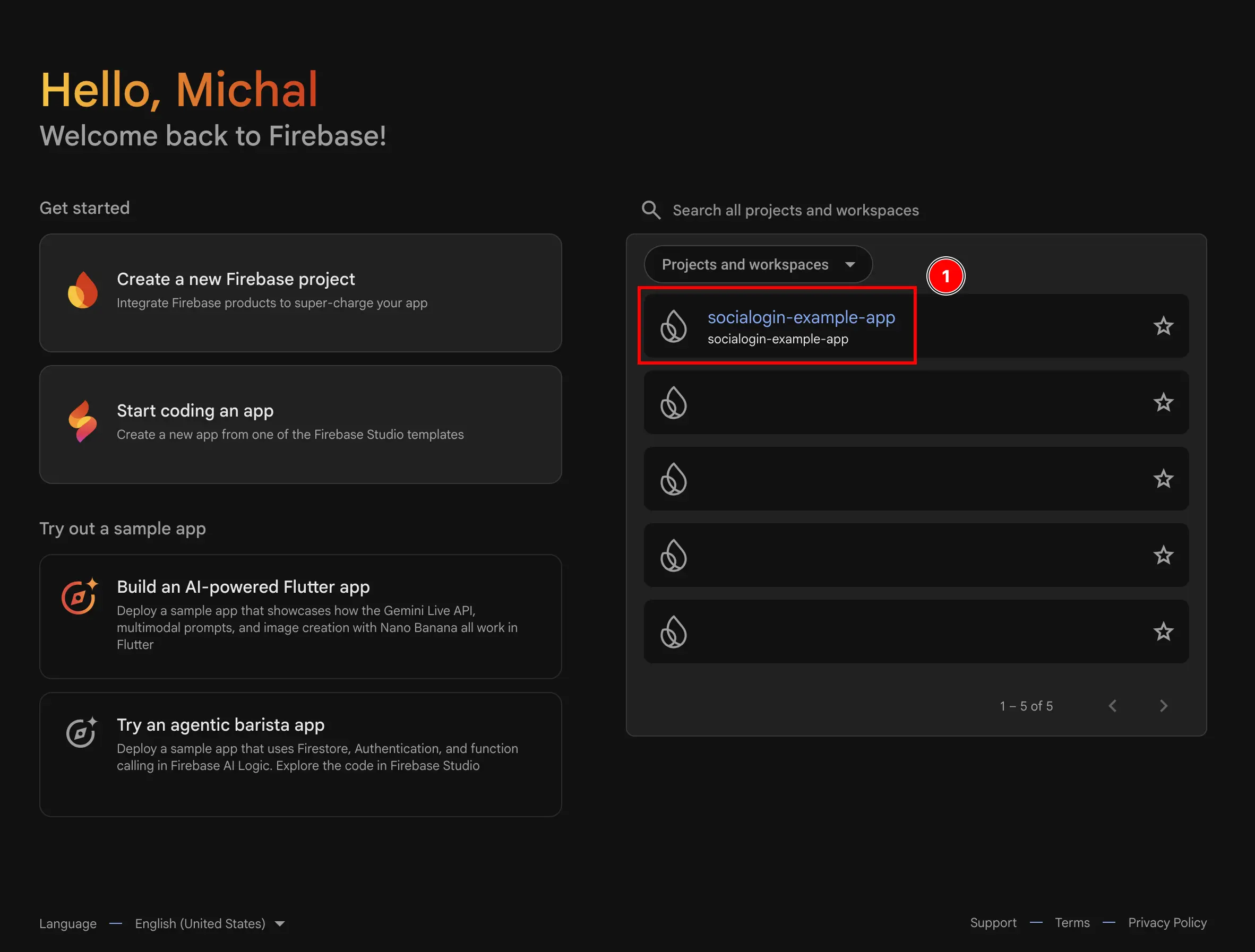
- Go to the
Authenticationmenu- Click on
build - Click on
Authentication
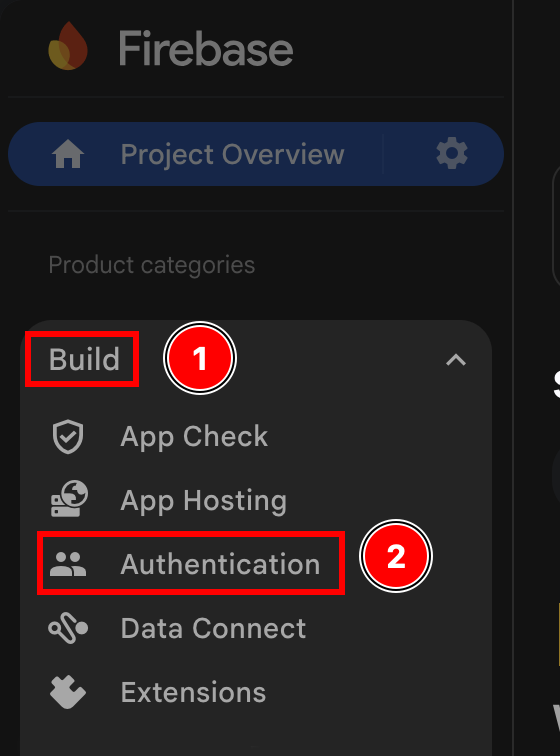
- Click on
- Click on the
Get startedbutton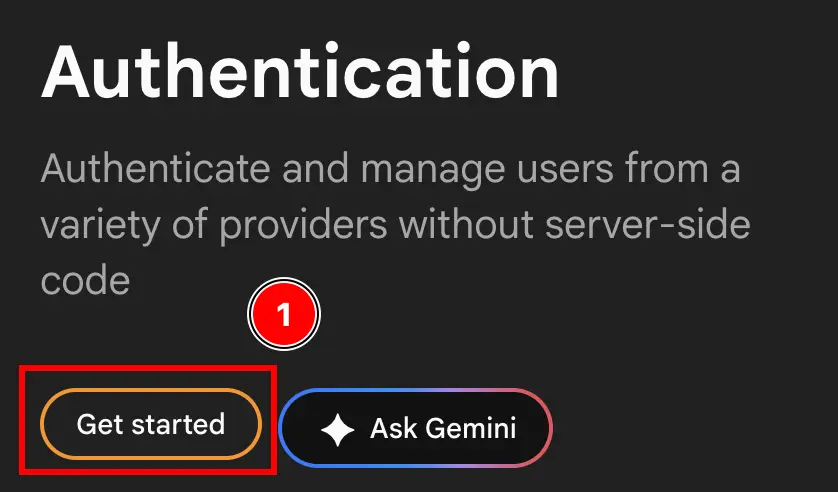
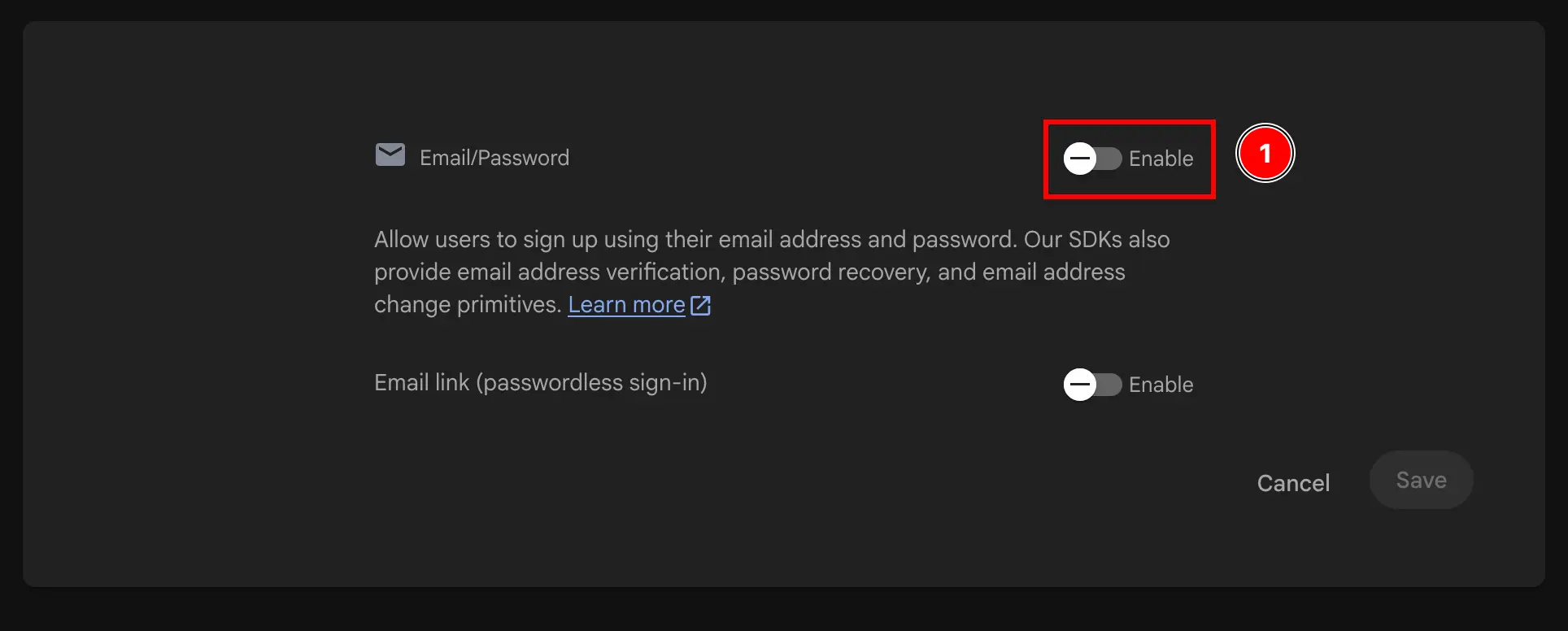
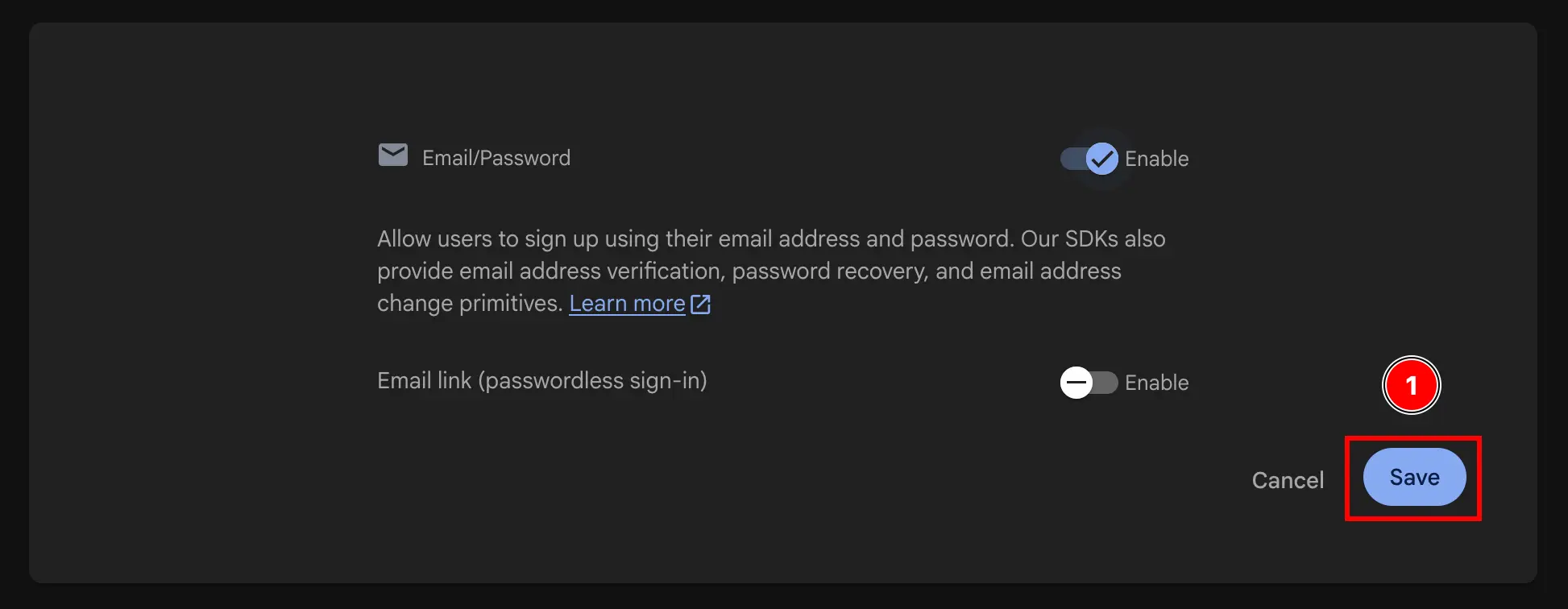
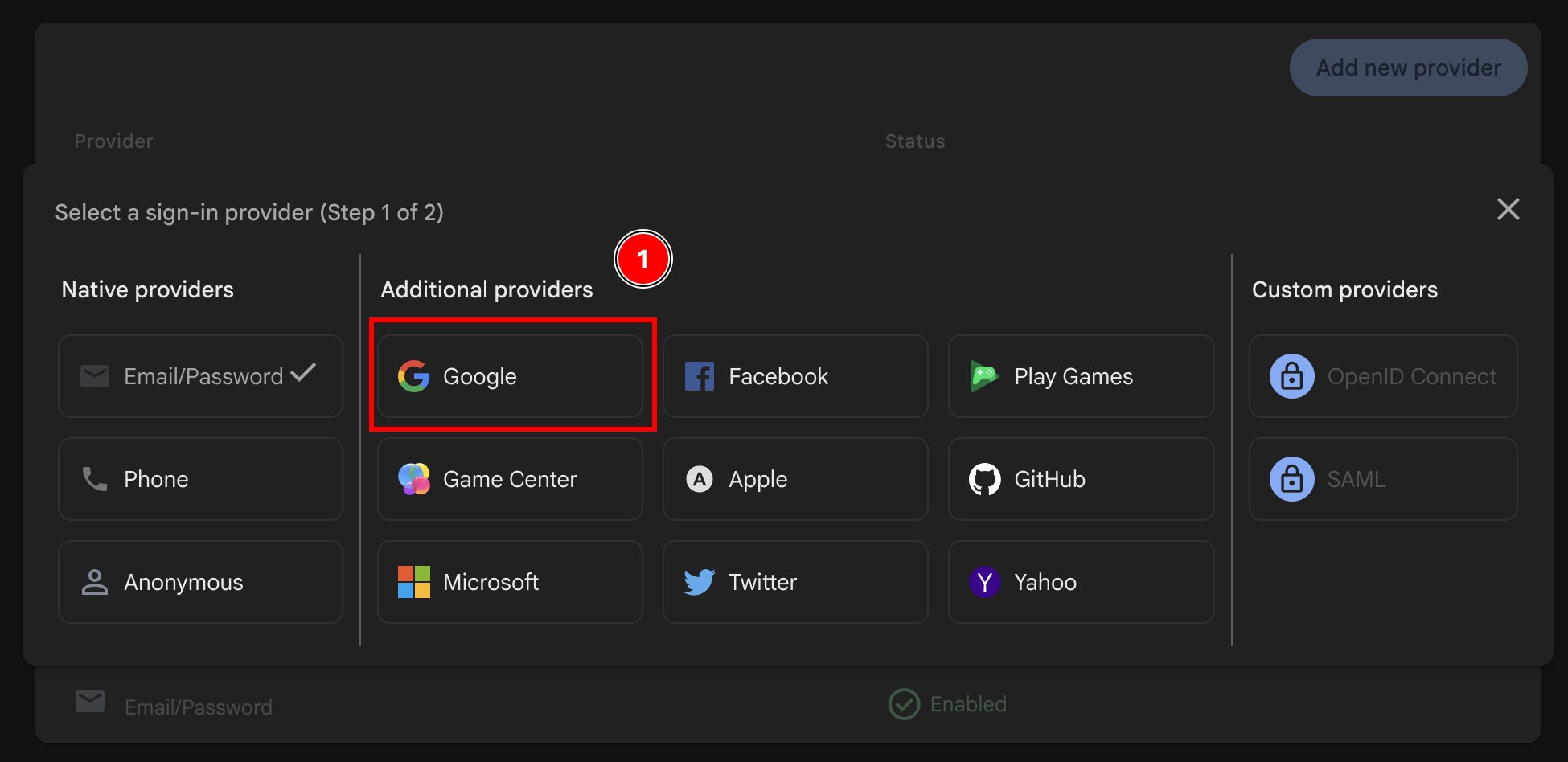
- Select EITHER
Email/PasswordANDGoogleORGoogleONLY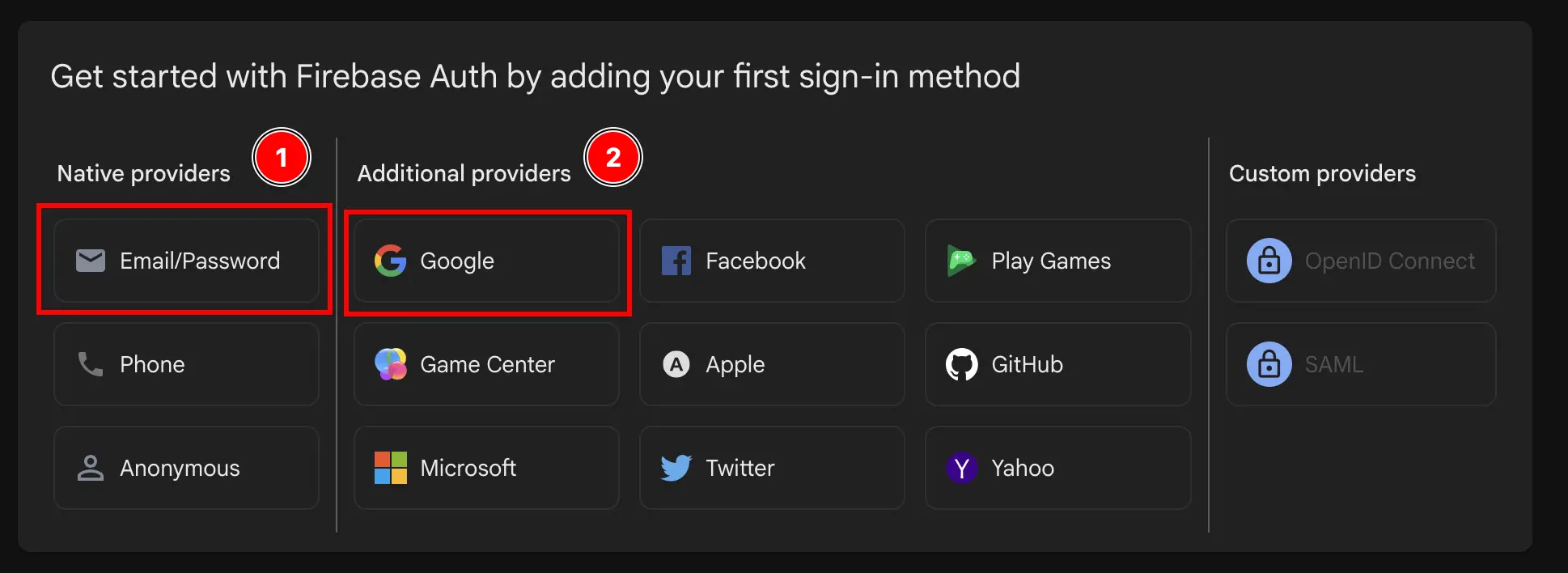

- Enable the
Googleprovider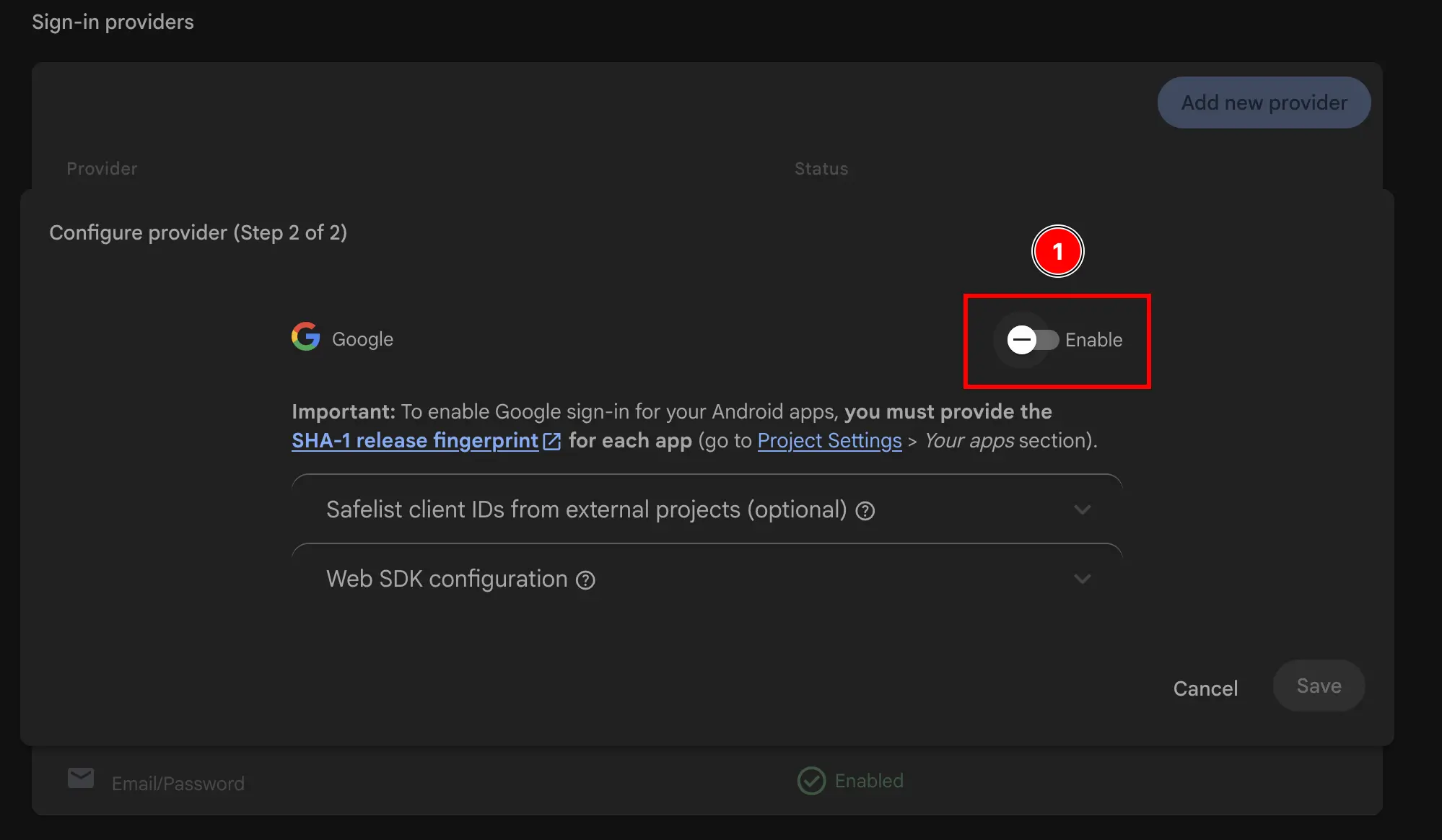
- Add the support email
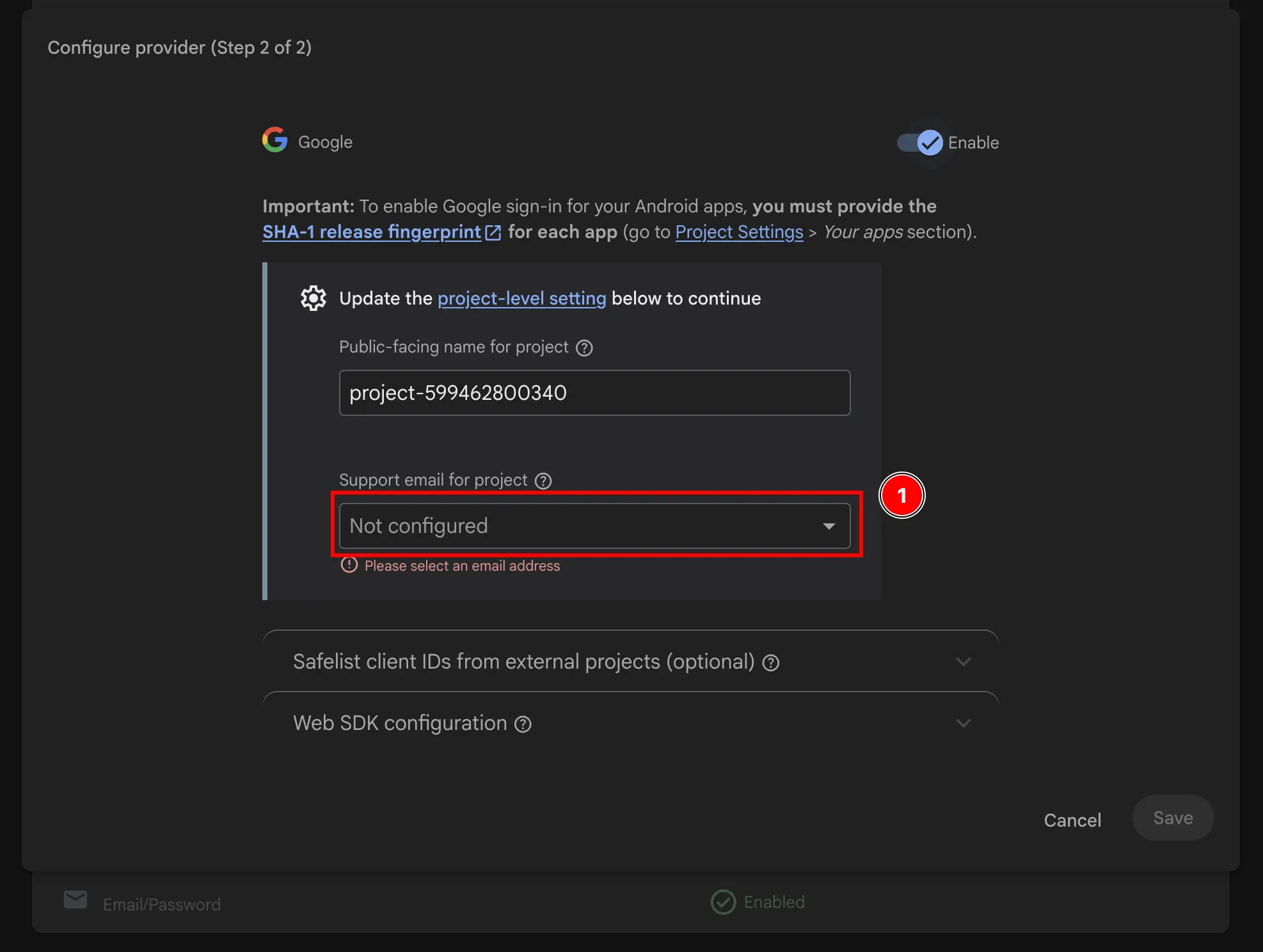
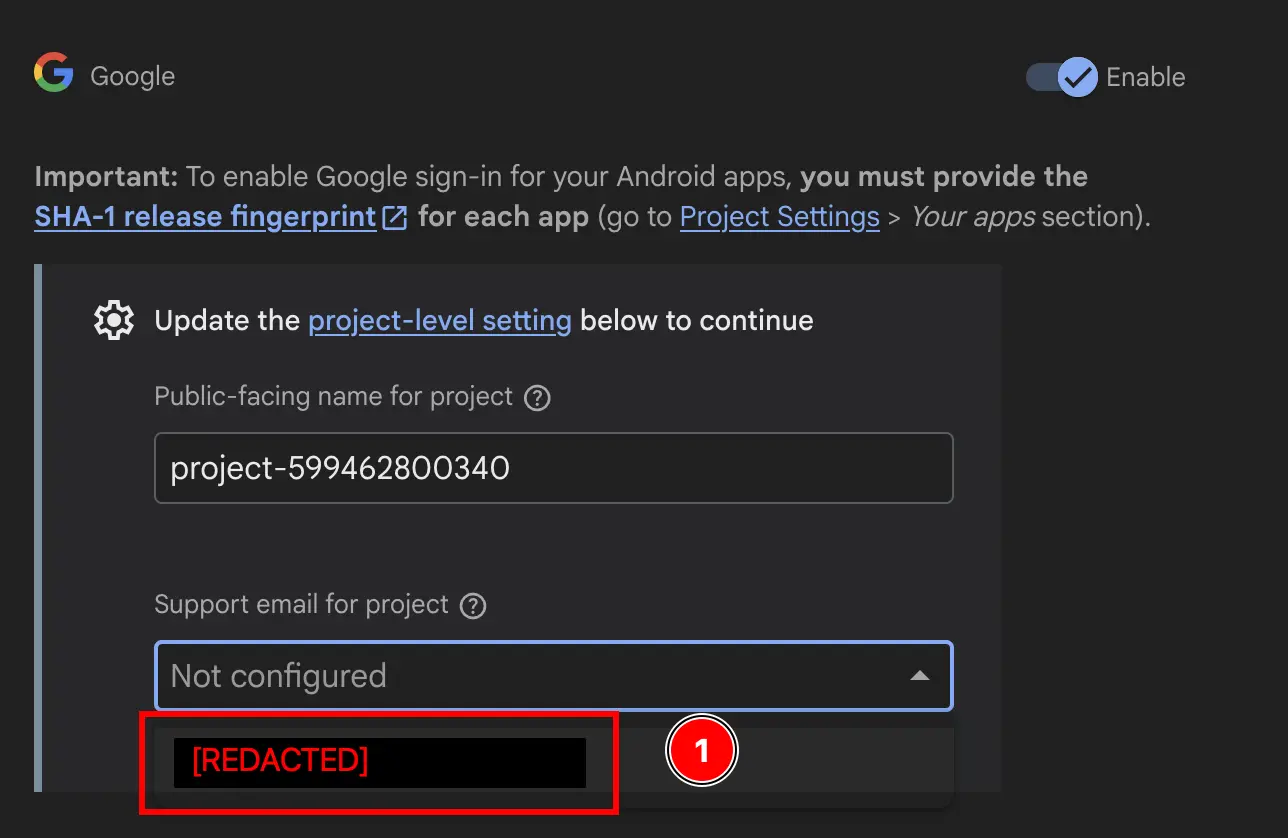
- Change the
Public-facing name for project.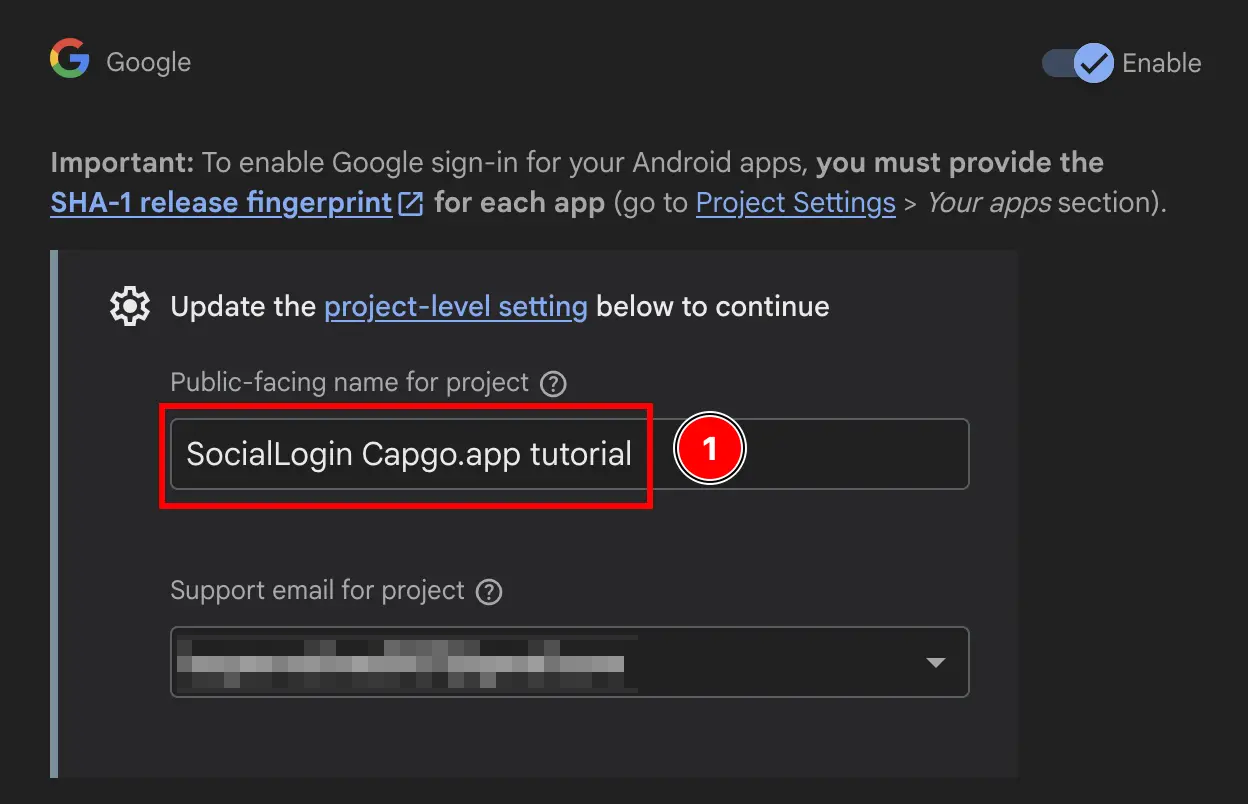
- Click on the
Savebutton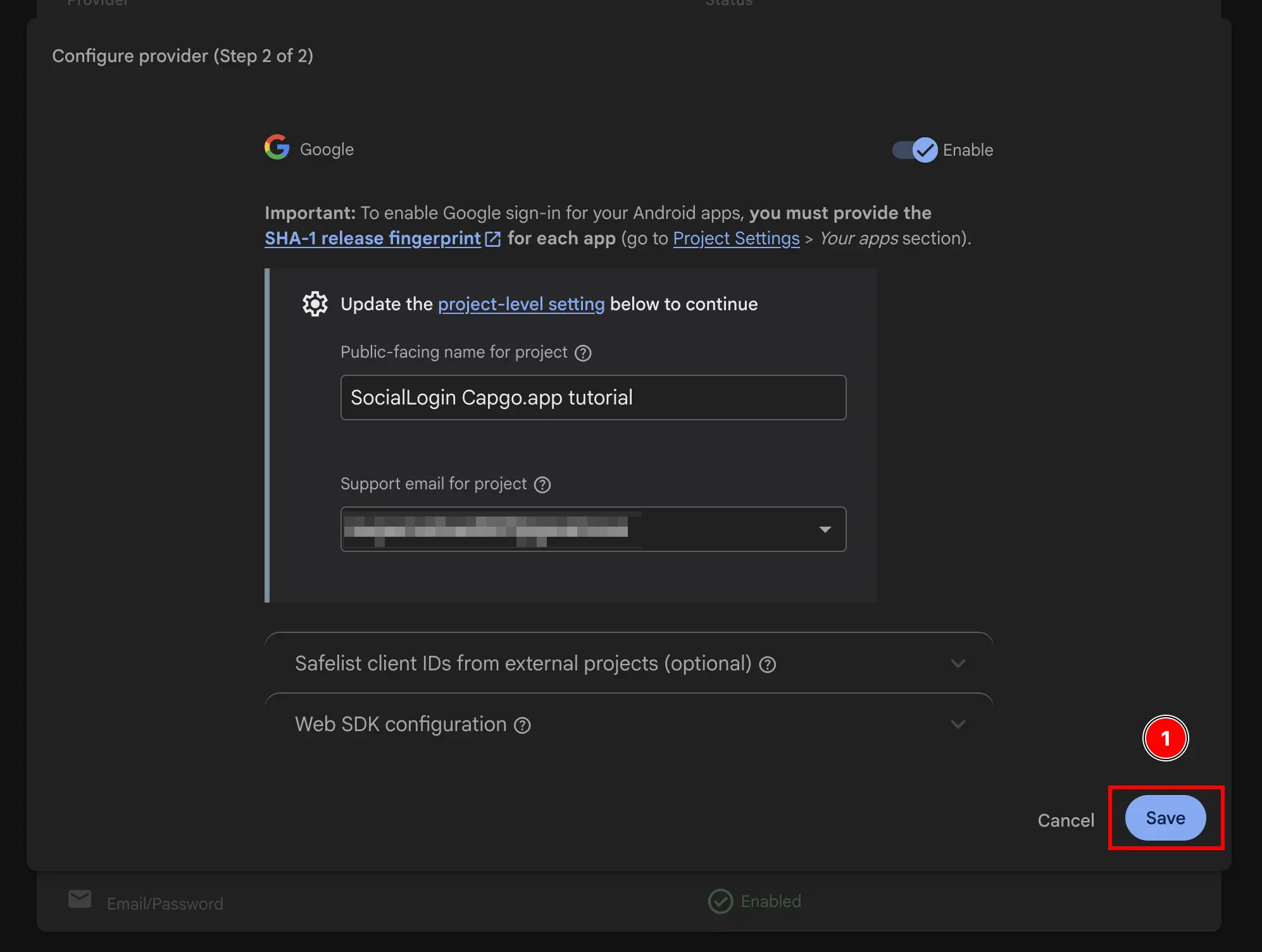
Voilà, you have now enabled Google Sign-In with Firebase Authentication 🎉
Keep going from Firebase Google Login - General Setup
Section titled “Keep going from Firebase Google Login - General Setup”If you are using Firebase Google Login - General Setup to plan authentication and account flows, connect it with Using @capgo/capacitor-social-login for the native capability in Using @capgo/capacitor-social-login, @capgo/capacitor-social-login for the implementation detail in @capgo/capacitor-social-login, @capgo/capacitor-passkey for the implementation detail in @capgo/capacitor-passkey, @capgo/capacitor-native-biometric for the implementation detail in @capgo/capacitor-native-biometric, and Two-factor authentication for the implementation detail in Two-factor authentication.
Ship Capacitor apps without the wait
Push fixes to users in minutes, build signed iOS and Android apps without a Mac, and roll back in one click.


Enterprise needs? Talk to our team