
Firebase Google Login - 일반 설정
이 플러그인의 설치 단계와 전체 markdown 가이드가 포함된 설정 프롬프트를 복사하세요.
소개
“소개” 섹션이 가이드는 Capacitor Social Login 플러그인을 사용하여 Firebase Authentication에 Google Sign-In을 통합하는 방법을 안내합니다. 이 설정을 통해 모바일 플랫폼에서 네이티브 Google Sign-In을 사용하면서 백엔드 인증에는 Firebase Auth를 활용할 수 있습니다.
설정 단계
“설정 단계” 섹션- 다음으로 이동하세요: console.cloud.google.com
- 사용할 프로젝트를 선택하세요
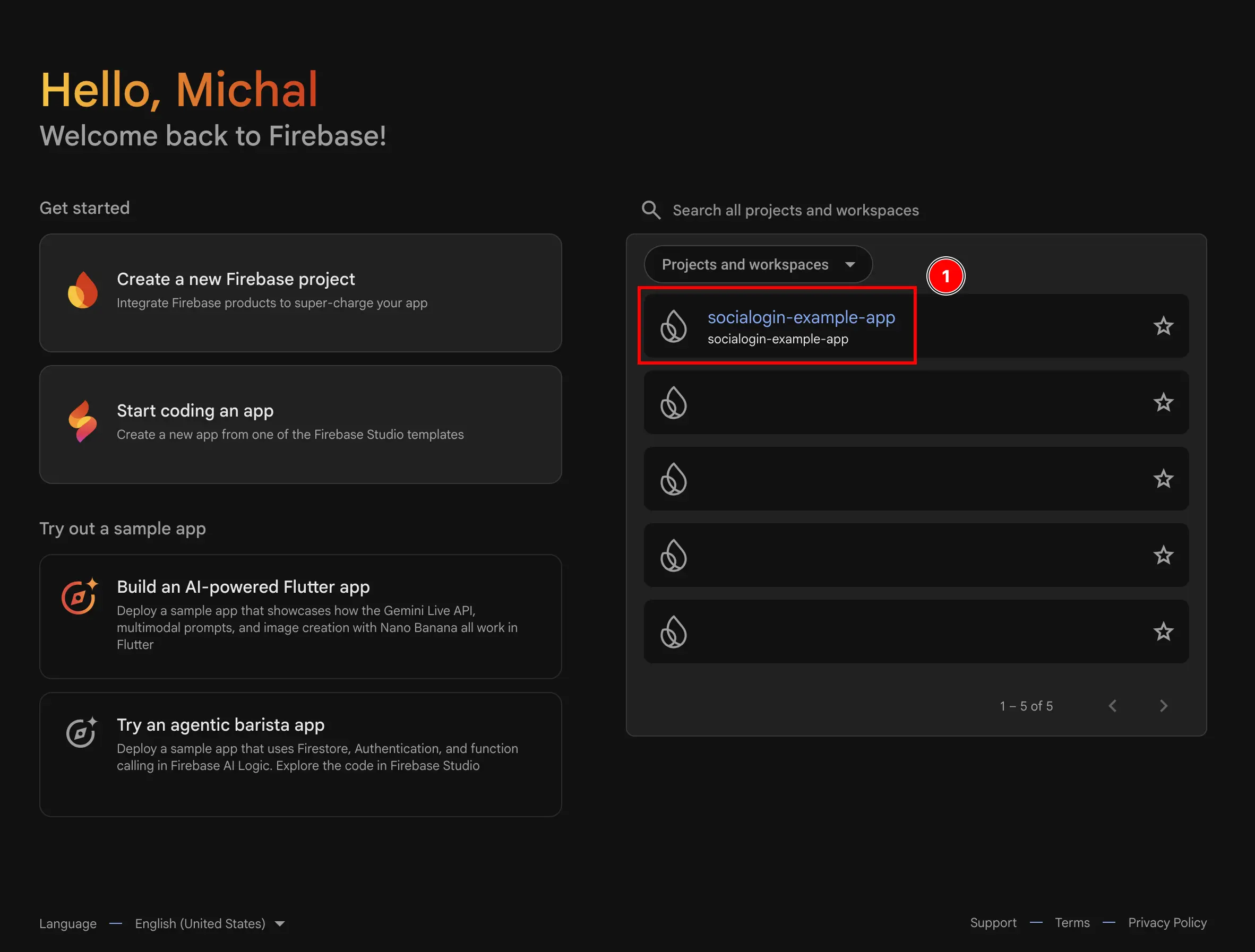
- 다음으로 이동하세요:
Authentication메뉴- 클릭하세요
build - 클릭하세요
Authentication
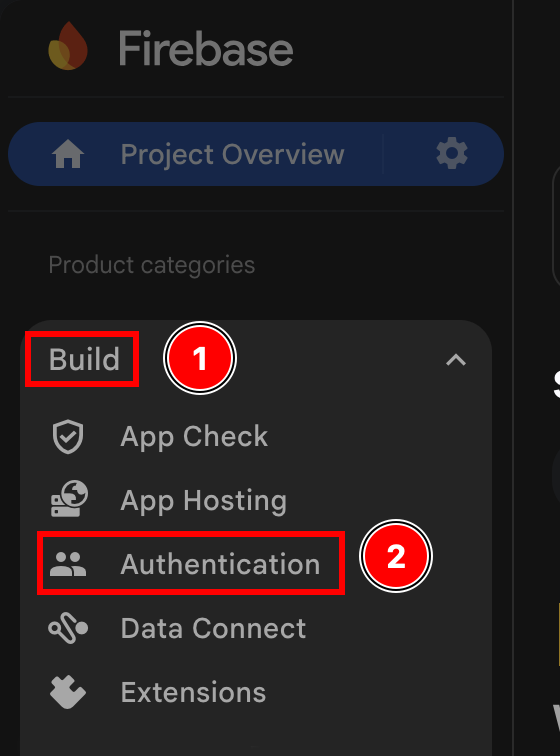
- 클릭하세요
- 를 클릭하세요
Get started버튼을 클릭하세요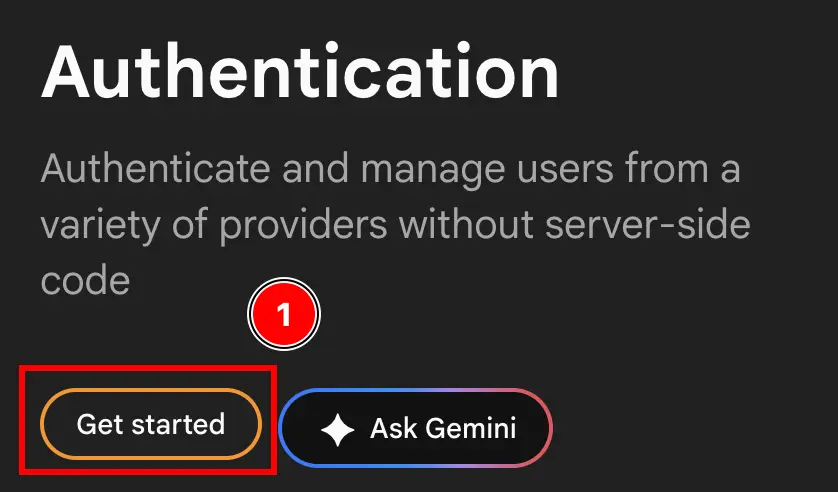
- 둘 중 하나를 선택하세요
Email/Password및Google또는Google오직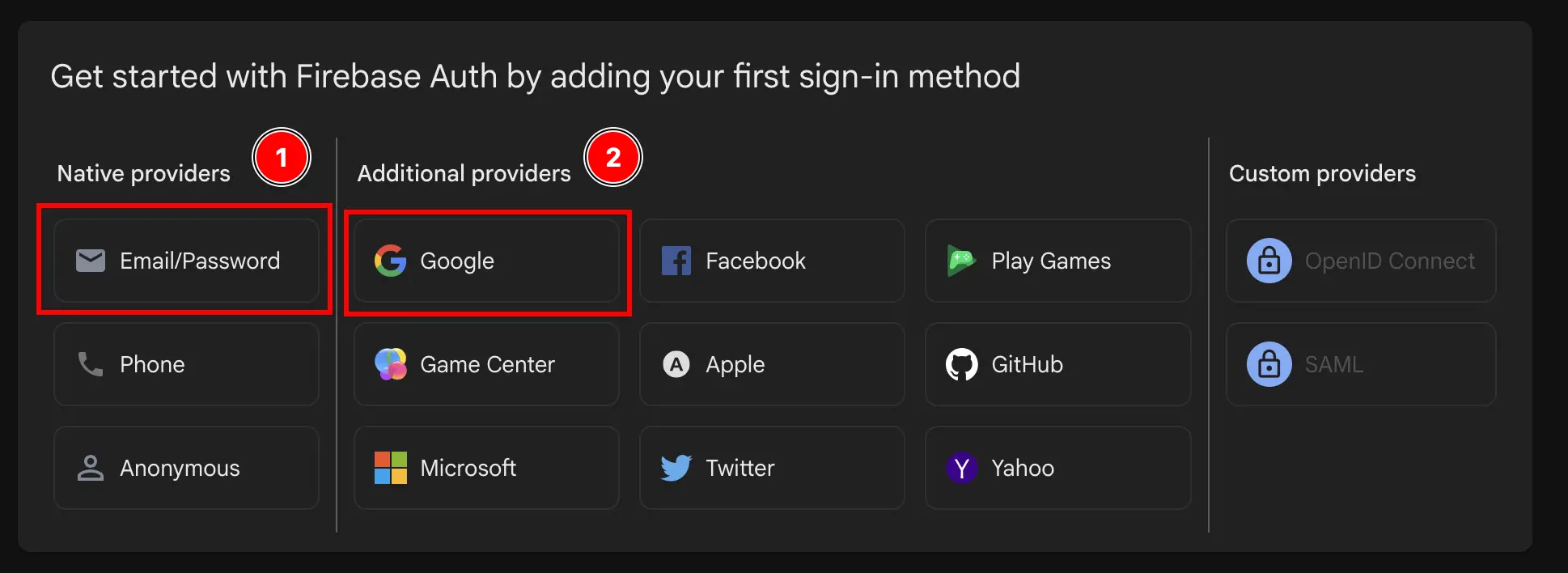
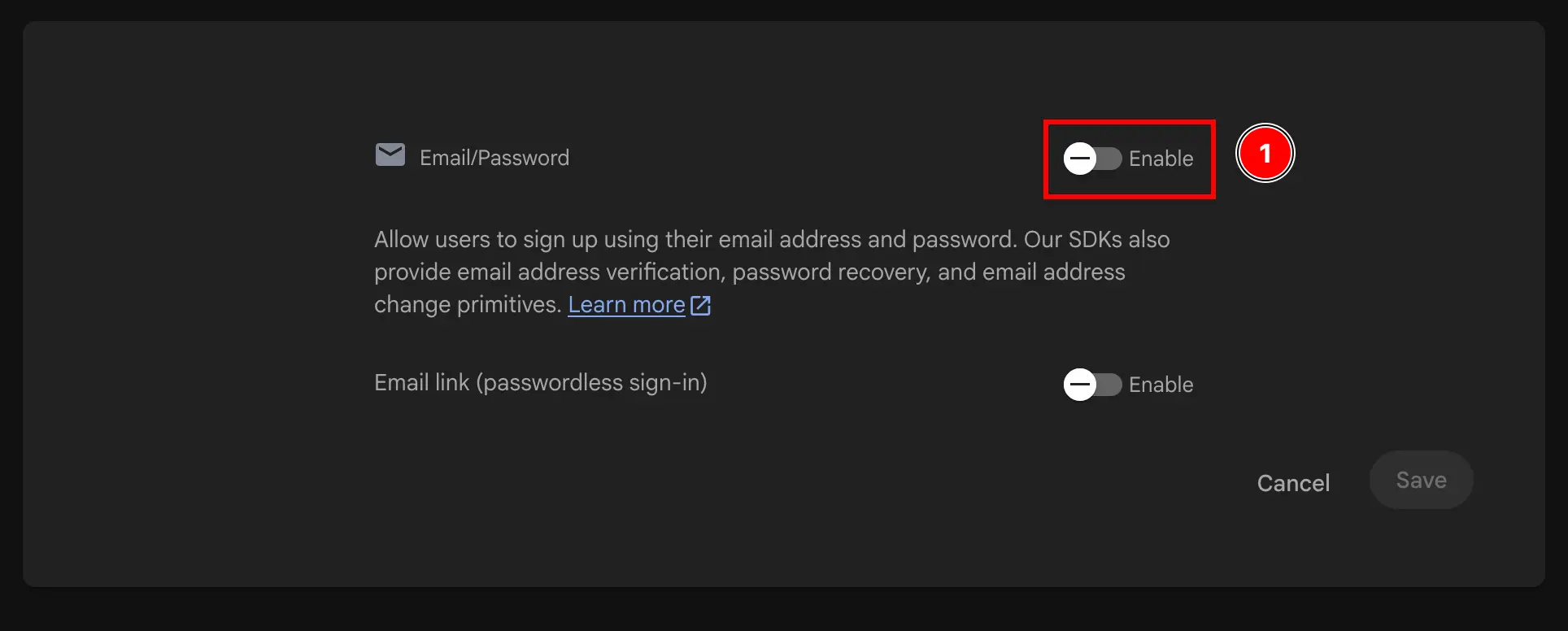
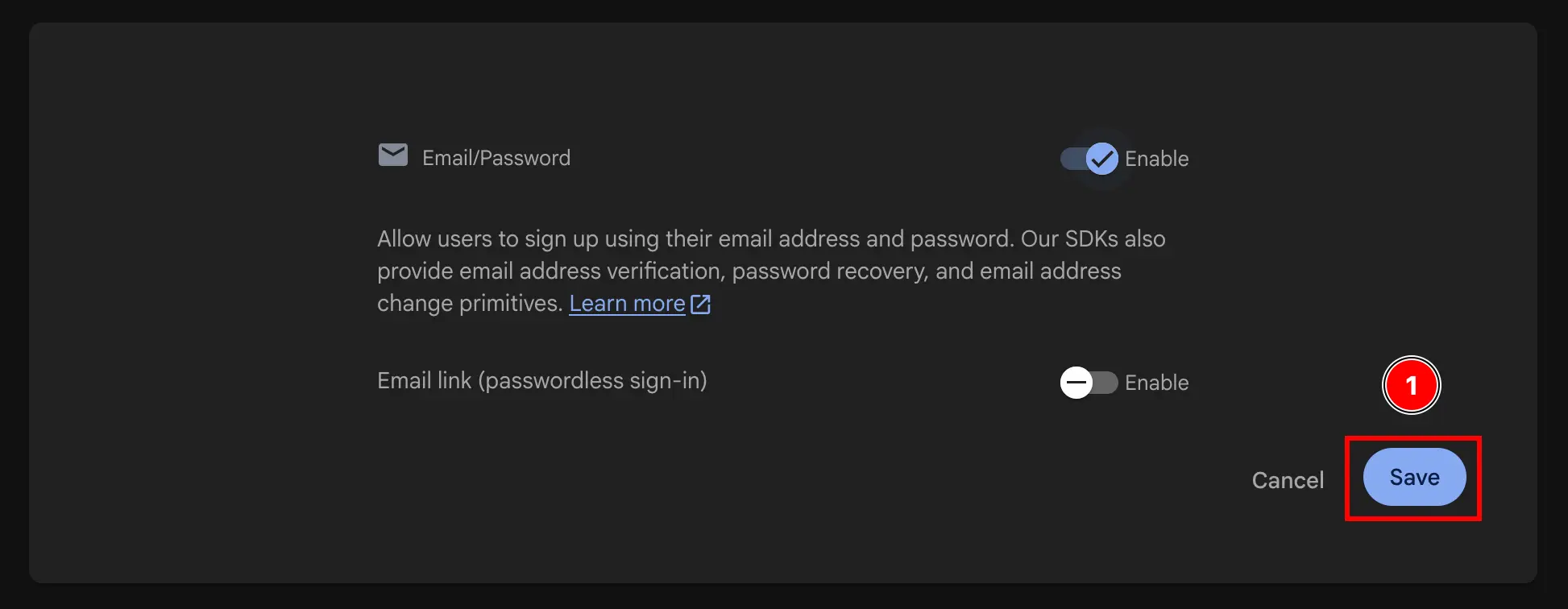

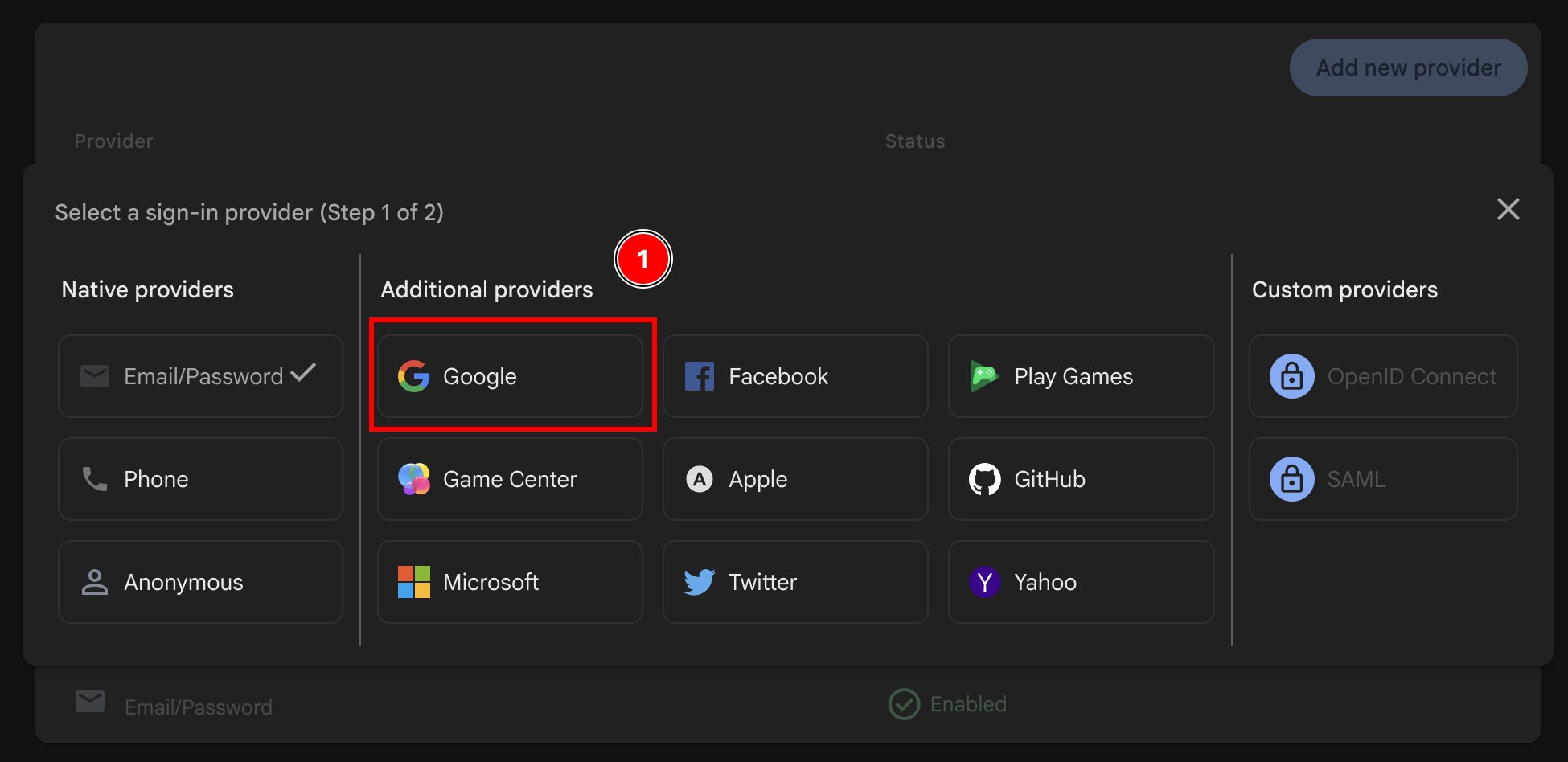
- 다음 활성화:
Google제공업체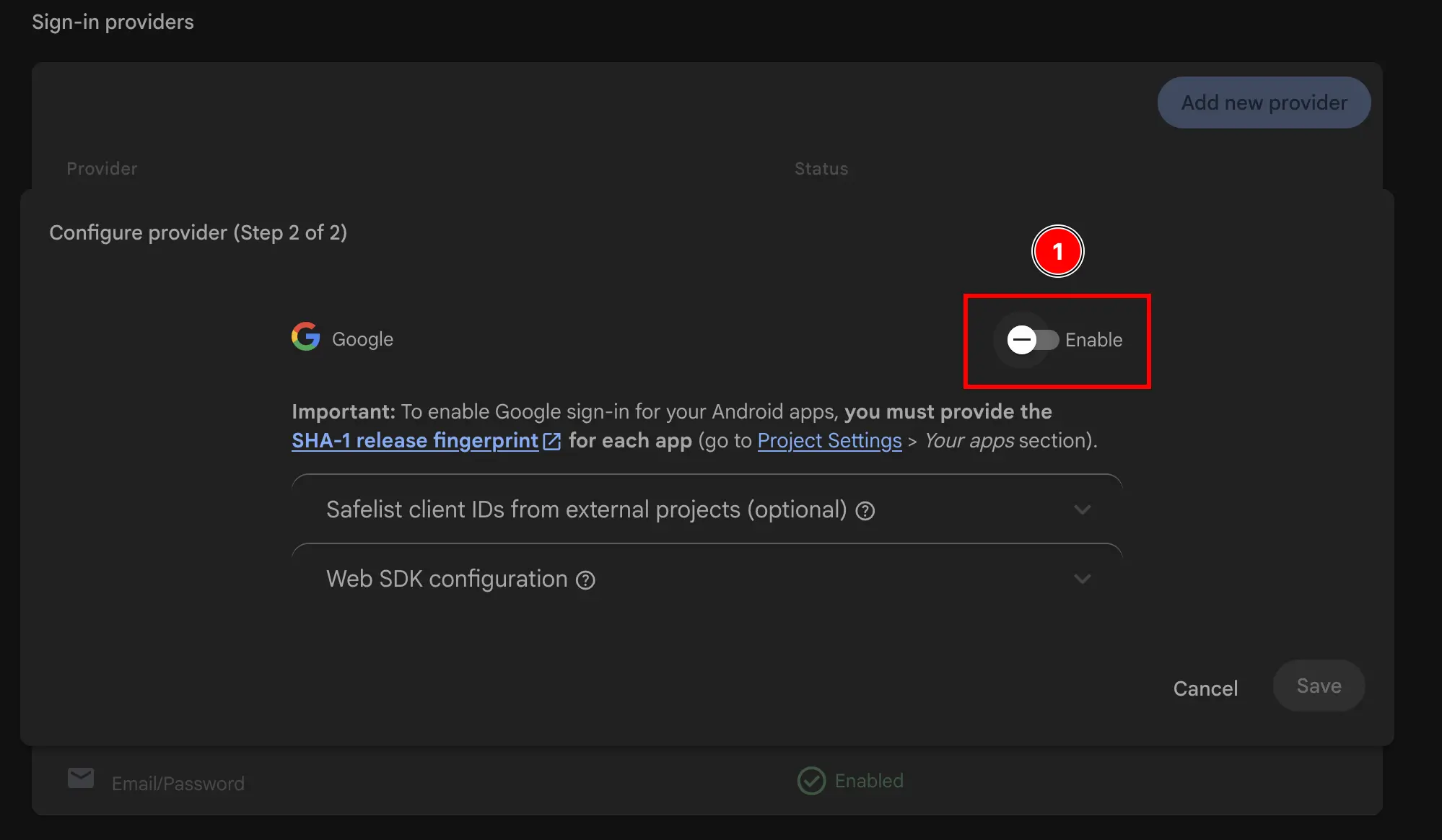
- 지원 이메일 추가
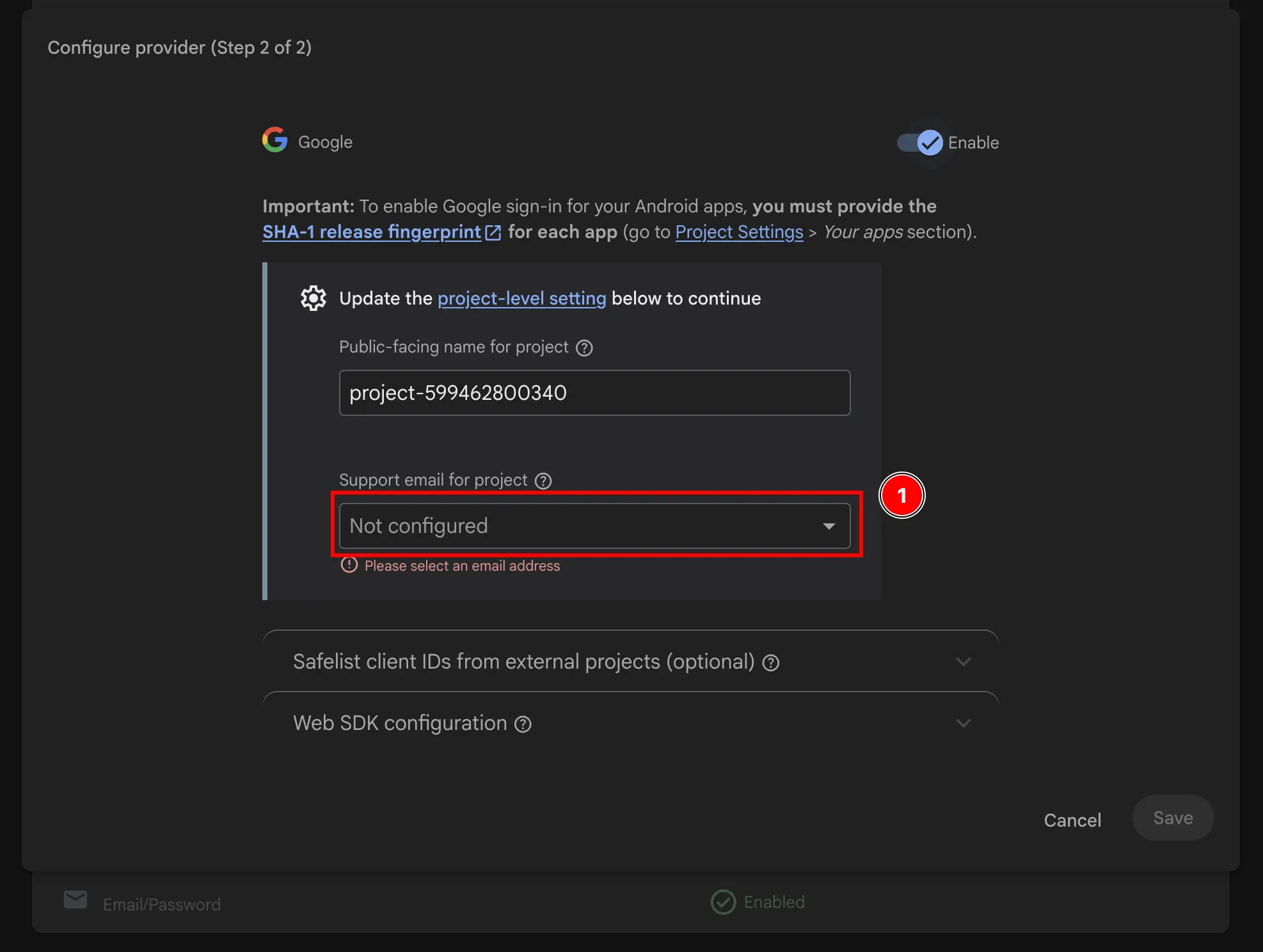
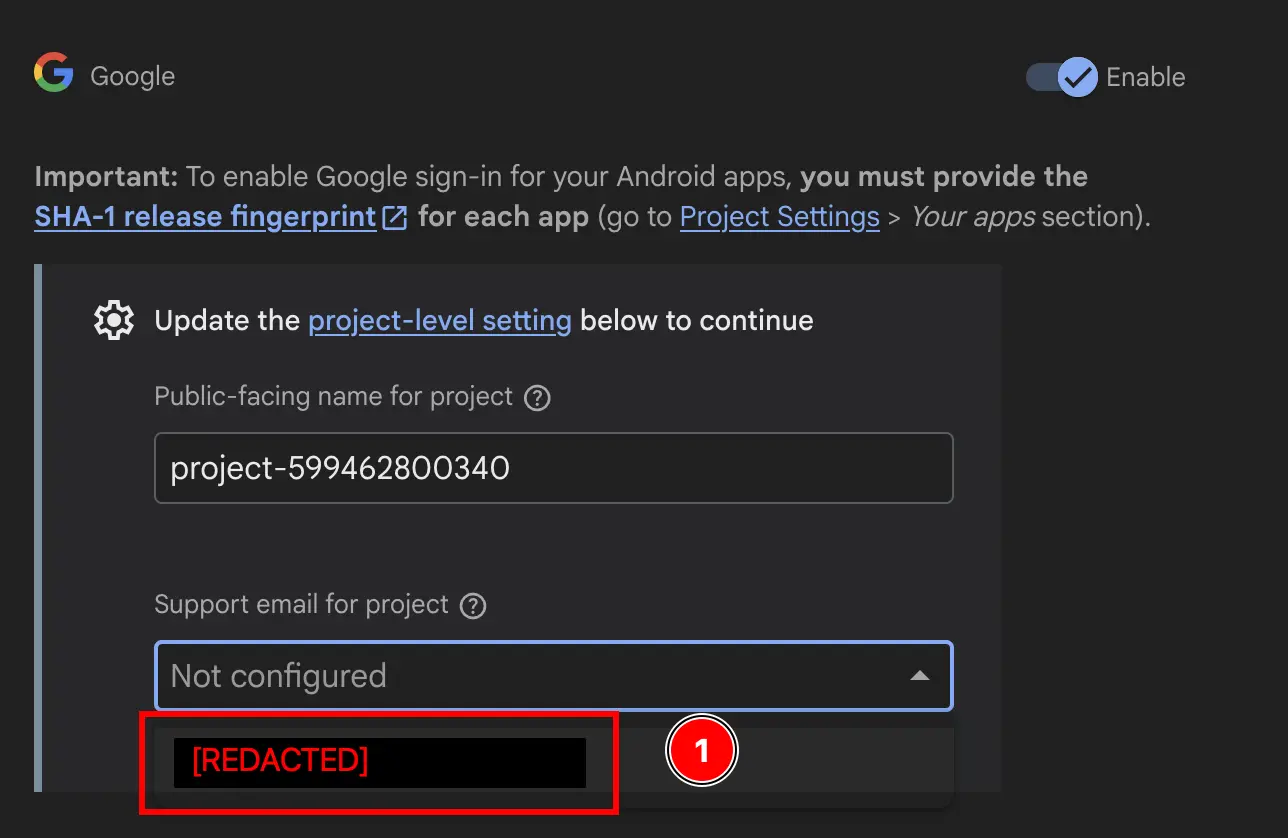
- 다음 항목 변경:
Public-facing name for project.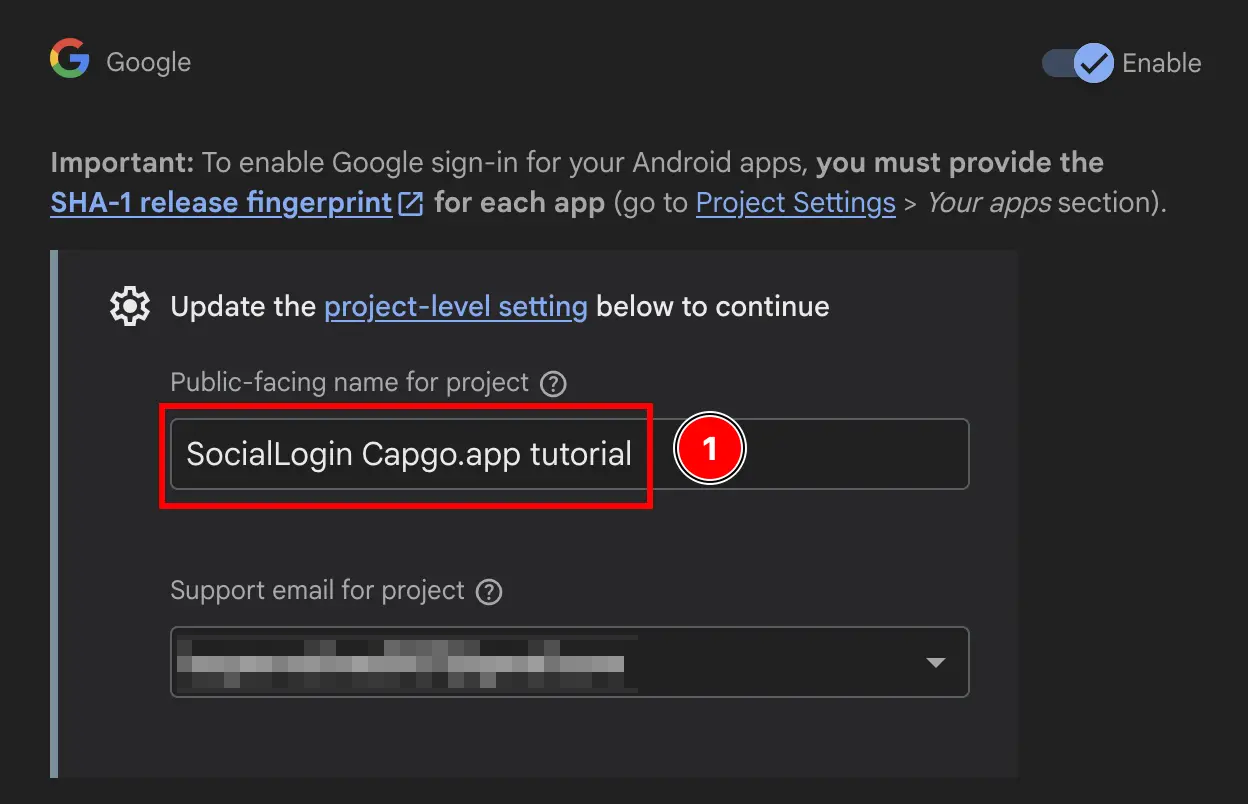
- 를 클릭하세요
Save버튼을 클릭하세요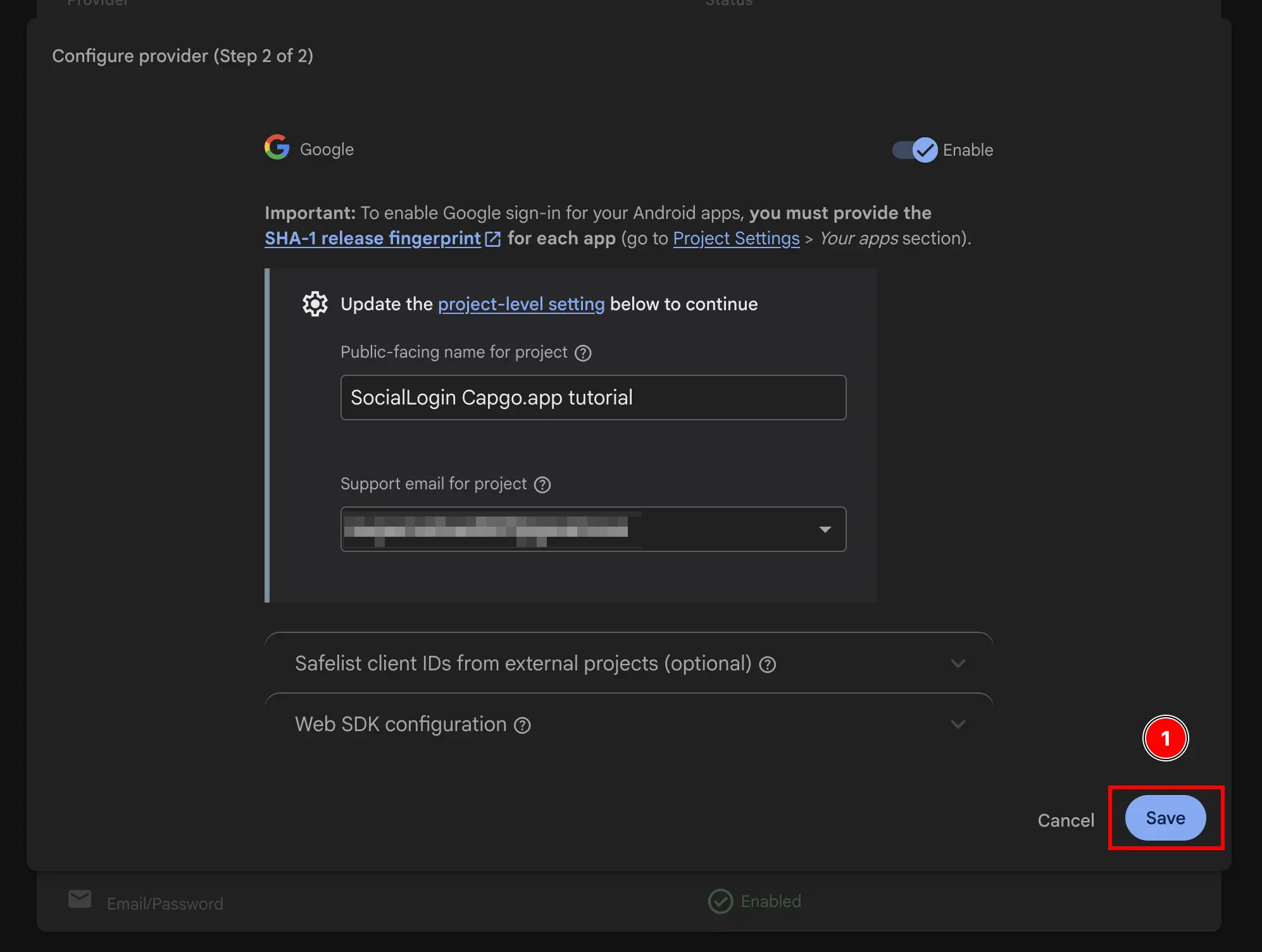
이제 Firebase Authentication으로 Google Sign-In을 활성화했습니다 🎉
Firebase Google Login - General Setup부터 계속하기
“Firebase Google Login - General Setup부터 계속하기” 섹션사용 중인 경우 Firebase Google Login - 일반 설정 인증 및 계정 흐름을 계획하려면, 이를 다음 항목과 연결하세요 @capgo/capacitor-social-login 사용하기 @capgo/capacitor-social-login의 네이티브 기능 활용 시, @capgo/capacitor-social-login @capgo/capacitor-social-login의 구현 세부 사항, @capgo/capacitor-passkey @capgo/capacitor-passkey의 구현 세부 사항, @capgo/capacitor-native-biometric @capgo/capacitor-native-biometric의 구현 세부 사항, 그리고 2단계 인증 2단계 인증의 구현 세부 사항.


