
Firebase Google Login - Configuration Générale
Copiez un prompt de configuration avec les étapes d'installation et le guide Markdown complet pour ce plugin.
Introduction
Sous-titre « Introduction »Ce guide vous guidera à travers l'intégration de l'authentification Google Sign-In avec Firebase Authentication en utilisant le plugin d'authentification sociale Capacitor. Cette configuration vous permet d'utiliser l'authentification native Google Sign-In sur les plateformes mobiles tout en exploitant l'authentification Firebase pour l'authentification backend.
Setup Steps
Sous-titre « Étapes de configuration »- Veuillez vous rendre sur console.cloud.google.com
- Sélectionnez le projet que vous souhaitez utiliser
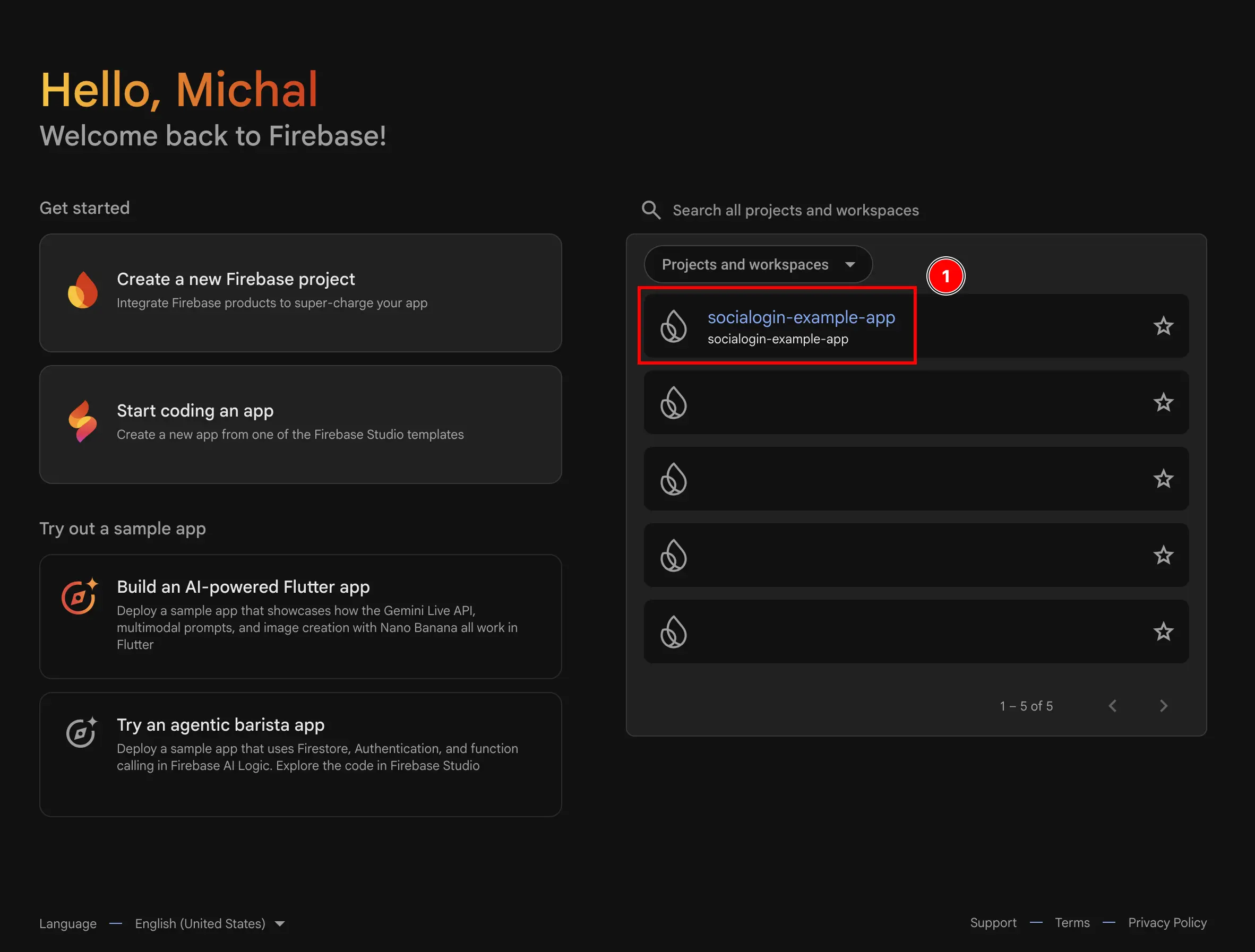
- Allez à la
Authenticationmenu- Cliquez sur
build - Cliquez sur
Authentication
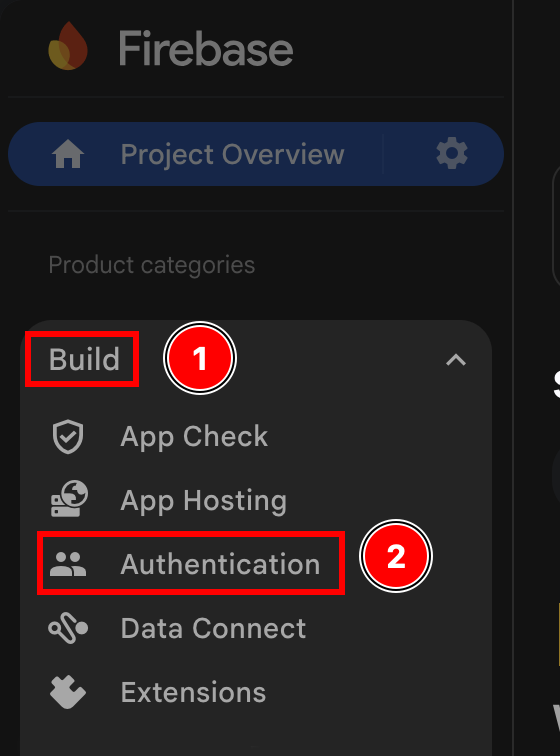
- Cliquez sur
- Cliquez sur le
Get startedbouton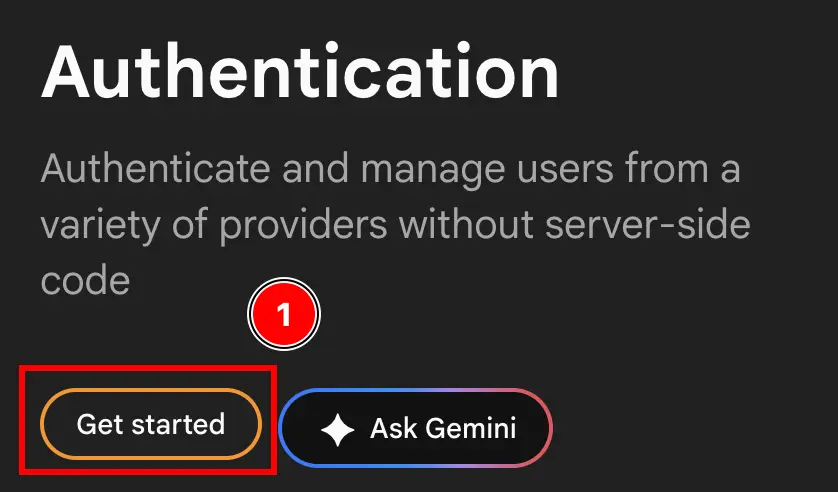
- Sélectionnez L'UN OU
Email/PasswordETGoogleOUGoogleSEUL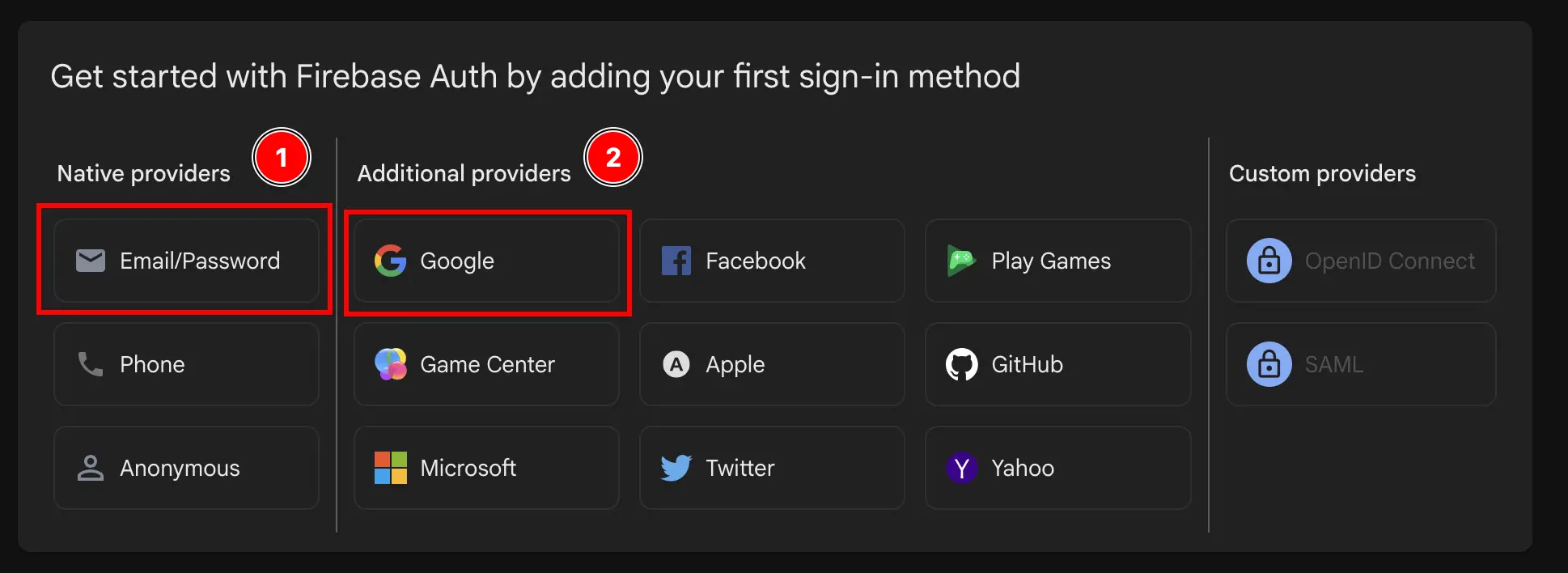
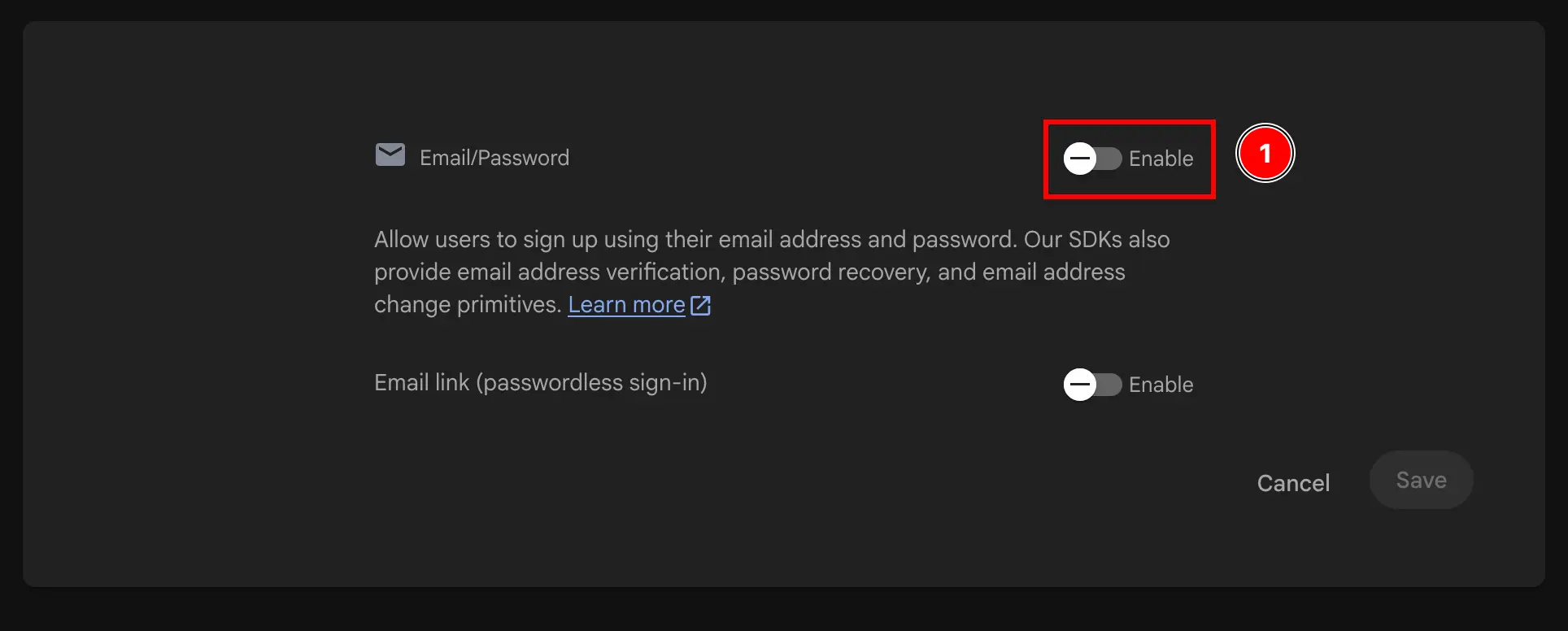
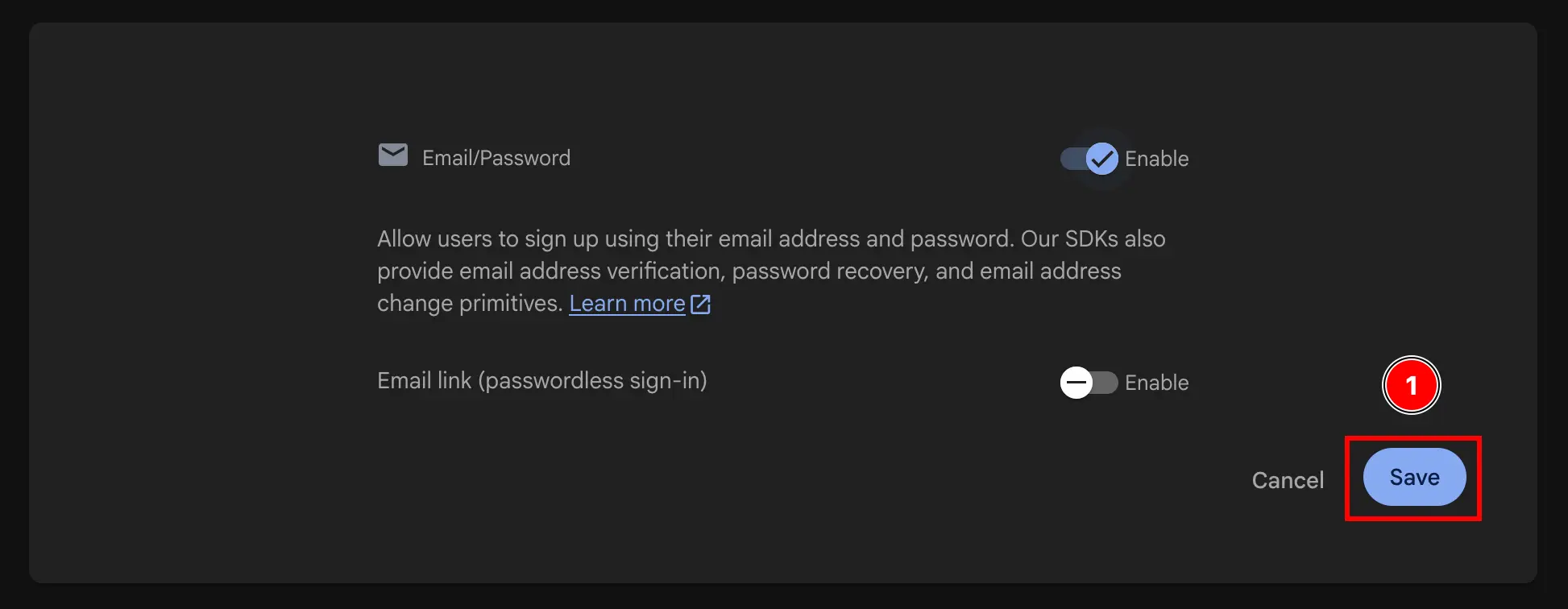

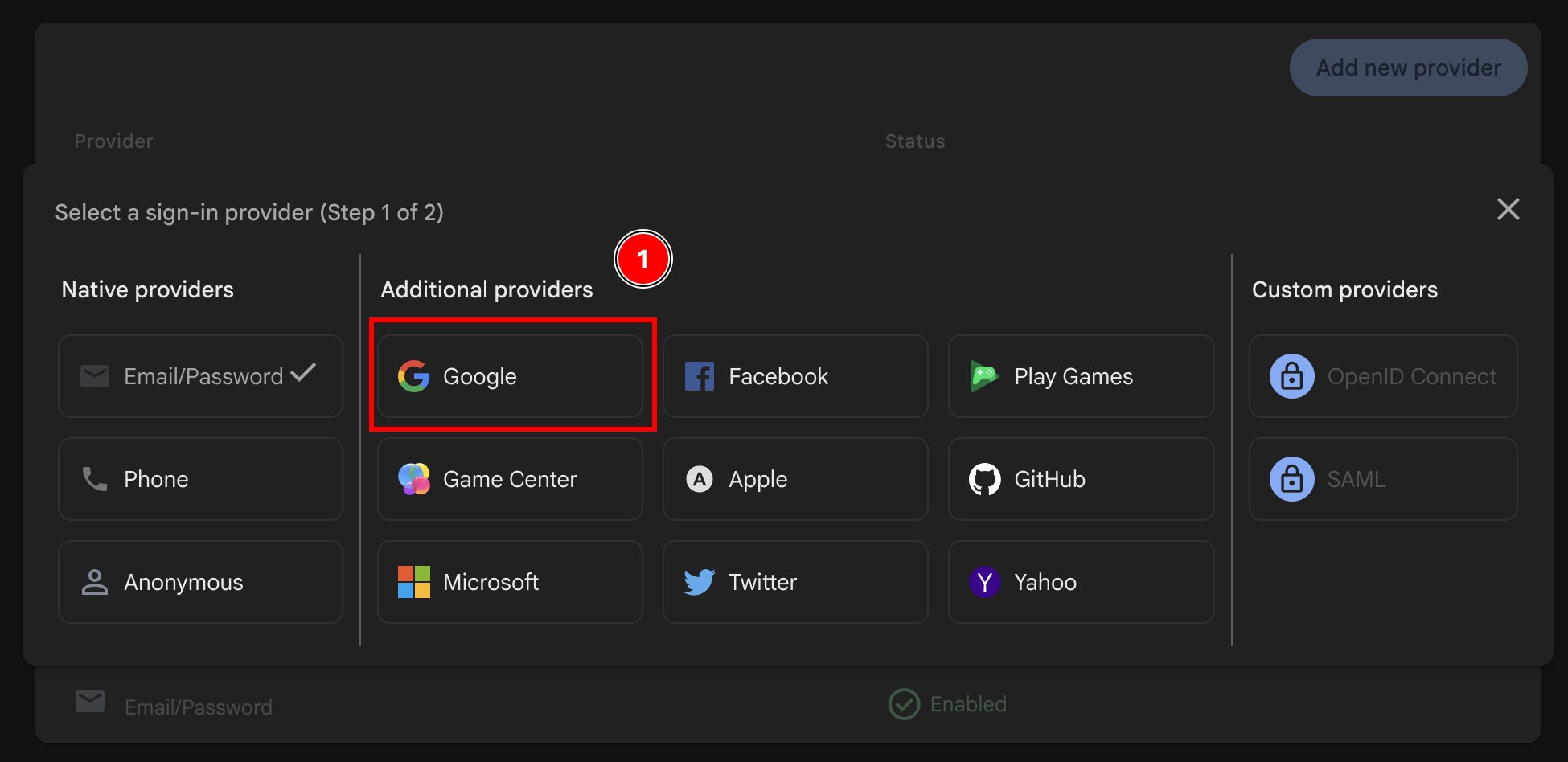
- Activer le
Googlefournisseur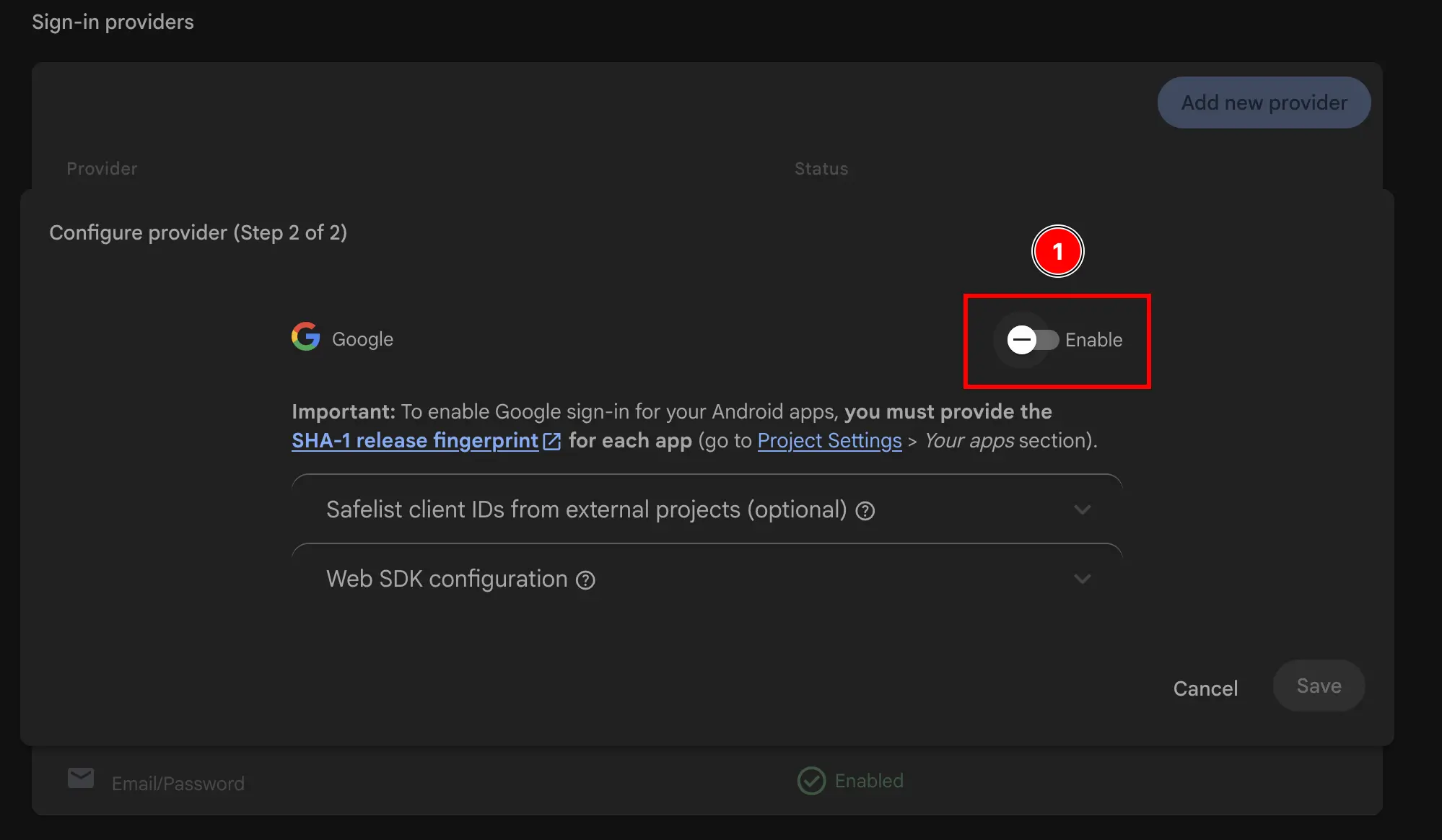
- Ajouter l'adresse e-mail de support
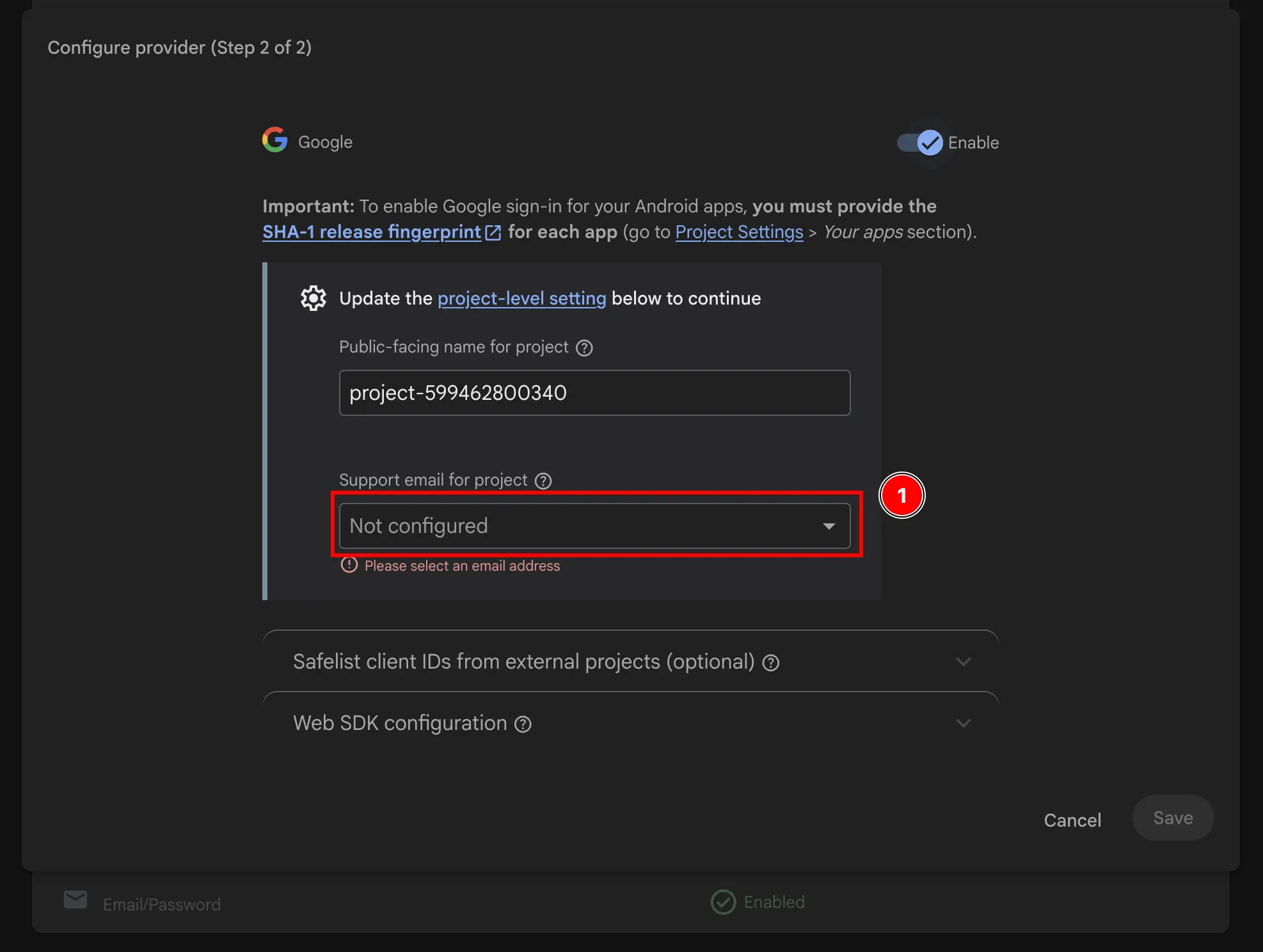
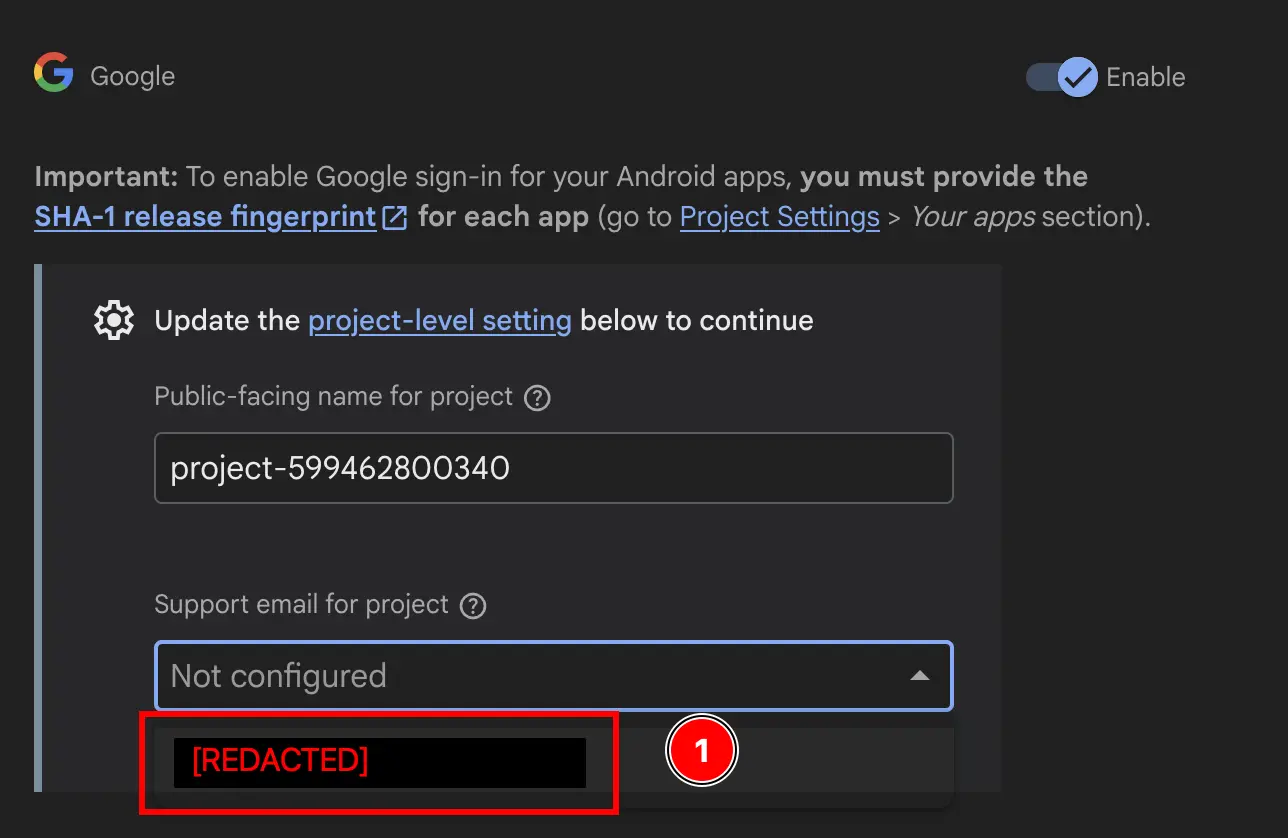
- Changer le
Public-facing name for project.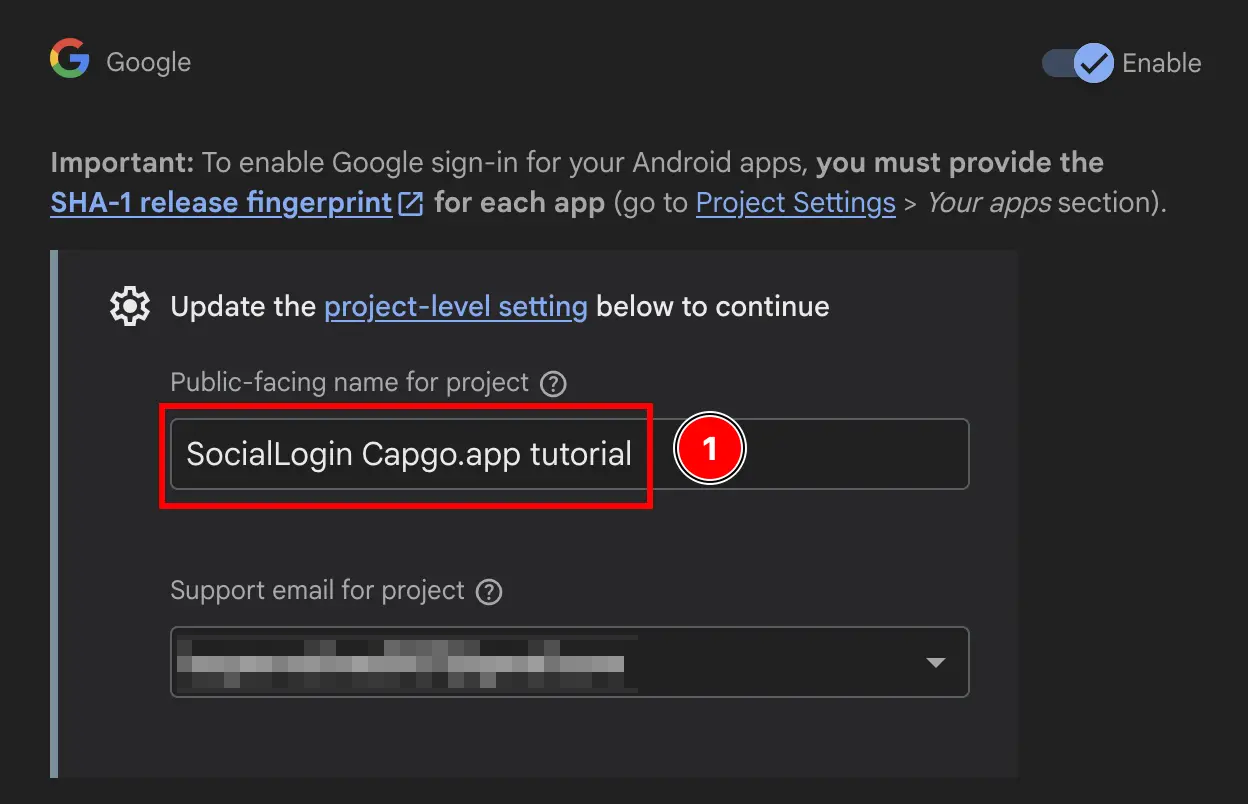
- Cliquez sur le
Savebouton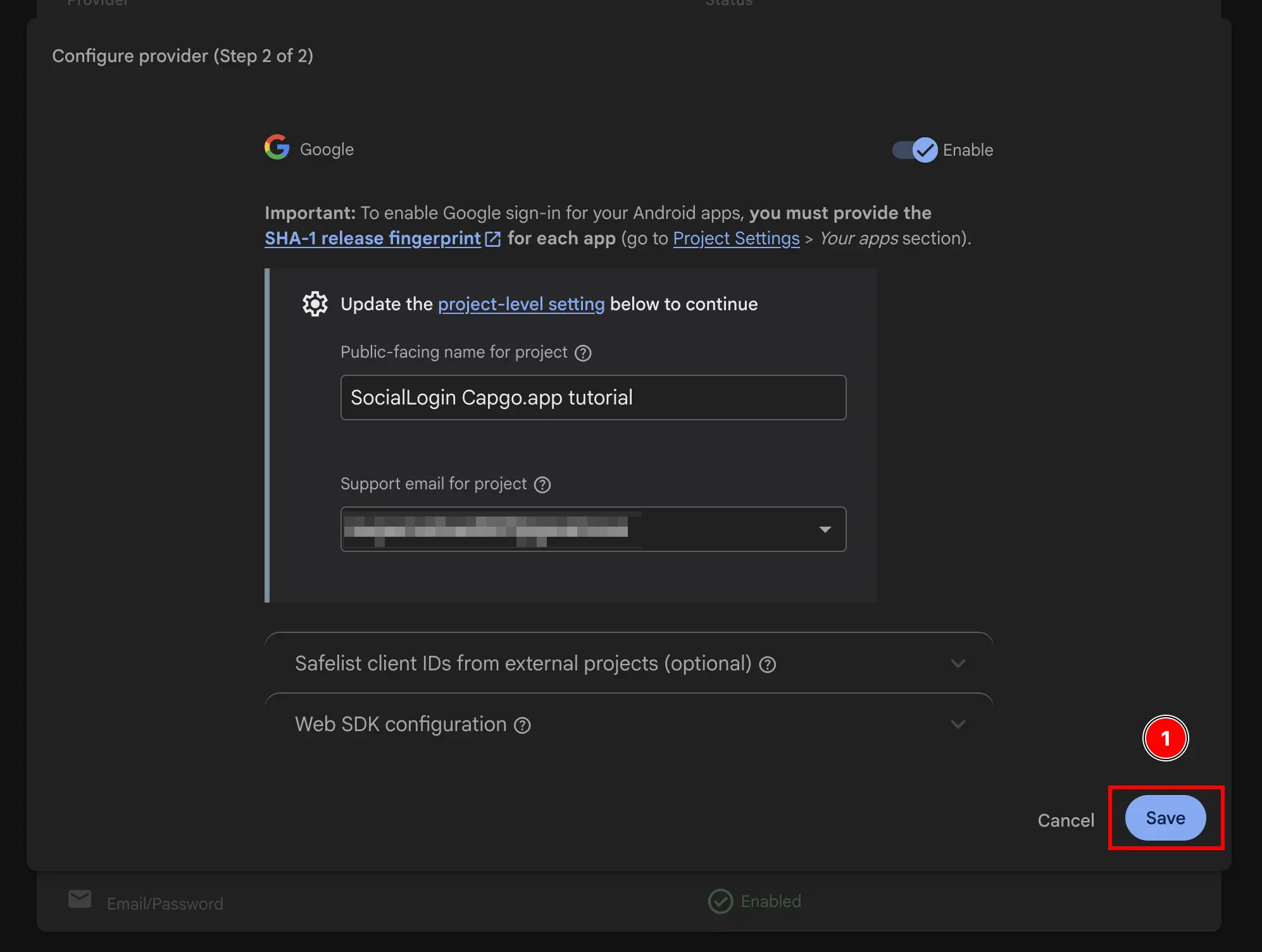
Voilà, vous avez maintenant activé l'authentification Google avec Firebase Authentication 🎉
Continuez de la configuration de Firebase Google Login - Général
Titre de la section « Continuez de la configuration de Firebase Google Login - Général »Si vous utilisez Configuration de Firebase Google Login - Général pour planifier l'authentification et les flux de compte, connectez-l’à En utilisant @capgo/capacitor-social-login pour la capacité native dans En utilisant @capgo/capacitor-social-login @capgo/capacitor-connexion-social pour le détail d'implémentation dans @capgo/capacitor-social-login @capgo/capacitor-passkey pour les détails d'implémentation dans @capgo/capacitor-passkey, @capgo/capacitor-authentification-biométrique pour les détails d'implémentation dans @capgo/capacitor-native-biometric, et Authentification à deux facteurs pour les détails d'implémentation dans Authentification à deux facteurs.