
시작하기
이 튜토리얼에서 다루는 내용은?
Section titled “이 튜토리얼에서 다루는 내용은?”이 튜토리얼은 처음부터 supabase를 시작하고 edge functions를 시작하는 방법을 보여줍니다
시작하려면 다음을 실행하세요
supabase start다음과 같은 내용이 표시됩니다:
Started supabase local development setup.
         API URL: http://localhost:54321     GraphQL URL: http://localhost:54321/graphql/v1          DB URL: postgresql://postgres:postgres@localhost:54322/postgres      Studio URL: http://localhost:54323    Inbucket URL: http://localhost:54324      JWT secret: [truncated]        anon key: supa_key_anonservice_role key: supa_key_admin
다음으로 configs.json을 열고 다음 값을 설정하세요:
{ "base_domain": { "prod": "console.capgo.app", "development": "development.console.capgo.app", "local": "localhost:3332" }, "supa_anon": { "prod": "supa_key_anon", "development": "supa_key_anon", "local": "supa_key_anon" }, "supa_url": { "prod": "http://localhost:54321", "development": "http://localhost:54321", "local": "http://localhost:54321" }}여기서 supa_key_anon은 이전 단계의 값입니다.
다음으로 localhost:54323에 접속할 수 있고 users 테이블이 다음과 같이 보이는지 확인하세요
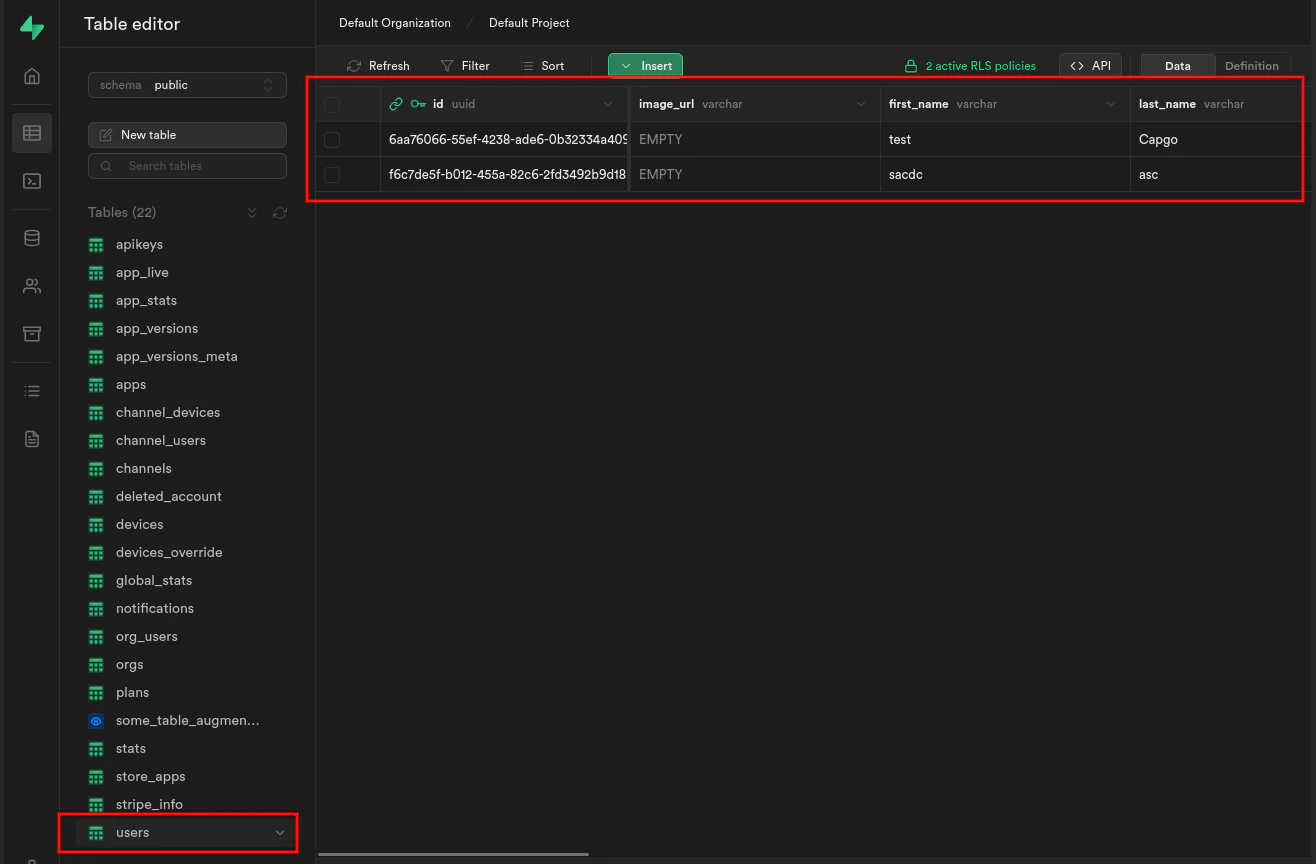
그렇다면 다음을 실행하여 edge functions를 시작하세요:
supabase functions serve그리고 다음을 실행하여 프론트엔드를 시작하세요:
bun run serve