
iOS App Store IAP 审核指南
要让您的应用程序在 App Store 上获得批准,需要仔细注意 Apple 的指南,尤其是在实施应用内购买和订阅时。本指南涵盖了您首次提交时通过审核所需了解的所有信息。
应用内购买要求
Section titled “应用内购买要求”定价透明度(关键)
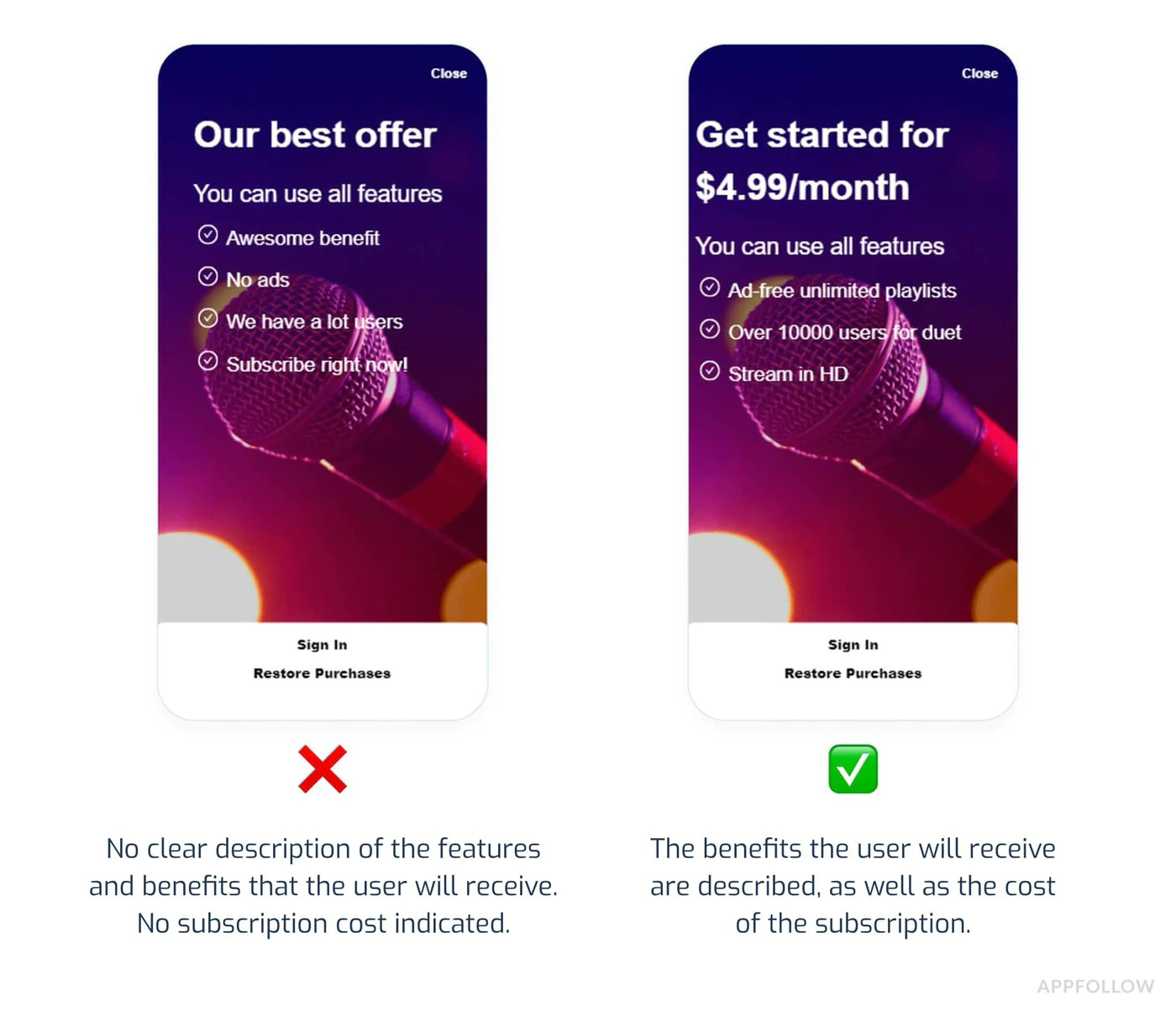
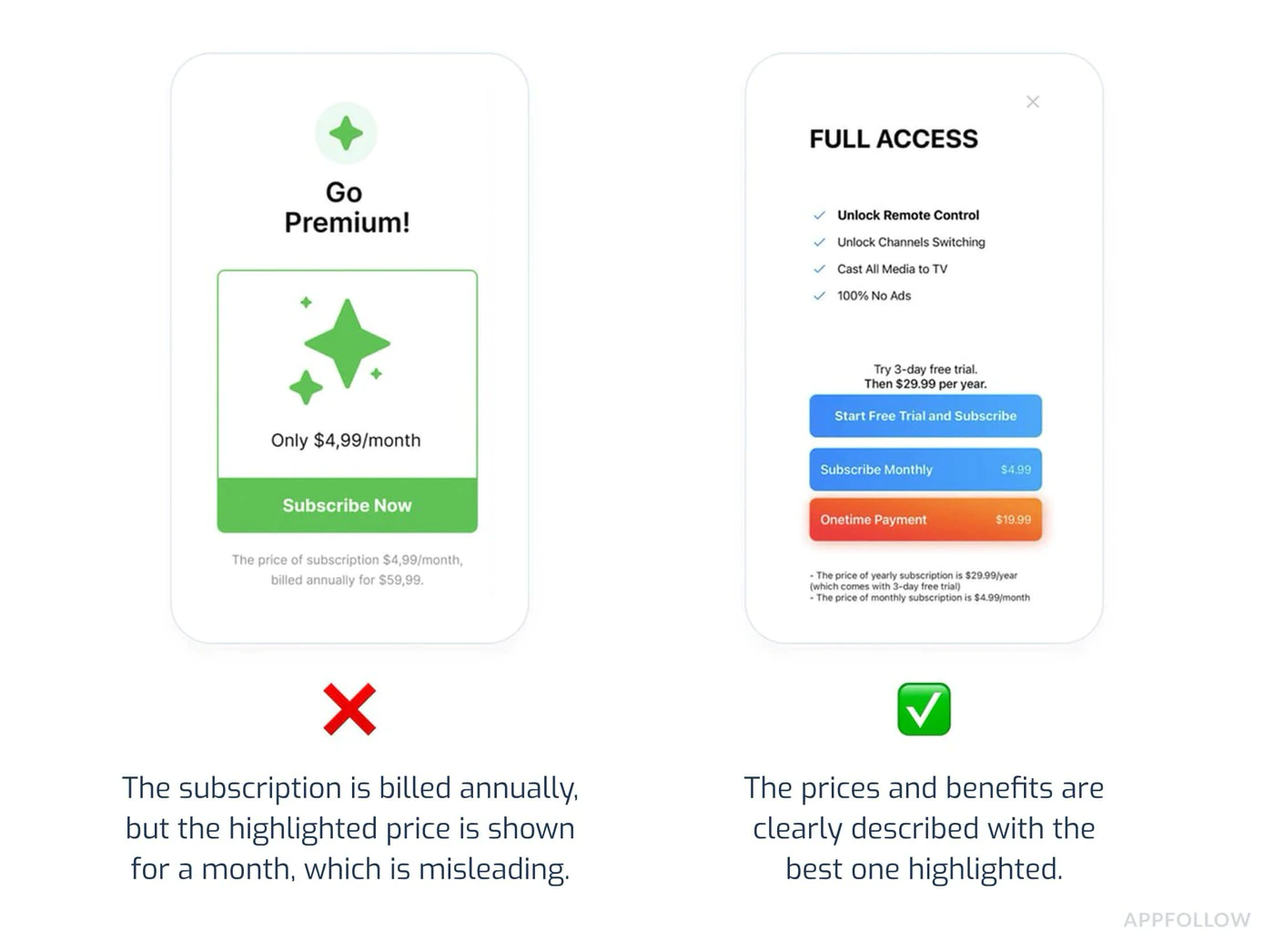
Section titled “定价透明度(关键)”Apple 要求在购买前提供清晰明了的定价信息:
必备元素:
- 购买按钮前显示确切价格
- 显示计费频率(例如“9.99 美元/月”)
- 清楚地说明用户花钱得到了什么
- 指明何时收费
常见拒绝:
“订阅定价必须明确且预先。”
:::注意价格一致性 所有价格必须匹配:
- App Store 元数据列表
- 应用内购买屏幕
- 订阅管理屏幕
即使商品详情 (4.99 美元) 和应用程序 (5.99 美元) 之间存在 1 美元的差异,也会触发自动拒绝。 :::
订阅计划介绍
Section titled “订阅计划介绍”所需披露:
- 所有可用的订阅级别一起显示
- 每层功能的清晰比较
- 不会通过 UI 技巧自动默认为高级级别
- 易于找到的取消说明
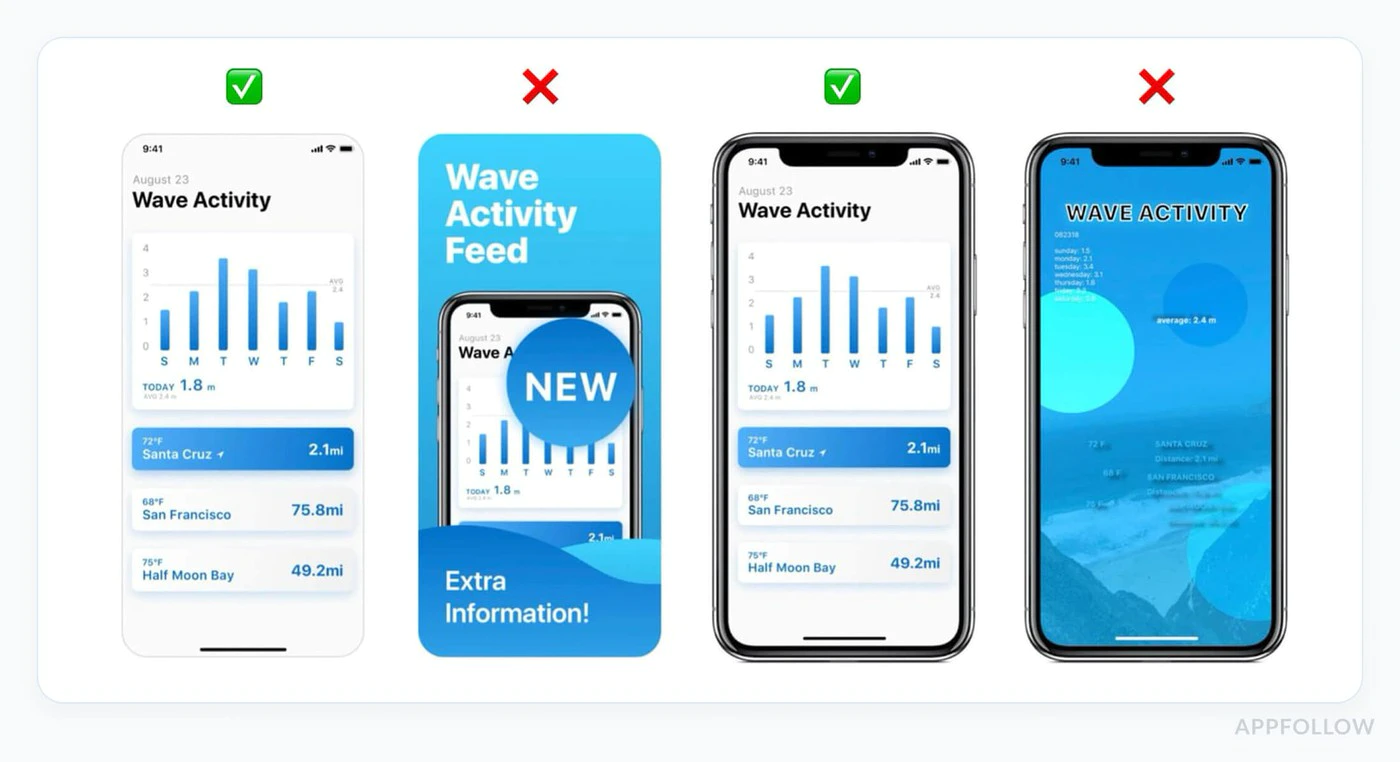
合规 UI 示例:
import { NativePurchases } from '@capgo/native-purchases';
function SubscriptionScreen() {  return (    <div>      <h2>Choose Your Plan</h2>
      {/* Show all tiers equally */}      <PlanCard        title="Basic"        price="$4.99/month"        features={['Feature A', 'Feature B']}      />      <PlanCard        title="Premium"        price="$9.99/month"        features={['All Basic', 'Feature C', 'Feature D']}        highlighted={false} // Don't force premium      />
{/* Clear cancellation info */} <Text> Cancel anytime in Settings > Subscriptions. No refunds for partial periods. </Text> </div> );}所需实施:
每个具有 IAP 的应用程序都必须为用户提供一种无需联系支持人员即可恢复之前购买的方法。
import { NativePurchases, PURCHASE_TYPE } from '@capgo/native-purchases';
async function restorePurchases() {  try {    await NativePurchases.restorePurchases();
    const { purchases } = await NativePurchases.getPurchases({      productType: PURCHASE_TYPE.SUBS,    });
    const activeSub = purchases.find(      (purchase) => purchase.isActive && purchase.expirationDate,    );
    if (activeSub) {      unlockPremiumFeatures();      showMessage('Purchases restored successfully!');      return;    }
    const { purchases: iaps } = await NativePurchases.getPurchases({      productType: PURCHASE_TYPE.INAPP,    });    const hasIap = iaps.some((purchase) => purchase.productIdentifier === 'premium_unlock');
    showMessage(      hasIap ? 'Premium purchase restored!' : 'No previous purchases found.',    );  } catch (error) {    showError('Failed to restore purchases. Please try again.');  }}
// Add a visible "Restore Purchases" button<Button onClick={restorePurchases}>  Restore Purchases</Button>
常见拒绝原因
Section titled “常见拒绝原因”1. 应用程序崩溃或功能损坏
Section titled “1. 应用程序崩溃或功能损坏”为什么失败:
- 应用程序在启动时崩溃
- 购买流程无法完成
- 屏幕截图中显示的功能不起作用
预防:
- 在真实设备上进行测试(不仅仅是模拟器)
- 端到端测试所有订阅流程
- 验证收据验证是否有效
- 检查网络错误处理
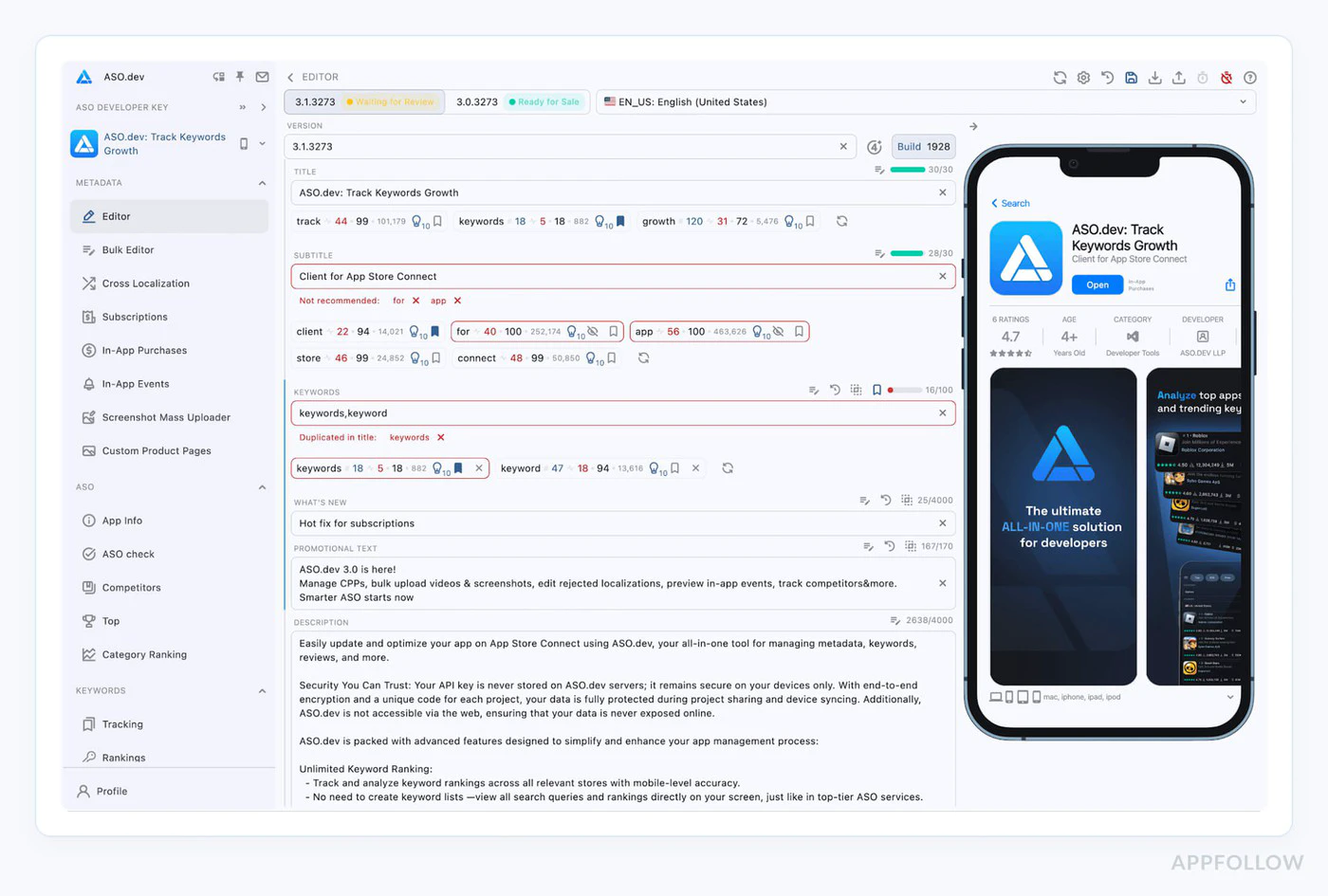
2.元数据不匹配
Section titled “2.元数据不匹配”为什么失败:
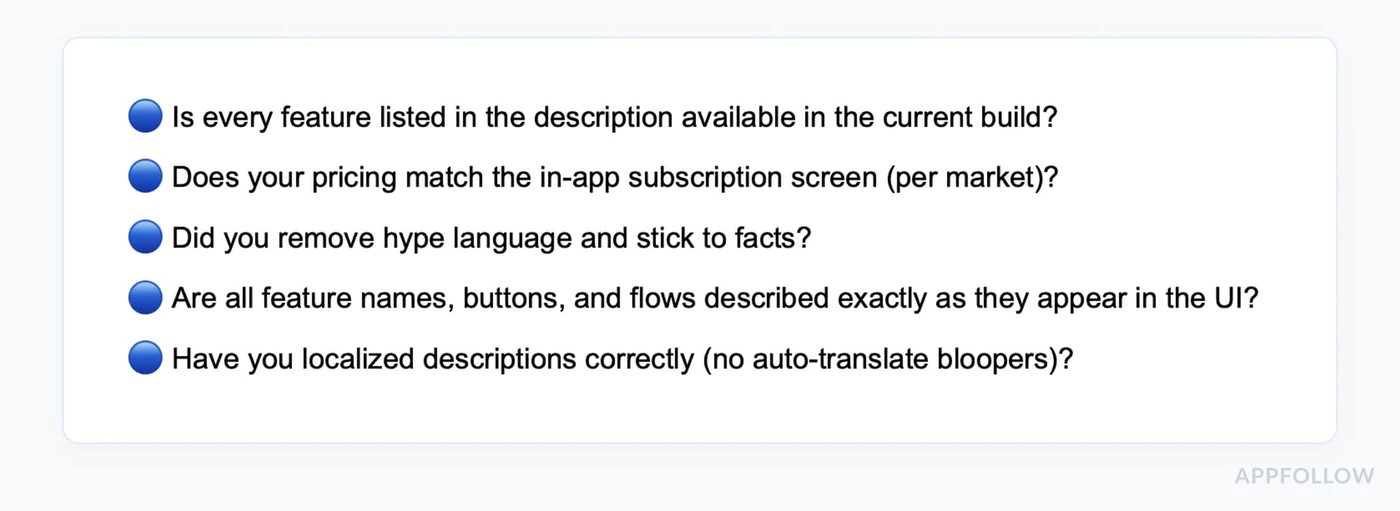
- 屏幕截图显示当前版本中没有的功能
- 描述提到了不存在的功能
- 元数据中的定价与应用内定价不同
预防:
// Document exactly what's in each tierconst SUBSCRIPTION_FEATURES = {  basic: ['Ad-free', 'Cloud sync', 'Basic themes'],  premium: ['Ad-free', 'Cloud sync', 'All themes', 'Priority support']};
// Use these in both your app AND App Store description
3.缺少权限说明
Section titled “3.缺少权限说明”为什么失败:
- 请求相机/位置/健康状况,无需解释
- 权限请求深埋多个屏幕
- 模糊或笼统的权限描述
预防:
使用清晰的解释更新您的 Info.plist:
<key>NSCameraUsageDescription</key><string>Camera access is needed to scan product barcodes for quick subscription upgrades.</string>
<key>NSLocationWhenInUseUsageDescription</key><string>Location helps us show relevant local content in your Premium subscription.</string>
4. 误导性营销
Section titled “4. 误导性营销”为什么失败:
- 诸如“世界排名第一的应用程序”之类的说法没有证据
- 具有隐藏限制的“无限”功能
- 虚假的紧急策略(“仅剩 2 个名额!”)
预防:
- 描述具体且真实
- 避免在没有证据的情况下使用最高级的说法
- 不要用虚假的稀缺来给用户施加压力
5.隐藏取消流程
Section titled “5.隐藏取消流程”为什么失败:
- 没有提及如何取消
- 取消按钮被隐藏或遮挡
- 多步骤取消流程,无需 Apple 的本机流程
预防:
// Always inform users about cancellationfunction SubscriptionInfo() {  return (    <div>      <h3>How to Cancel</h3>      <ol>        <li>Open iPhone Settings</li>        <li>Tap your name at the top</li>        <li>Tap Subscriptions</li>        <li>Select this app and tap Cancel</li>      </ol>
      <p>Or manage directly in the App Store app.</p>
      <Button onClick={openSubscriptionManagement}>        Manage Subscription in Settings      </Button>    </div>  );}
async function openSubscriptionManagement() {  // Direct link to iOS subscription management  await NativePurchases.showManageSubscriptions();}```## 隐私和数据使用(第 5.1.1 节)
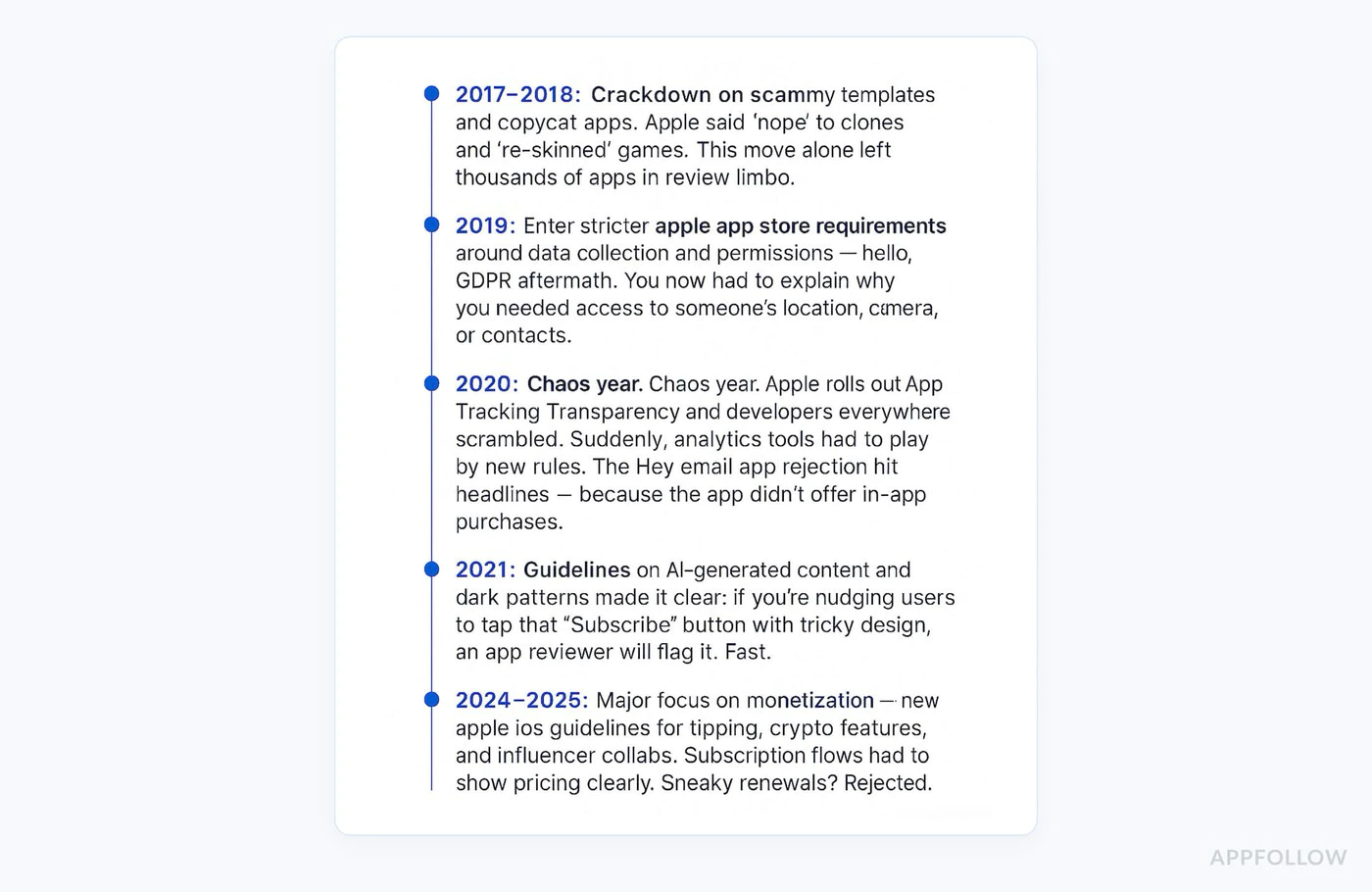
Apple 在 2025 年显着收紧了隐私要求。
### 所需披露
**对于每个权限:**1. 为什么需要它(具体用例)2. 何时使用3. 数据如何存储/共享4. 是可选的还是必需的
### 示例:正确的权限流程
```typescriptasync function requestCameraPermission() {  // Show explanation BEFORE requesting  await showDialog({    title: 'Camera Access',    message: 'We need camera access to let you scan barcodes for quick product lookup. Your photos are never uploaded or stored.',    buttons: ['Not Now', 'Allow']  });
  // Then request permission  const result = await Camera.requestPermissions();  return result.camera === 'granted';}
隐私营养标签
Section titled “隐私营养标签”确保您的 App Store 隐私标签准确反映:
- 购买历史记录收集
- 电子邮件地址(用于收据)
- 设备 ID(用于防止欺诈)
- 使用数据(用于分析)
不准确的隐私标签是 2025 年常见的拒绝原因。请仔细审核您的数据收集。
-
测试所有购买流程
- 购买每个订阅级别
- 测试免费试用
- 验证介绍性优惠是否正确适用
- 测试恢复购买
- 验证家庭共享(如果启用)
- 在多个设备上进行测试
-
验证定价一致性
- 检查 App Store 元数据是否与应用内价格匹配
- 验证所有货币是否正确
- 确认免费试用期限与描述相符
- 检查介绍性优惠条款是否准确
-
查看所有副本
- 删除占位符文本
- 验证声明是可测试的
- 检查语法和拼写
- 确保描述与当前版本匹配
- 删除提及竞争对手的内容
-
测试权限
- 仅请求必要的权限
- 在提出请求之前提供清晰的解释
- 测试“拒绝”流(应用程序应该仍然可以工作)
- 验证Info.plist描述是否清晰
-
准备测试账户
- 创建沙箱测试帐户
- 在应用程序审查注释中记录登录凭据
- 验证测试帐户是否有有效订阅
- 测试评论者可以完成购买流程
-
检查元数据
- 屏幕截图与当前用户界面匹配
- 应用程序预览视频(如果有)显示当前版本
- 描述准确地描述了功能
- 年龄分级与内容匹配
- 隐私政策可在应用程序内访问
-
写详细的评论笔记
Test Account:Email: reviewer@test.comPassword: TestPass123!Testing Instructions:1. Log in with test account above2. Tap "Upgrade to Premium" button3. Select "Monthly Premium" subscription4. Complete purchase (no charge in sandbox)5. Verify premium features unlockNote: Subscription pricing is clearly shown before purchase.Cancellation instructions are in Settings > Account.
标准审核: 24-48 小时 高峰期: 3-5 天(App Store 假期发布) 周末: 未处理任何评论 加急审核: 可修复关键错误(通过 App Store Connect 请求)
2025 年指南更新
Section titled “2025 年指南更新”1.人工智能功能披露 如果您的应用程序使用人工智能来实现任何功能,您必须:
- 清晰地标记人工智能生成的内容
- 解释如何使用人工智能
- 文档内容安全措施
2.增强订阅清晰度
- 需要并排计划比较
- 没有隐藏更便宜选择的“深色图案”
- 清晰的降级/升级路径
3.隐私强化
- 加强第 5.1.1 条的执行力度
- 对数据收集理由进行更多审查
- 对儿童应用程序的更严格要求
2024 年以来发生了什么变化- 现在允许模块化提交(独立更新产品页面)
Section titled “2024 年以来发生了什么变化- 现在允许模块化提交(独立更新产品页面)”- 应用内事件可以单独提交
- 更严格地执行误导性订阅用户界面
- 关于加密货币/NFT 应用程序的新指南
原生购买插件的最佳实践
Section titled “原生购买插件的最佳实践”实施正确的错误处理
Section titled “实施正确的错误处理”import { NativePurchases, PURCHASE_TYPE } from '@capgo/native-purchases';
async function handlePurchase(productId: string) { try { const transaction = await NativePurchases.purchaseProduct({ productIdentifier: productId, productType: PURCHASE_TYPE.SUBS, });
// Success await validateReceiptOnServer(transaction.receipt); showSuccess('Subscription activated!'); unlockFeatures();
} catch (error: any) { // Handle specific error cases if (error.code === 'USER_CANCELLED') { // User cancelled - don't show error console.log('Purchase cancelled by user'); } else if (error.code === 'PAYMENT_PENDING') { showInfo('Payment is pending. Please check back later.'); } else if (error.code === 'PRODUCT_ALREADY_PURCHASED') { // Restore instead await NativePurchases.restorePurchases(); } else { // Show user-friendly error showError('Unable to complete purchase. Please try again.'); } }}显示加载状态
Section titled “显示加载状态”function PurchaseButton({ productId }: { productId: string }) { const [loading, setLoading] = useState(false);
const handlePurchase = async () => { setLoading(true); try { await NativePurchases.purchaseProduct({ productIdentifier: productId }); } finally { setLoading(false); } };
return ( <button onClick={handlePurchase} disabled={loading}> {loading ? 'Processing...' : 'Subscribe Now'} </button> );}清楚地显示条款
Section titled “清楚地显示条款”function SubscriptionTerms() { return ( <div className="terms"> <p> Subscription automatically renews unless cancelled at least 24 hours before the end of the current period. </p> <p> Your account will be charged for renewal within 24 hours prior to the end of the current period. </p> <p> Subscriptions may be managed by the user and auto-renewal may be turned off in Account Settings after purchase. </p> <p> <a href="/terms">Terms of Service</a> | <a href="/privacy">Privacy Policy</a> </p> </div> );}如果您的应用程序被拒绝
Section titled “如果您的应用程序被拒绝”-
仔细阅读拒绝信息
- 注意引用的具体指南(例如,3.1.1、5.1.1)
- 准确理解 Apple 标记的内容
-
彻底解决问题
- 不要只是打补丁 - 修复根本原因
- 广泛测试修复
- 记录您所做的更改
-
在解决中心回复
Thank you for your feedback. I have addressed the issue:Issue: Subscription pricing not clear upfrontFix: Added explicit pricing display on subscription selectionscreen showing "$9.99/month" before purchase button. Also addedcancellation instructions on the same screen.The changes are in this submission and can be tested using theprovided test account. -
及时重新提交
- 重新提交的审核速度通常会更快
- 通常在 24 小时内
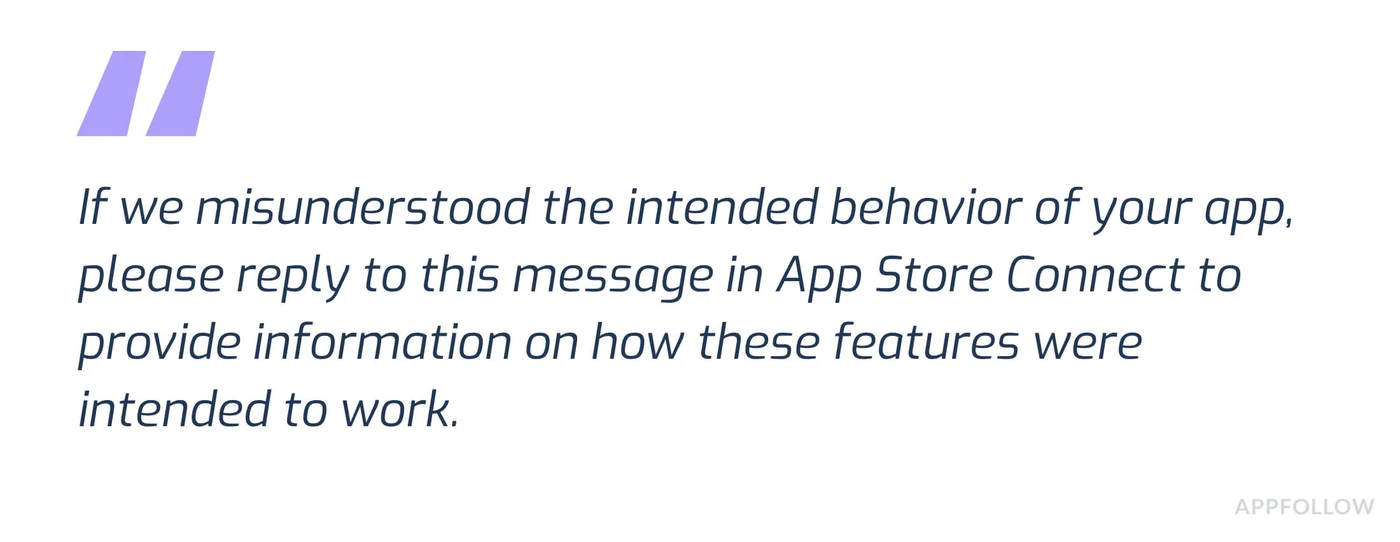
如果您认为拒绝不正确:
- 点击App Store Connect中的“申诉”
2、提供明确证据:
- 显示合规性的屏幕截图
- 参考具体指南
- 说明您如何满足要求
- 专业、真实
- 如果功能很难找到,请包括测试帐户
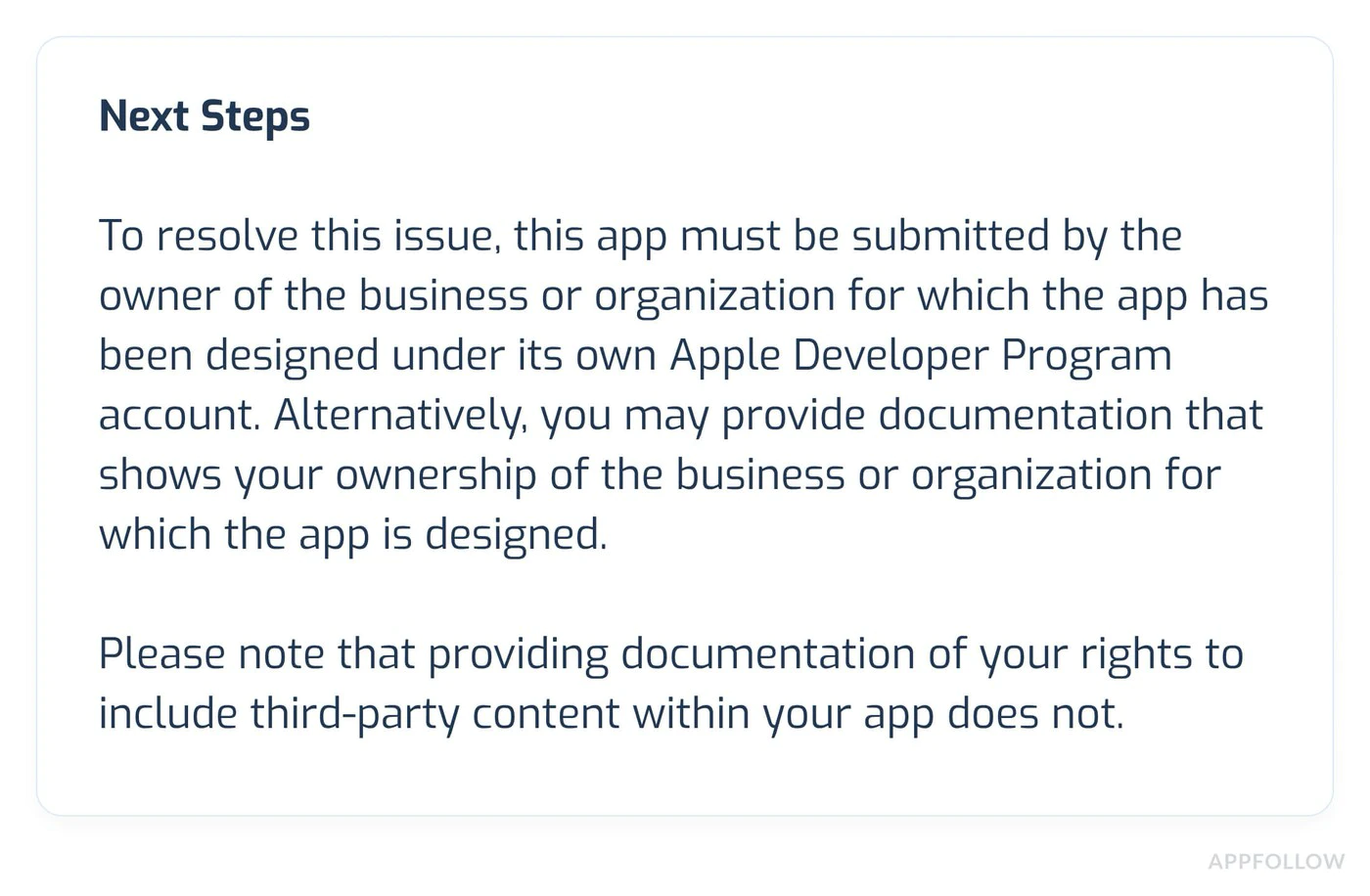
如果您仍然遇到问题:
需要专家帮助吗?
Section titled “需要专家帮助吗?”在应用程序审核方面遇到困难或需要个性化帮助? 与我们的团队预约咨询电话 以获得专门支持:
- IAP实施审查和优化
- App Store 审查准备和策略
- 提交清单审核
- 拒绝决议和上诉
- 完整的测试和验证
我们的专家已成功帮助数百个应用程序通过审核!