跳转到内容

Firebase Google 登录 - 通用设置

本指南将引导你使用 Capacitor Social Login 插件集成带有 Firebase Authentication 的 Google 登录。此设置允许你在移动平台上使用原生 Google 登录,同时利用 Firebase Auth 进行后端身份验证。

  1. 请前往 console.cloud.google.com
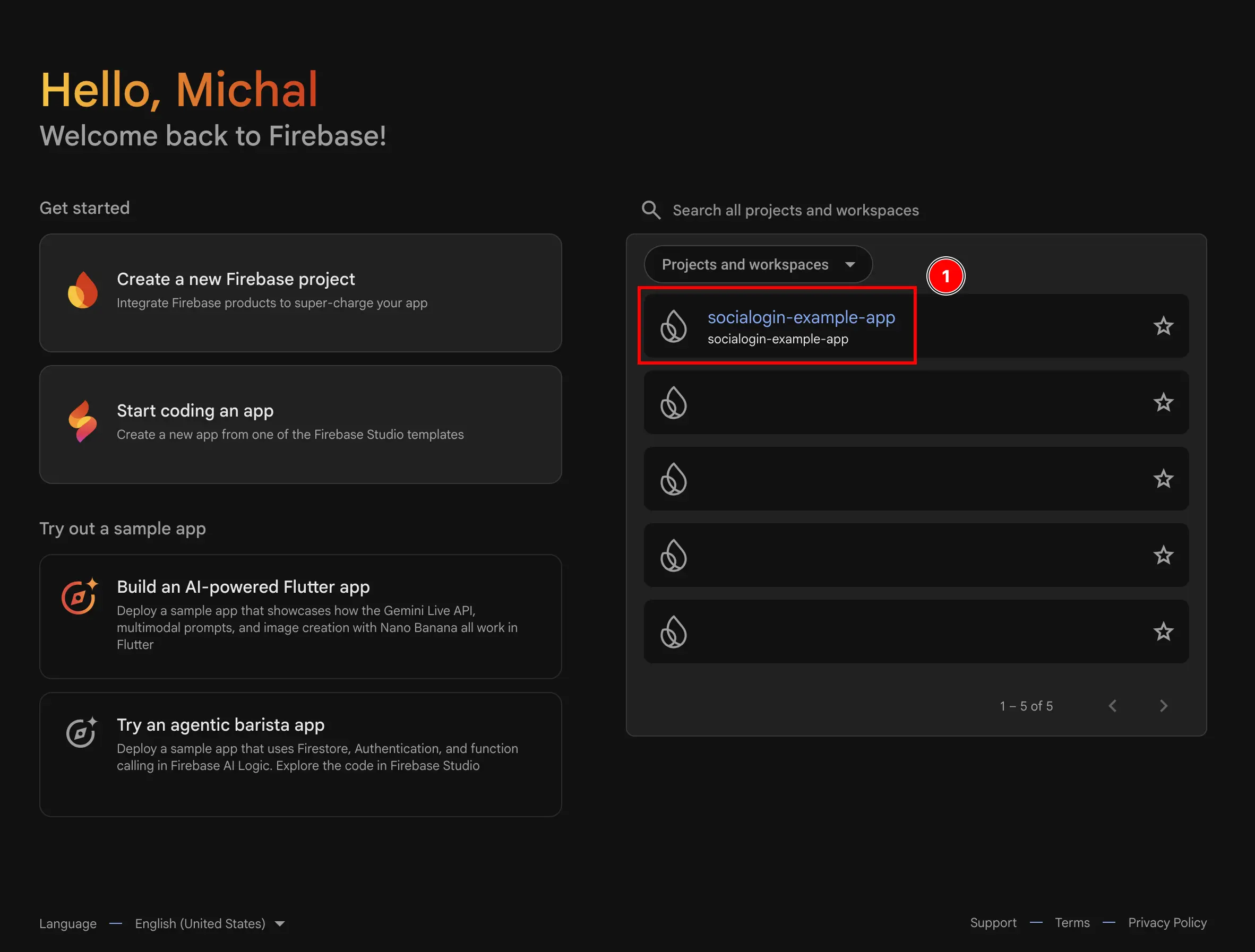
  2. 选择你要使用的项目 Firebase Project Selector
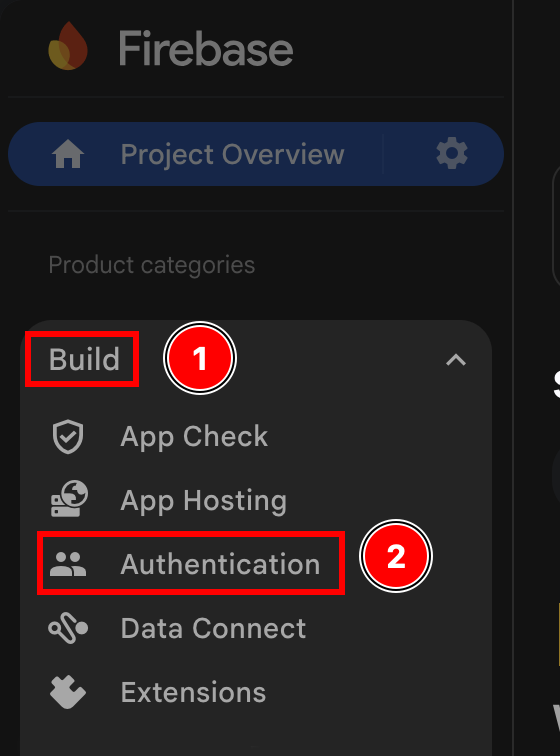
  3. 转到 Authentication 菜单
    1. 点击 build
    2. 点击 Authentication
    Firebase Authentication Menu
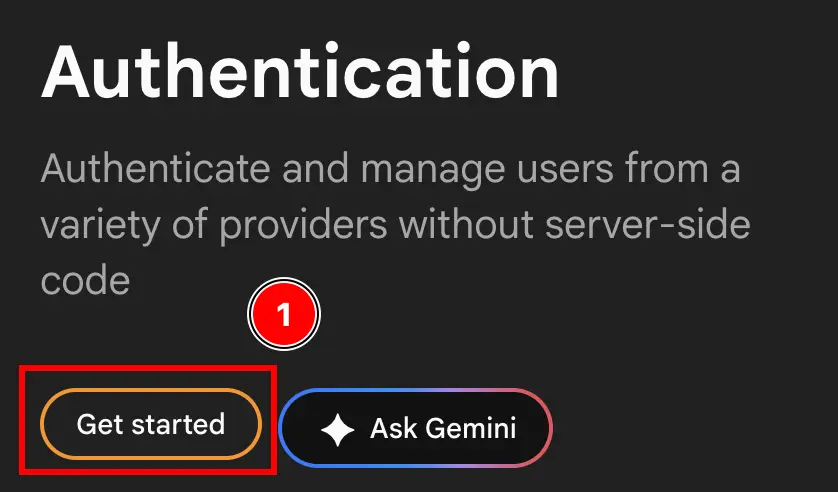
  4. 点击 Get started 按钮 Firebase Get Started Button
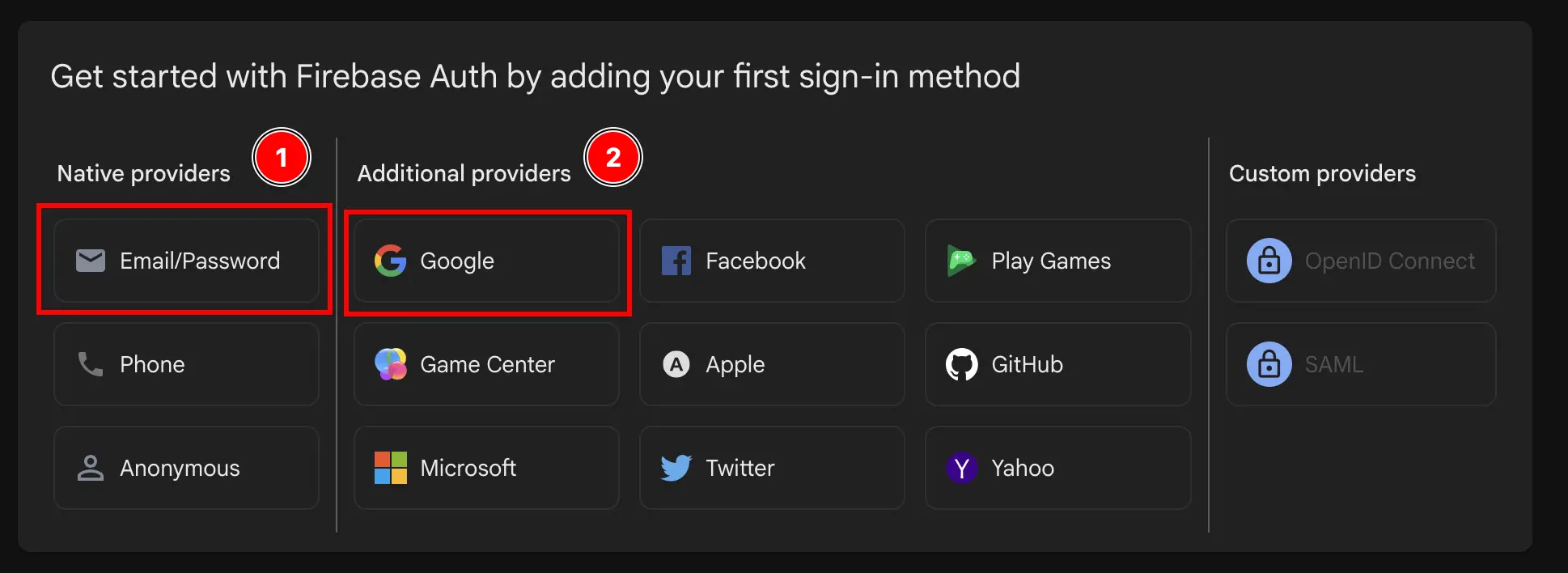
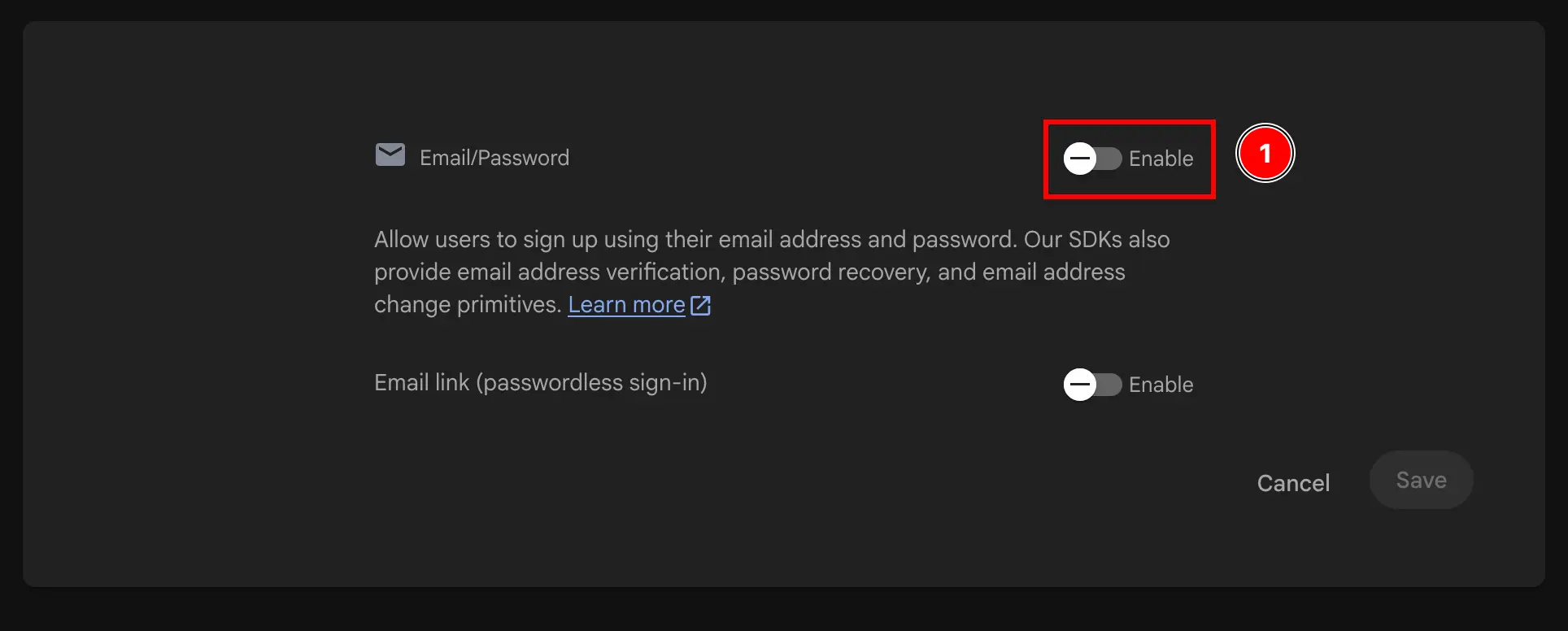
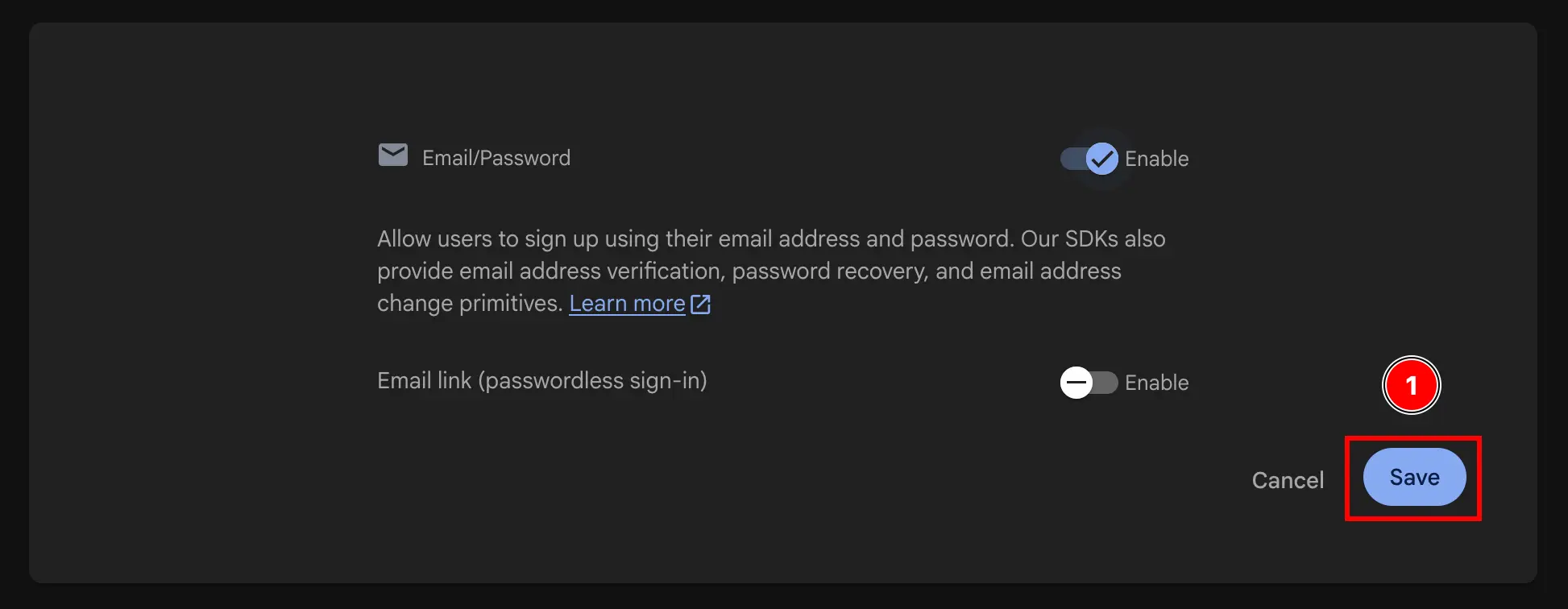
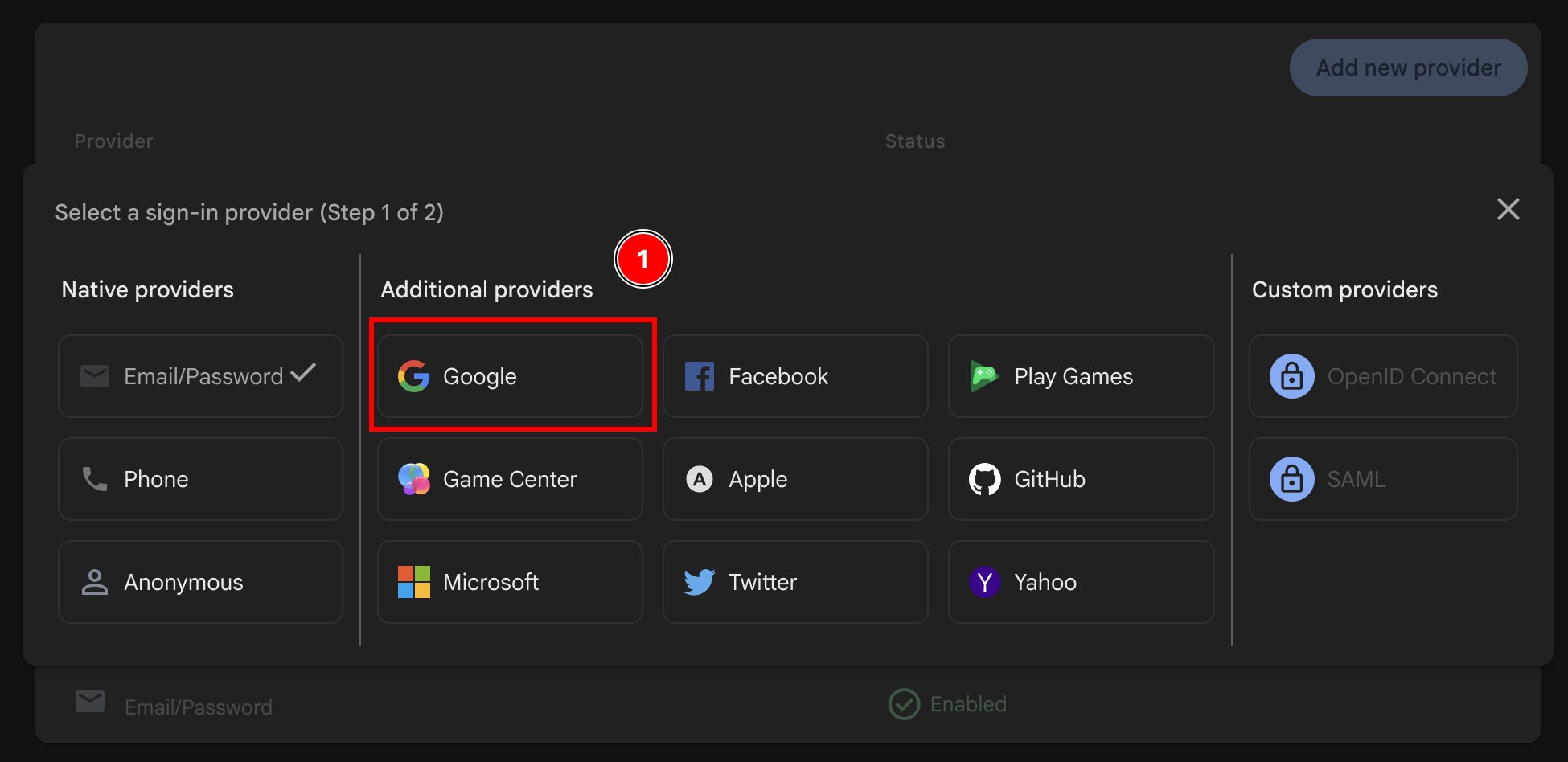
  5. 选择 Email/PasswordGoogle 或仅选择 Google Firebase Select Email/Password and Google Button Firebase enable email authentication Firebase save enable google authentication Firebase enable add provider button Firebase add Google provider after having added email provider
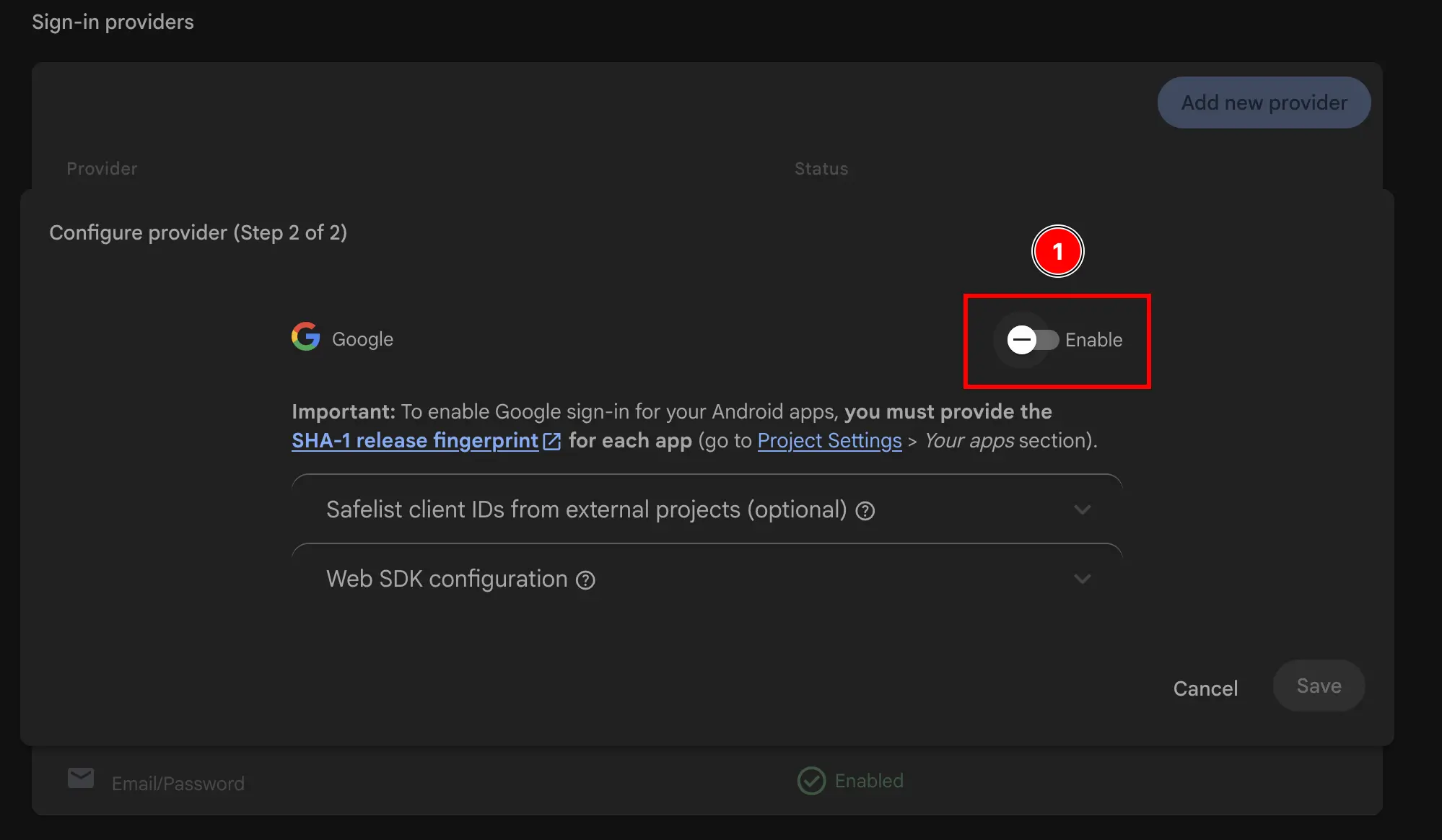
  6. 启用 Google 提供商 Firebase enable google authentication
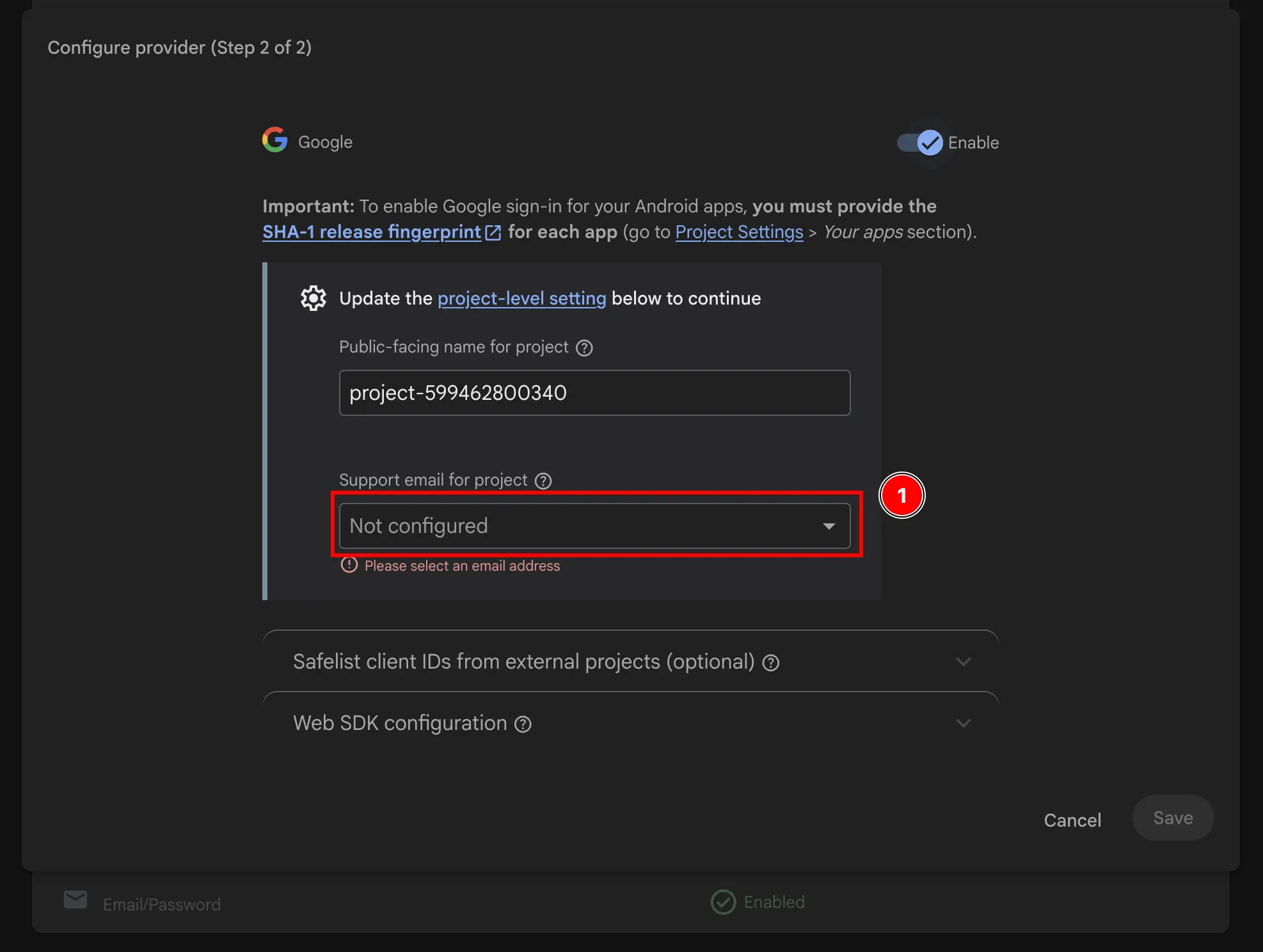
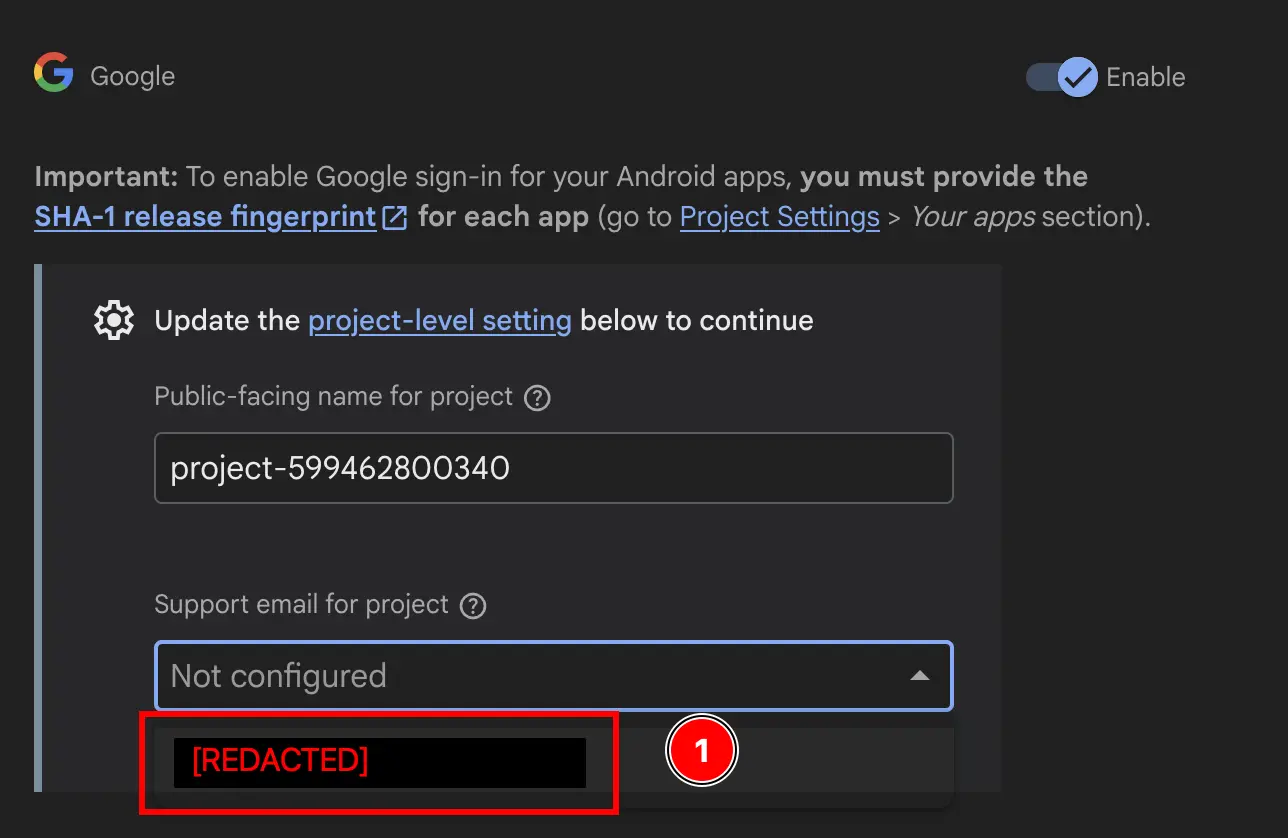
  7. 添加支持电子邮件 Firebase add support email Firebase add support email part 2
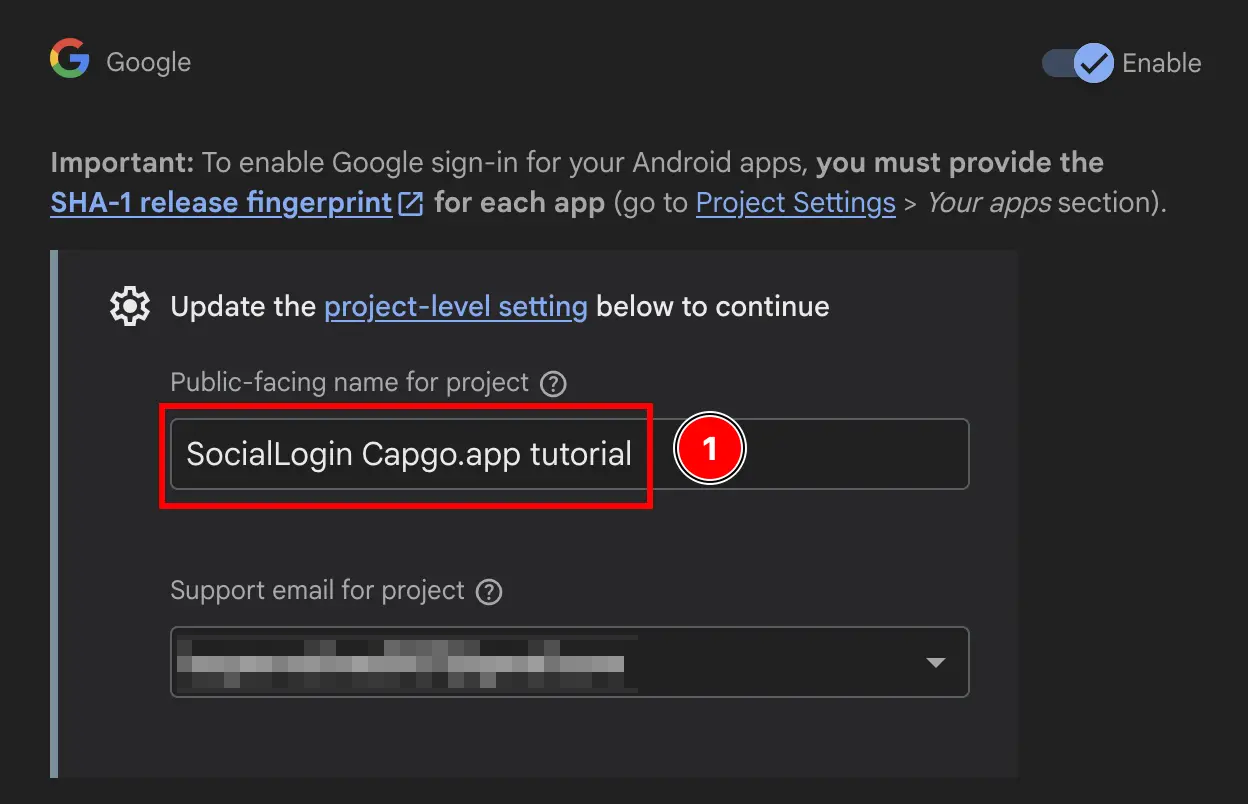
  8. 更改 Public-facing name for project Firebase change public facing name
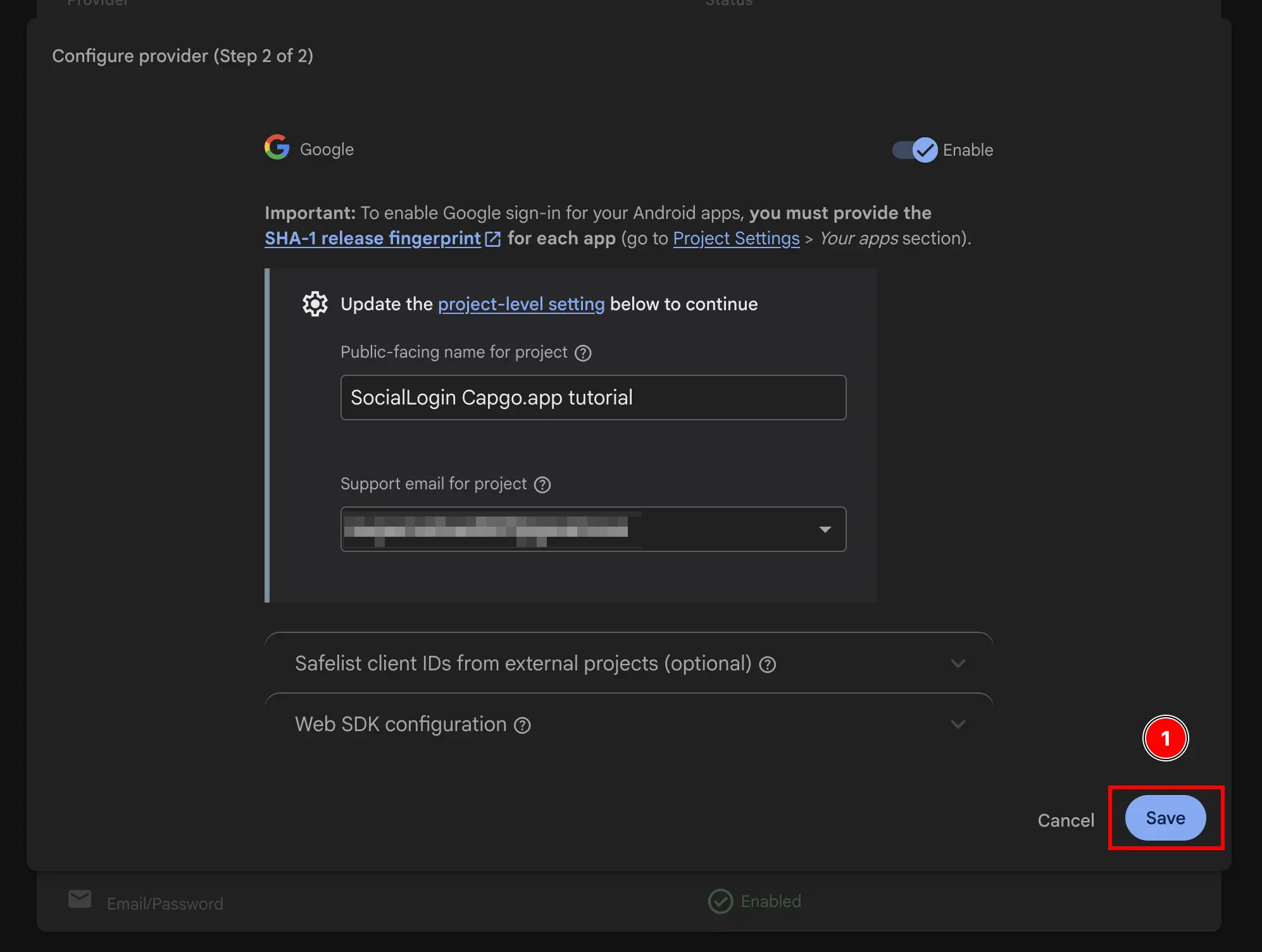
  9. 点击 Save 按钮 Firebase save public facing name

瞧,你现在已启用带有 Firebase Authentication 的 Google 登录