
iOS 上的 Firebase Google 登录
本指南将帮助你在 iOS 上集成带有 Firebase Authentication 的 Google 登录。我假设你已经完成了通用 Firebase Google 设置。
-
在 console.cloud.google.com 转到项目概览
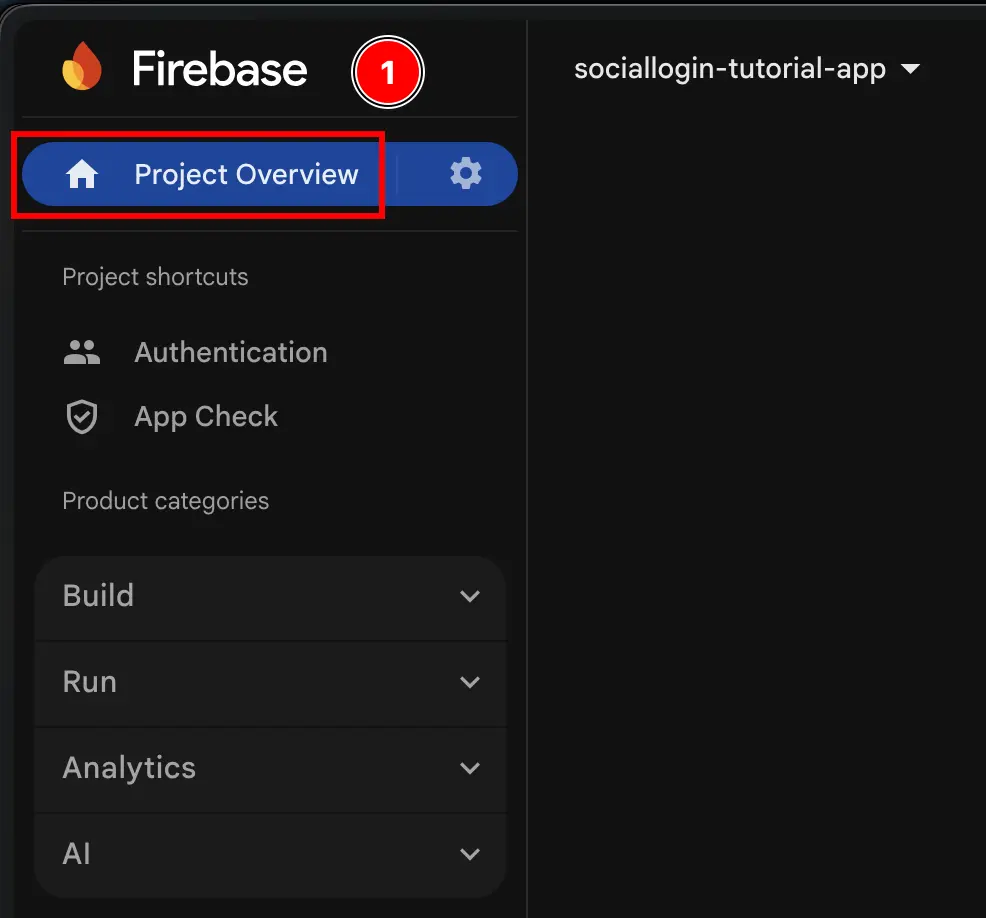
-
点击
Add app按钮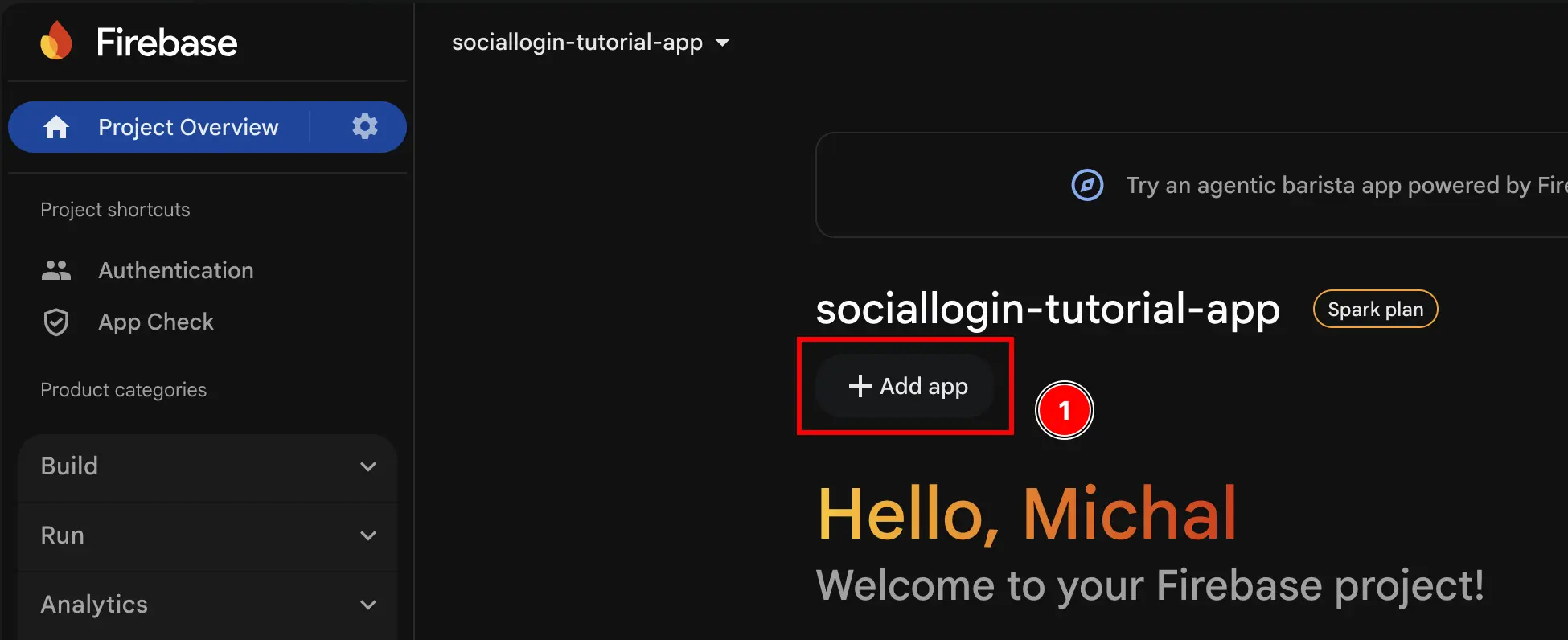
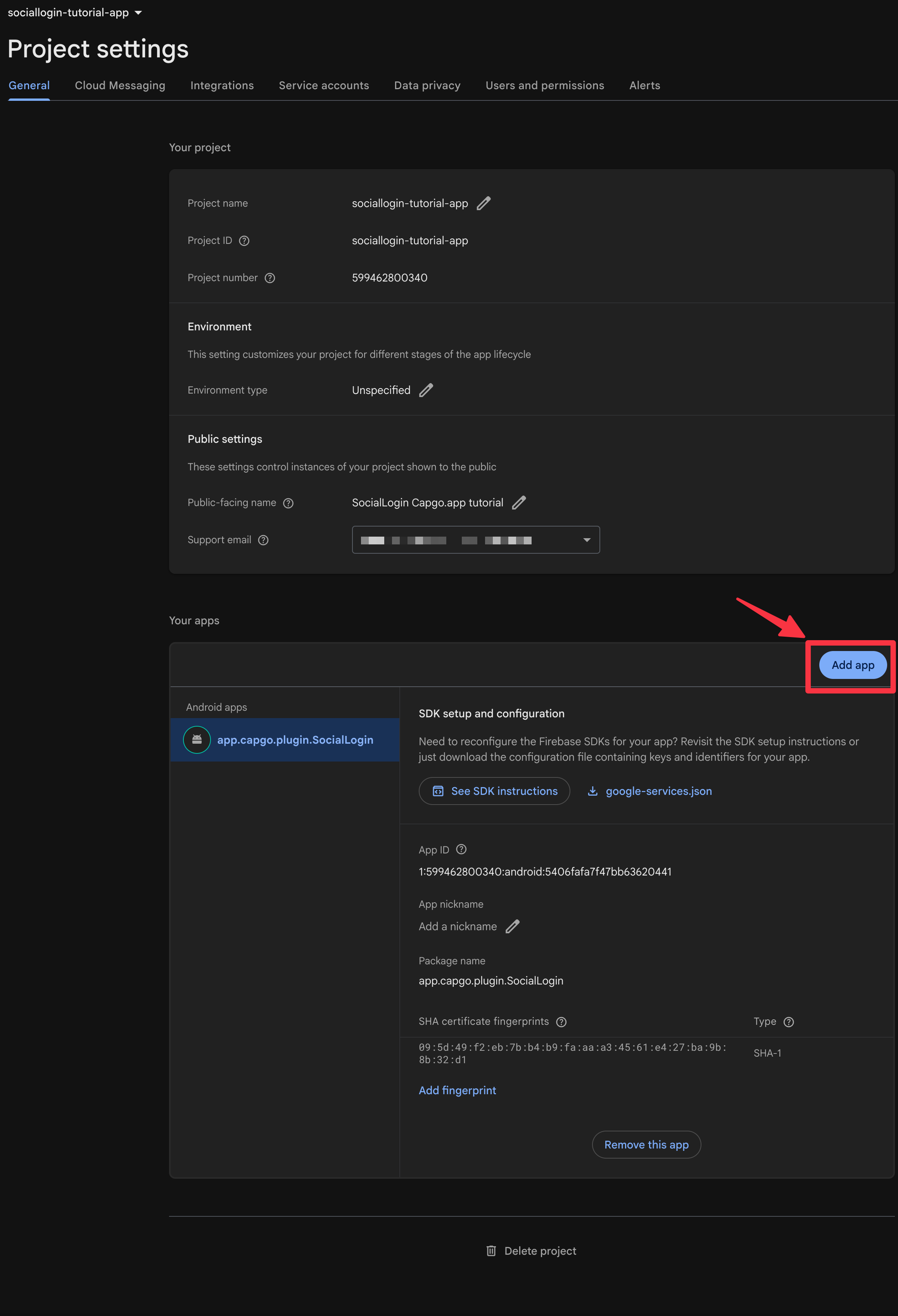
-
选择
iOS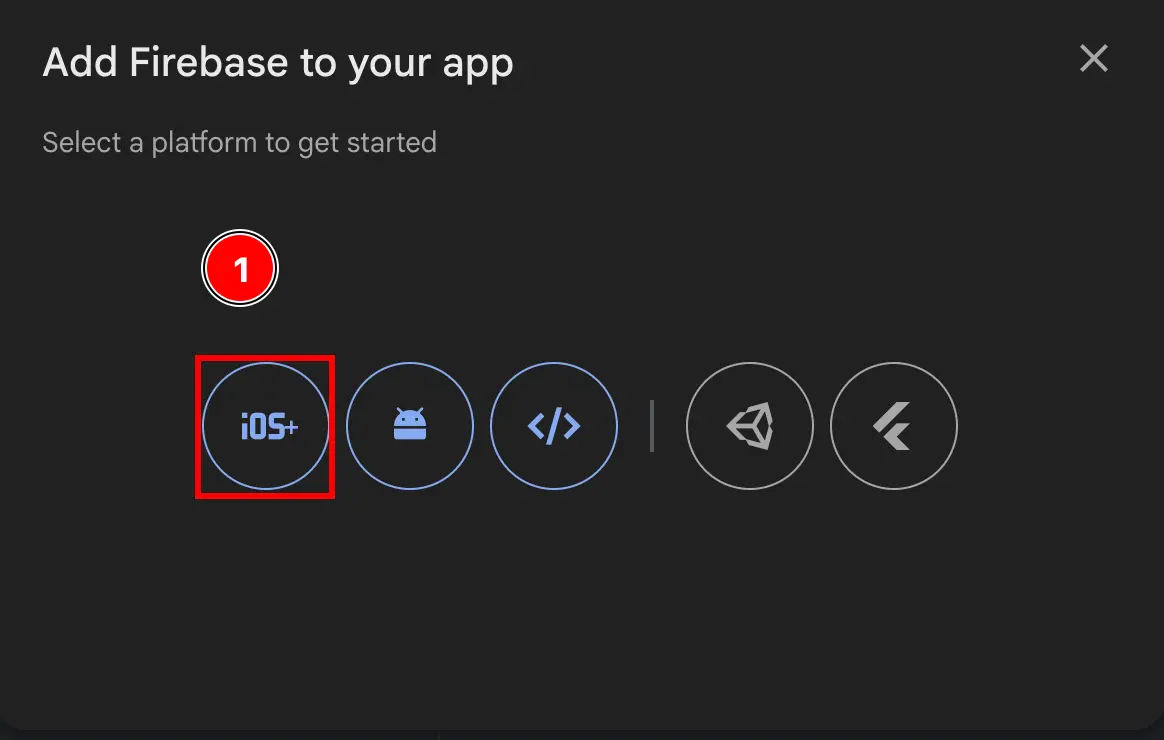
-
填写表单的第一部分
- 填写
Apple bundle ID- 使用
npx cap open ios在 Xcode 中打开你的应用 - 双击
App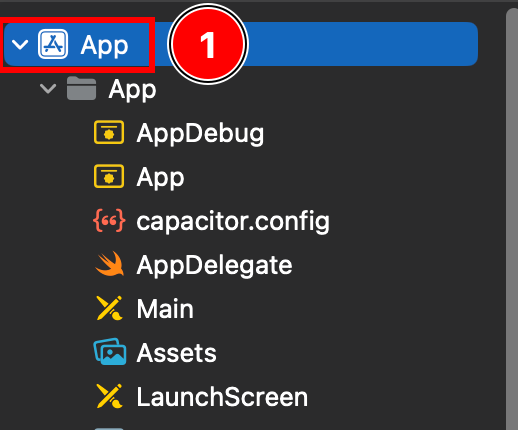
- 确保你在
Targets -> App上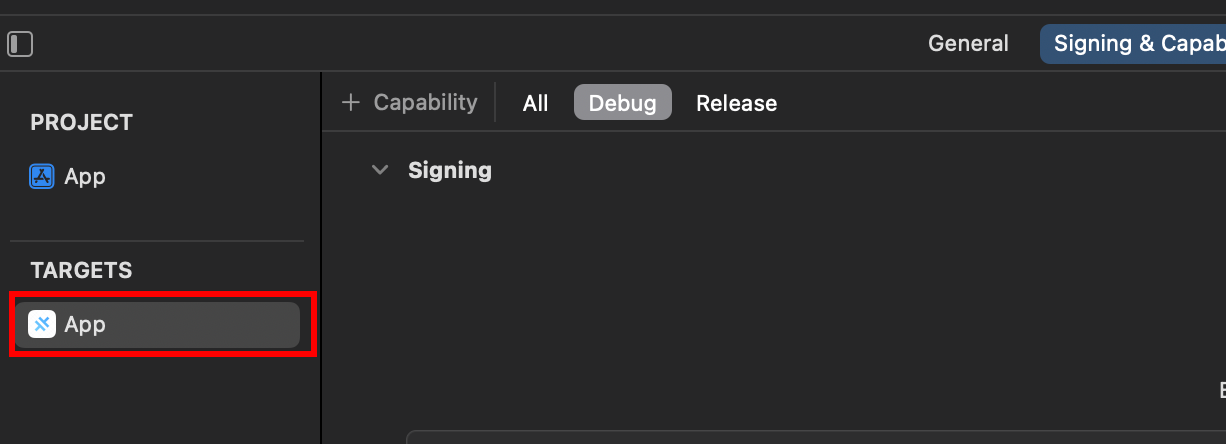
- 找到你的
Bundle Identifier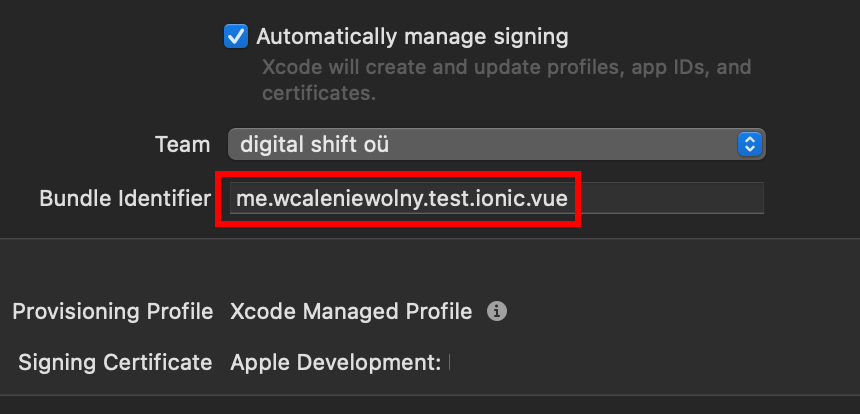
- 复制
Bundle Identifier并在 Firebase 控制台中粘贴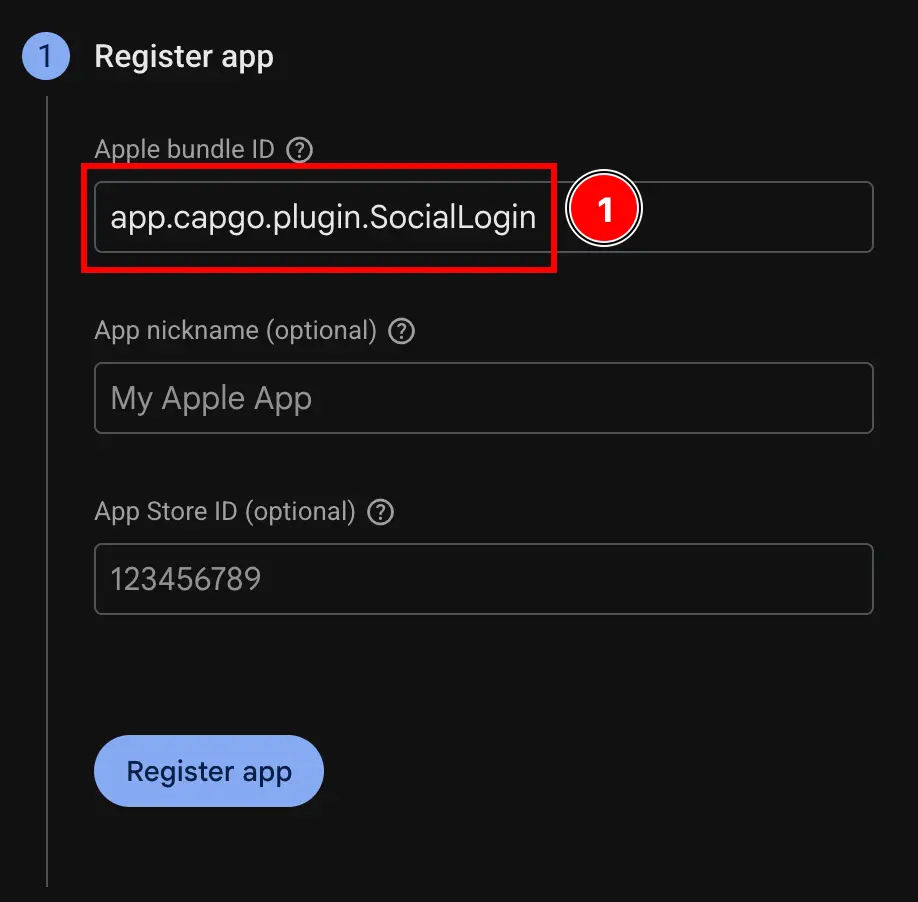
- 使用
- 点击
Register app按钮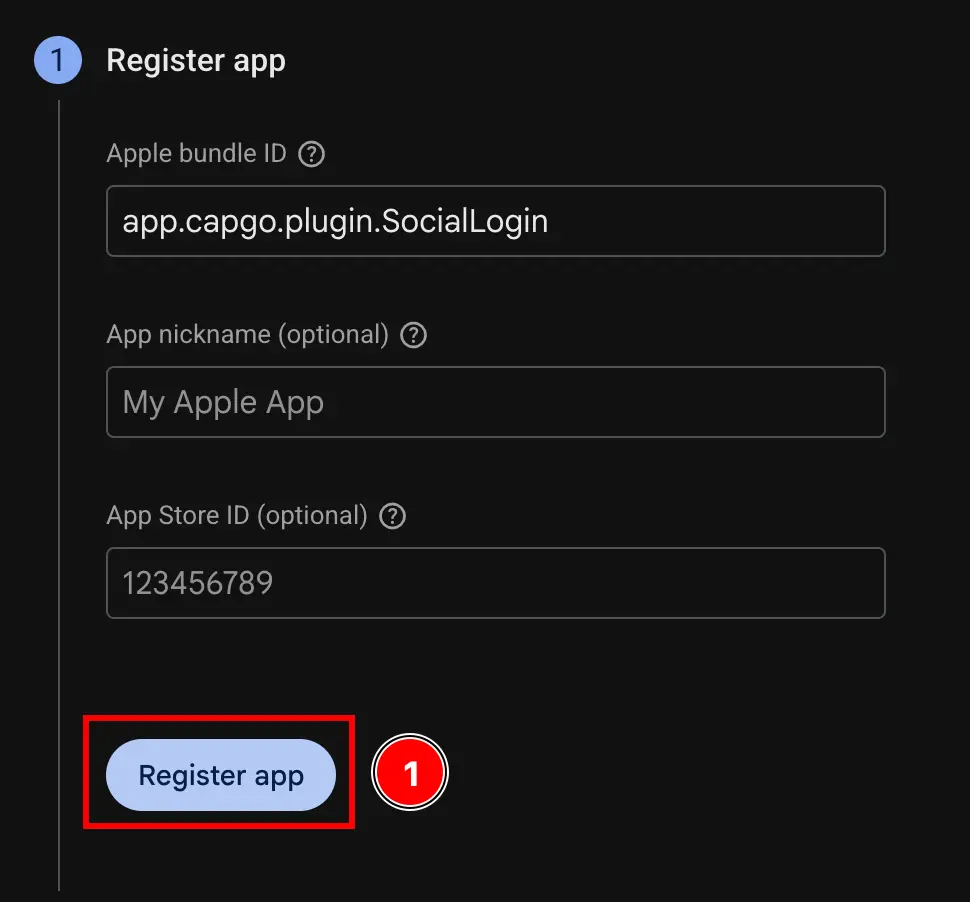
- 填写
-
跳过
Download config file步骤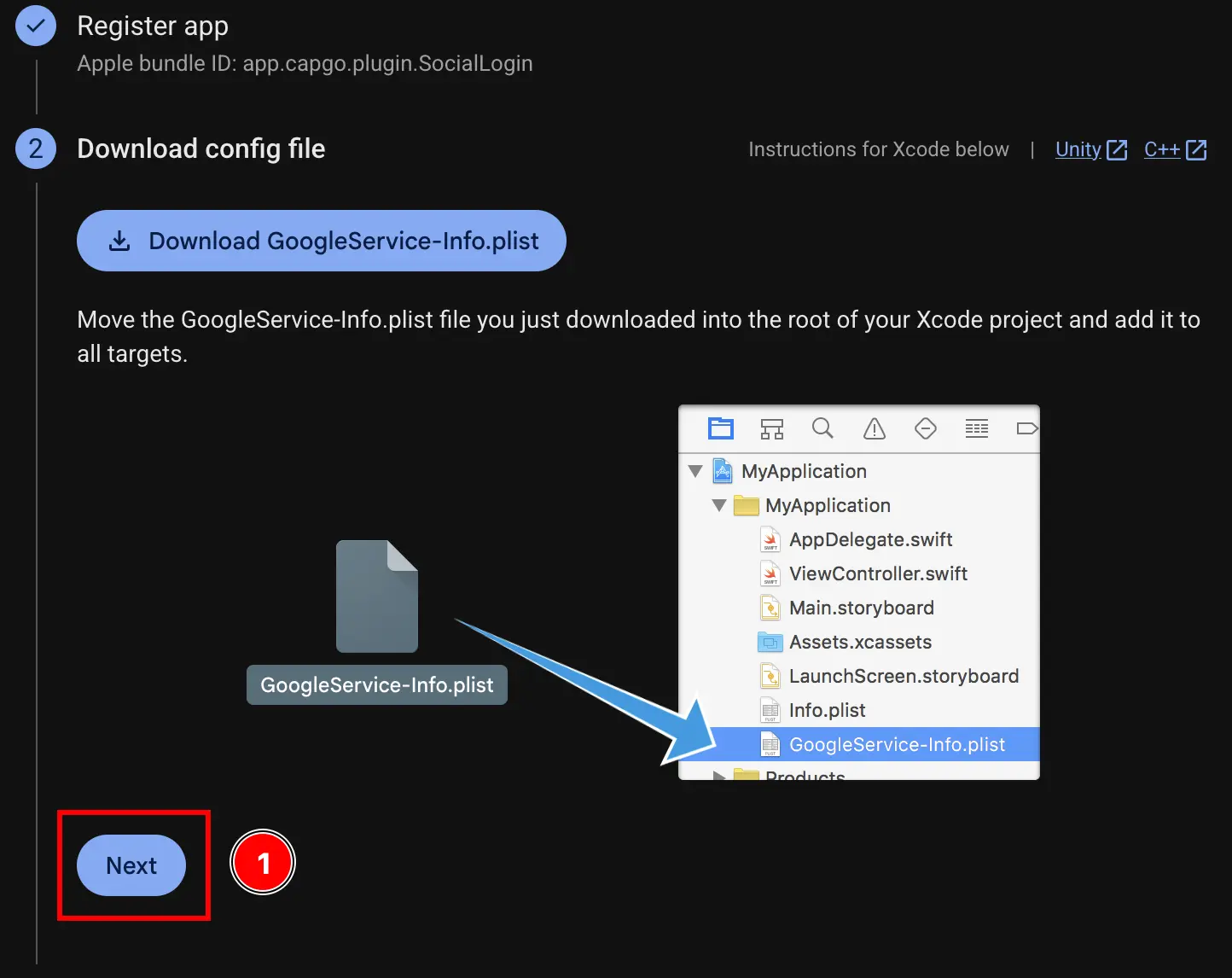
-
跳过
Add firebase SDK步骤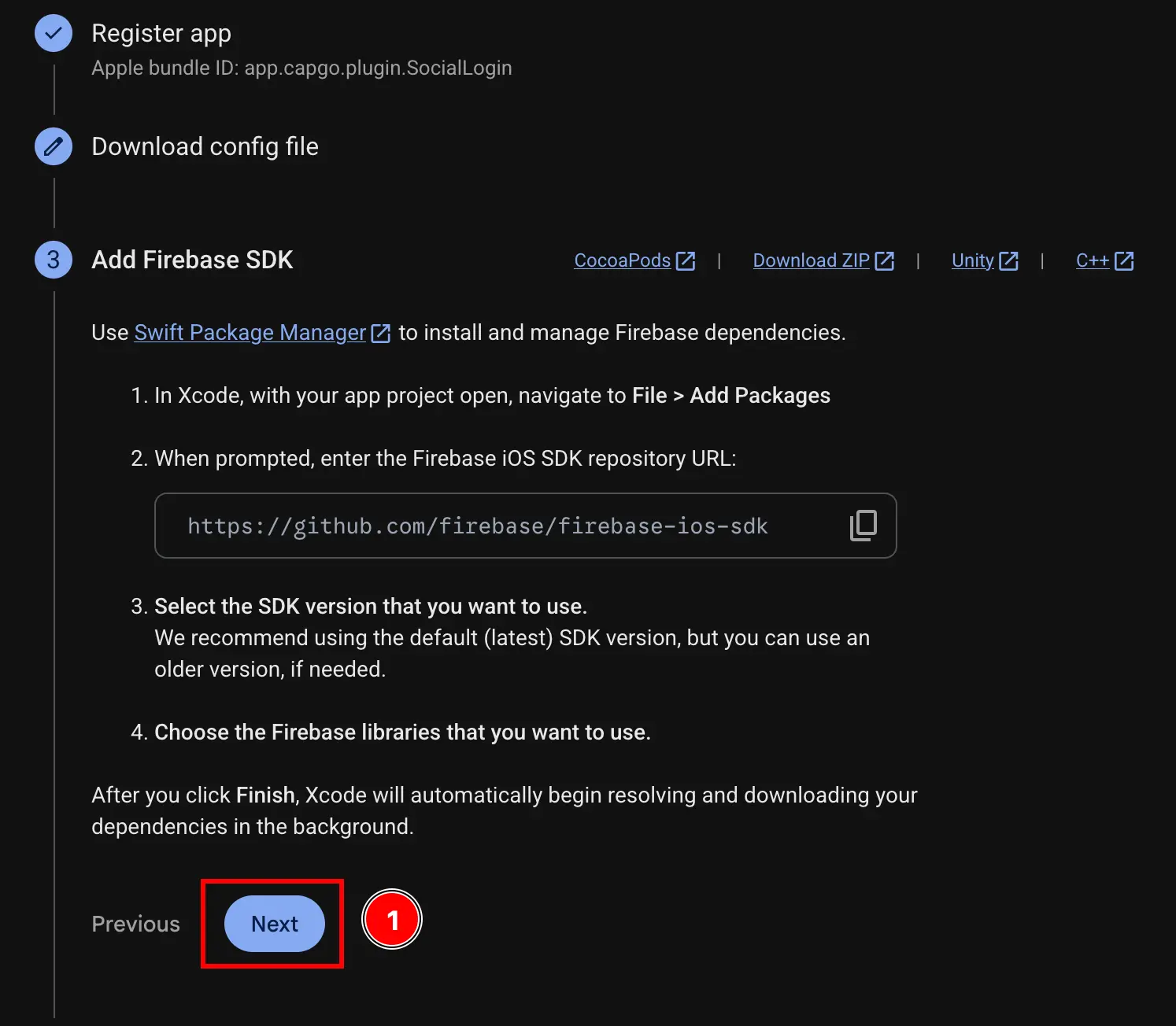
-
跳过
Add initialization code步骤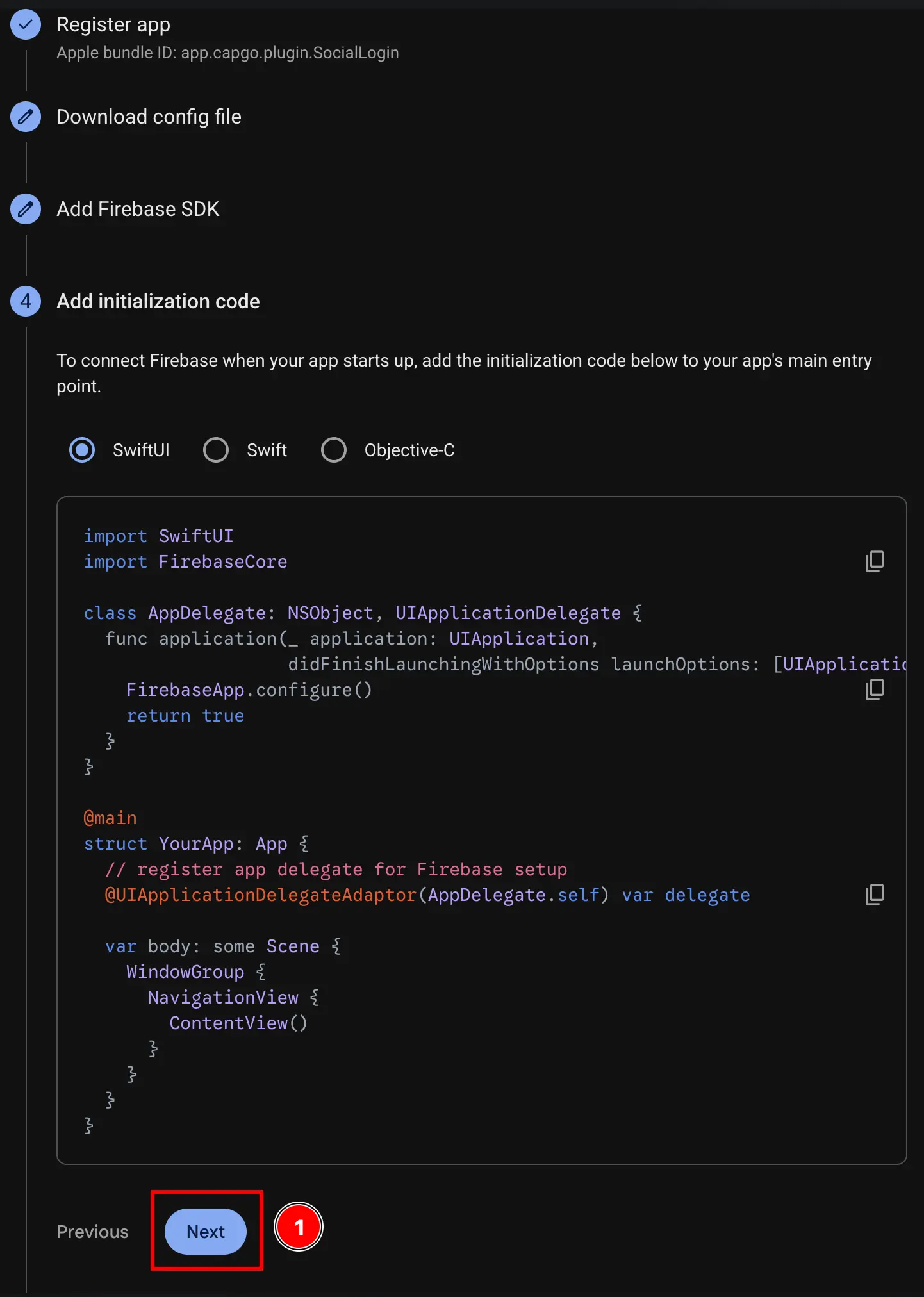
-
点击
Continue to console按钮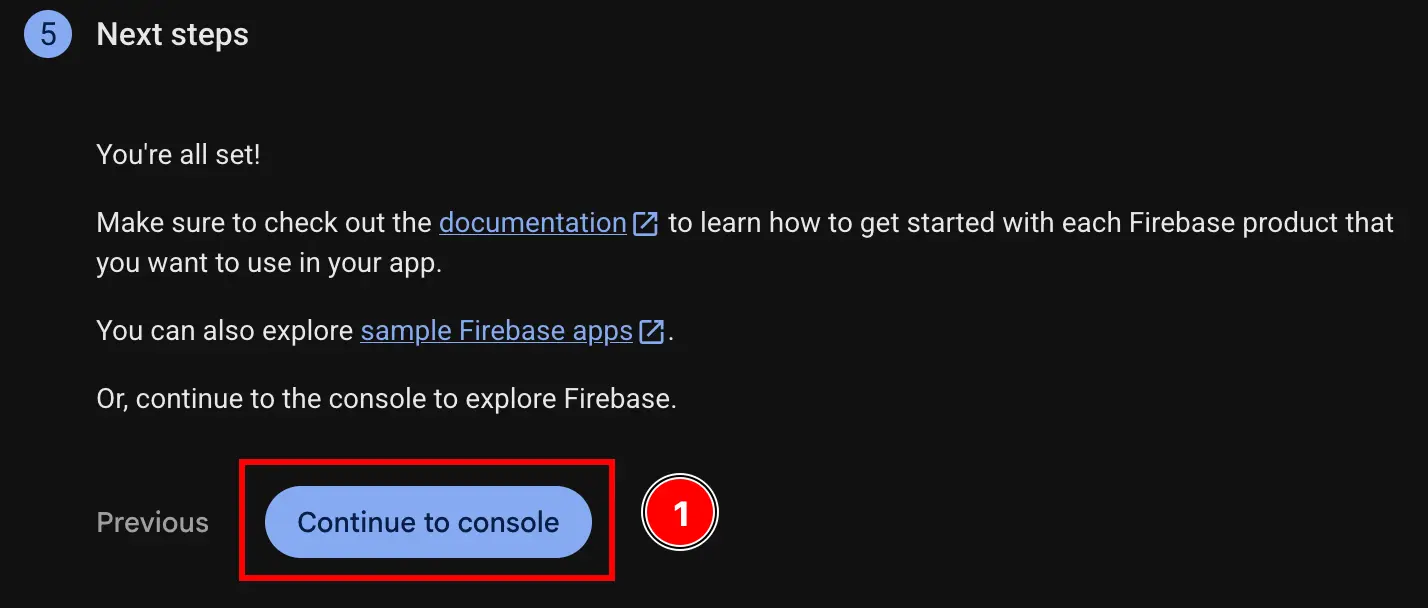
-
获取你的 iOS 客户端 ID 和
YOUR_DOT_REVERSED_IOS_CLIENT_ID-
在 console.cloud.google.com 转到 Google Cloud Console
-
找到你的项目
- 点击项目选择器
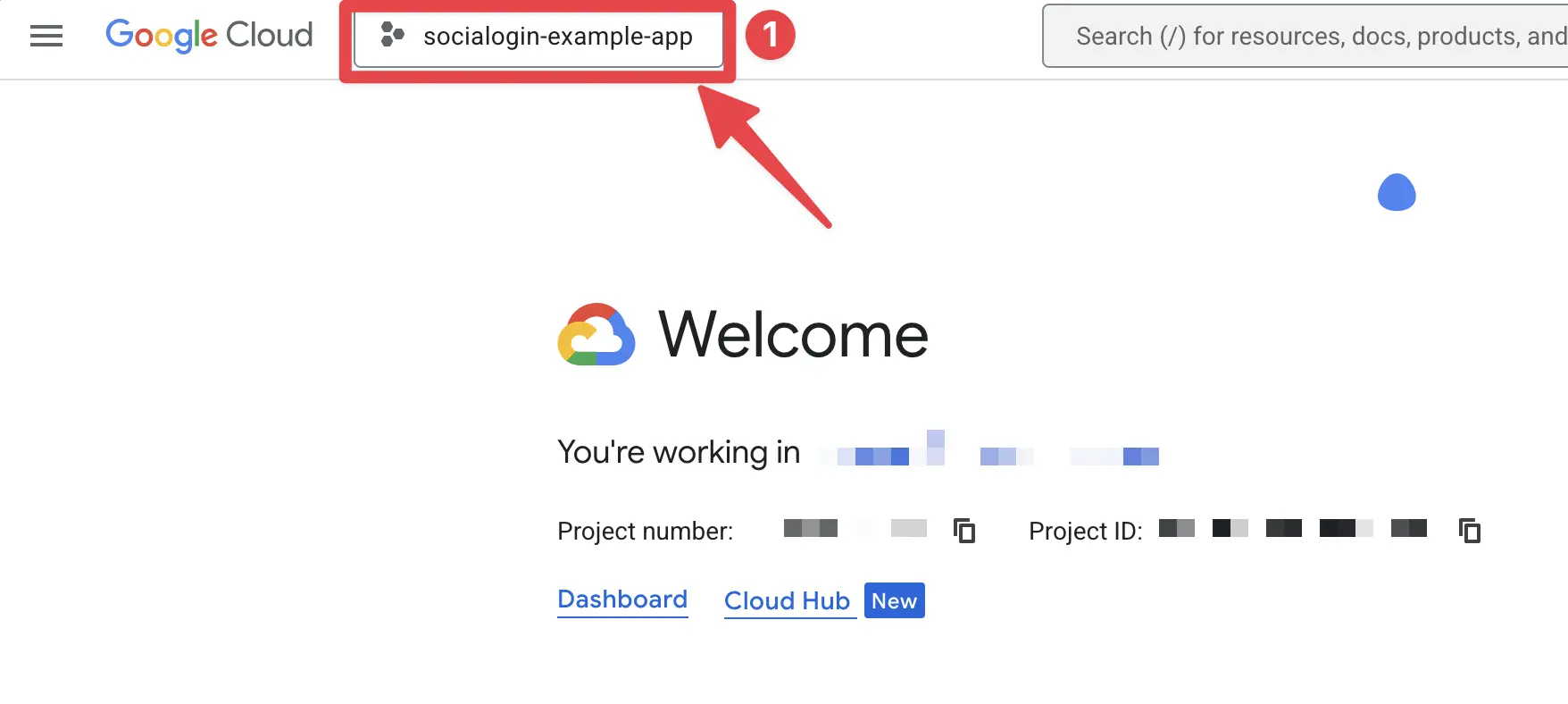
- 按 Firebase 项目的确切名称搜索你的项目并点击它。在我的情况下,它是
sociallogin-tutorial-app。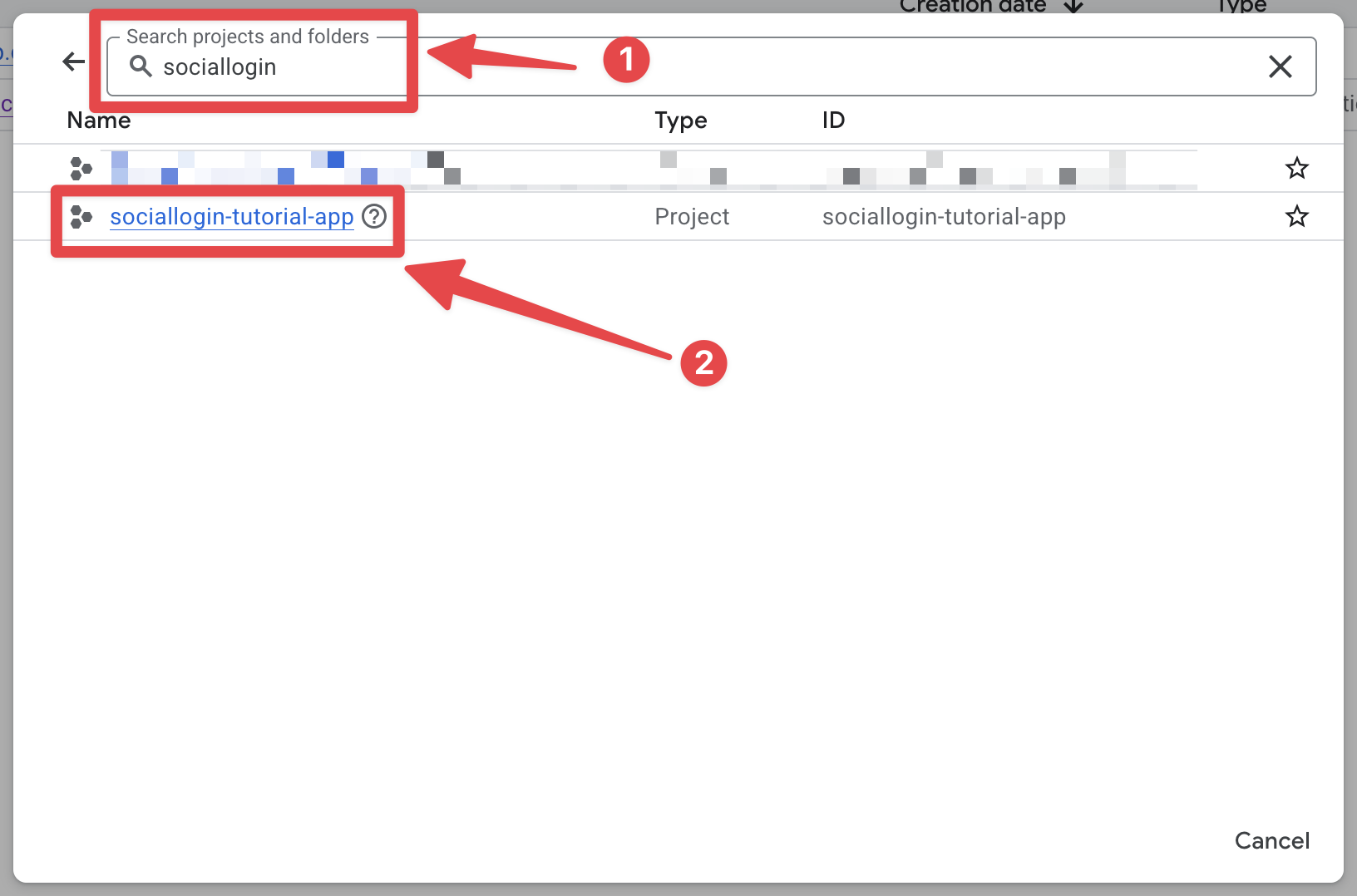
- 点击项目选择器
-
打开搜索栏并打开
credentials- 打开搜索栏
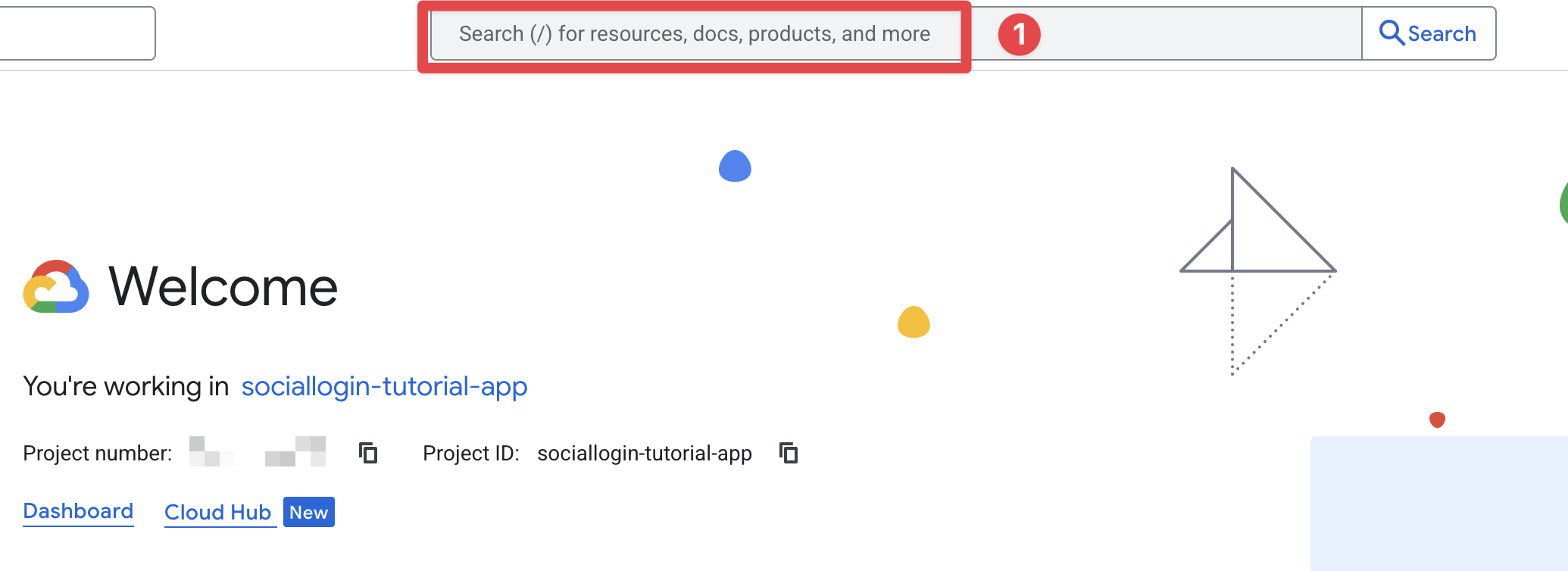
- 搜索
credentials并点击APIs and Services那个(截图上的第 2 个)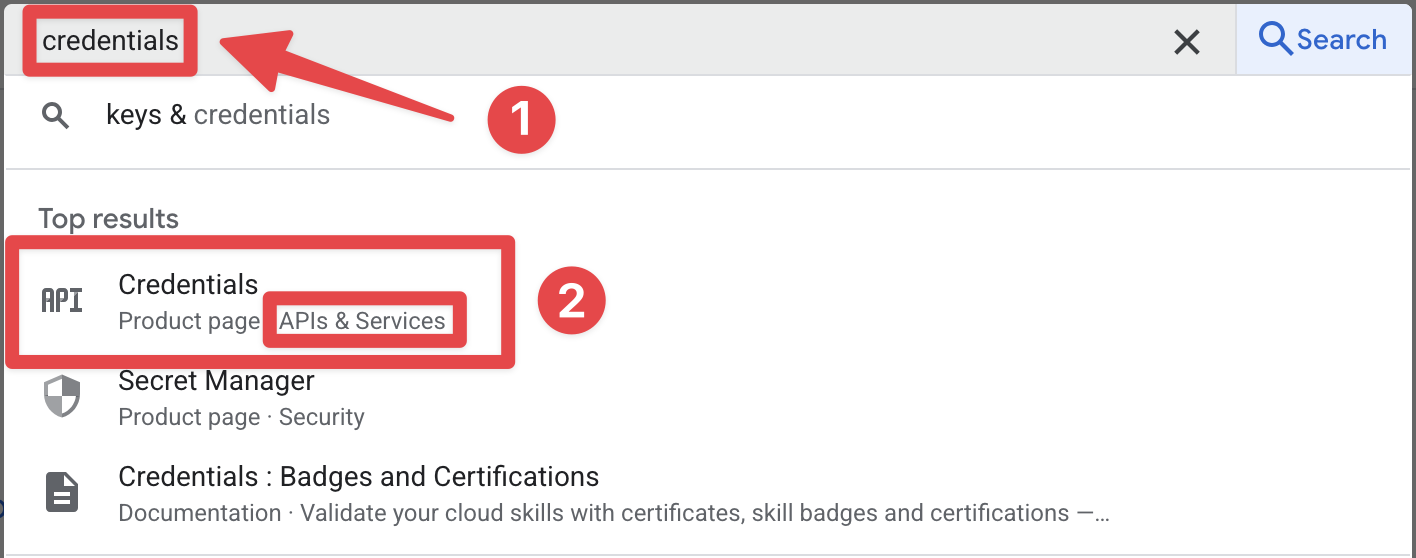
- 打开搜索栏
-
点击
iOS client for [YOUR_APP_ID] (auto created by Google Service)那个。在我的情况下,它是sociallogin-tutorial-app。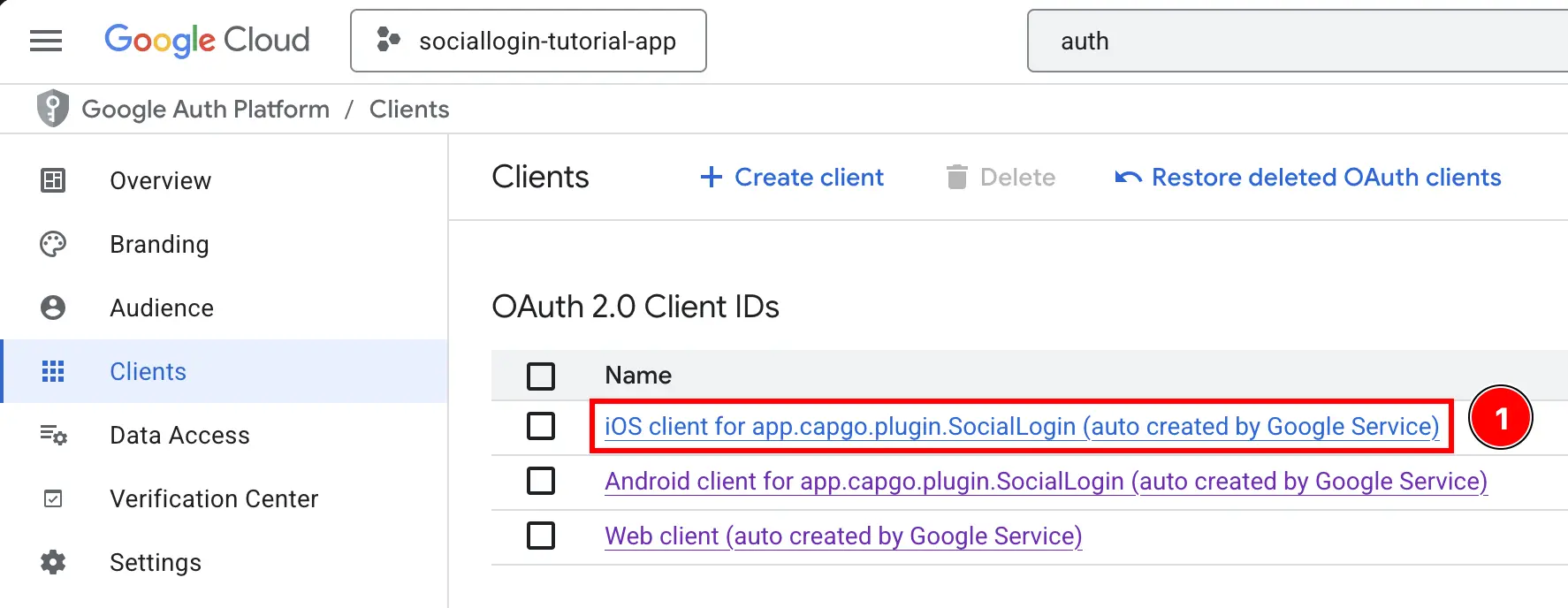
-
复制
Client ID和iOS URL scheme。这将分别是你的iOSClientId和YOUR_DOT_REVERSED_IOS_CLIENT_ID。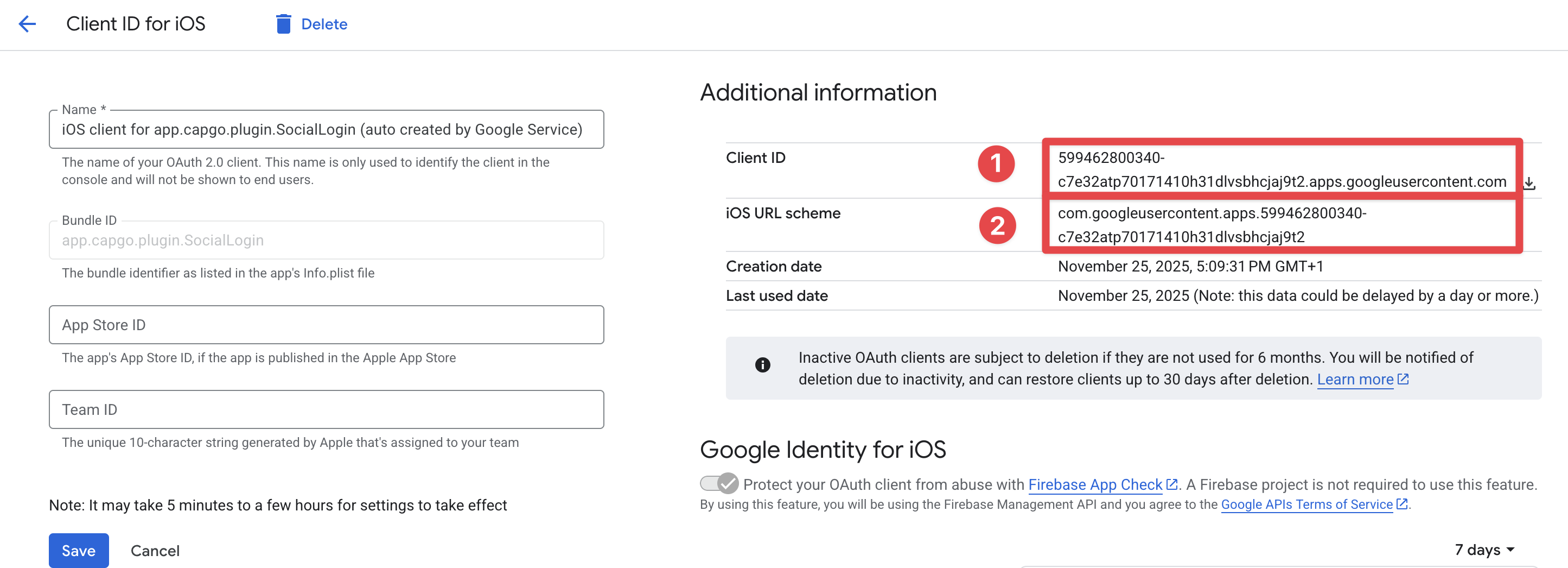
-
-
获取你的 Web 客户端 ID
- 返回 Firebase 控制台并转到
Build->Authentication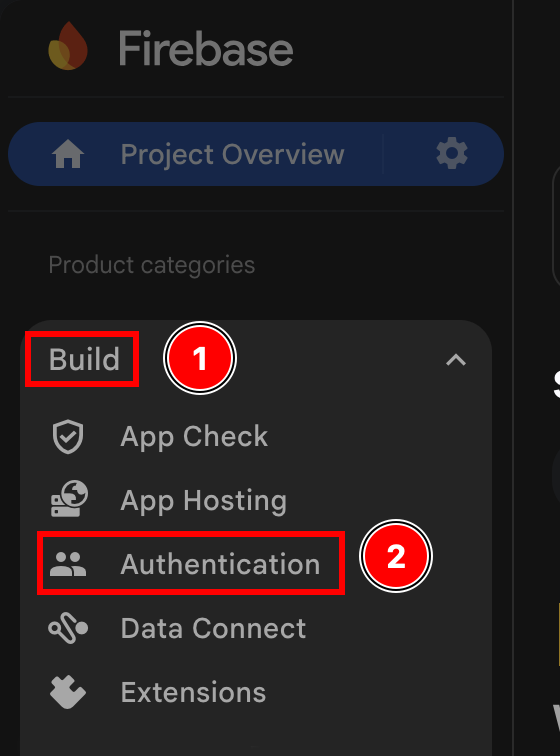
- 点击
Sign-in method按钮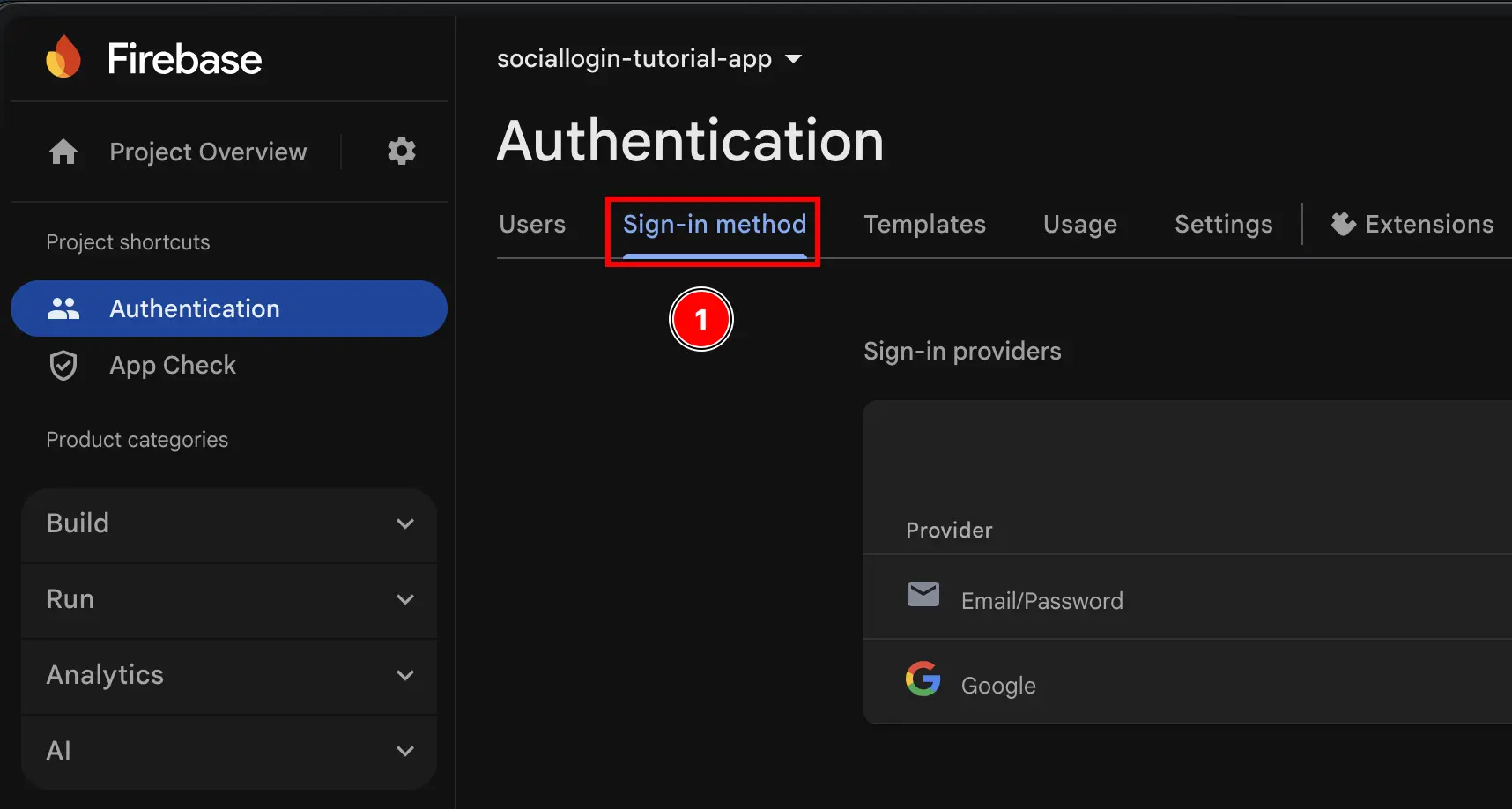
- 点击
Google提供商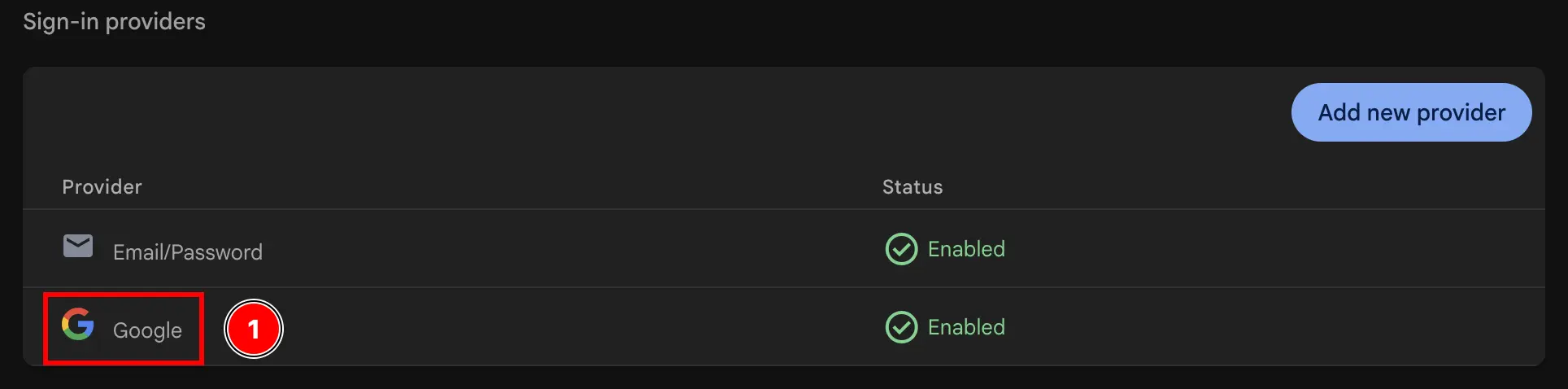
- 点击
Web SDK configuration按钮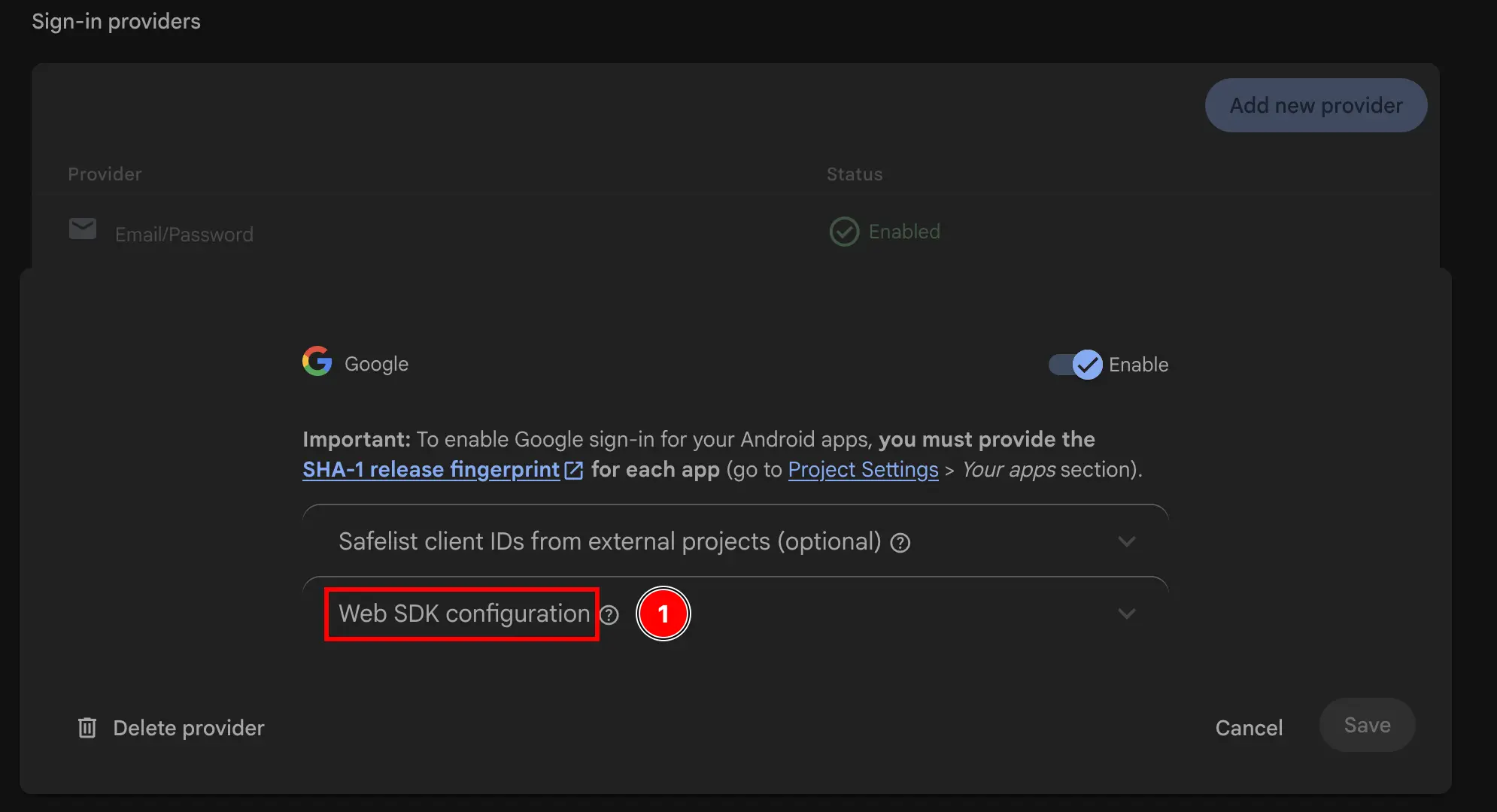
- 复制
Web client ID。这将是插件的initialize方法中的webClientId。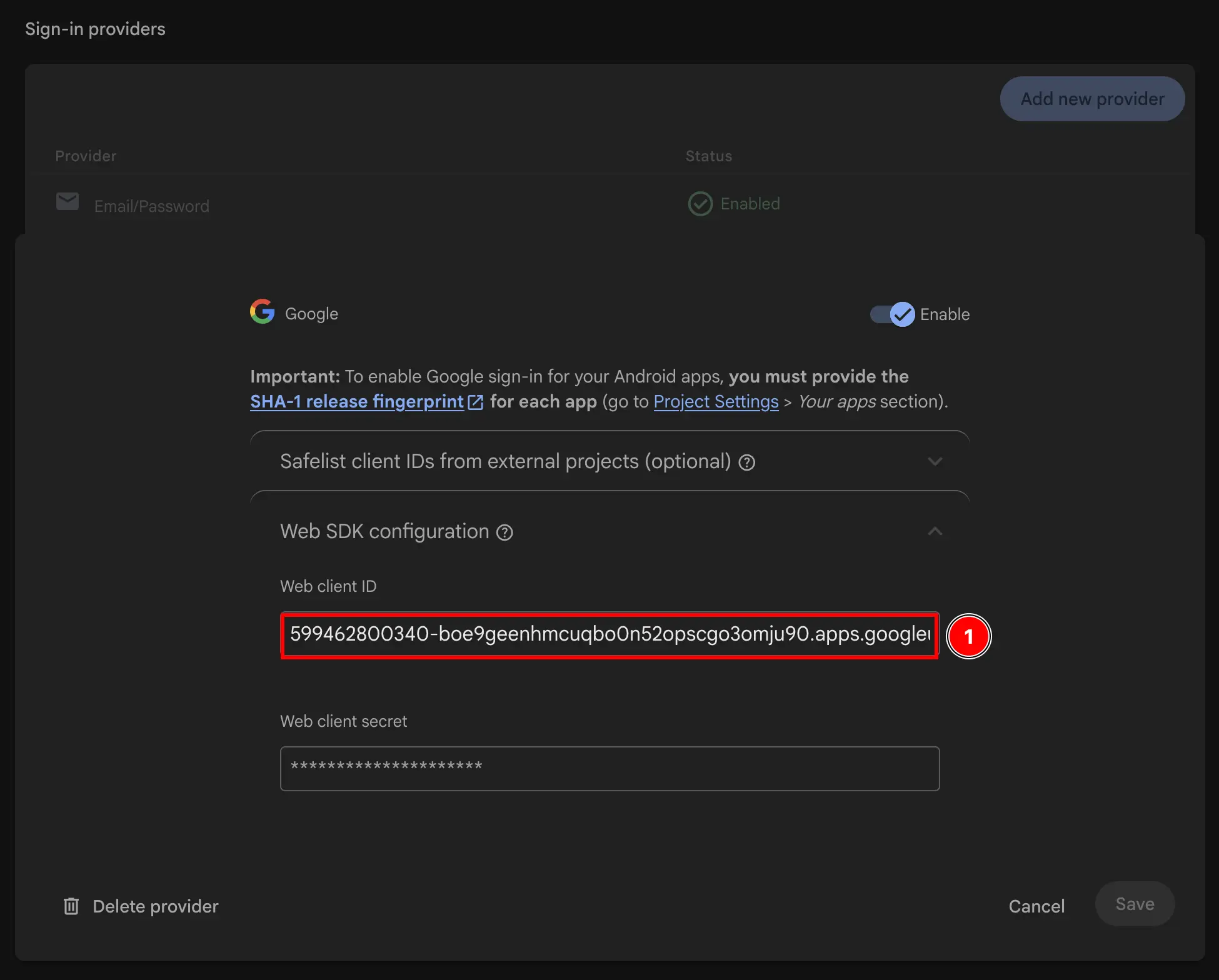
- 返回 Firebase 控制台并转到
-
修改应用的 Info.plist
-
打开 Xcode 并找到
Info.plist文件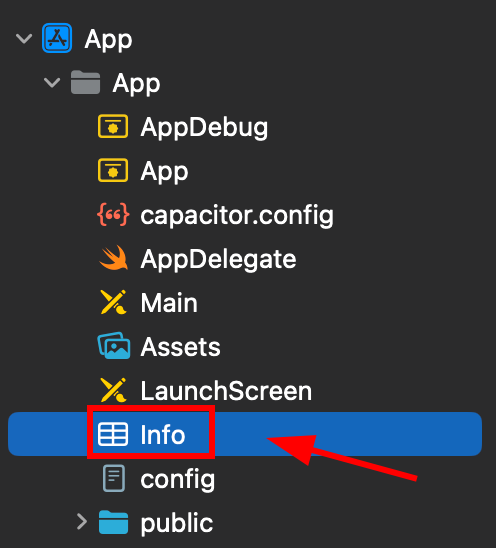
-
右键单击此文件并将其作为源代码打开
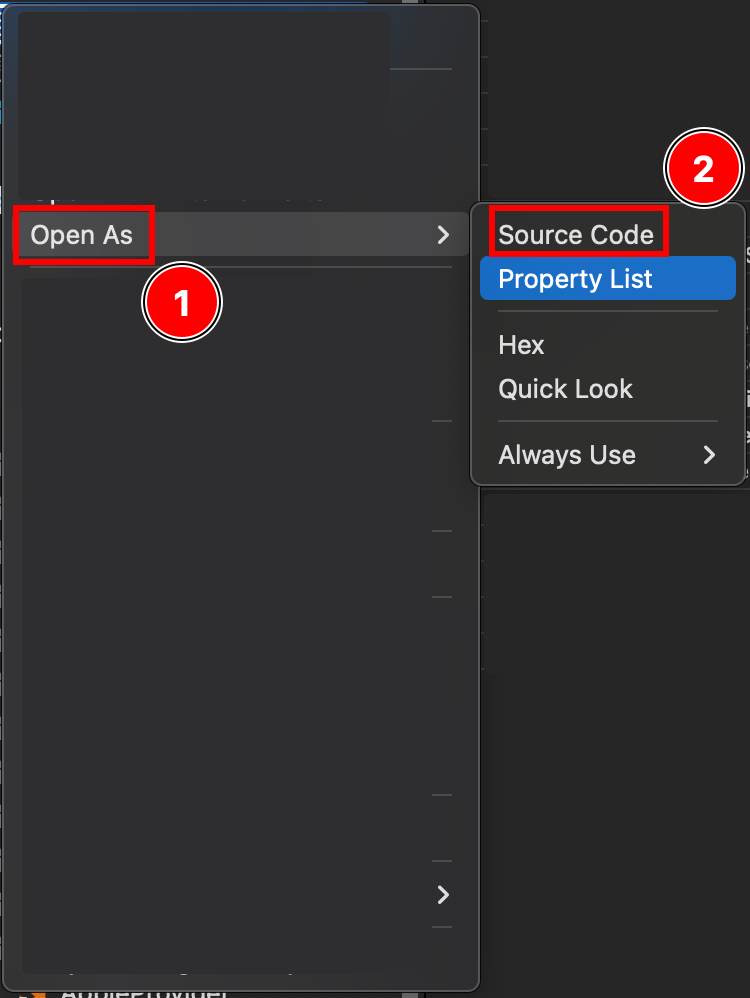
-
在
Plist文件的底部,你将看到一个</dict>标签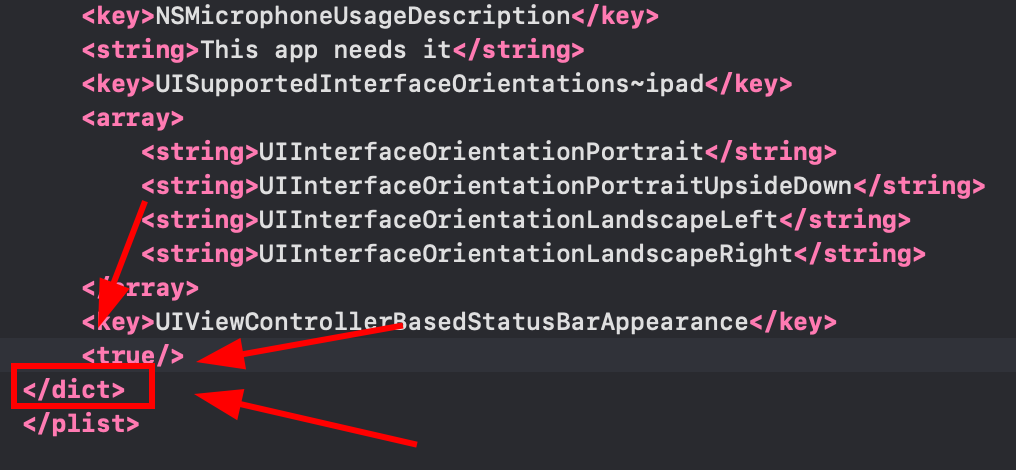
-
在关闭的
</dict>标签之前插入以下片段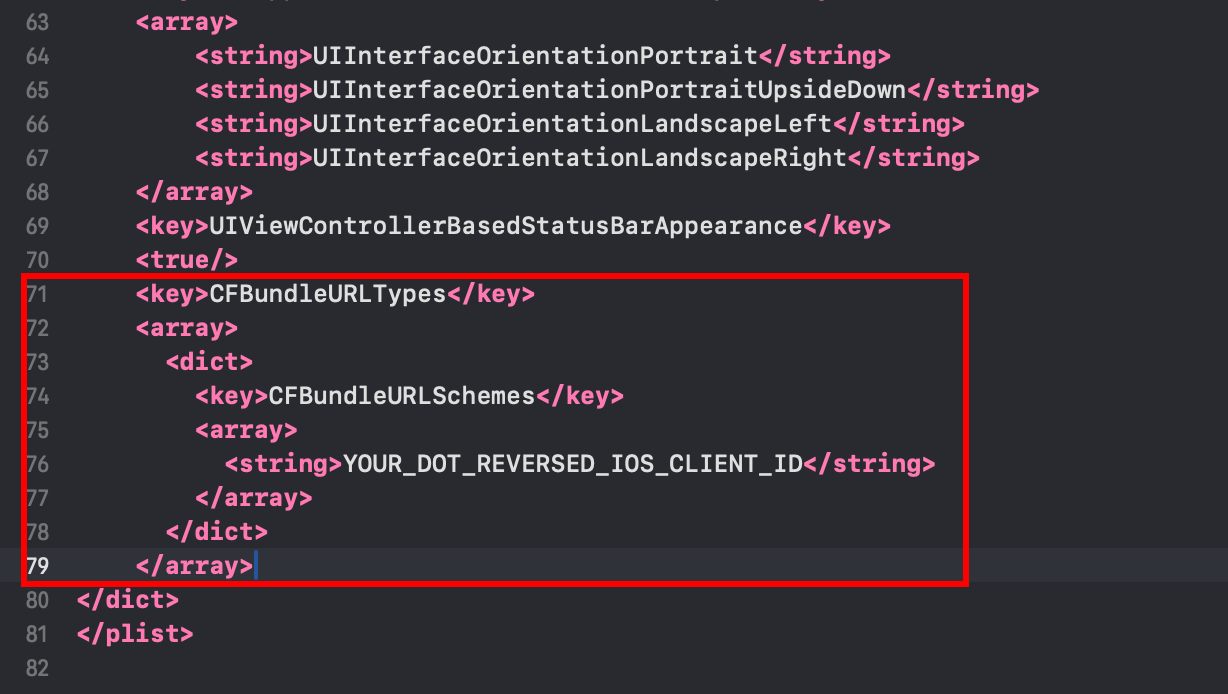 <key>CFBundleURLTypes</key><array><dict><key>CFBundleURLSchemes</key><array><string>YOUR_DOT_REVERSED_IOS_CLIENT_ID</string></array></dict></array><key>GIDClientID</key><string>YOUR_IOS_CLIENT_ID.apps.googleusercontent.com</string>
 -
将
YOUR_DOT_REVERSED_IOS_CLIENT_ID更改为在步骤 9 中复制的值(iOS URL scheme)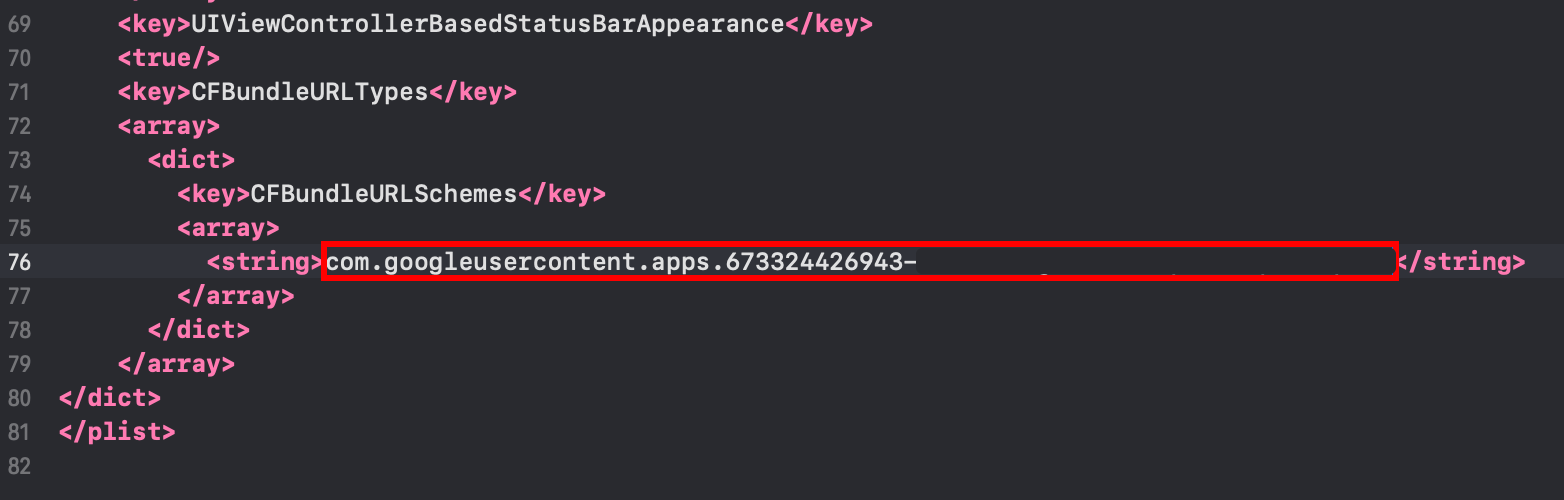
-
-
将
YOUR_IOS_CLIENT_ID更改为你在步骤 9 中复制的 iOS 客户端 ID -
使用
Command + S保存文件 -
修改
AppDelegate.swift-
打开 AppDelegate
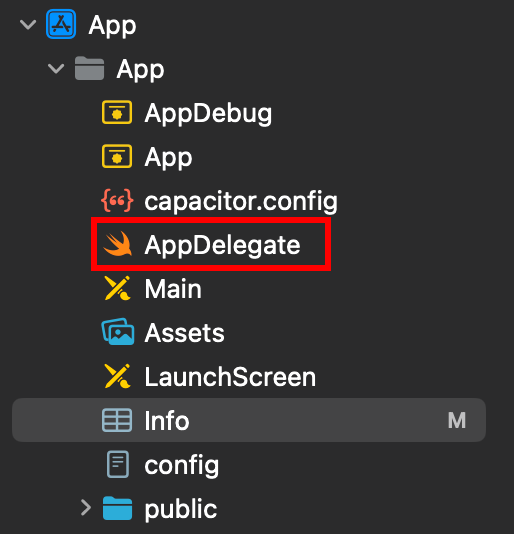
-
在文件顶部插入
import GoogleSignIn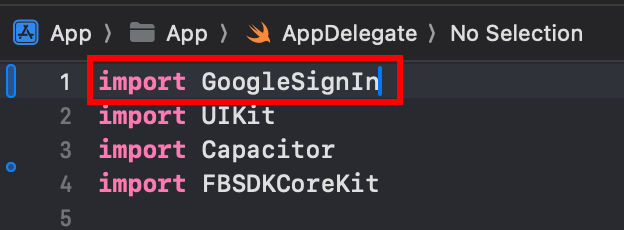
-
找到
func application(_ app: UIApplication, open url: URL, options: [UIApplication.OpenURLOptionsKey: Any] = [:])函数
-
修改函数使其看起来像这样
func application(_ app: UIApplication, open url: URL, options: [UIApplication.OpenURLOptionsKey: Any] = [:]) -> Bool {// Called when the app was launched with a url. Feel free to add additional processing here,// but if you want the App API to support tracking app url opens, make sure to keep this callvar handled: Boolhandled = GIDSignIn.sharedInstance.handle(url)if handled {return true}return ApplicationDelegateProxy.shared.application(app, open: url, options: options)}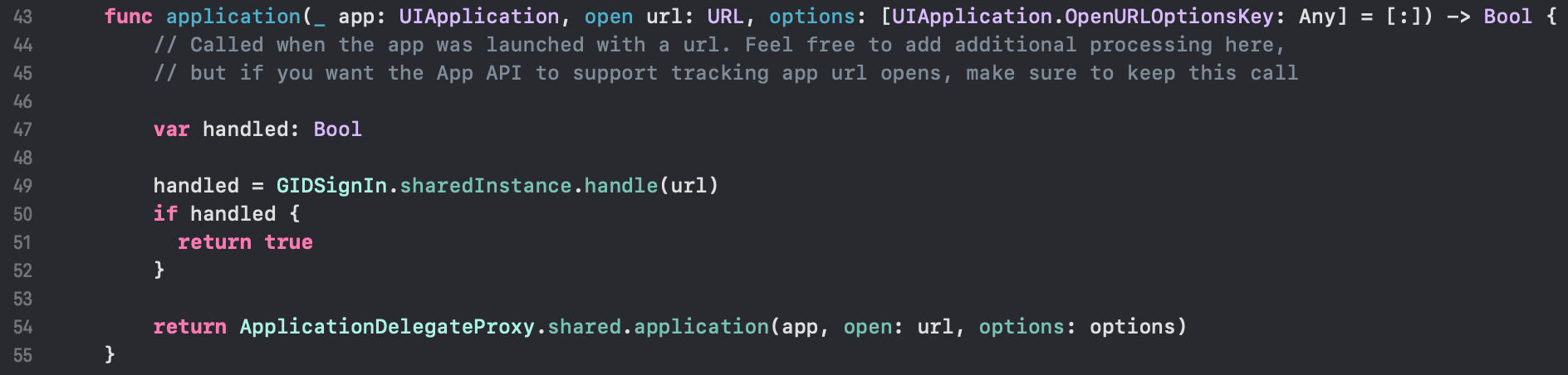
-
使用
Command + S保存文件
-
-
在应用中使用 Google 登录
在此步骤,你已准备好在应用中使用 Google 登录。 请使用示例应用的 authUtils.ts 文件通过 Google 进行身份验证。
用户首次登录时将在 Firebase Auth 中自动创建
如果身份验证挂起或失败:
- 验证
idTokenaudience 是否与你的 Firebase Web 客户端 ID 匹配 - 检查 Firebase Console 中是否启用了 Google 登录
- 确保 Info.plist 具有正确的 URL schemes 和 GIDClientID
- 验证
iOSServerClientId是否与你的 Web 客户端 ID 匹配 - 查看示例应用代码以供参考