
Erste Schritte
Was wird in diesem Tutorial behandelt?
Section titled “Was wird in diesem Tutorial behandelt?”In diesem Tutorial erfahren Sie, wie Sie die Supabase von Grund auf neu starten und Kantenfunktionen starten
Anforderungen
Section titled “Anforderungen”Erste Schritte
Section titled “Erste Schritte”Um zu beginnen, laufen Sie
supabase startAls nächstes sollte etwa Folgendes angezeigt werden:
Started supabase local development setup.
         API URL: http://localhost:54321     GraphQL URL: http://localhost:54321/graphql/v1          DB URL: postgresql://postgres:postgres@localhost:54322/postgres      Studio URL: http://localhost:54323    Inbucket URL: http://localhost:54324      JWT secret: [truncated]        anon key: supa_key_anonservice_role key: supa_key_admin
Öffnen Sie als Nächstes configs.json und legen Sie die folgenden Werte fest:
{ "base_domain": { "prod": "console.capgo.app", "development": "development.console.capgo.app", "local": "localhost:3332" }, "supa_anon": { "prod": "supa_key_anon", "development": "supa_key_anon", "local": "supa_key_anon" }, "supa_url": { "prod": "http://localhost:54321", "development": "http://localhost:54321", "local": "http://localhost:54321" }}Dabei ist supa_key_anon der Wert aus dem vorherigen Schritt.
Überprüfen Sie als Nächstes, ob Sie zu localhost:54323 wechseln können und ob die Tabelle users in etwa so aussieht
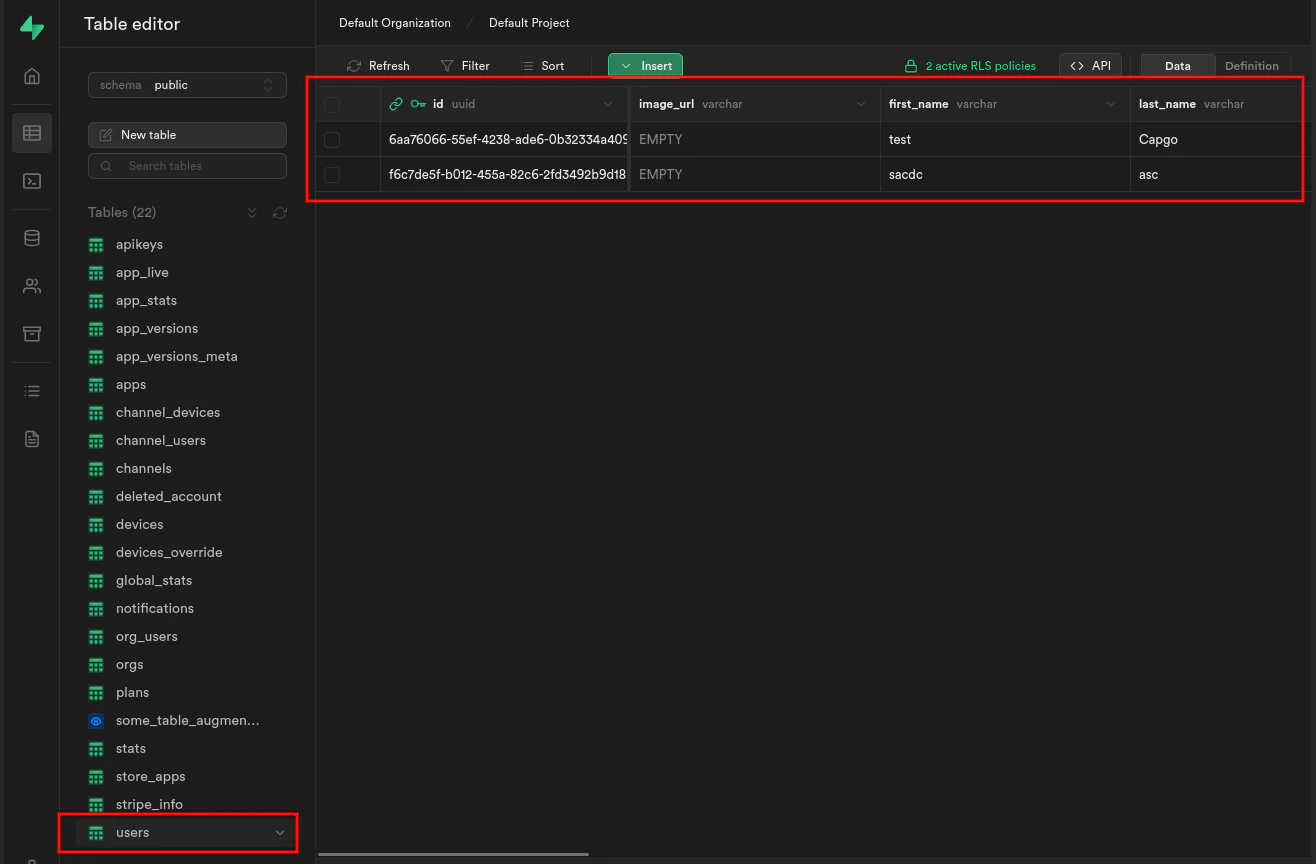
Wenn es Kantenfunktionen startet, indem es Folgendes ausführt:
supabase functions serveund starten Sie das Frontend, indem Sie Folgendes ausführen:
bun run serve