
Firebase Google Connexion - General Configuration
Introduction
Section titled “Introduction”This Guide will walk you through integrating Google Sign-In with Firebase Authentication using the Capacitor Social Connexion plugin. This Configuration allows you to use Natif Google Sign-In on mobile platforms while leveraging Firebase Auth for backend authentication.
Configuration Steps
Section titled “Configuration Steps”- Please go to console.cloud.google.com
- Select the project you want to use
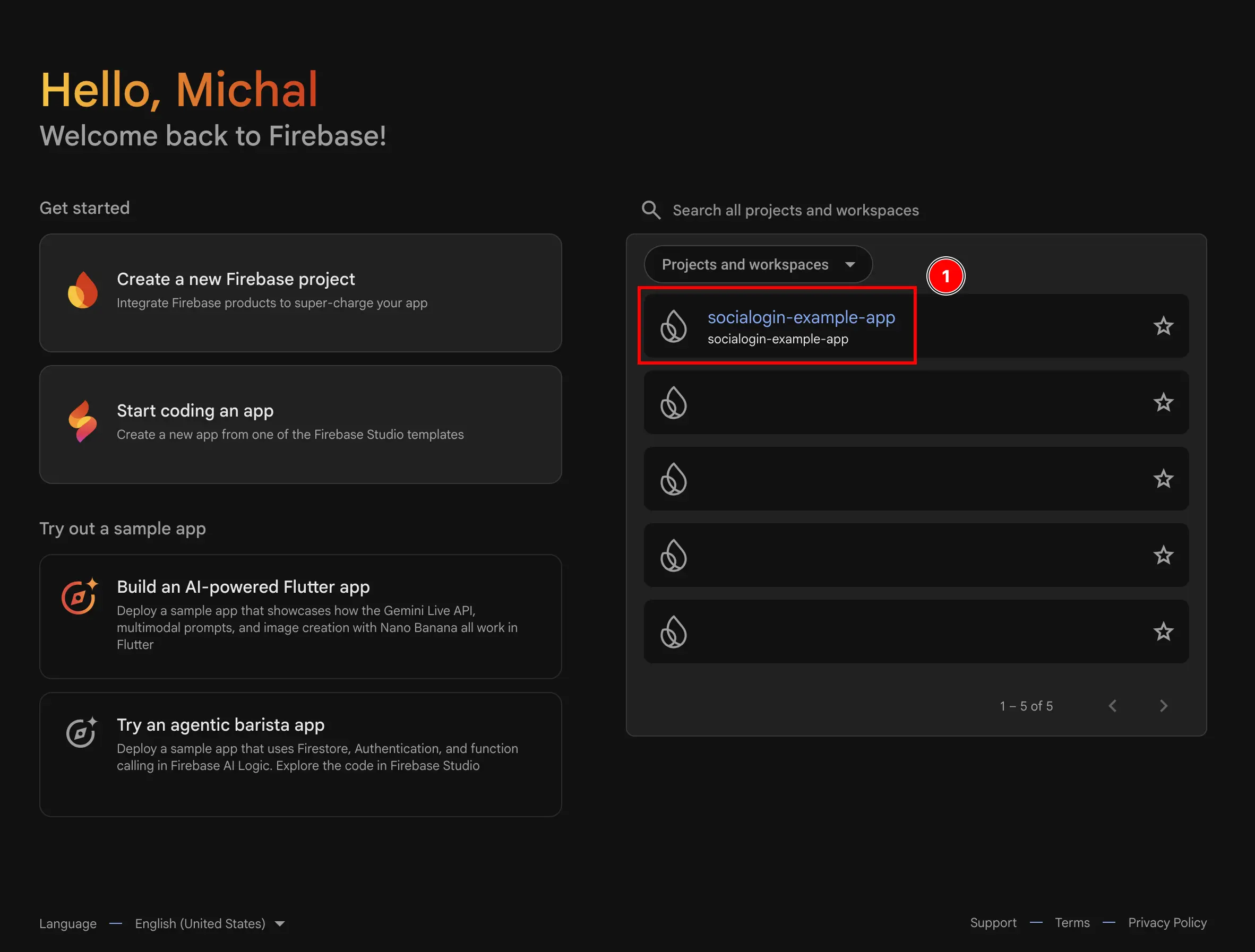
- Go to the
Authenticationmenu- Click on
build - Click on
Authentication
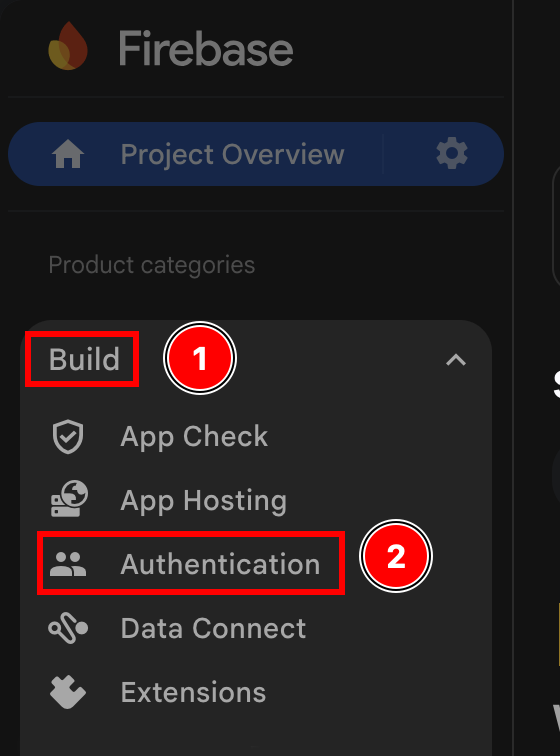
- Click on
- Click on the
Get startedbutton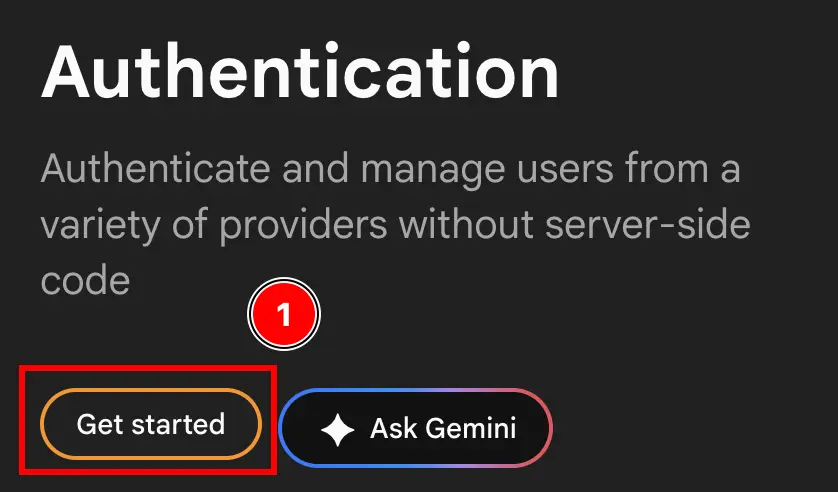
- Select EITHER
Email/PasswordANDGoogleORGoogleONLYI will select
Email/PasswordANDGoogle, as I want to use both, but you could select onlyGoogle. This is something you can change later.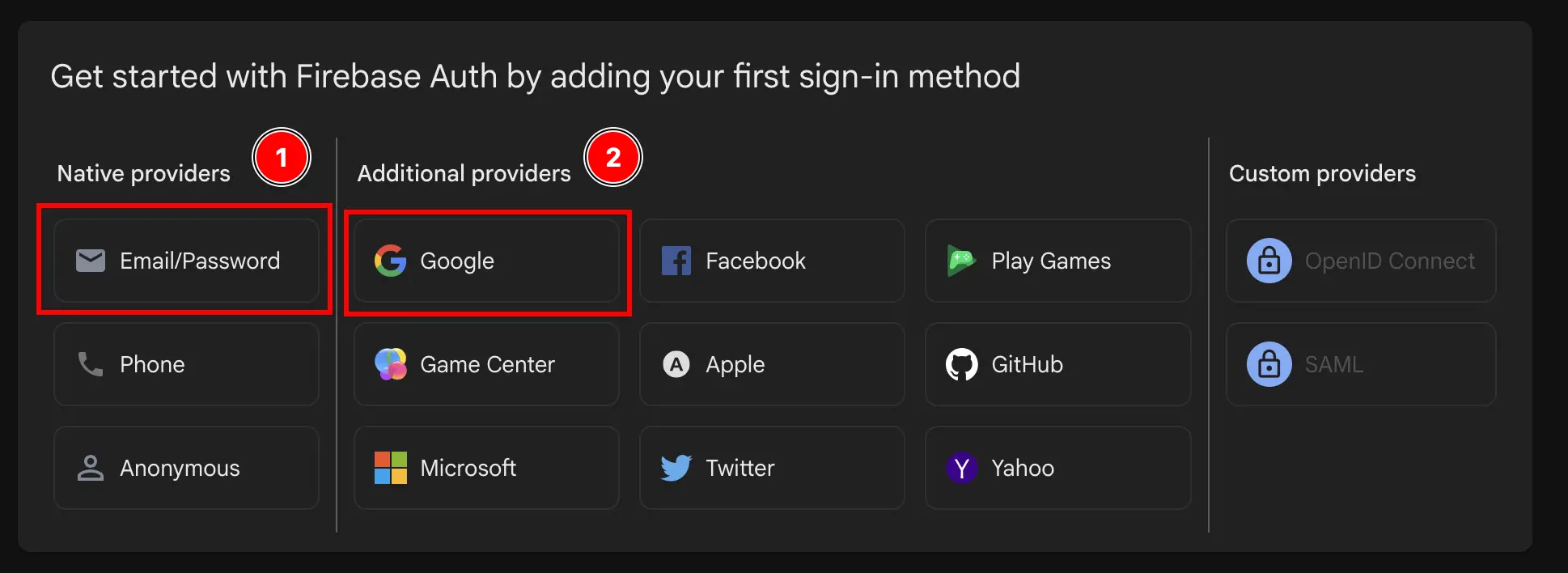
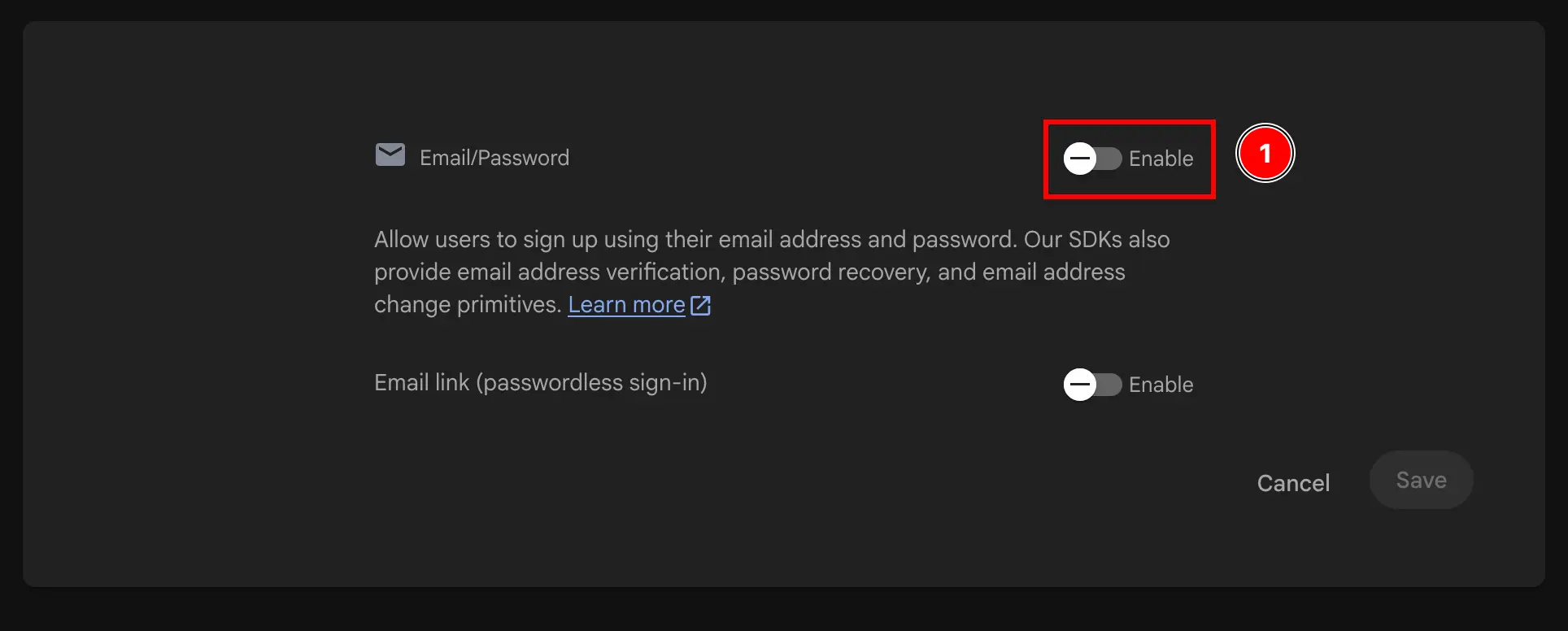
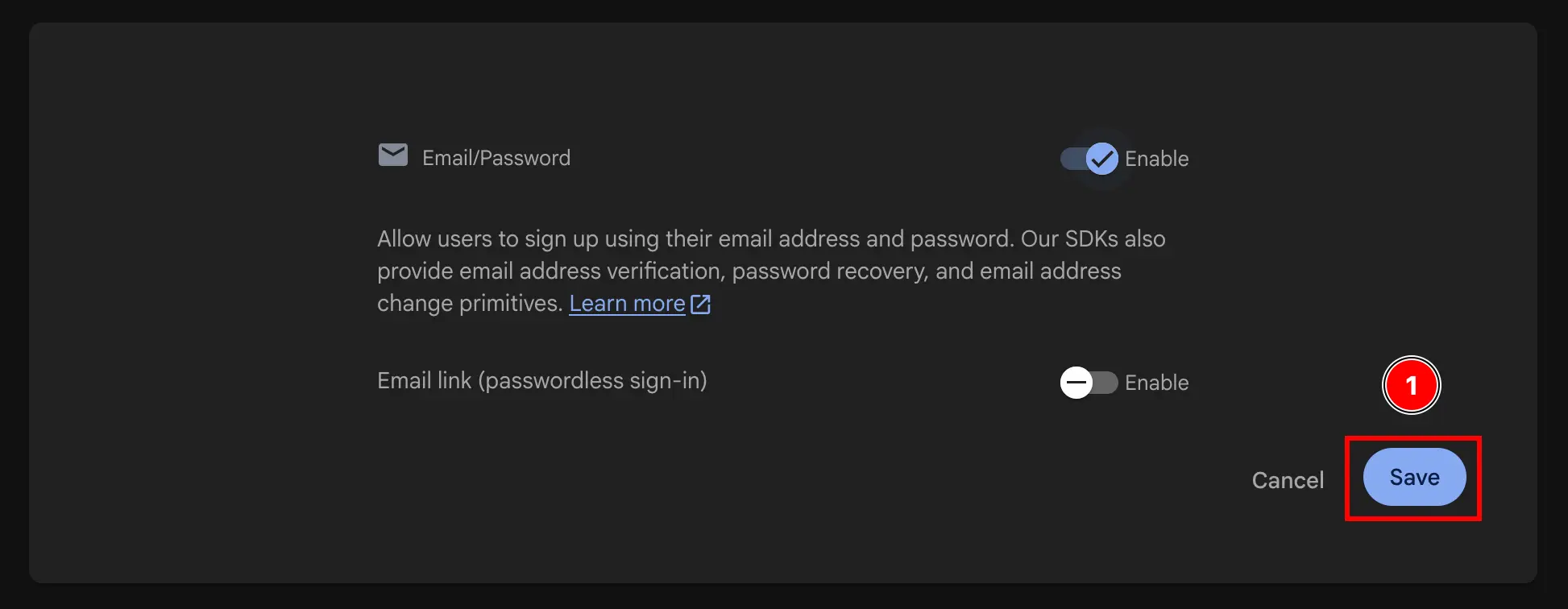

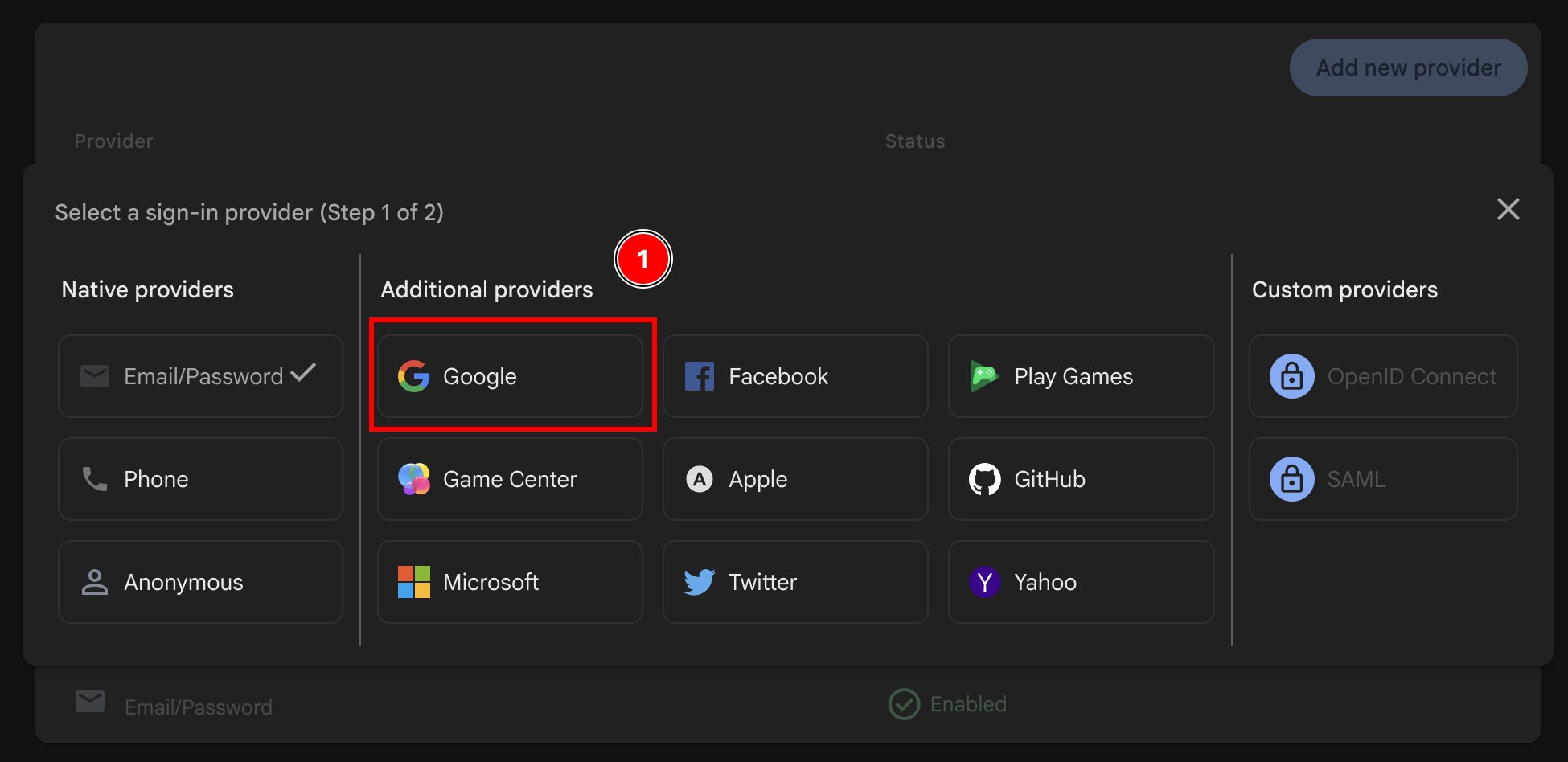
- Enable the
Googleprovider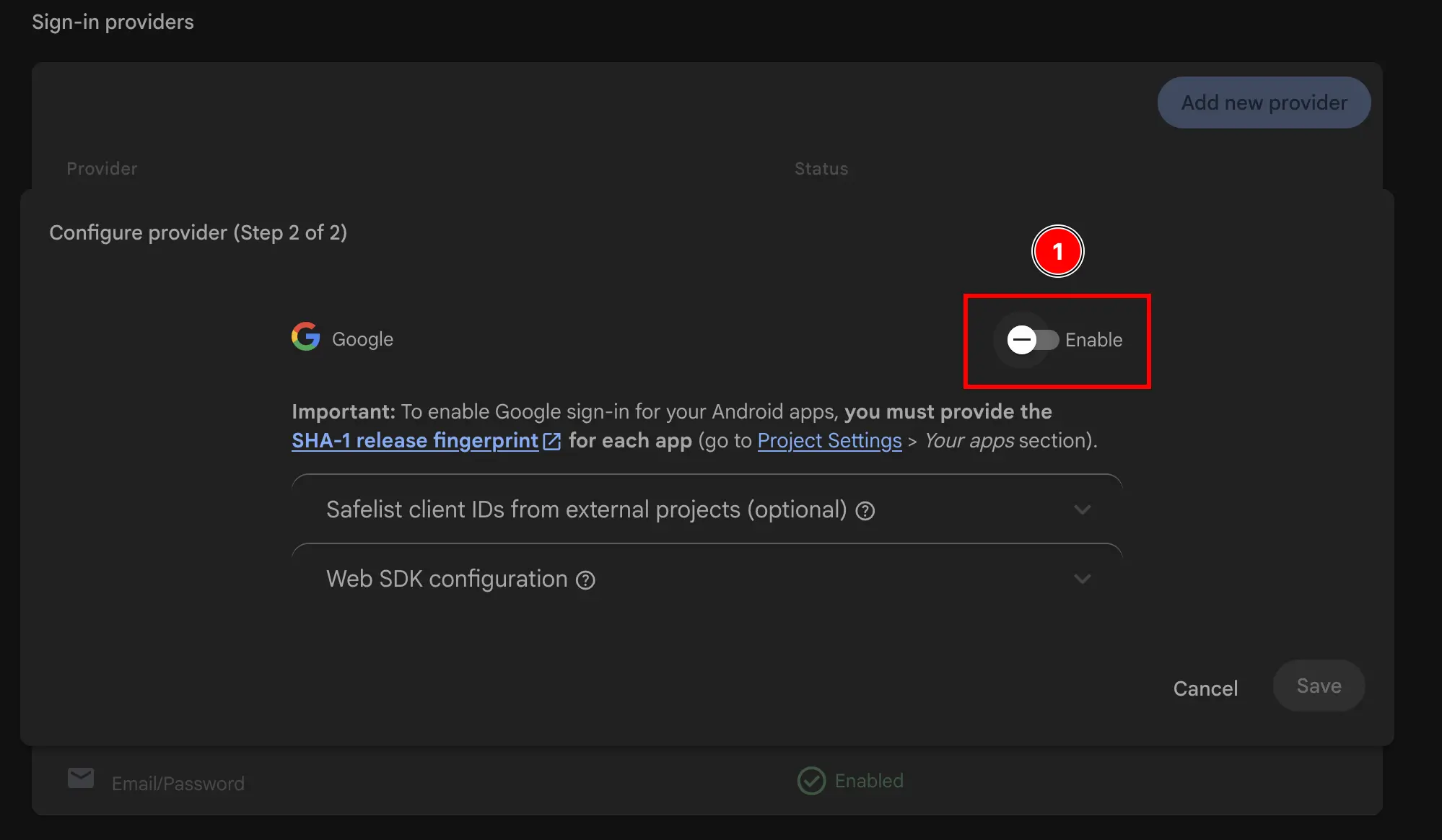
- Ajouter the Support email
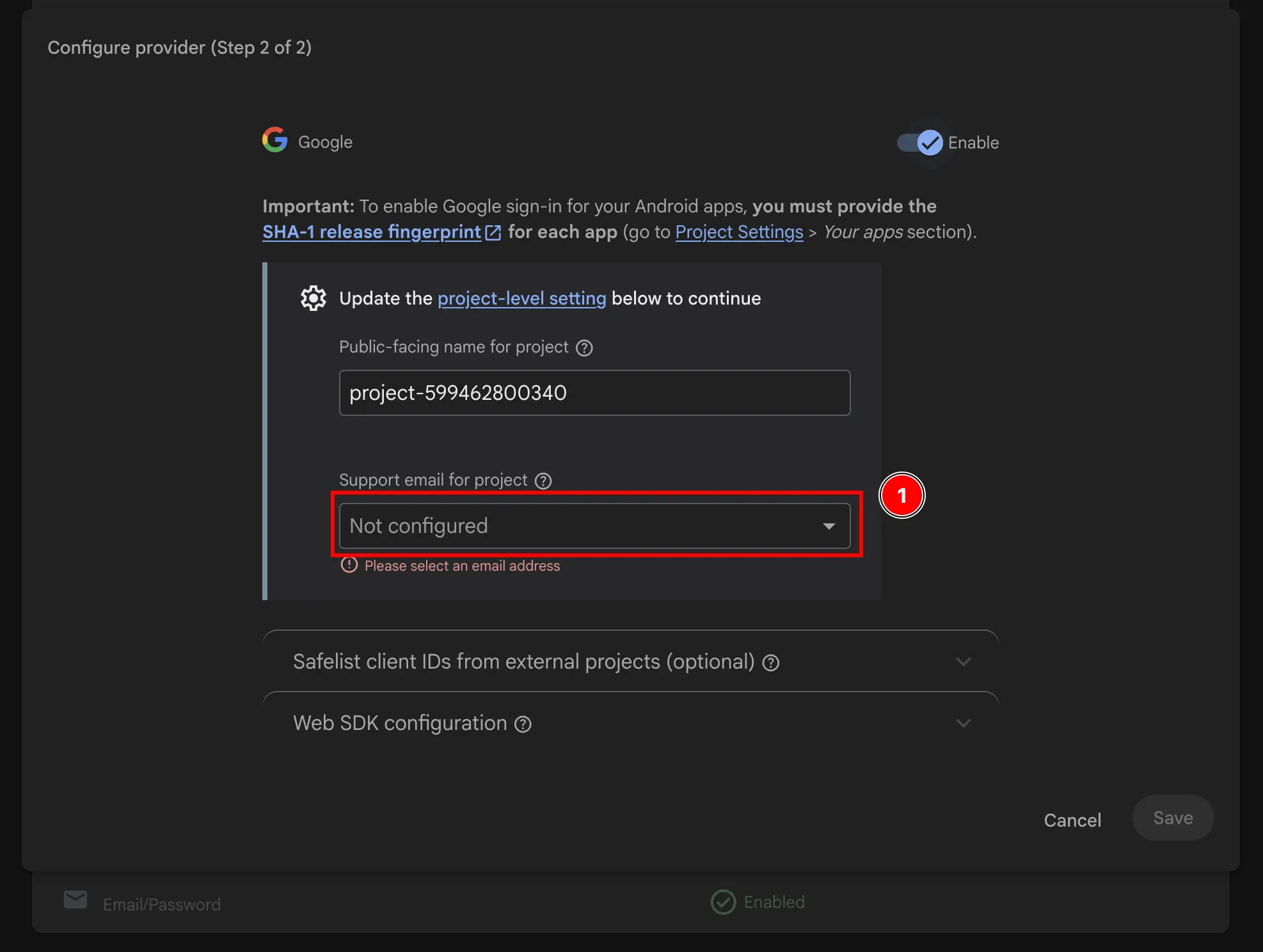
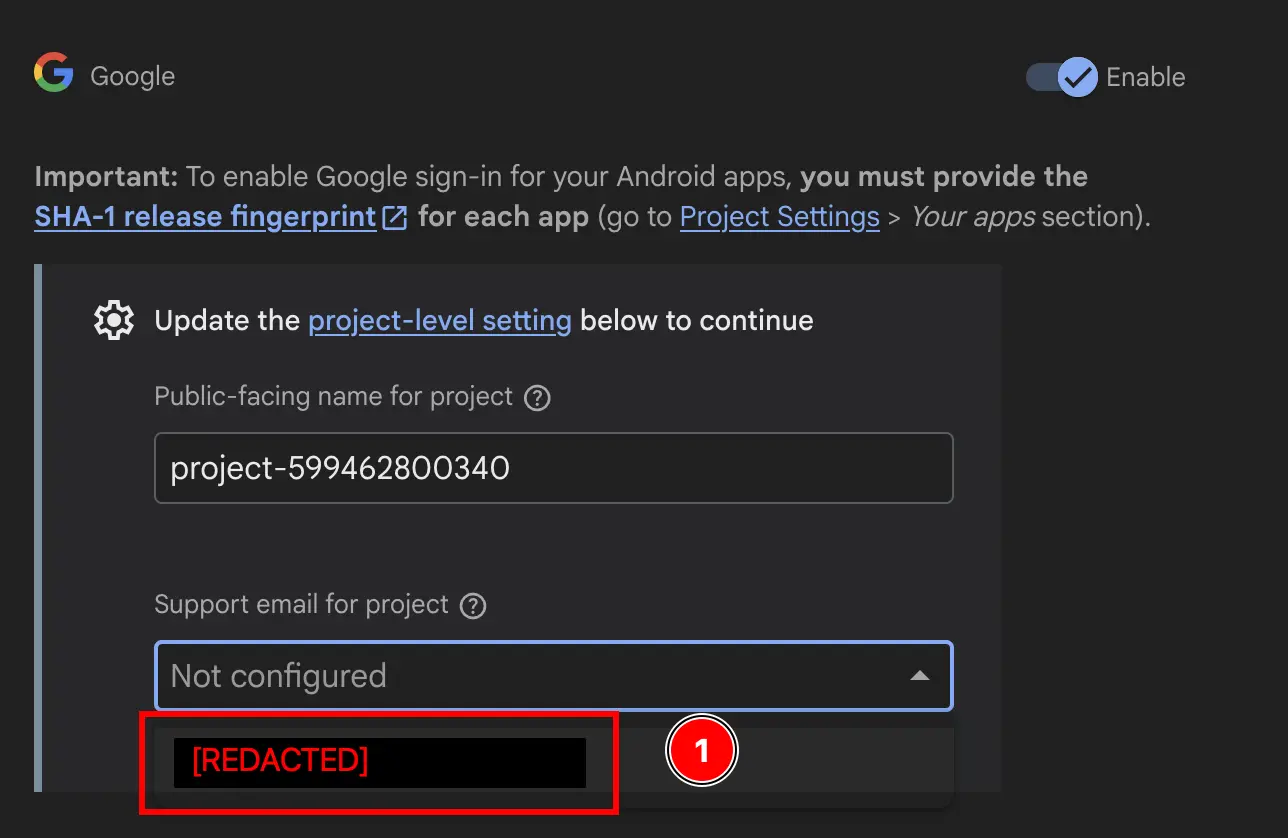
- Change the
Public-facing name for project.This will be displayed to the Utilisateurs, so I recommend changing it to something more descriptive.
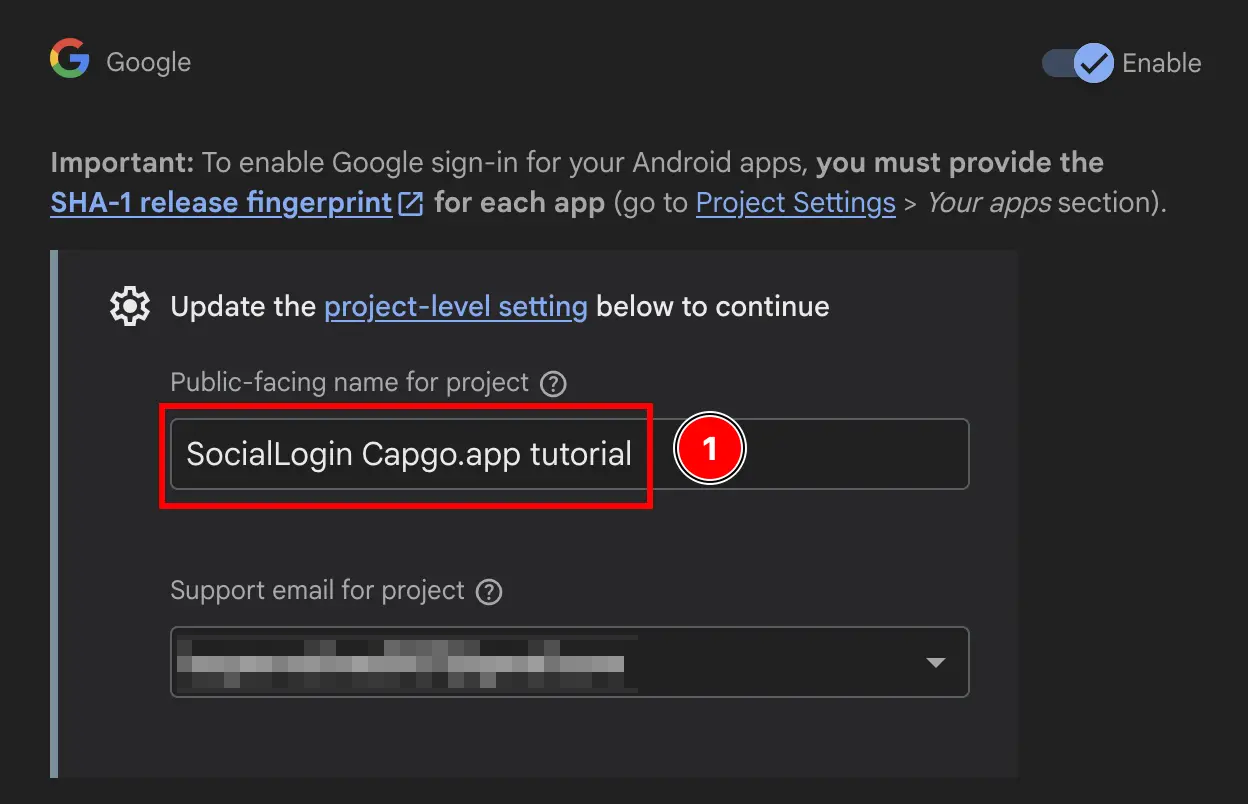
- Click on the
Savebutton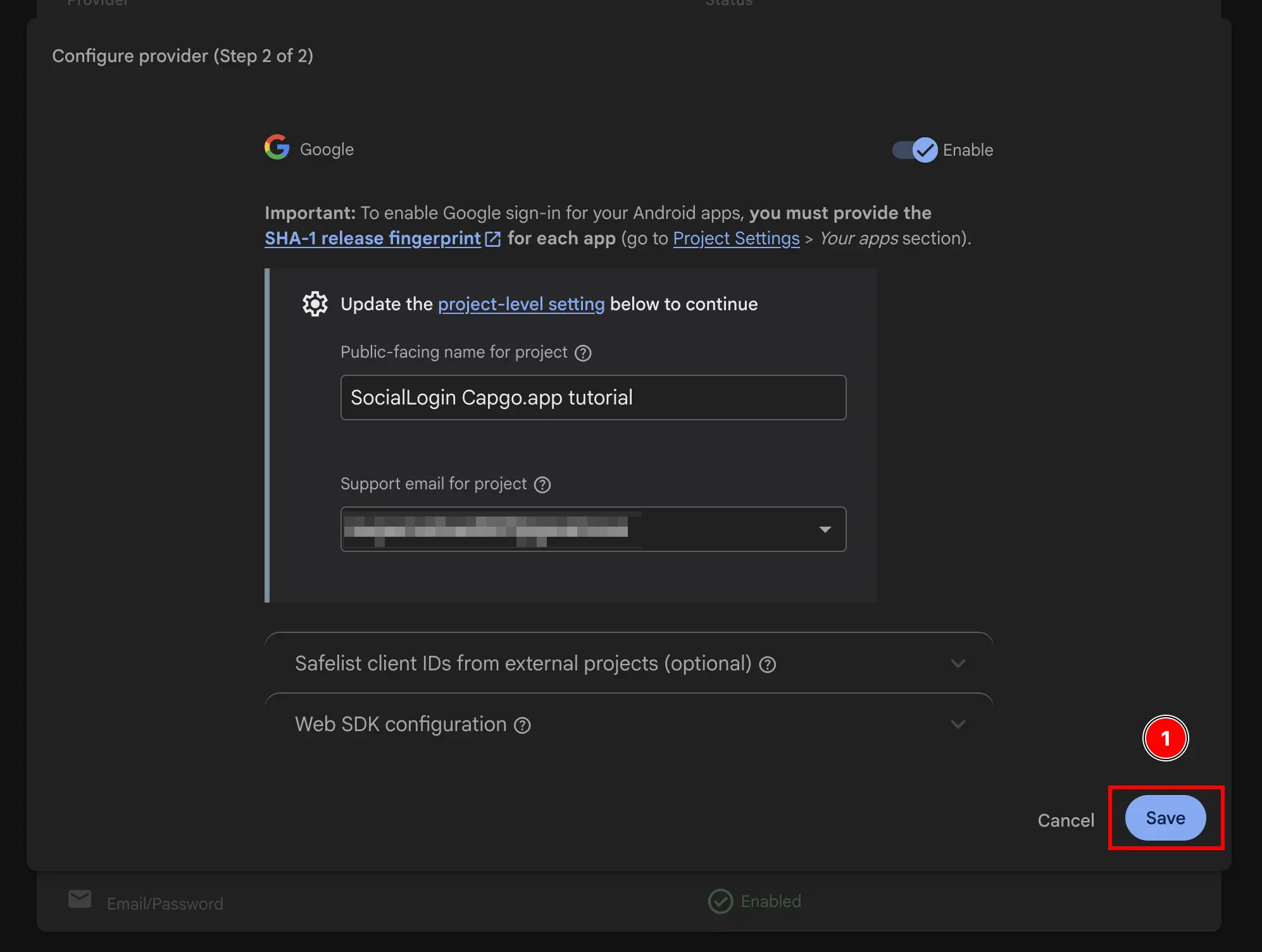
Voilà, you have now enabled Google Sign-In with Firebase Authentication 🎉