
Commencer
Que couvrira ce tutoriel ?
Section titled “Que couvrira ce tutoriel ?”Ce tutoriel montrera comment démarrer la supabase à partir de zéro ainsi que démarrer les fonctions Edge.
Exigences
Section titled “Exigences”Commencer
Section titled “Commencer”Pour commencer, courez
supabase startEnsuite, vous devriez voir quelque chose comme ceci :
Started supabase local development setup.
         API URL: http://localhost:54321     GraphQL URL: http://localhost:54321/graphql/v1          DB URL: postgresql://postgres:postgres@localhost:54322/postgres      Studio URL: http://localhost:54323    Inbucket URL: http://localhost:54324      JWT secret: [truncated]        anon key: supa_key_anonservice_role key: supa_key_admin
Ensuite, ouvrez configs.json et définissez les valeurs suivantes :
{ "base_domain": { "prod": "console.capgo.app", "development": "development.console.capgo.app", "local": "localhost:3332" }, "supa_anon": { "prod": "supa_key_anon", "development": "supa_key_anon", "local": "supa_key_anon" }, "supa_url": { "prod": "http://localhost:54321", "development": "http://localhost:54321", "local": "http://localhost:54321" }}où supa_key_anon est la valeur de l’étape précédente.
Ensuite, vérifiez que vous pouvez accéder à localhost:54323 et que la table users ressemble à ceci
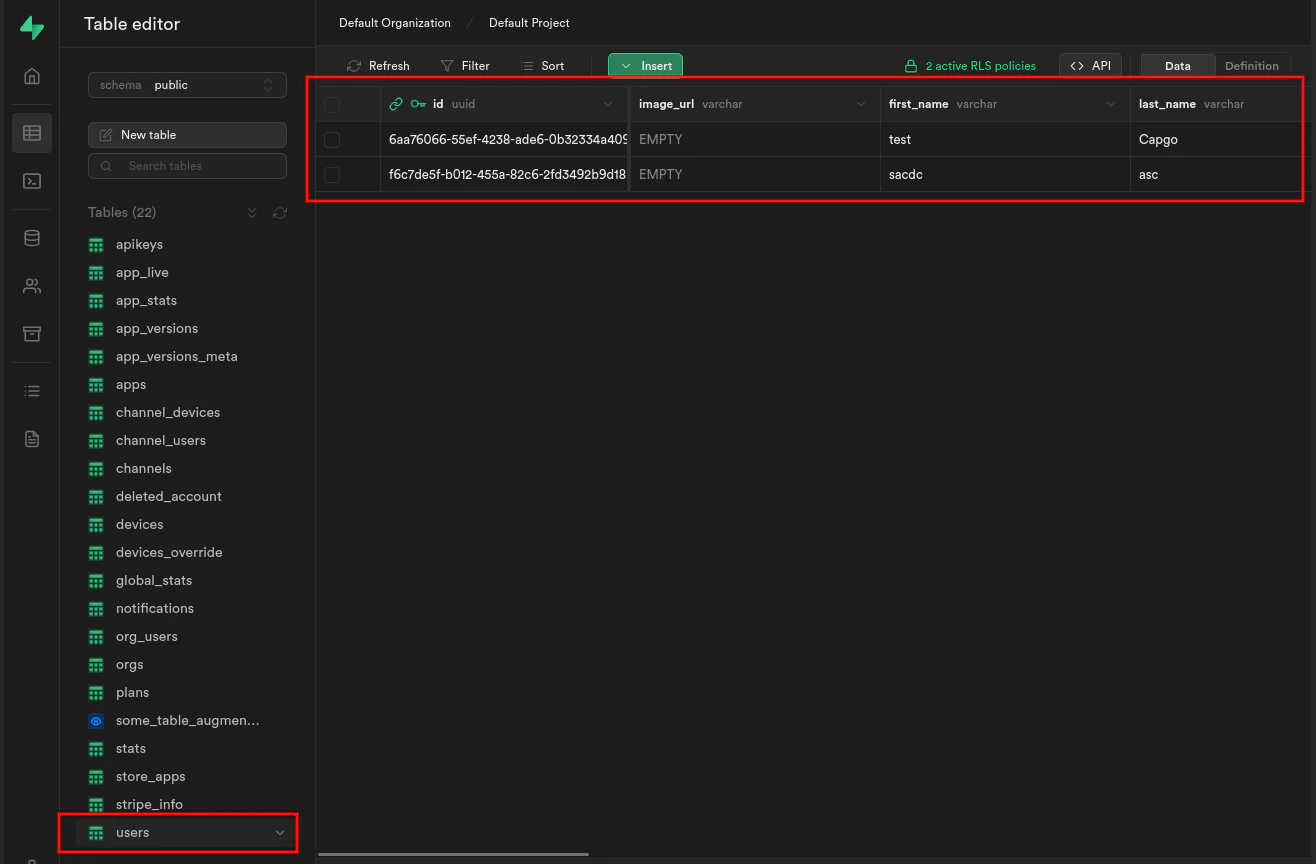
S’il démarre les fonctions Edge en exécutant :
supabase functions serveet démarrez le frontend en exécutant :
bun run serve