コンテンツへスキップ

Firebase Googleログイン - 一般的な設定

このガイドでは、Capacitor Social LoginプラグインでFirebase AuthenticationによるGoogleサインインを統合する方法を説明します。このセットアップにより、モバイルプラットフォームでネイティブGoogleサインインを使用しながら、バックエンド認証にFirebase Authを活用できます。

  1. console.cloud.google.comにアクセスしてください
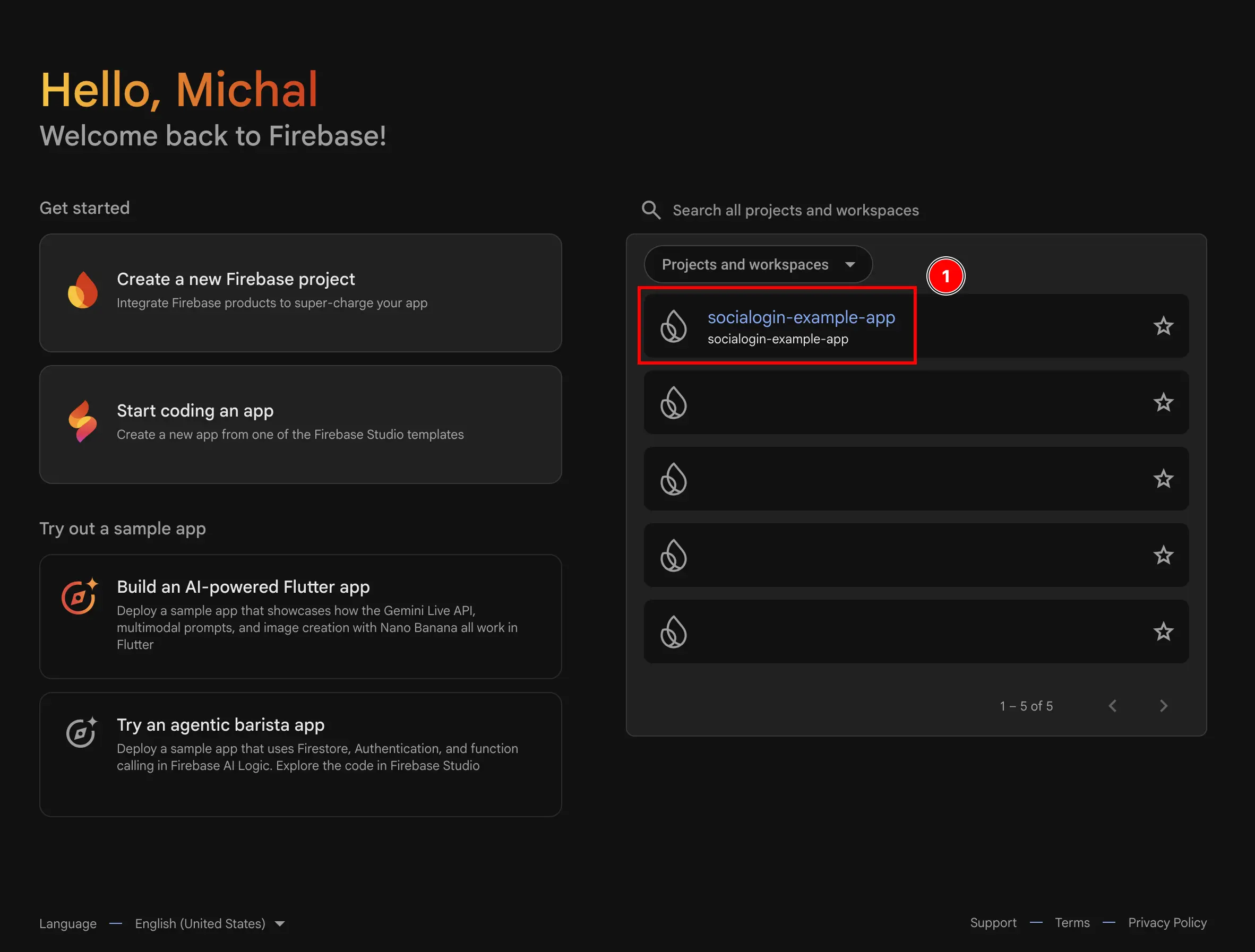
  2. 使用するプロジェクトを選択します Firebase Project Selector
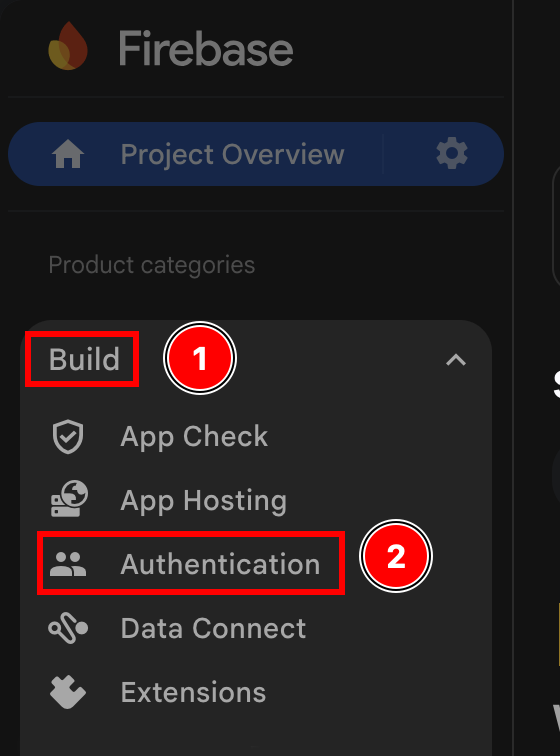
  3. Authenticationメニューに移動します
    1. buildをクリックします
    2. Authenticationをクリックします
    Firebase Authentication Menu
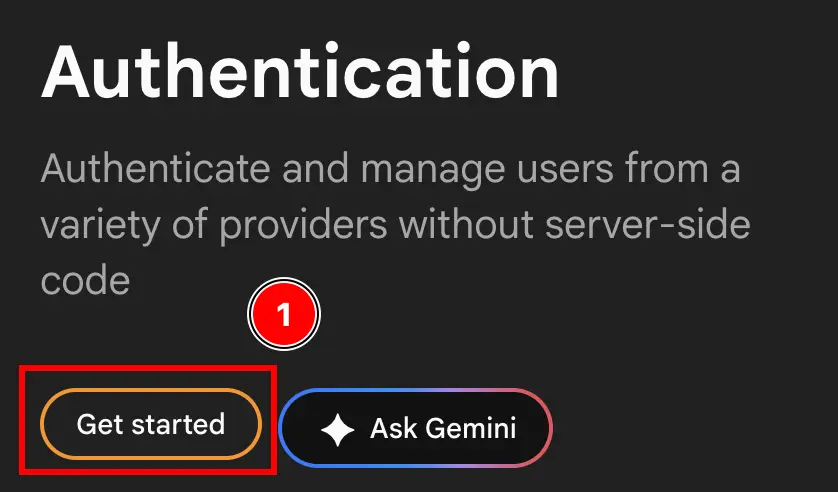
  4. Get startedボタンをクリックします Firebase Get Started Button
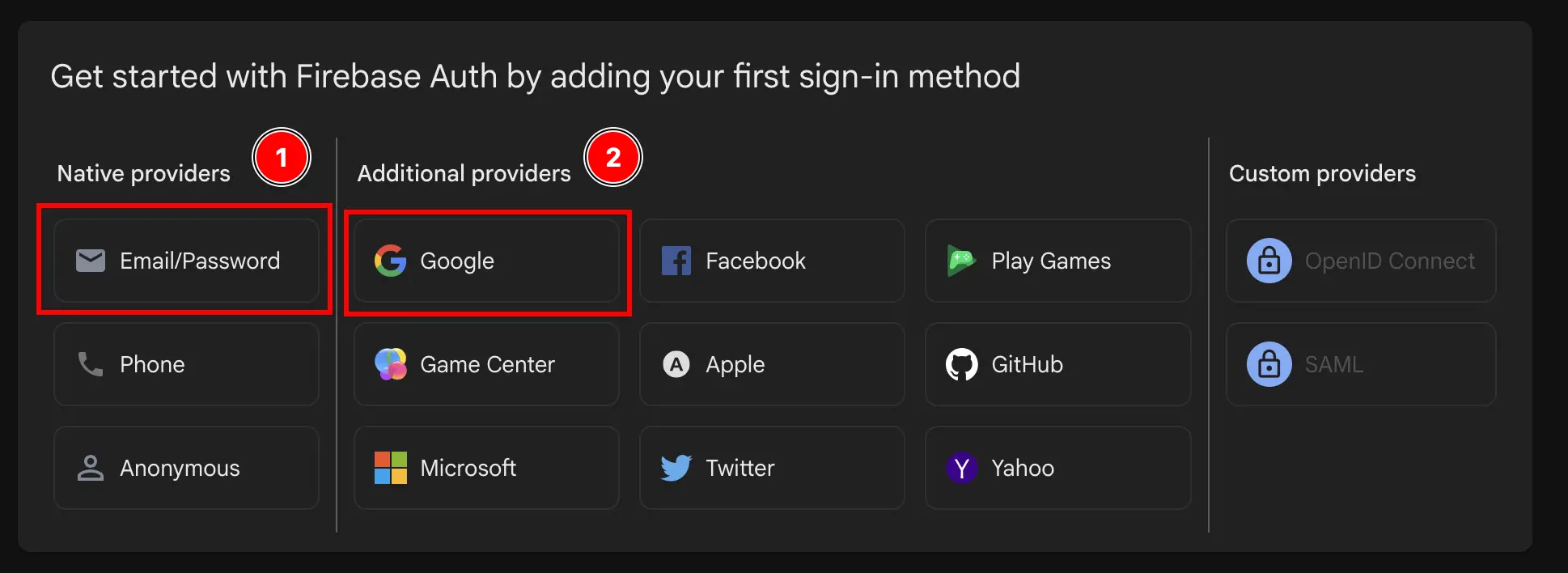
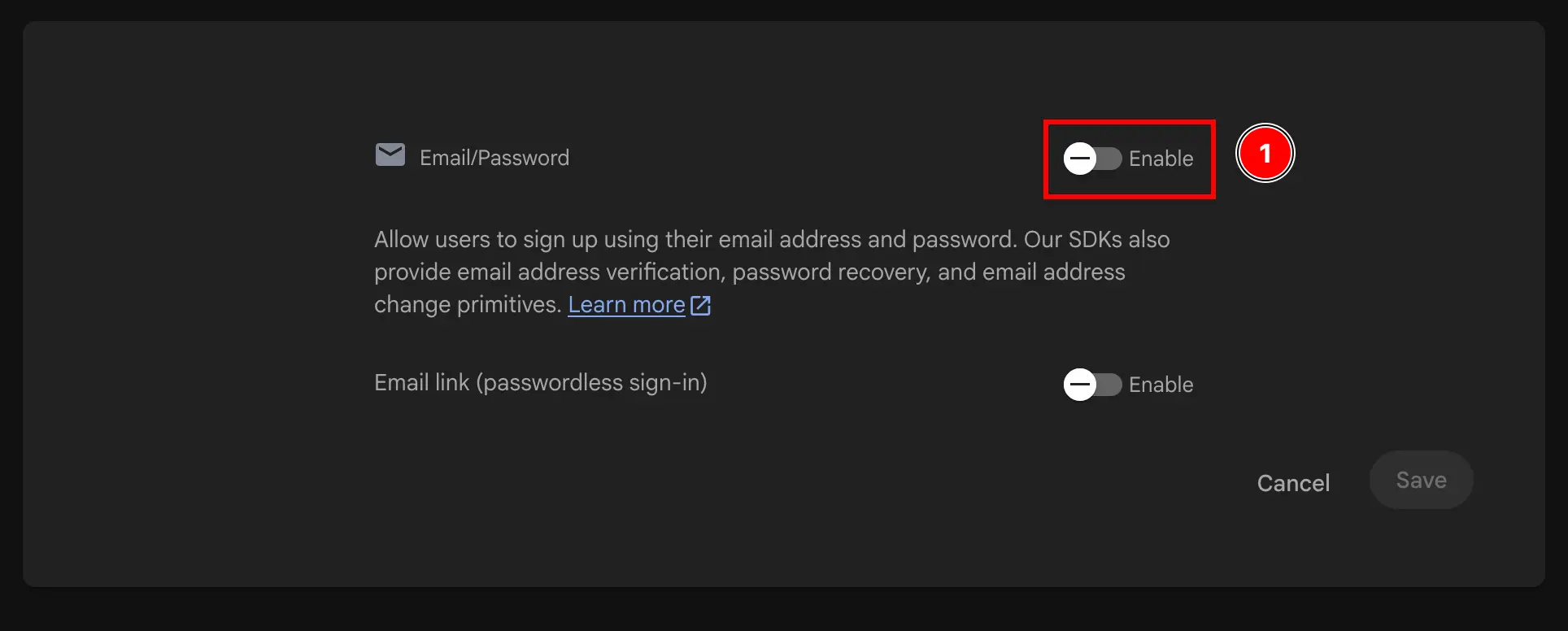
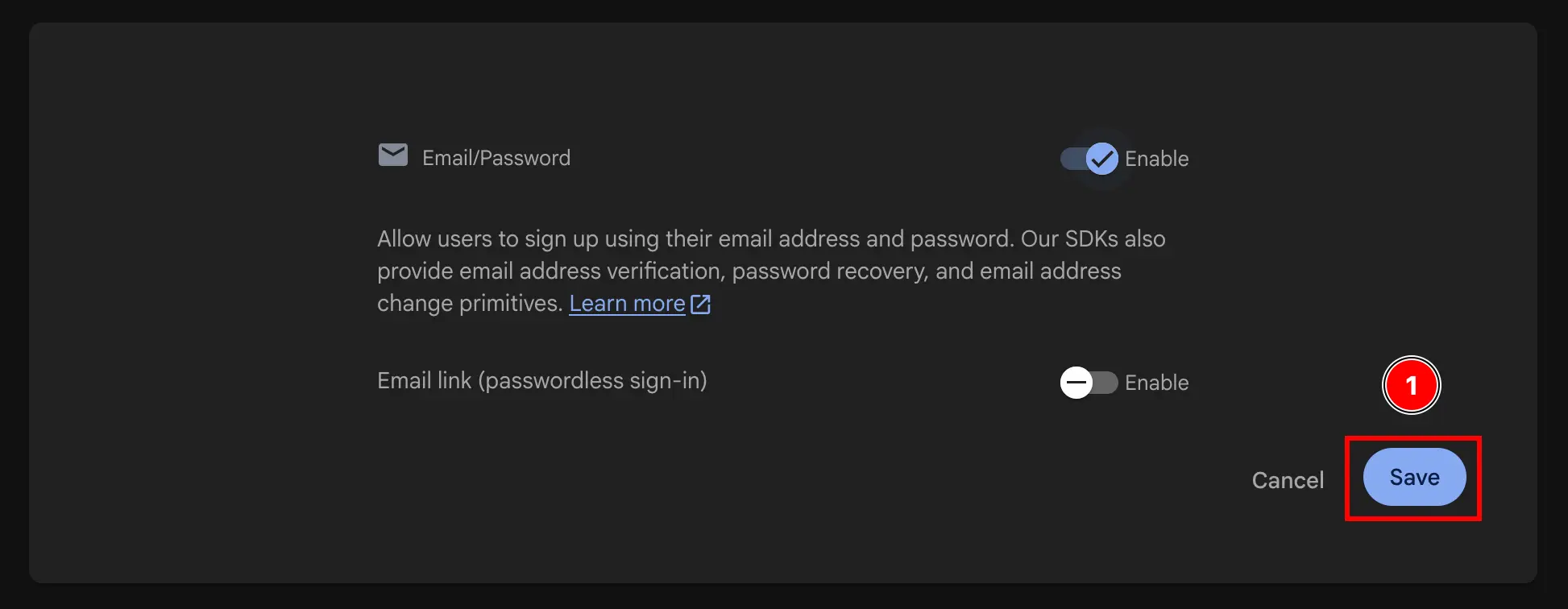
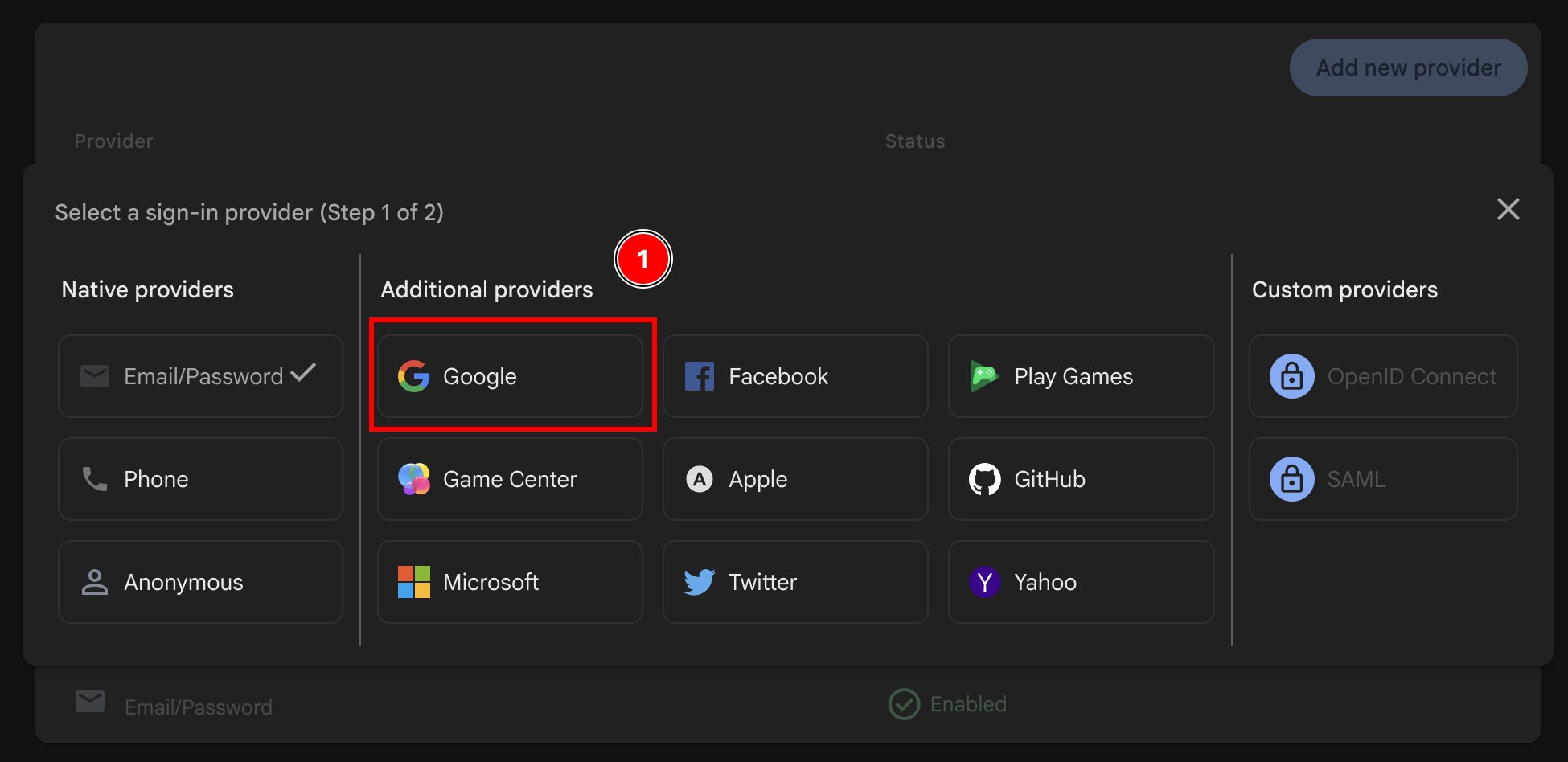
  5. Email/PasswordGoogleの両方、またはGoogleのみを選択します Firebase Select Email/Password and Google Button Firebase enable email authentication Firebase save enable google authentication Firebase enable add provider button Firebase add Google provider after having added email provider
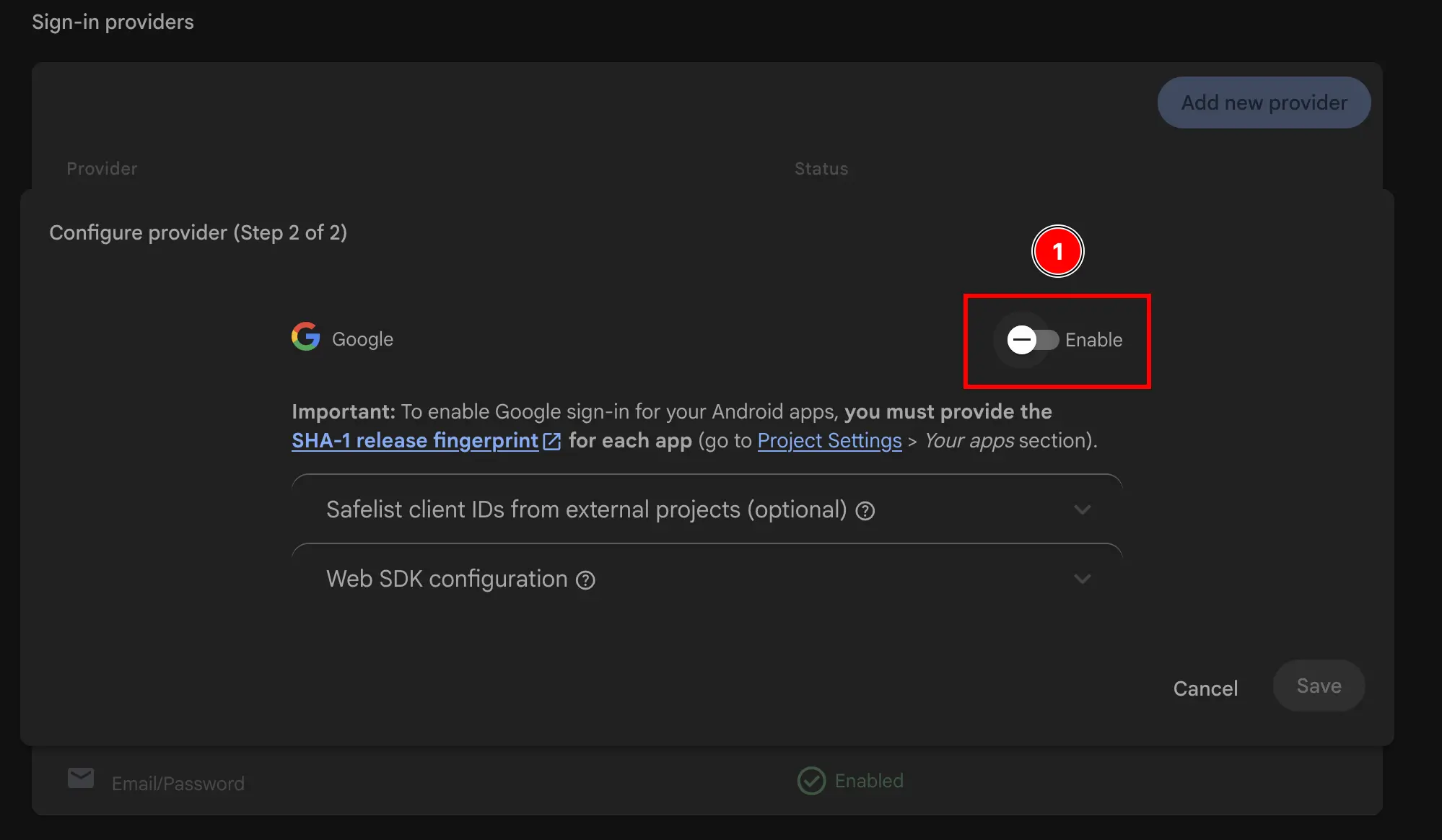
  6. Googleプロバイダーを有効にします Firebase enable google authentication
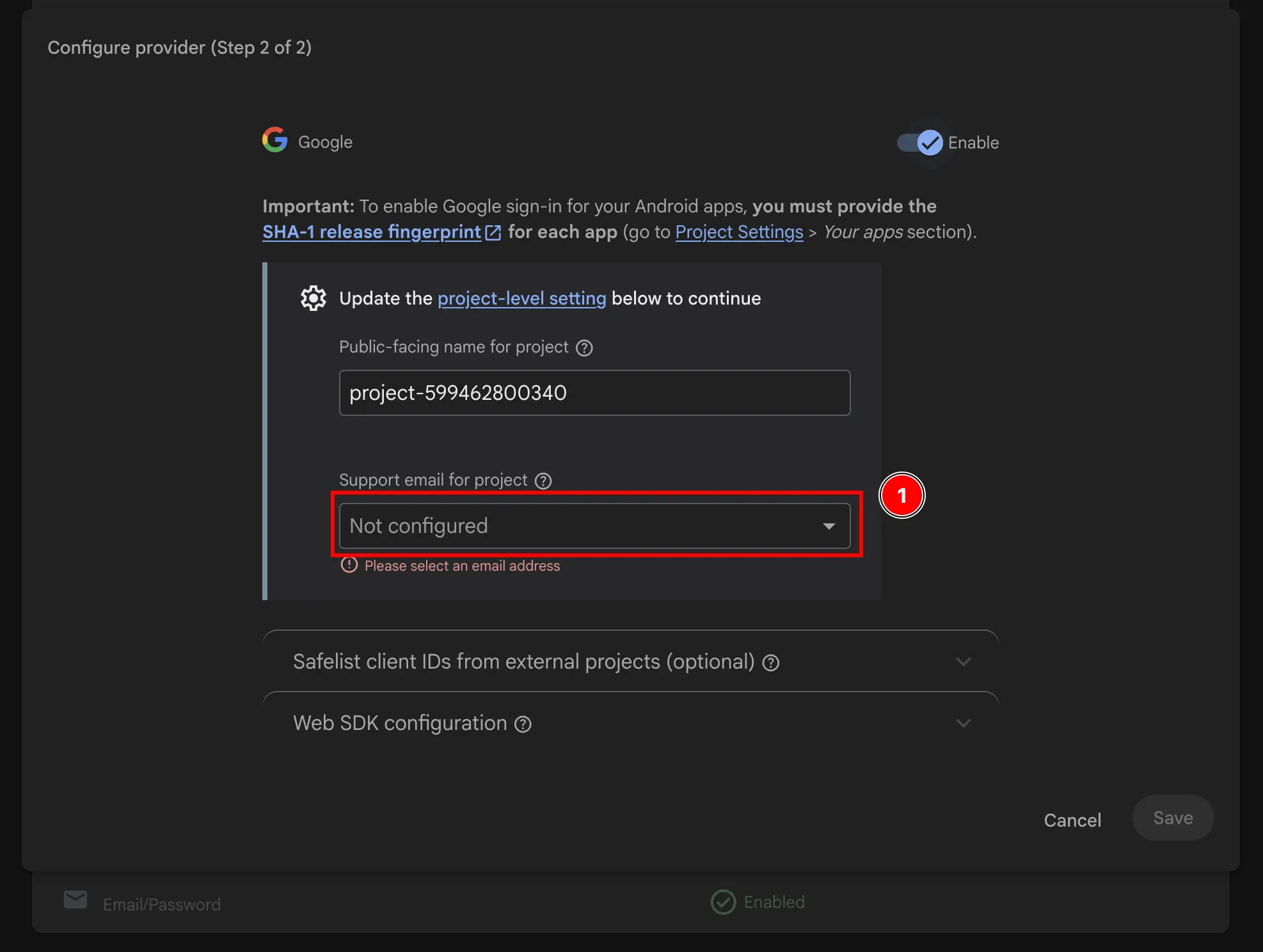
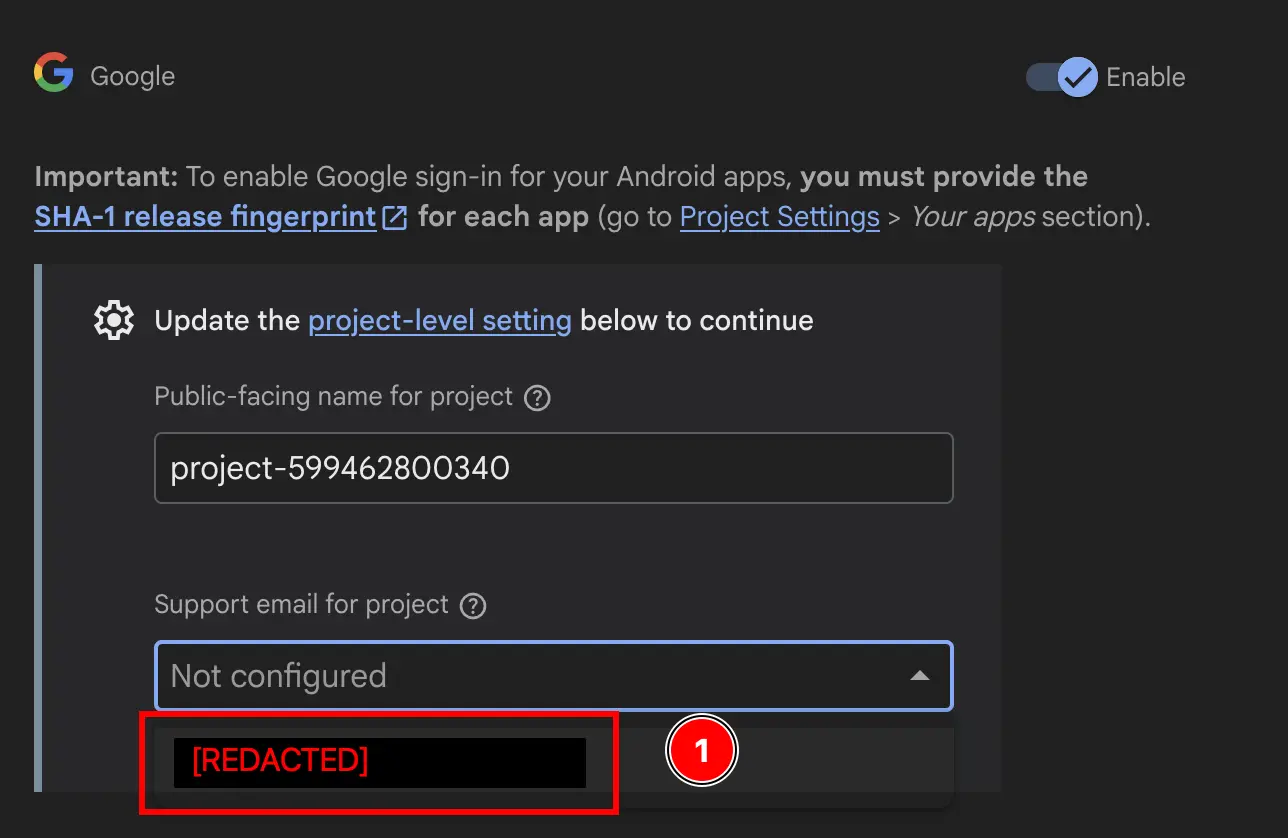
  7. サポートメールを追加します Firebase add support email Firebase add support email part 2
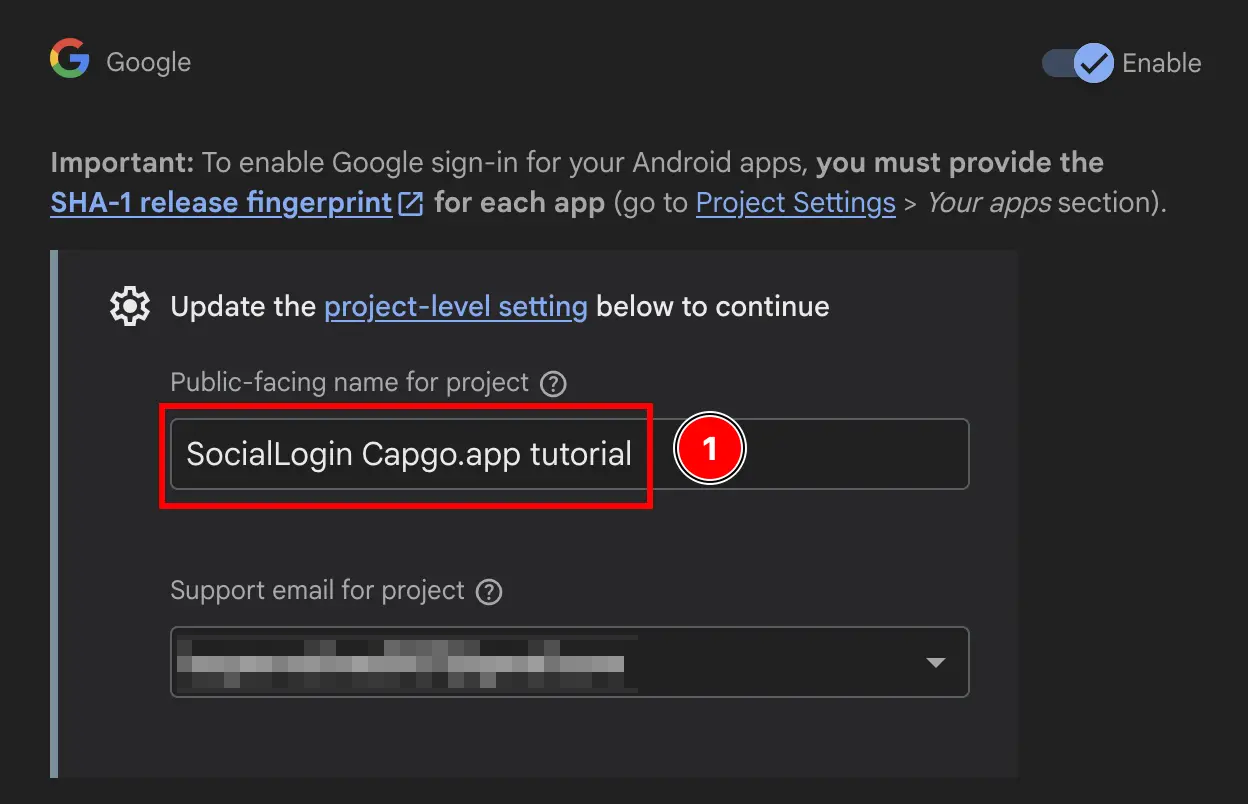
  8. Public-facing name for projectを変更します。 Firebase change public facing name
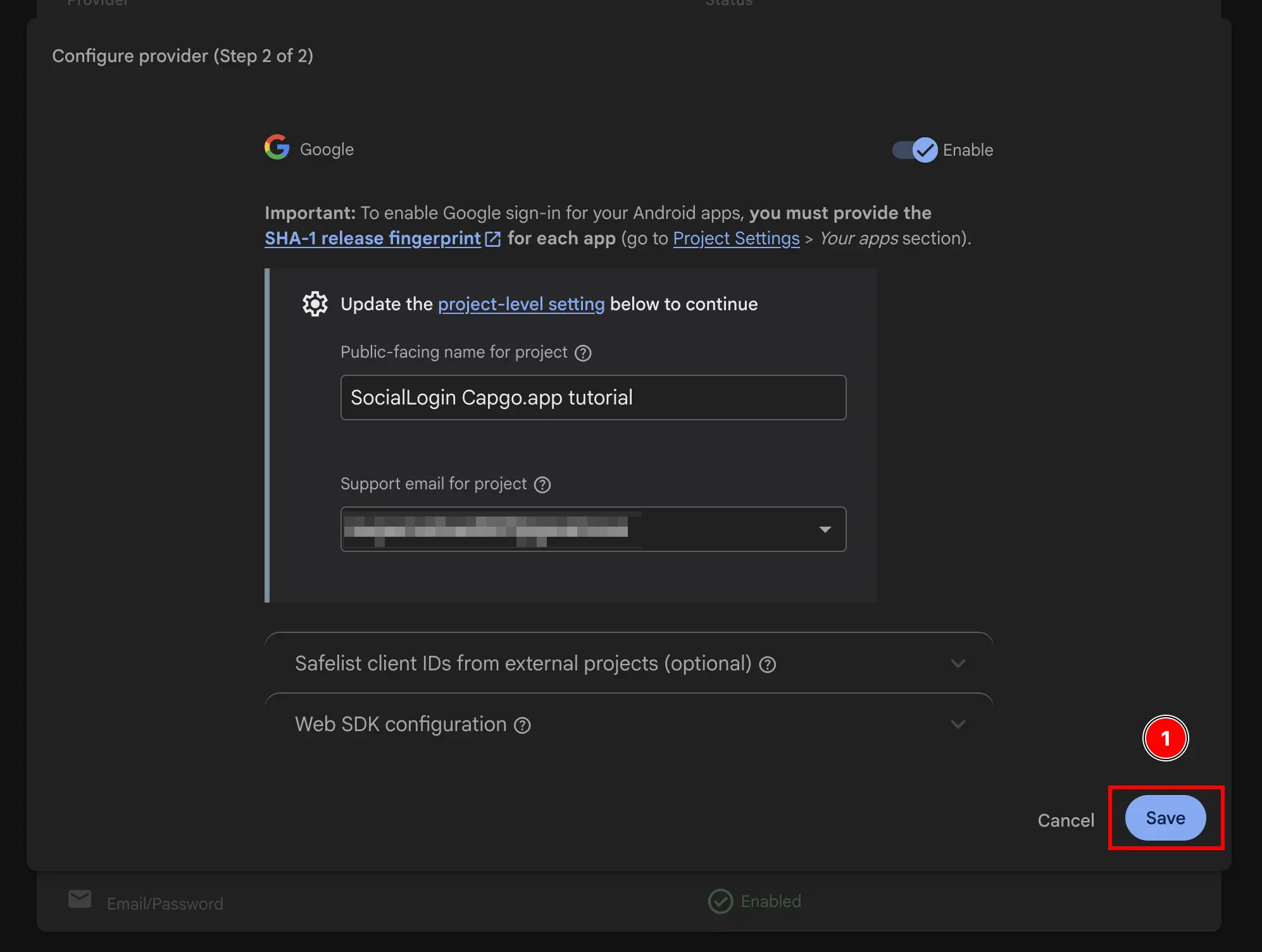
  9. Saveボタンをクリックします Firebase save public facing name

完了です!Firebase AuthenticationでGoogleサインインが有効になりました 🎉