
イントロダクション
このプラグインのインストール手順と完全なマークダウンガイドを含む設定プロンプトをコピーする
これは何ですか?
「これは何ですか?」というセクションCapgoには、プロジェクトを管理するための広範なウェブアプリケーションがあります。このウェブアプリケーションは、Vue.jsで構築されており、オープンソースです。ソースコードはcodeにあります。 GitHub.
ウェブアプリケーションは利用可能 ここここで、チャンネルを バージョンを, デバイスを, ネイティブアプリの健康状態を評価することができます。,ネイティブアプリの健康を評価する 監視, 重要なエラーを優先します ログインサイト, 検査 ロギング, , 組織のセキュリティを設定, セットアップ エンタープライズSAML (エンタープライズプラン) 請求管理, アカウント管理.
どうやって使うの?
「どうやって使うの?」のセクションまず、会員登録するかログインする必要があります。これは比較的簡単で、画面の真ん中にあるボタンをクリックすることで行うことができます。ログインが完了すると、ダッシュボードにリダイレクトされます。これはウェブアプリのメインページです。ここから、他のすべてのページにナビゲートすることができます。 Log in ログインページ
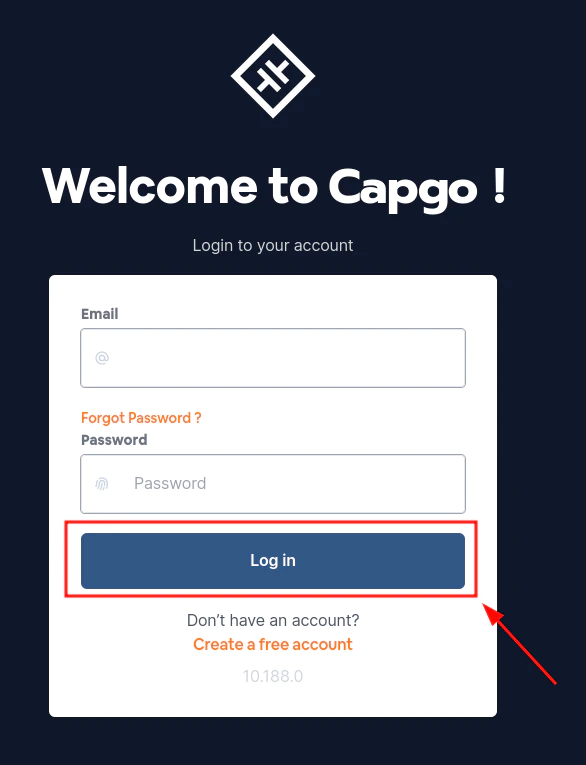
「会員登録」セクション
アカウントの作成会員登録 Create a free account 導入から続けて
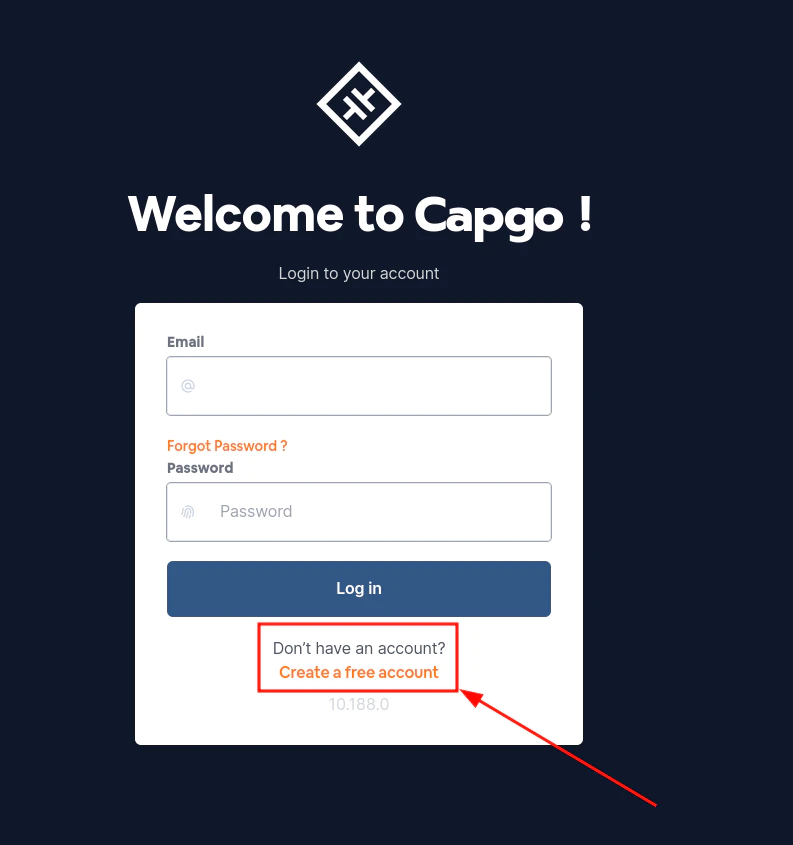
導入から続けて進みましょう。
「導入から続けて」Capgoを使用している場合 導入 ダッシュボードとAPIの作業を計画するには APIの概要 APIの概要の実装詳細について APIのキー APIのキーについての実装詳細 デバイス デバイスの実装詳細について バンドル バンドルについての実装詳細 アプリケーションページ Capgoの実装詳細についてはApp Pageを参照してください。