present() 日付、時刻、またはそれらを組み合わせたモードのプラットフォームピッカーを表示します。最小値、最大値、およびフォーマットのオプションも指定可能です。 presentRange() 予約システムのような開始日・終了日の選択に対応。iOSのホイールやインライン、AndroidのMaterialダイアログを、一つのTypeScript API でカスタマイズできます。
主な用途:旅行予約、スケジュール入力フォーム、生年月日の入力、アクセシブルなネイティブコントロールが必要なフィルター。
| プラットフォーム | サポート | 備考 |
|---|
| iOSと | はい | ホイール型やインライン型のUIDatePickerスタイル |
| Androidでは | はい | Material Designのデート・タイムピッカー |
| Web | はい | プラグインによるフォールバック実装 |
| iOSと | Androidでは |
|---|
 |  |
| iOSと | Androidでは |
|---|
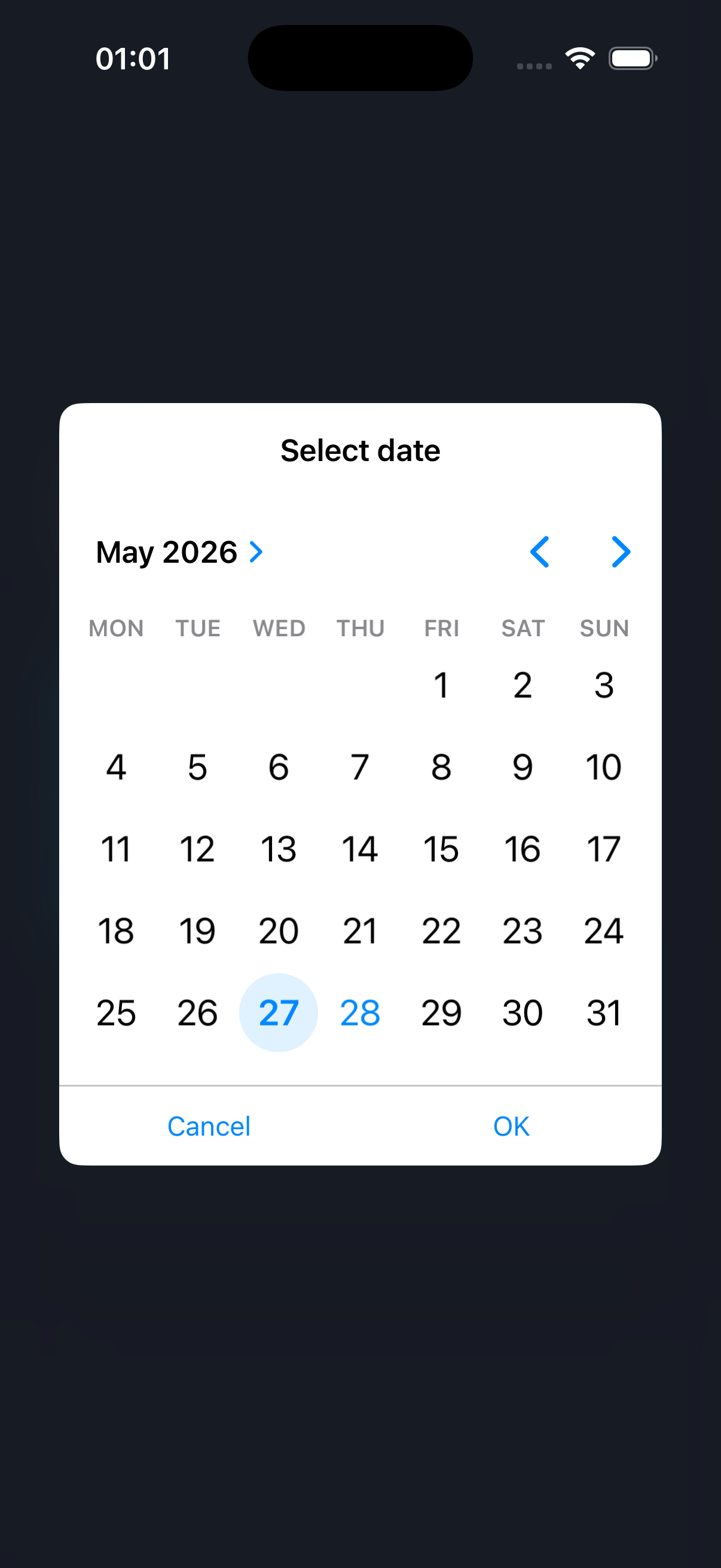 | 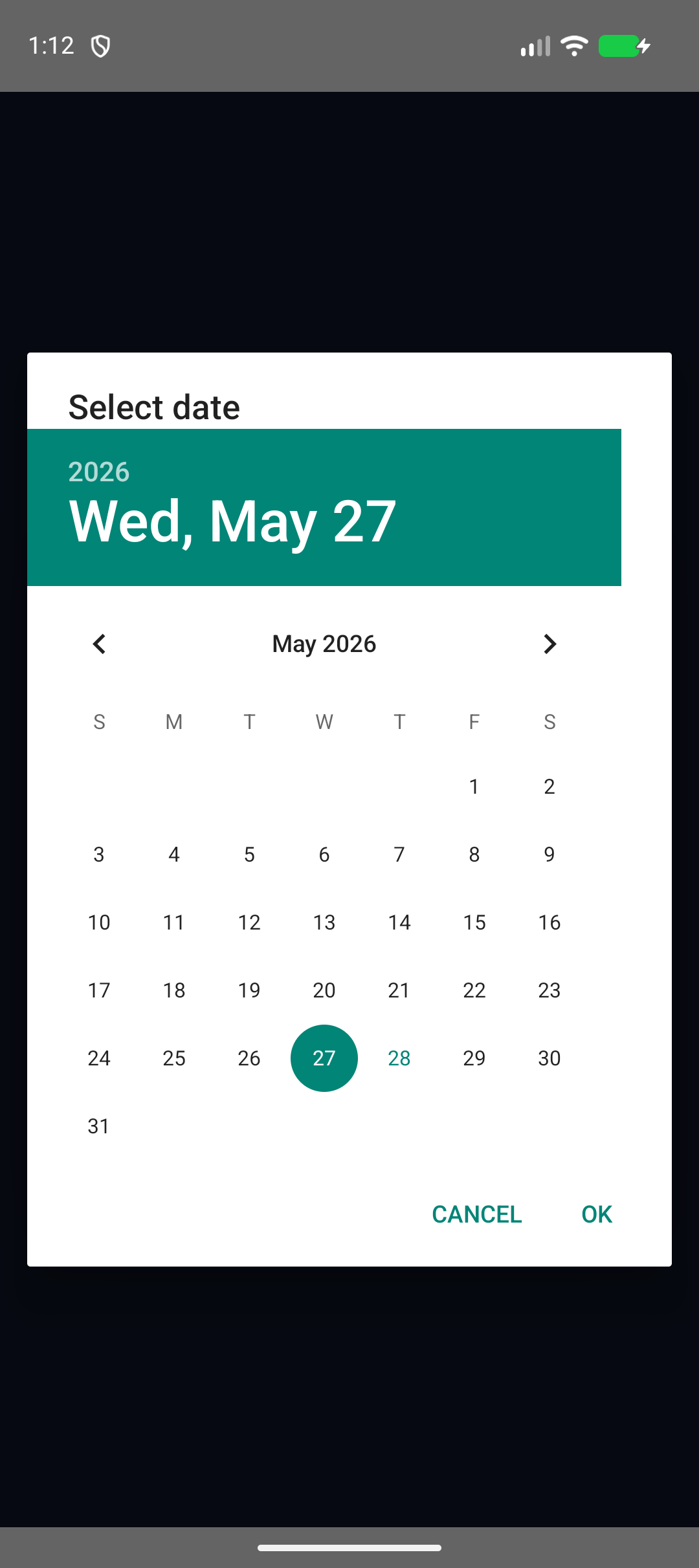 |
- 日付、時刻、日時、年月、カウントダウン形式のネイティブなピッカーを提供します。
- 以下の設定で日付範囲を選択できます:
presentRange().
- 返却値は ISO、Java/Unicode、および一般的な Moment スタイルのパターンでフォーマット可能です。
- 申し込む
min, max, dateロケール、タイムゾーン、24時間表記のオプションも用意されています。
- 必要に応じて、iOS および Android 専用のオプションブロックを使用できます。
- プログラムからアクティブなピッカーを閉じるには、
hide().
- Capacitor 8 をサポート。
- 同様の機能を備えたWeb実装
present() API.
- ダイアログのタイトル表示をサポート。
- iOSの回転に対応したレイアウトとロケール処理。
- iOSと
yearAndMonth モード。
- 無効な日付、ISO文字列、日付のみの値に対する安全なパース、および
min / max.
- Androidのネストされたオプション、
is24h、ダイアログの幅の制御、およびUIスレッドでのダイアログ処理。
- タイムピッカーの分単位ステップ。
- 〜による範囲選択
presentRange().
| 機能 | iOSと | Androidでは | Web |
|---|
present() | はい | はい | はい |
presentRange() | はい | はい | はい |
hide() | はい | はい | はい |
date モード | はい | はい | はい |
time モード | はい | はい | はい |
dateAndTime モード | はい | はい | はい |
yearAndMonth モード | はい | 日付のフォールバック | はい |
minuteStep | はい | はい | はい |
| メソッド | 説明 |
|---|
present | 単一の値を選択するための、ネイティブまたはWebのピッカーを表示します。 |
presentRange | 日付範囲のピッカーを表示します。ネイティブプラットフォームでは2つのネイティブ選択を使用し、Webでは開始と終了のコントロールを同時に表示します。 |
hide | 現在表示されているピッカーがあれば閉じます。 |
getPluginVersion | プラットフォームの実装バージョンマーカーを取得します。 |
このリファレンスは以下から同期されています: src/definitions.ts における capacitor-date-picker.



